Modern Invoice Template
Google Docs
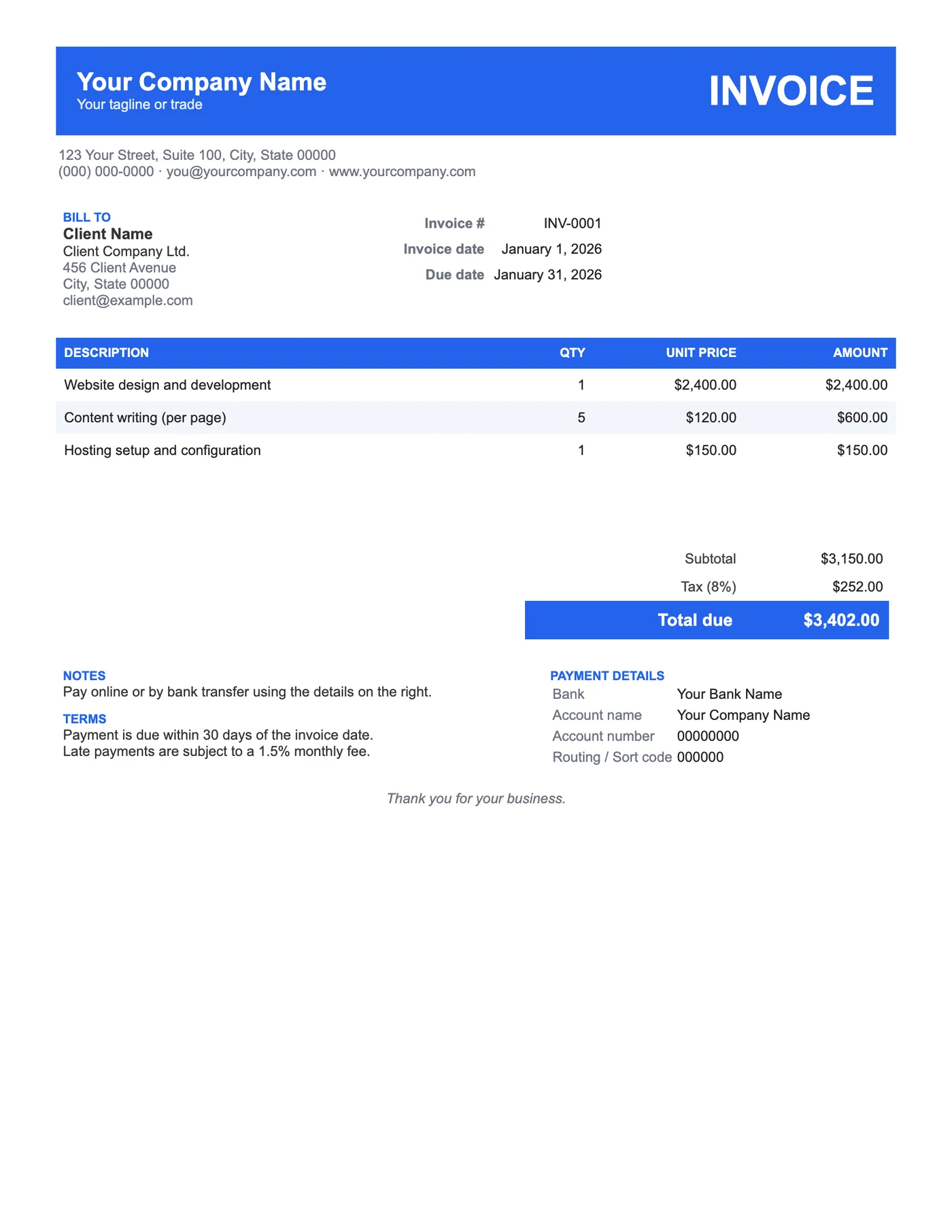
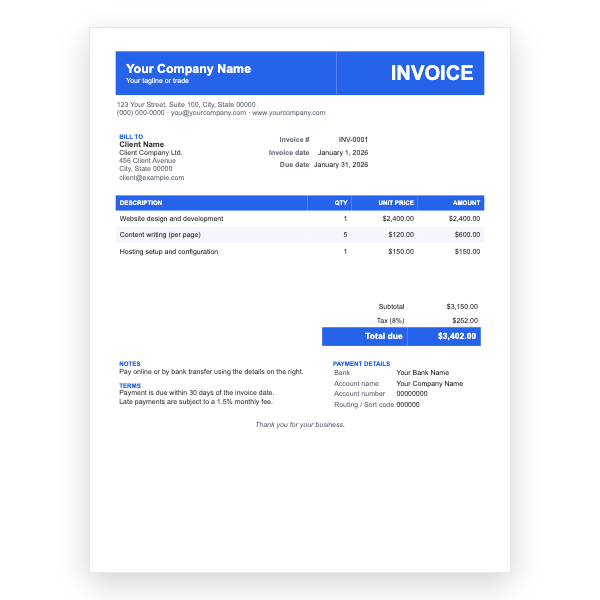
A bold blue header band with clean sans-serif type and striped rows. A good default for most small businesses.
View template
Twelve professionally designed invoices that open in Google Docs with one click. No download, no sign-up, nothing to install.
Printable and 100% Free
Pick a design, click Open in Google Docs, and choose Make a copy. The template is saved to your own Google Drive, ready to edit.
Every template is free, editable, and printable. Pick the format that matches the software you already use.
Google Docs
A bold blue header band with clean sans-serif type and striped rows. A good default for most small businesses.
View template
Google Docs
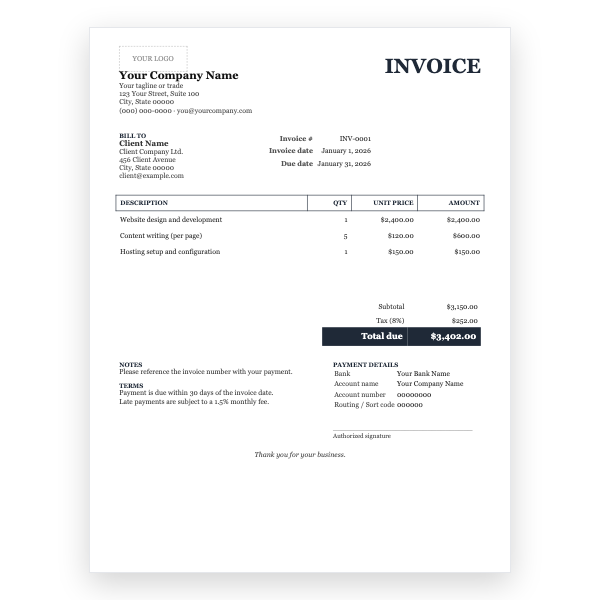
A traditional serif layout with a formal line-item table and a signature line. Suits accountants, lawyers, and established firms.
View template
Google Docs
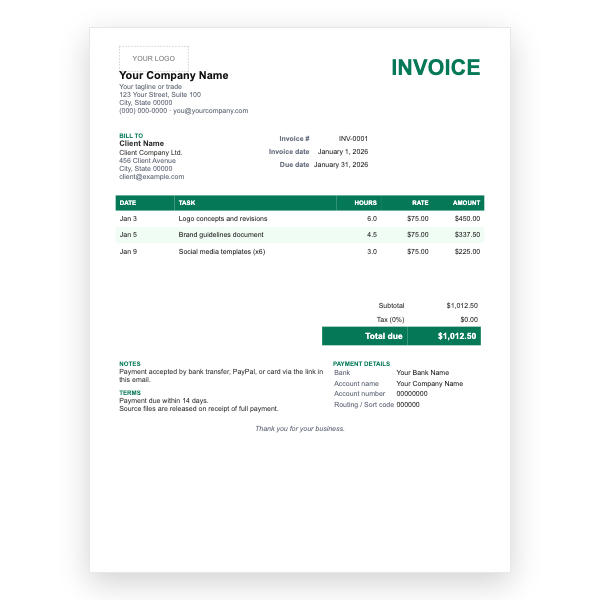
Date, task, hours, and rate per line, with PayPal and bank payment notes. Built for designers, writers, and developers.
View template
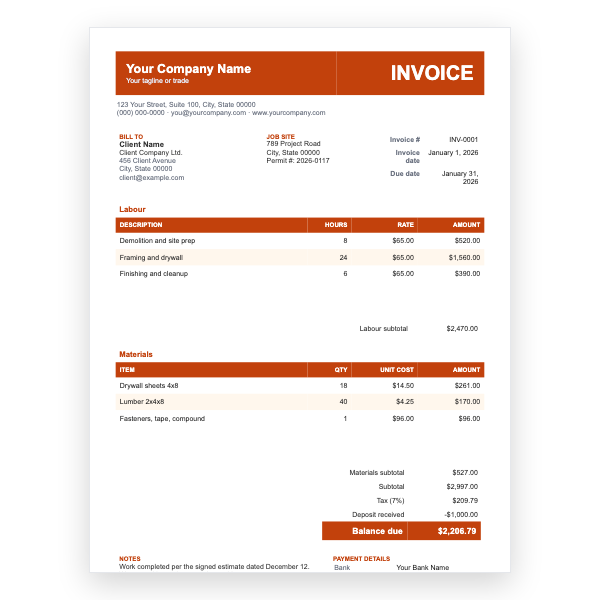
Google Docs
Separate labour and materials tables, a job-site address, permit number, deposit line, and balance due.
View template
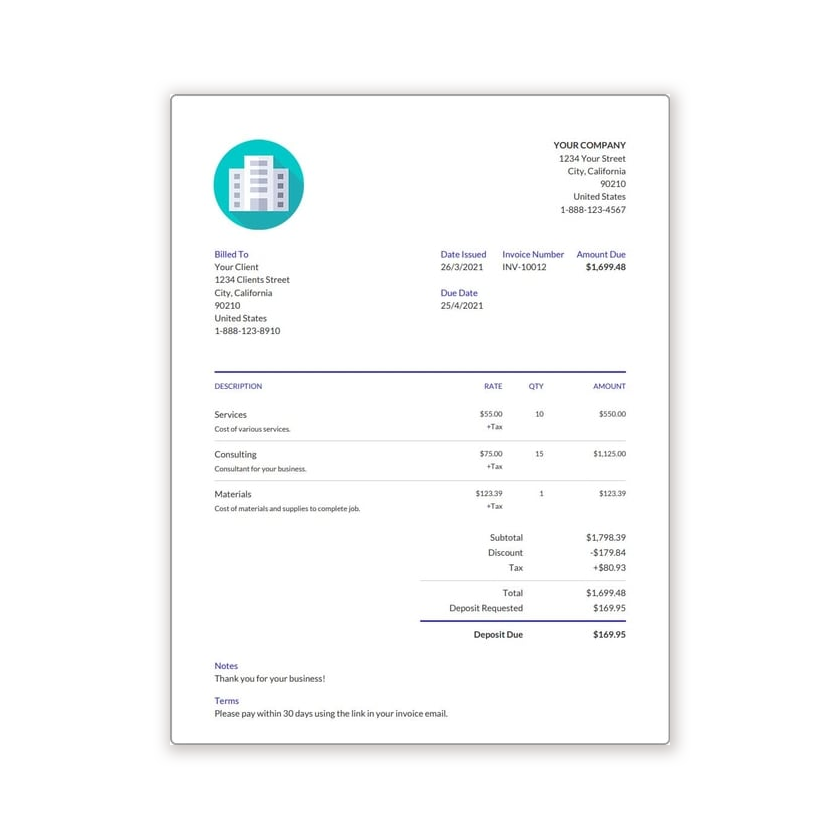
Google Docs
A minimal one-page invoice for freelancers and sole traders who want to bill quickly without extra fields.
View template
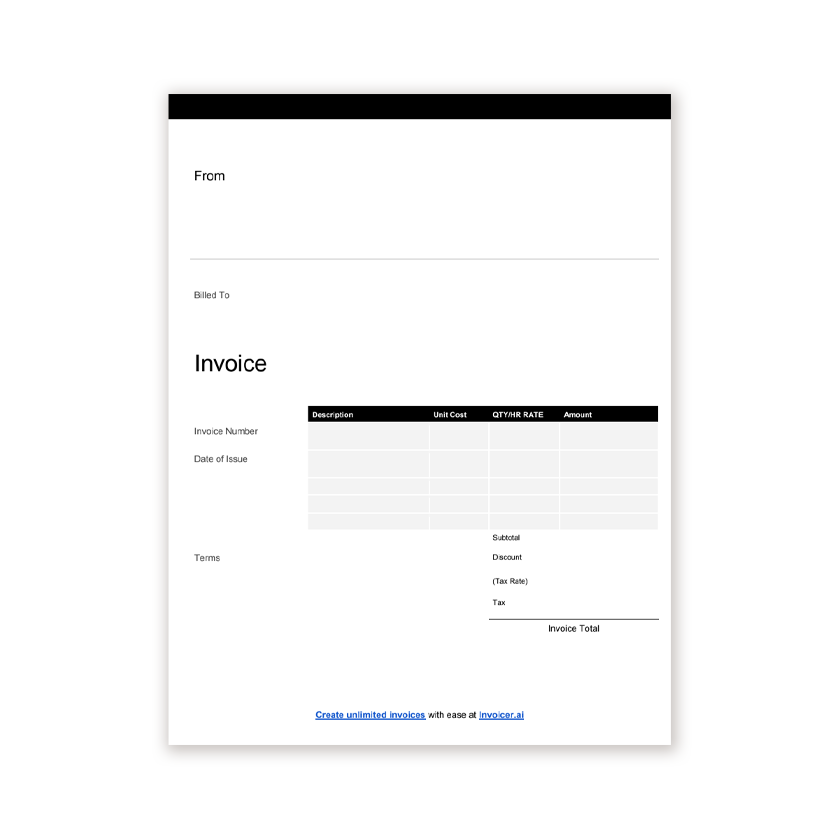
Google Docs
An unbranded blank invoice you can print and fill in by hand, or type into before sending.
View template
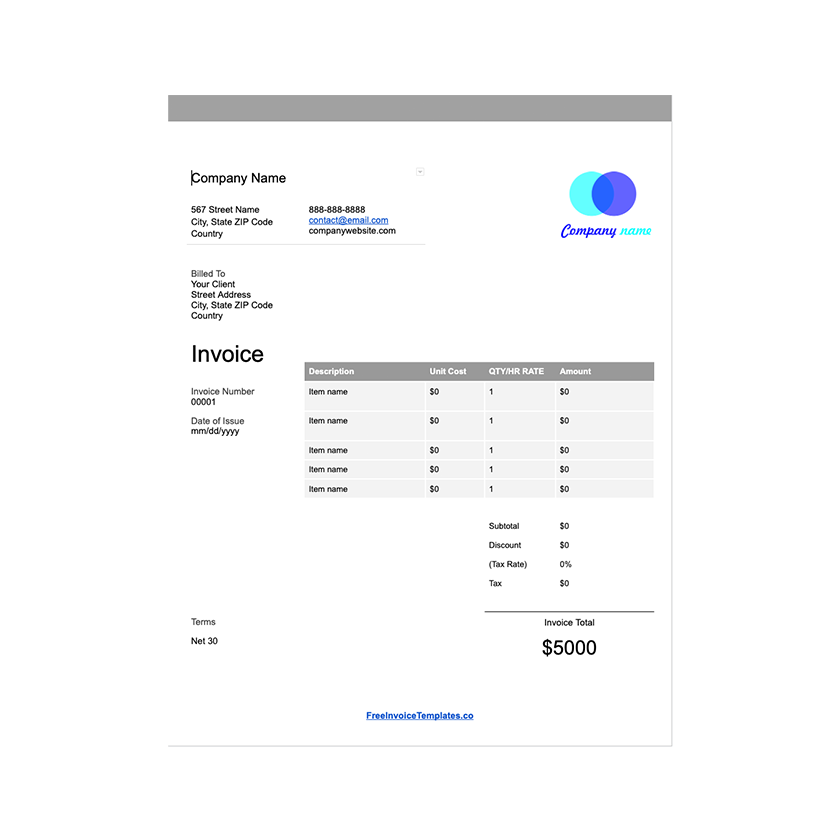
Google Docs
A Google Docs invoice that lives in your Drive, so you can duplicate it for each client and share a link.
View template
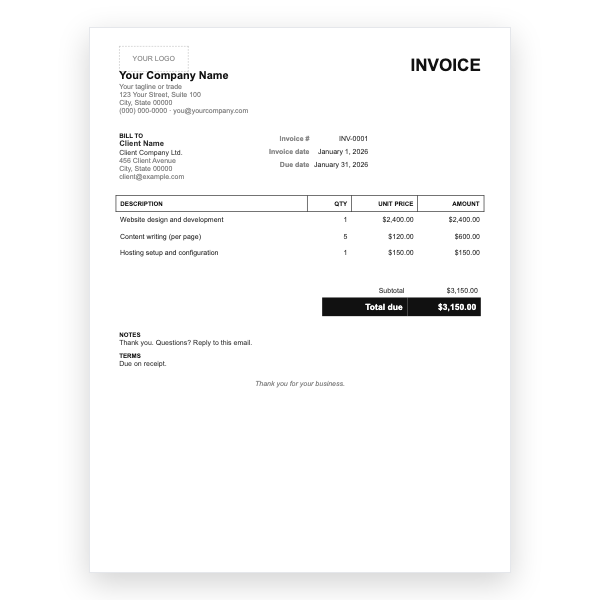
Google Docs
Black and white, lots of space, no tax line, no bank block. For simple one-off bills that should take a minute to fill in.
View template
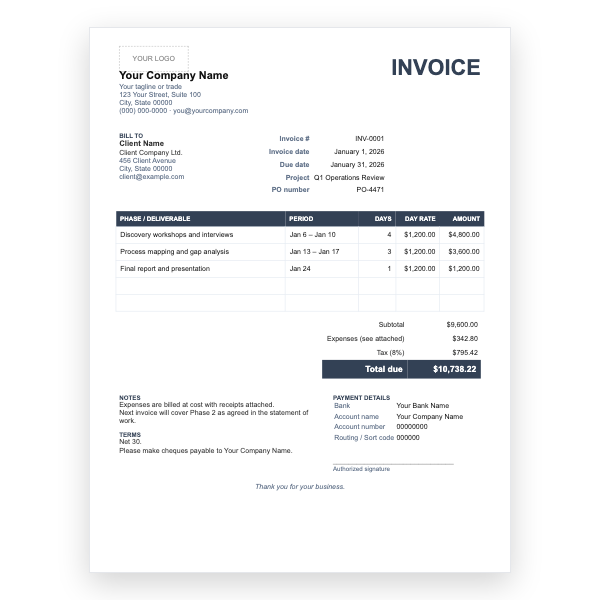
Google Docs
Bills by phase and day rate, with project and PO number fields and a separate expenses line.
View template
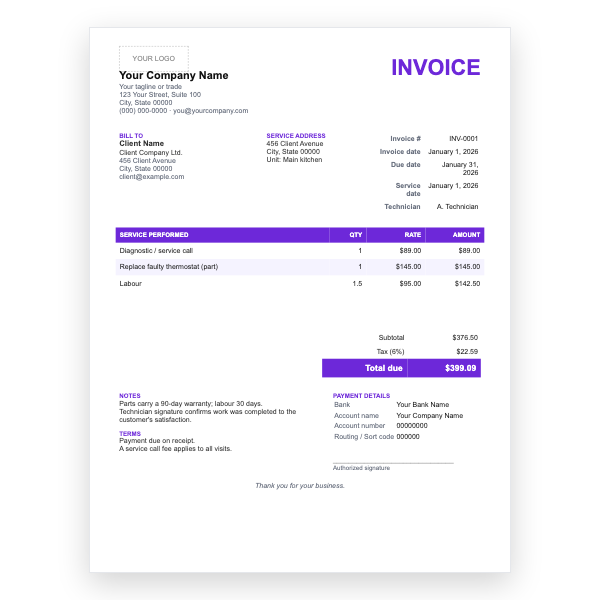
Google Docs
For service calls: service date, technician, service address, parts and labour lines, and a warranty note.
View template
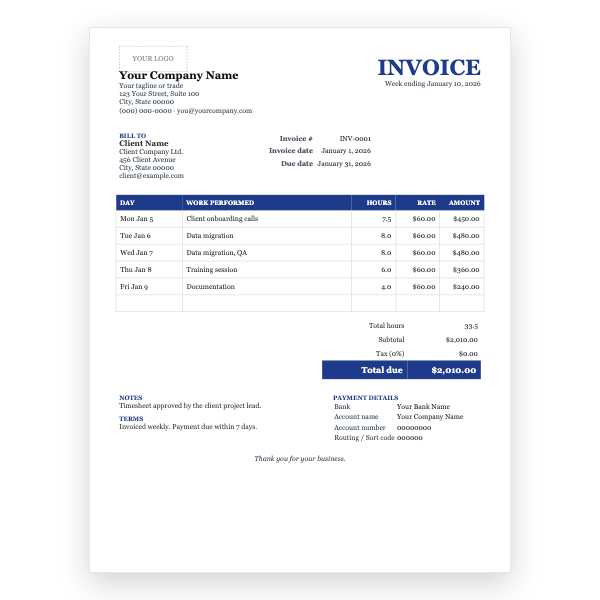
Google Docs
A week-at-a-glance timesheet invoice with one row per day, total hours, and a single hourly rate.
View template
Google Docs
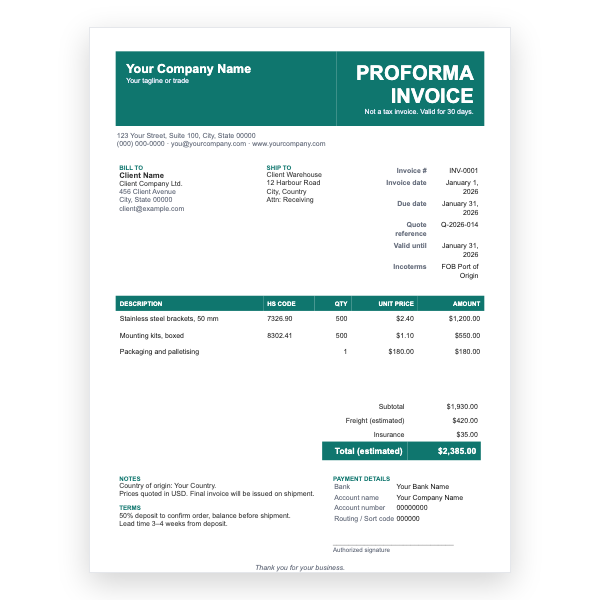
A quote-style proforma with ship-to address, HS codes, Incoterms, validity date, and estimated freight.
View template
Google Docs
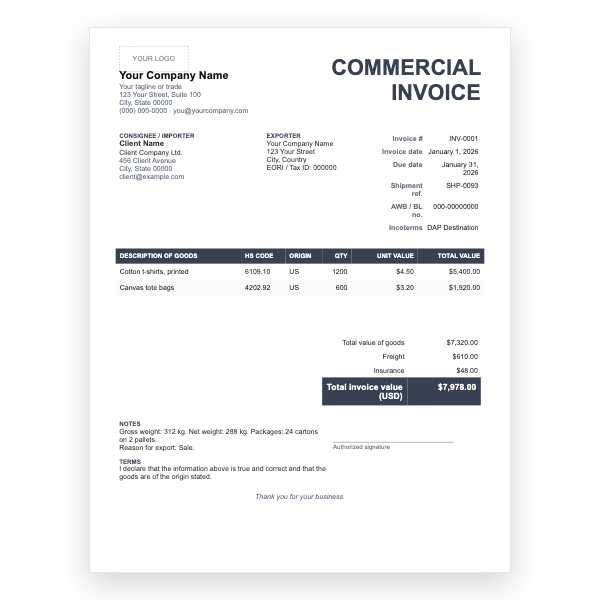
For international shipments: exporter and consignee blocks, HS codes, country of origin, weights, and a declaration.
View template
Google Docs
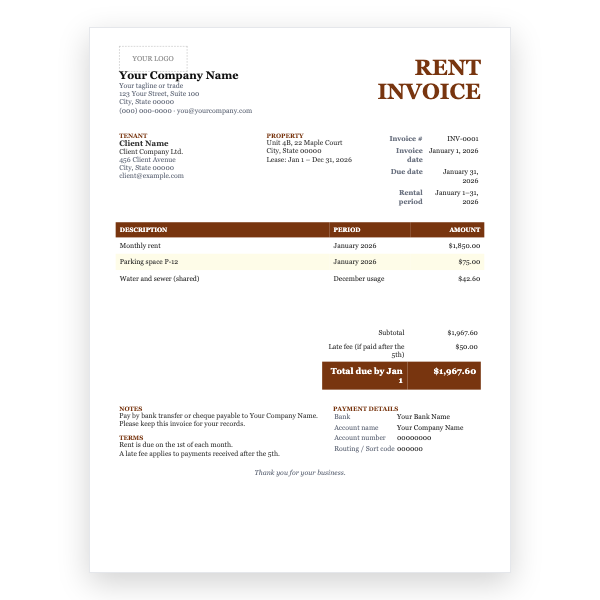
Tenant and property details, rental period, rent plus parking and utilities lines, and a late-fee note.
View template
Google Docs
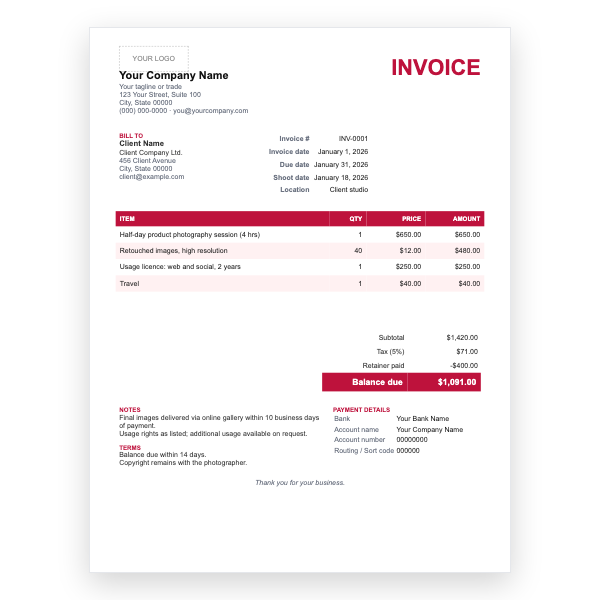
Shoot date and location, session fee, retouched image count, usage licence, and retainer already paid.
View template
Download any of our Google Docs invoice templates without creating an account or entering a card.
Add your logo, change the colours, and edit every field to match your business.
The files are yours to keep. Edit them in your own software, online or off.
Google Docs invoice templates guide
Google Docs is free, works on any computer, saves automatically, and is already where many small businesses keep their paperwork. These twelve templates give you a professional invoice without installing anything: click, make a copy, type, and send.
All twelve share the same structure: your details, the client's details, invoice number and dates, a line-item table, totals, and payment information. They differ in tone and in the fields they add.
Choose Docs when your invoice is mostly words: a project description, a few lines, and a total you are happy to type. Choose Sheets when you bill many items, charge tax, give discounts, take deposits, or simply never want to add numbers by hand again. Both export the same way to PDF, and both live in your Drive.
Click the template, and Google asks whether to make a copy. Choose Make a copy and the invoice is saved to your Google Drive under your own account, where you can edit it freely. The original stays untouched.
Yes, a free Google account is needed to copy a Google Docs template into your Drive. If you would rather not sign in, download the Word or PDF version of the same design instead.
Yes. In Google Docs choose File, Download, then PDF document or Microsoft Word. Send clients the PDF so the layout cannot be changed.
No. Google Docs is a word processor, so you type the amounts yourself. If you want totals, tax, and discounts calculated, use one of our Google Sheets invoice templates.
Yes. Click the YOUR LOGO placeholder, delete it, then choose Insert, Image, and upload your logo. Resize it by dragging a corner.