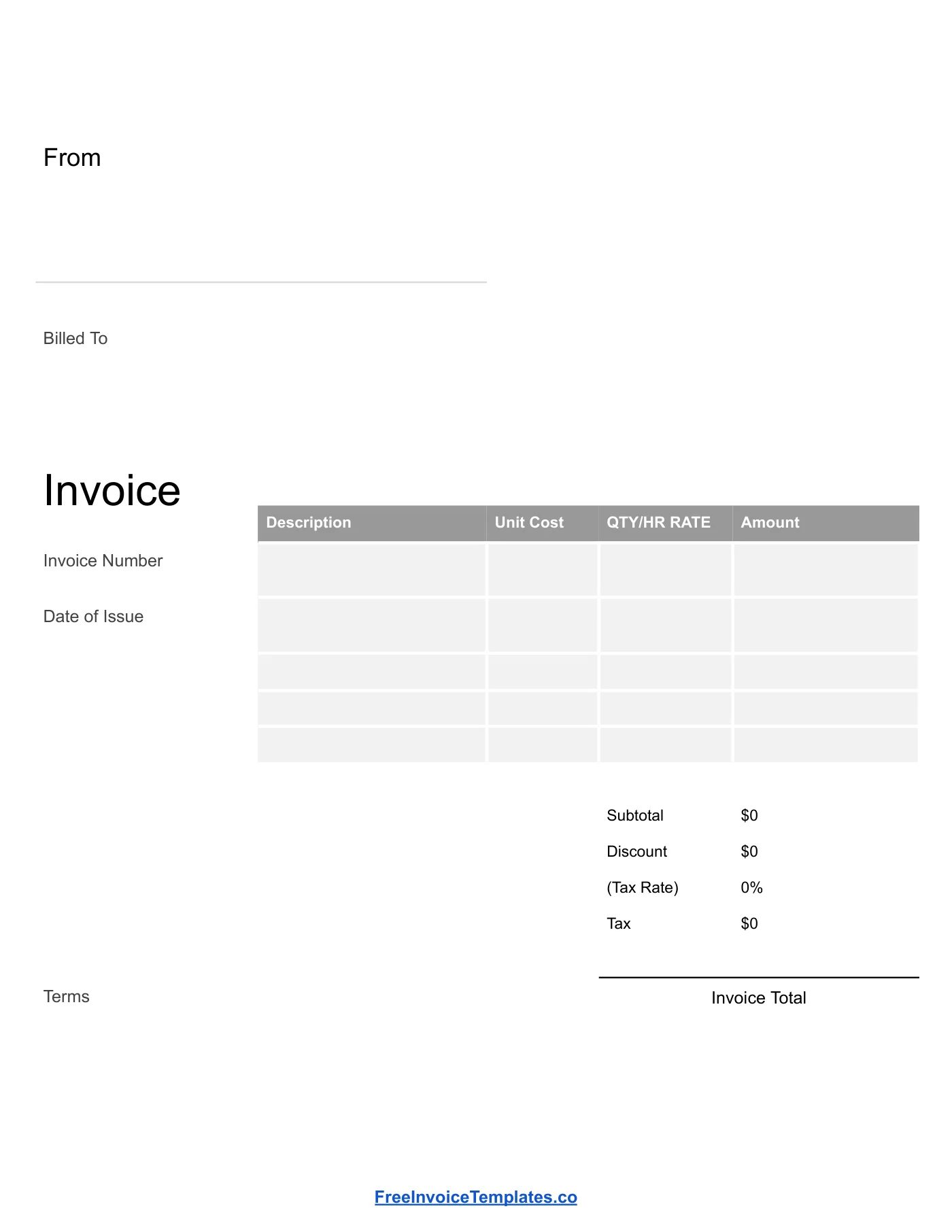
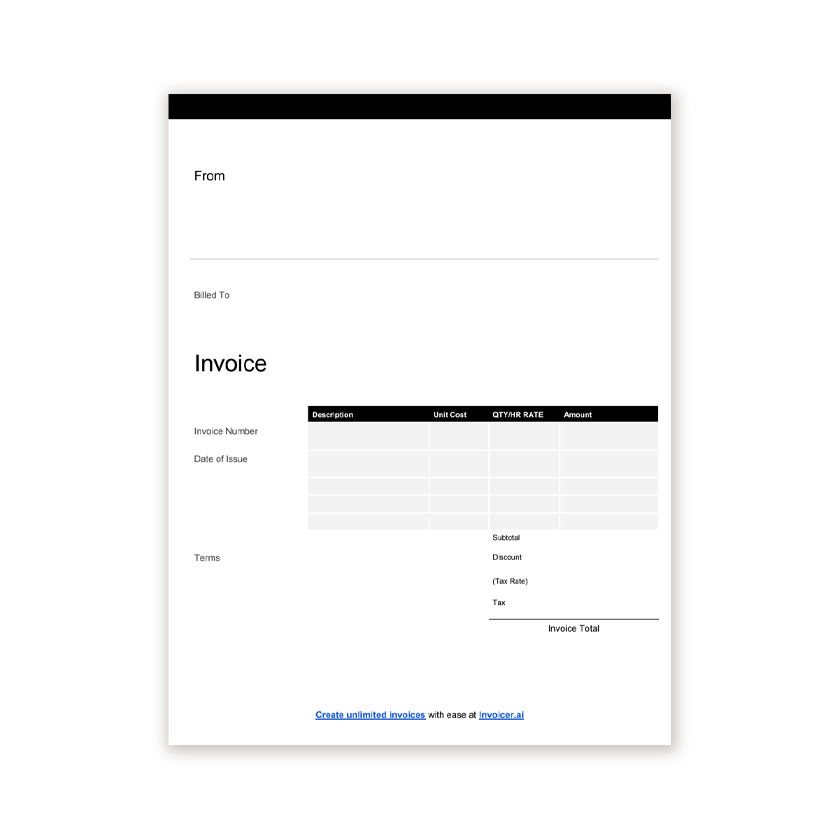
Blank Invoice Template
Google Docs
An unbranded blank invoice you can print and fill in by hand, or type into before sending.
View template
A simple, unbranded invoice you can print and fill in by hand or complete on your computer.
Printable and 100% Free
The same blank invoice for Google Docs, Word, Excel, PDF, and Google Sheets. Nothing is filled in; the spreadsheet versions still calculate the totals.
Every template is free, editable, and printable. Pick the format that matches the software you already use.
Google Docs
An unbranded blank invoice you can print and fill in by hand, or type into before sending.
View template
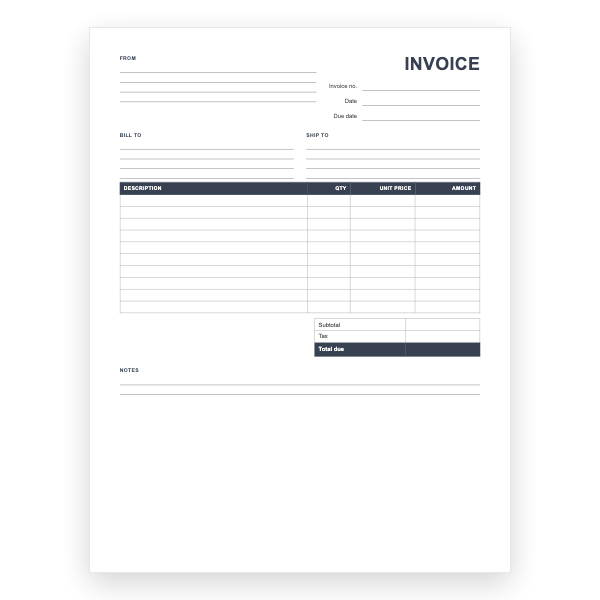
Microsoft Word
Every field empty, with ruled lines and a ten-row table. Print it or type into it in Word.
View template
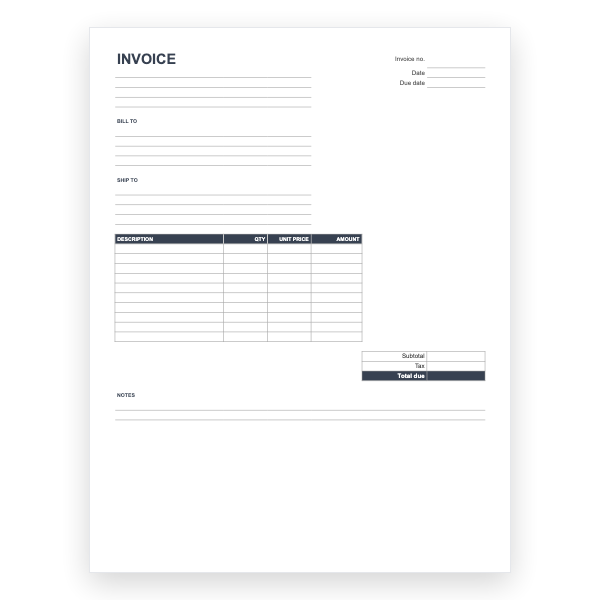
Microsoft Excel
An empty invoice with the formulas already in place. Fill in the rows and the totals appear.
View template
Any PDF reader
An unbranded, print-ready blank invoice with ruled lines for handwriting.
View template
Google Sheets
An empty calculating invoice in Google Sheets. Make a copy and start typing.
View template
Download any of our blank invoice templates without creating an account or entering a card.
Add your logo, change the colours, and edit every field to match your business.
The files are yours to keep. Edit them in your own software, online or off.
Blank invoice template guide
Not every job needs a branded, formula-driven invoice. A blank invoice gives you the structure of a proper bill with none of the setup, which makes it ideal for one-off work, cash jobs, markets and fairs, or any time you need to hand a customer something on the spot.
Open the Google Docs version and choose Make a copy, or download the Word file. Click into each field and type. Because the template has no branding, you can leave the header plain or add a logo later. When you are done, download it as a PDF and email it, or print it.
| Blank invoice | Branded template | |
|---|---|---|
| Setup time | None | A few minutes, once |
| Best for | Occasional or on-site invoicing | Regular invoicing from a desk |
| Totals | Calculated by you | Automatic in Excel and Sheets |
| Looks | Simple and neutral | Your logo and colours |
If you find yourself filling in a blank invoice every week, it is worth spending ten minutes setting up the Word or Excel template with your details.
A blank invoice is a pre-formatted invoice layout with empty fields and no logo or business branding. You fill in your details, the client, the items, and the amounts each time.
Yes. Print the PDF or Word version and write in the details. Use a pen, write clearly, and keep a copy for your records.
In most places, yes, as long as it contains the required information: both parties, a date, a unique number, a description of the goods or services, and the amount due. Check your local tax rules for anything extra.
Open the Word or Google Docs version, click the top of the page, and insert your logo image. If you only need it once, leave it blank and stamp or write your business name.