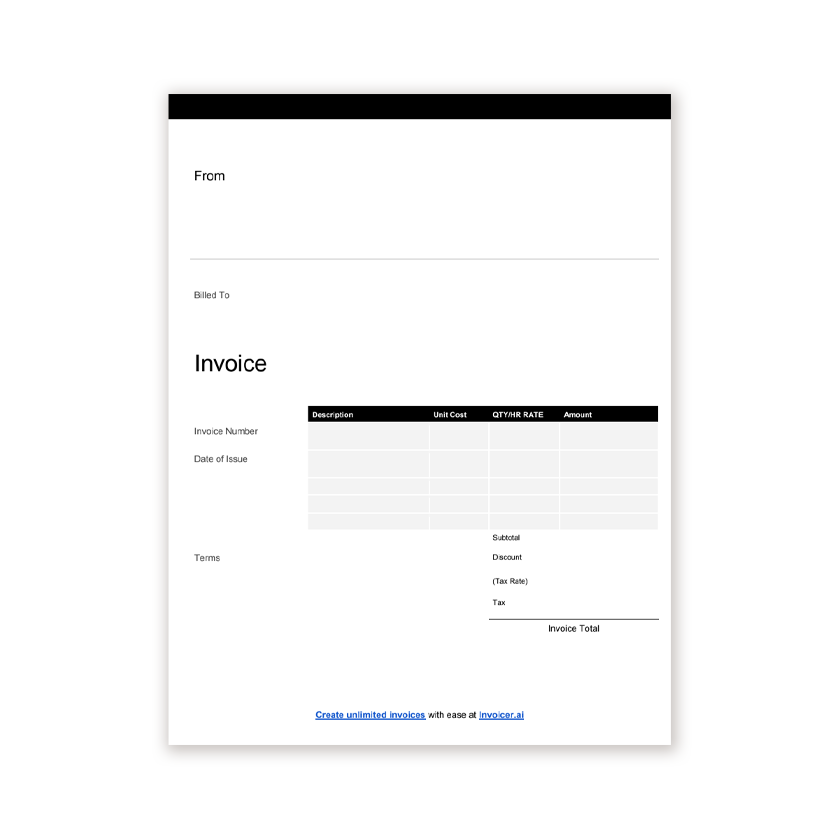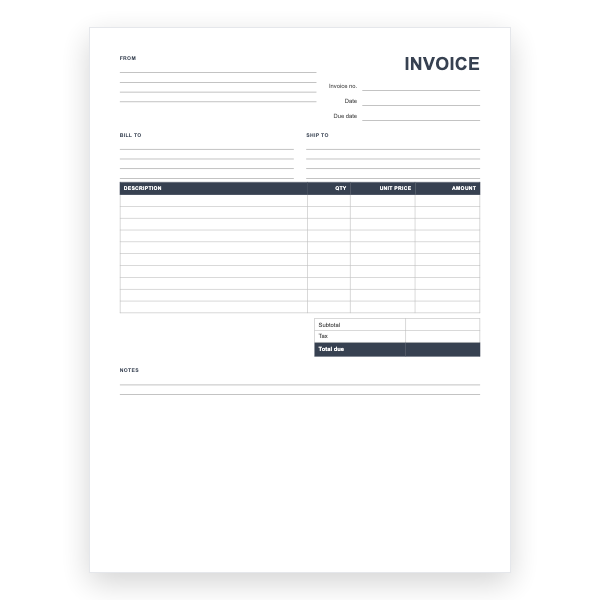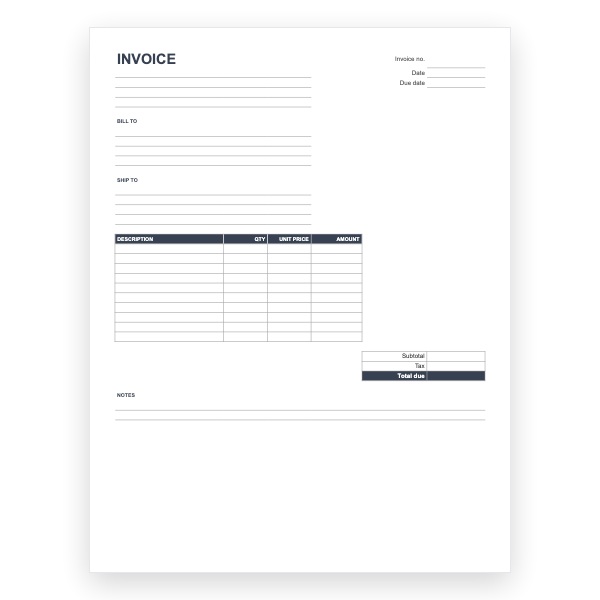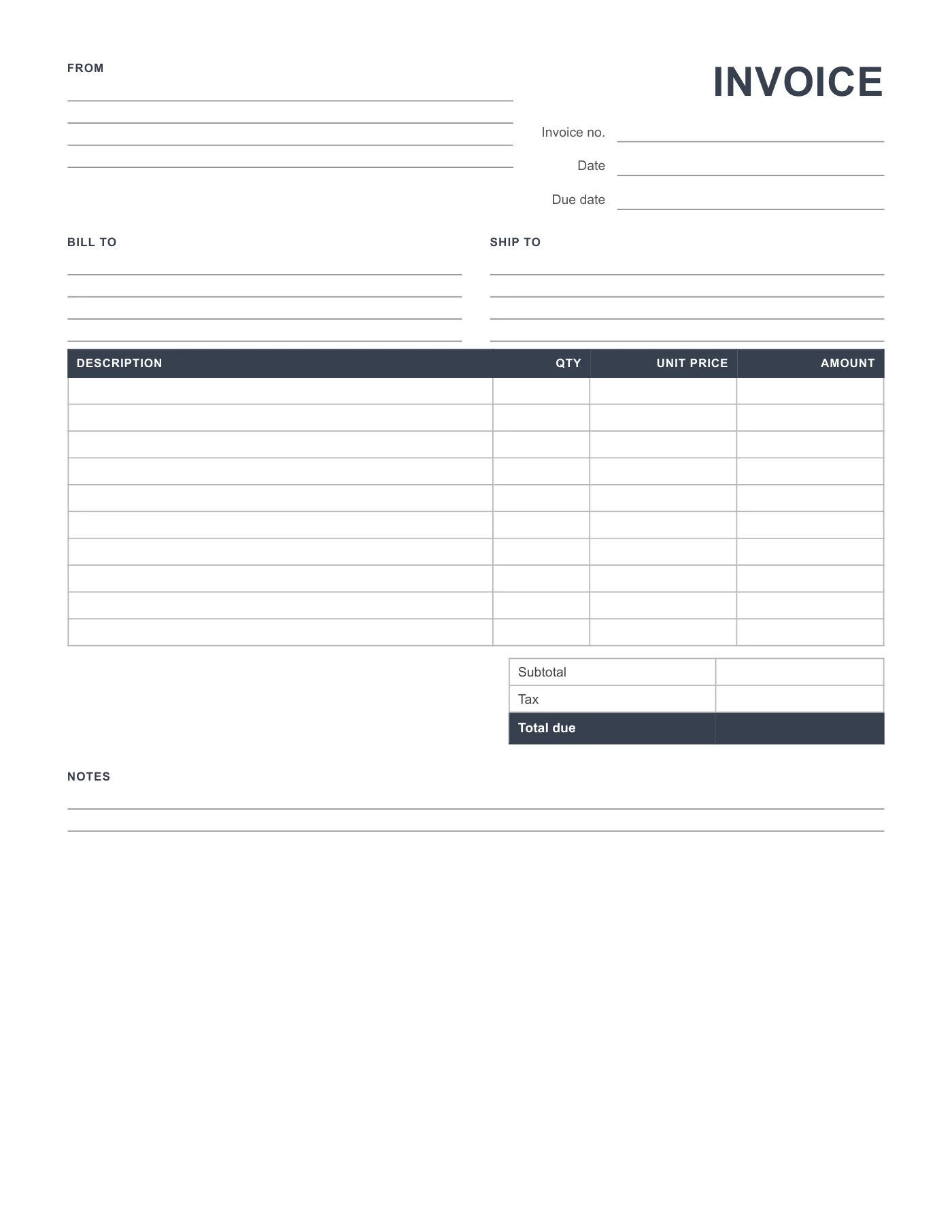
How to use it in Any PDF reader
- 1
Download the PDF to your computer or phone.
- 2
Open it in Preview, Acrobat Reader, Microsoft Edge, or any PDF editor.
- 3
Use the text tool to type into each field, or print it and fill it in by hand.
- 4
Save the completed file with the invoice number in the name.
- 5
Email it to your client or print it for the job site.
Made for a pen
The lines are spaced for handwriting and the boxes are large enough for figures. Print on plain paper, or on carbonless sets if you want a copy for the customer. Press firmly, write clearly, and keep the top copy.
Printing a pad
Send the PDF to a copy shop and ask for pads of 50 with a cardboard back. Many will also add sequential numbers, which saves you writing them and guarantees no duplicates.
Tips
- Fill in the invoice number first, from a running list.
- Photograph each completed invoice for your records.
- Stamp your business name in the From block if you have a stamp.
Questions about this template
Is a handwritten invoice valid?
In most places, yes, as long as it carries both parties, a date, a unique number, a description, and the amount. Check local rules for extras such as a tax number.
Can I type into this PDF?
Yes, with the text tool in any PDF editor, but the Word and Excel versions are easier to type into.
Does it print on A4?
Yes. Choose Actual size in the print dialog.