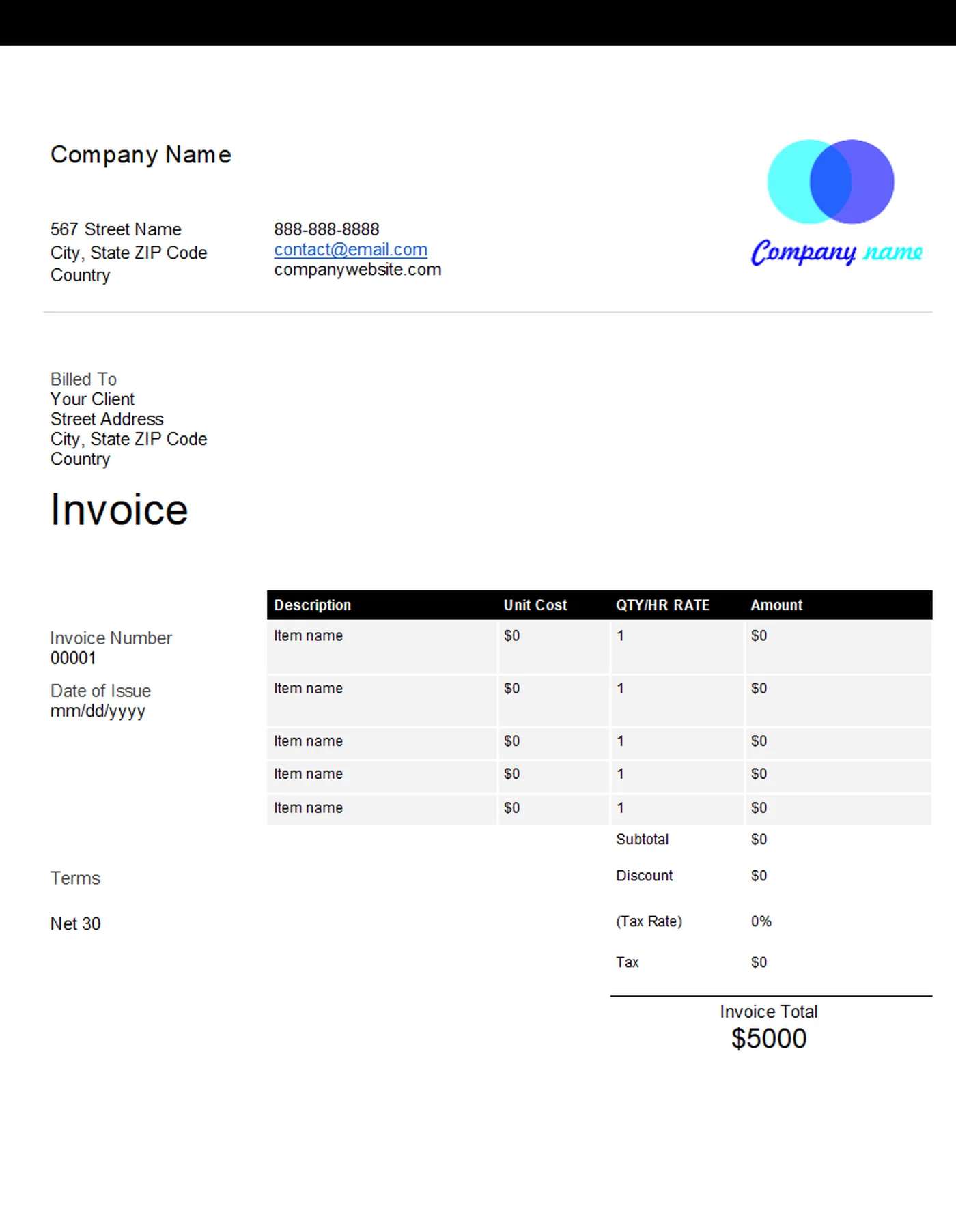
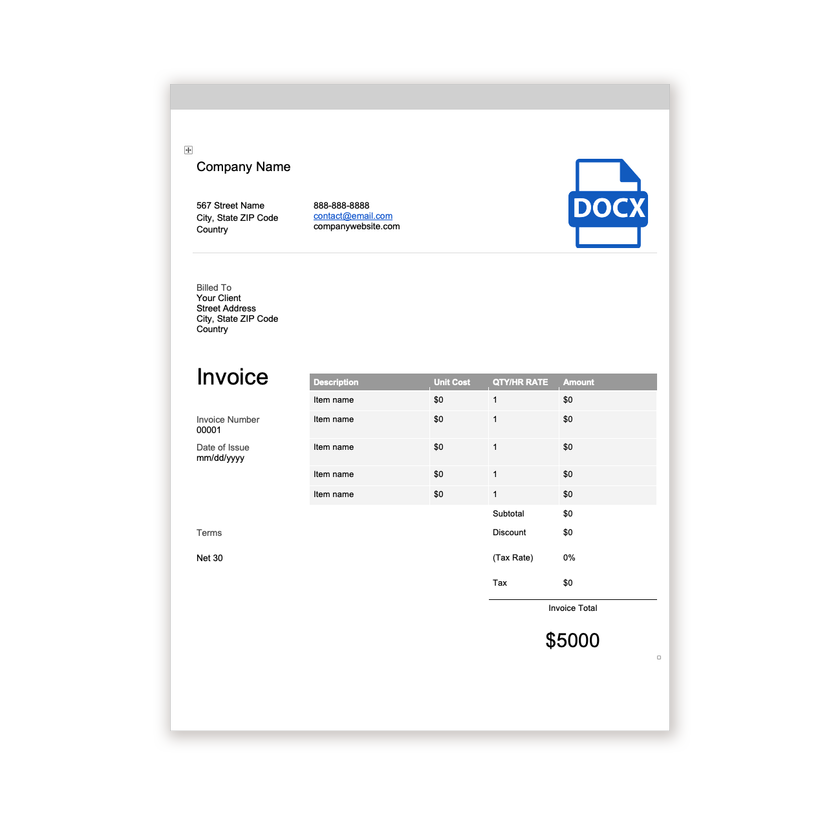
Word Invoice Template
Microsoft Word
A clean, editable .docx invoice with space for your logo, client details, itemised lines, and payment terms.
View template
Download a professional invoice template, add your details, and send it to your client in minutes.
Printable and 100% Free
Every template is free, editable, and printable. Start from the software you already use, or from the kind of document you need.
Word 9 templates Editable .docx invoices for Microsoft Word.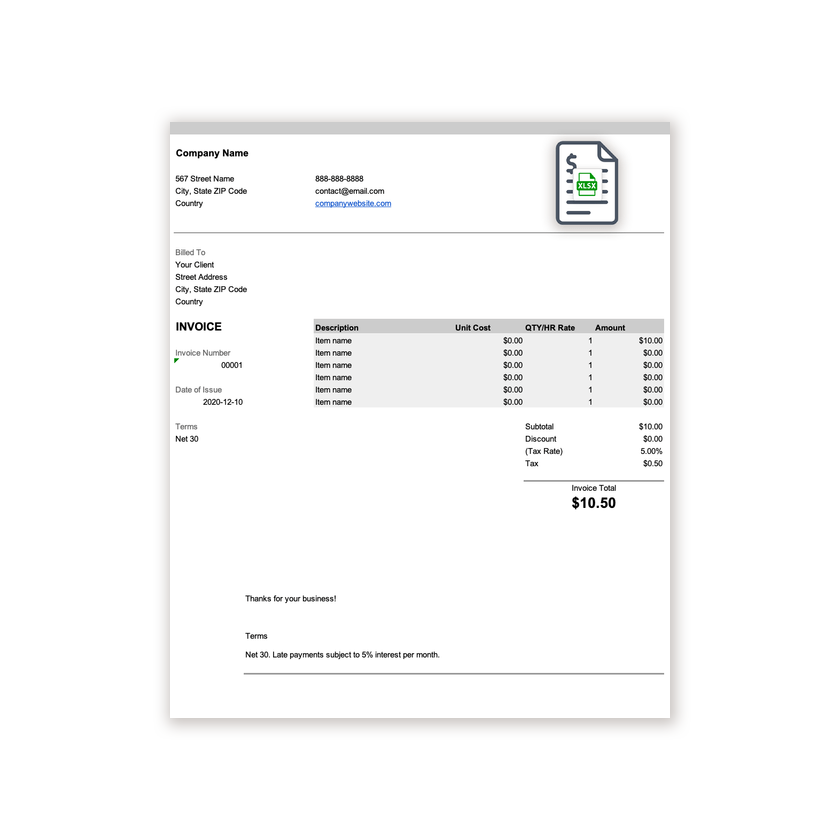 Excel 9 templates Spreadsheets that total tax and amounts for you.
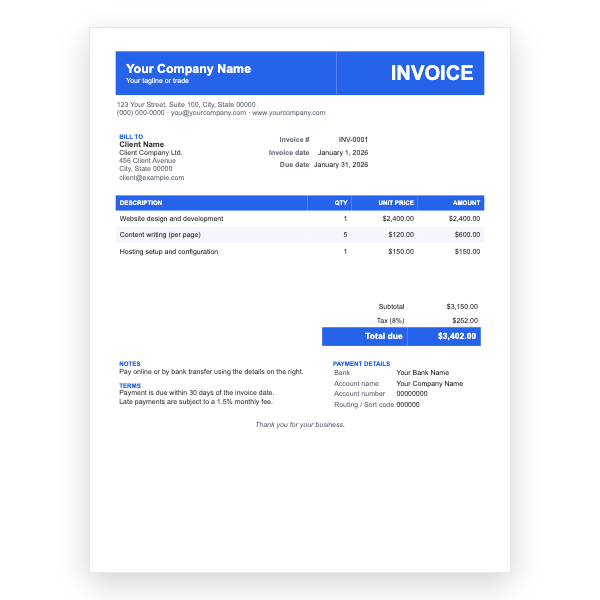 Google Docs 15 templates Twelve designs that copy into your Drive.
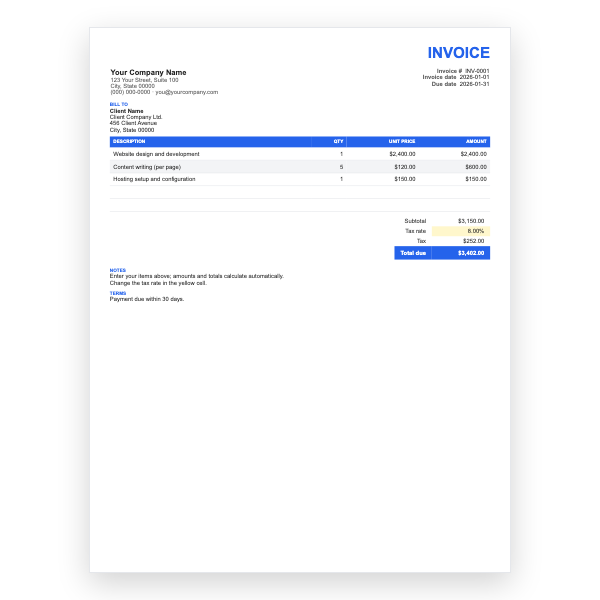 Google Sheets 13 templates Calculating invoices with yellow input cells.
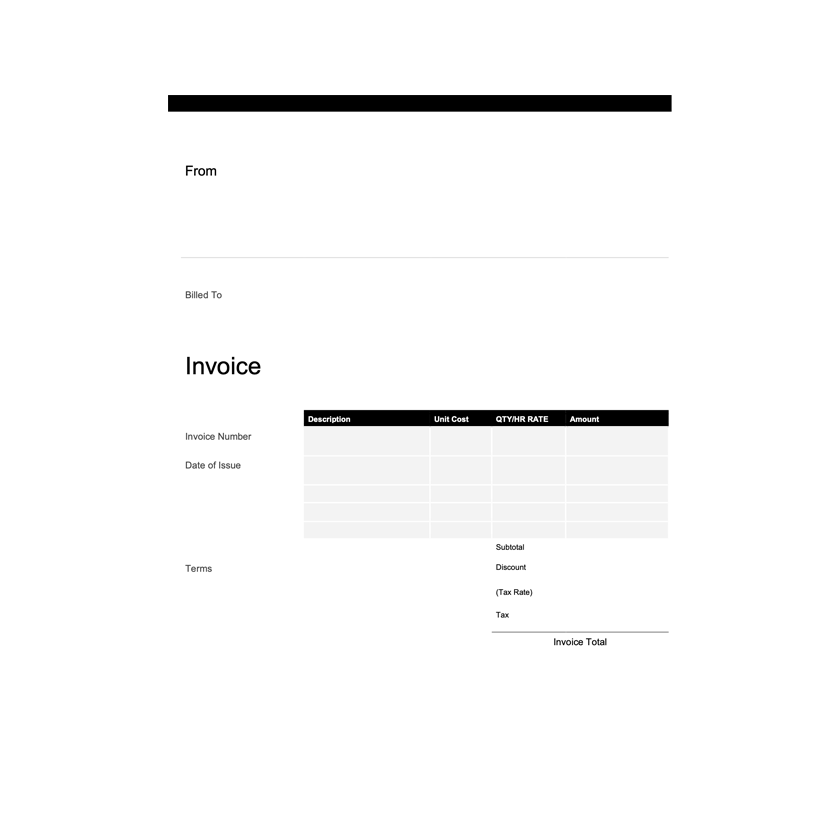 PDF 8 templates Print-ready pages that look the same everywhere.
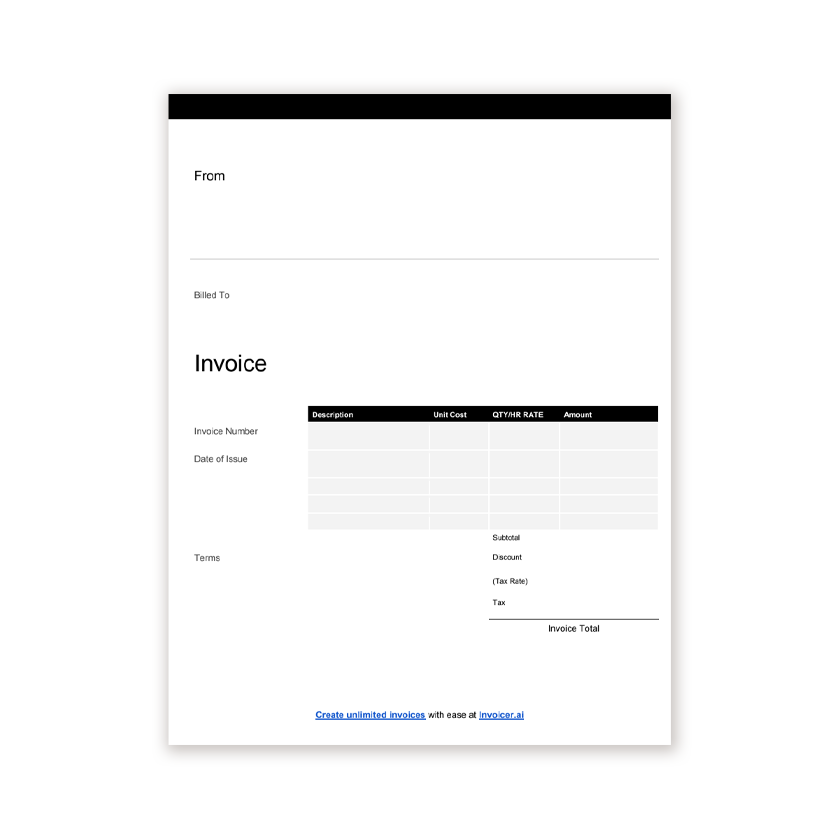 Blank 5 templates Nothing filled in. Print and write, or type.
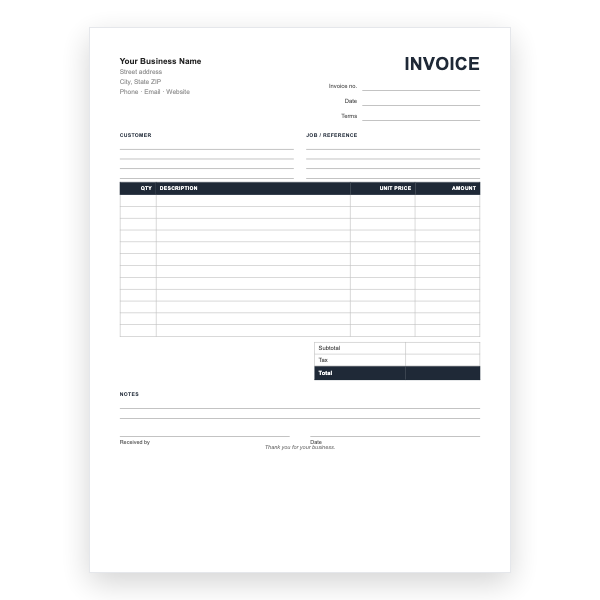 Forms 7 templates Printable invoice pads for the job site.
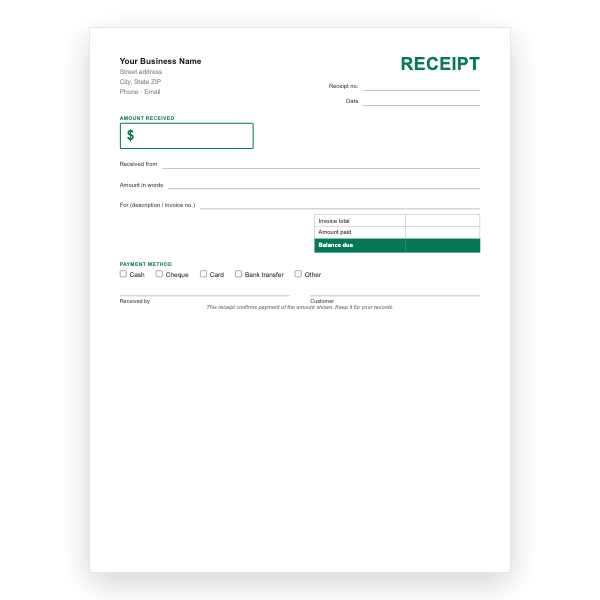 Receipts 7 templates Payment, rent, and cash receipts.
The four most downloaded designs, one for each major format.
Microsoft Word
A clean, editable .docx invoice with space for your logo, client details, itemised lines, and payment terms.
View template
Microsoft Excel
An .xlsx invoice that totals line items and tax automatically, so you never have to add up a bill by hand.
View template
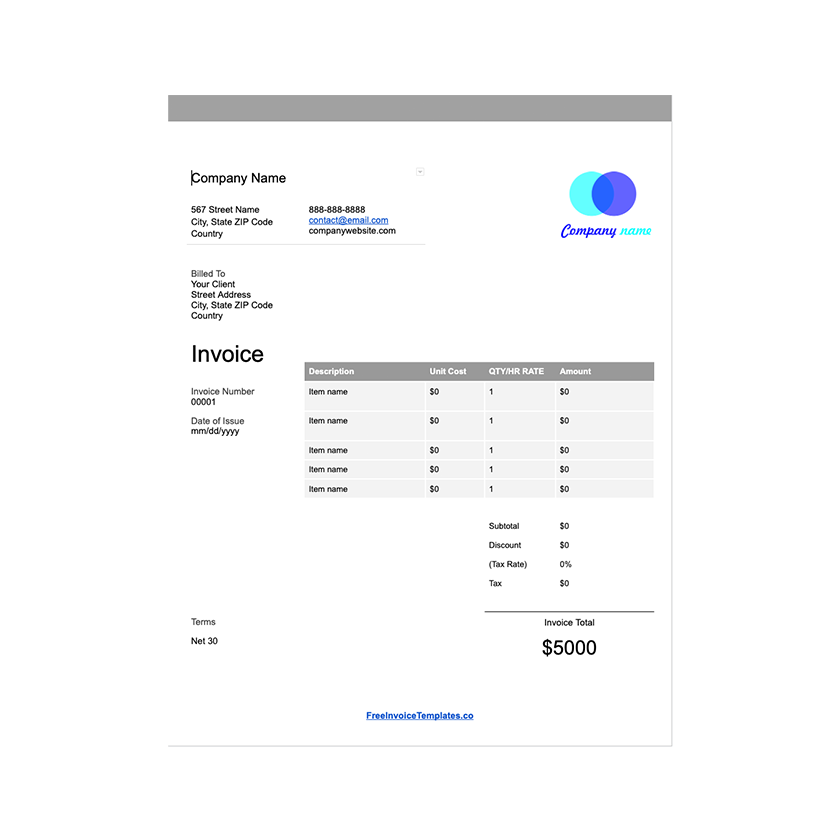
Google Docs
A Google Docs invoice that lives in your Drive, so you can duplicate it for each client and share a link.
View template
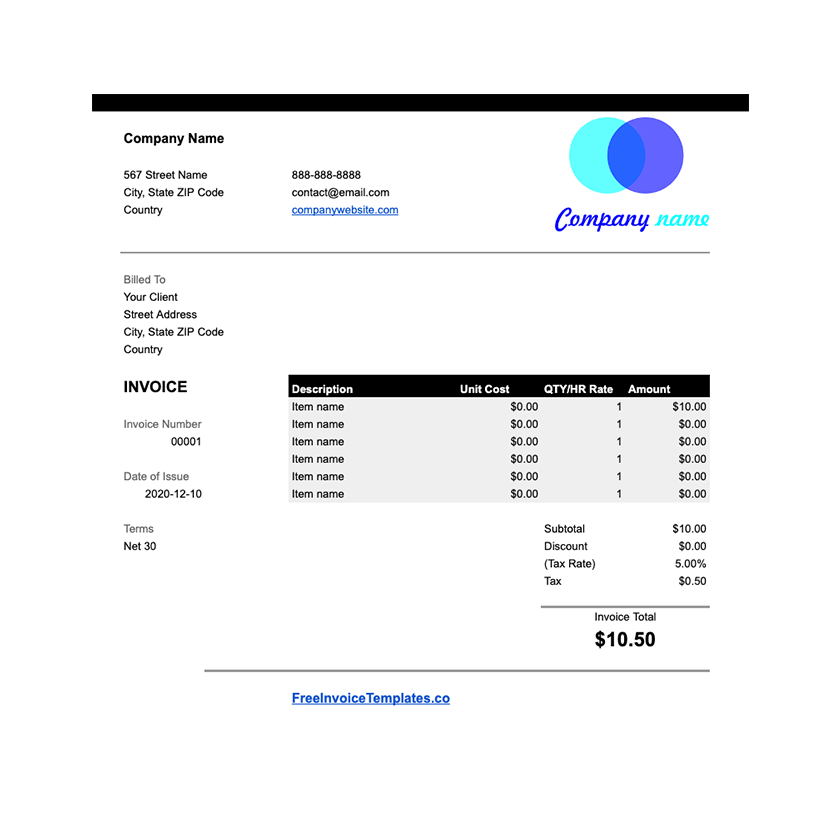
Google Sheets
A Google Sheets invoice with built-in formulas for subtotals, tax, and the amount due.
View template
Download any of our invoice templates without creating an account or entering a card.
Add your logo, change the colours, and edit every field to match your business.
The files are yours to keep. Edit them in your own software, online or off.
How to use an invoice template
An invoice is a formal request for payment. It tells your client what they bought, what it cost, and how and when to pay. A good template takes care of the layout so you only have to fill in the details.
Our templates already have a place for each of these, but it helps to know why they matter. Missing any of them is the most common reason an invoice gets queried or paid late.
All of our templates contain the same core fields, so the choice comes down to the software you use and how you plan to send the invoice.
| Format | Best for | Keep in mind |
|---|---|---|
| Word (.docx) | Service businesses that want full control over wording and layout. | Totals are typed by hand, so double-check your math. |
| Excel (.xlsx) | Anyone billing multiple line items or charging tax. | Formulas calculate totals for you. Export to PDF before sending. |
| Google Docs / Sheets | Working from a browser or sharing with a bookkeeper. | Click the link, choose "Make a copy", and it saves to your Drive. |
| Printing, or sending a file the client cannot edit. | Fill in with a PDF editor or print and write by hand. | |
| Open Office (.odt) | OpenOffice and LibreOffice users. | Also opens in Word and Google Docs. |
Yes. Every template on this site is free to download and use for your business, with no account, watermark, or trial period.
All of them. The Word, Excel, and Open Office files open in their respective programs, the Google versions copy into your own Drive, and the PDF can be filled in with any PDF editor.
An invoice asks for payment and is sent before the client pays. A receipt confirms that payment was received and is sent afterwards.
Use Excel or Google Sheets if you want totals and tax calculated automatically. Use Word or Google Docs if your invoices are mostly text. Use PDF when you need a fixed, printable document.