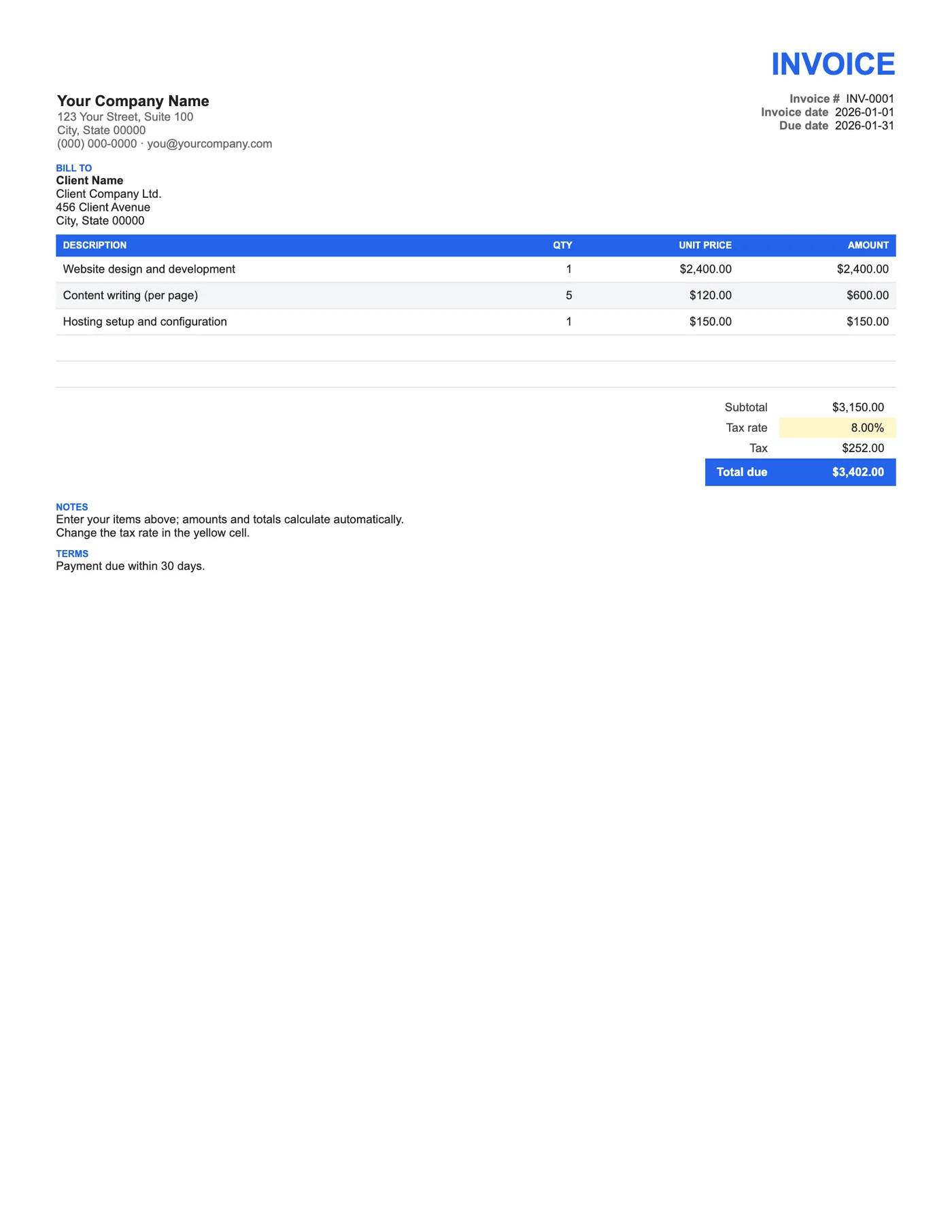
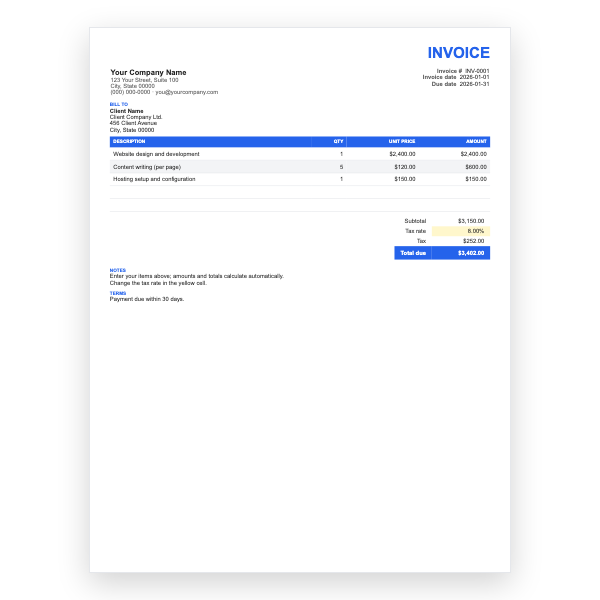
Basic Invoice Template
Google Sheets
Quantity times price per line, subtotal, an editable tax rate cell, and total due. The simplest calculating invoice.
View template
Twelve spreadsheet invoices with the formulas already built in. Type quantities and prices; subtotals, tax, and the total due calculate themselves.
Printable and 100% Free
Pick a template, click Open in Google Sheets, and choose Make a copy. Yellow cells are the inputs you change; everything else calculates.
Every template is free, editable, and printable. Pick the format that matches the software you already use.
Google Sheets
Quantity times price per line, subtotal, an editable tax rate cell, and total due. The simplest calculating invoice.
View template
Google Sheets
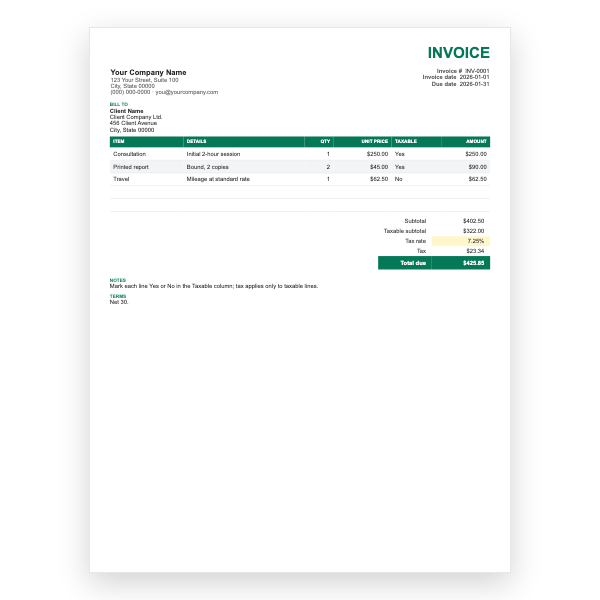
Mark each line taxable or not; the sheet taxes only the taxable subtotal. For mixed goods and services.
View template
Google Sheets
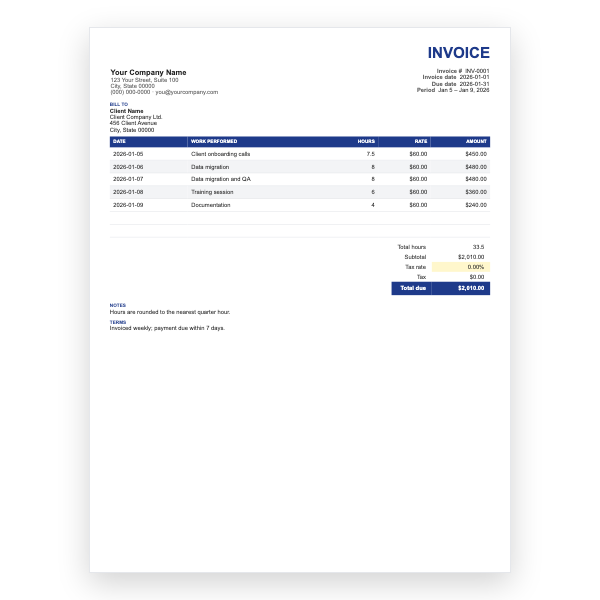
Date, work performed, hours, and rate per row with total hours and amount calculated for you.
View template
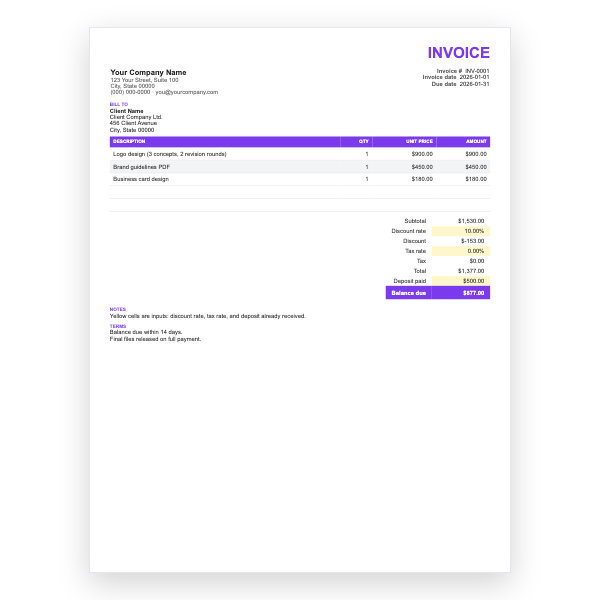
Google Sheets
Adds a discount rate, tax rate, and deposit-paid cell, and works out the balance due.
View template
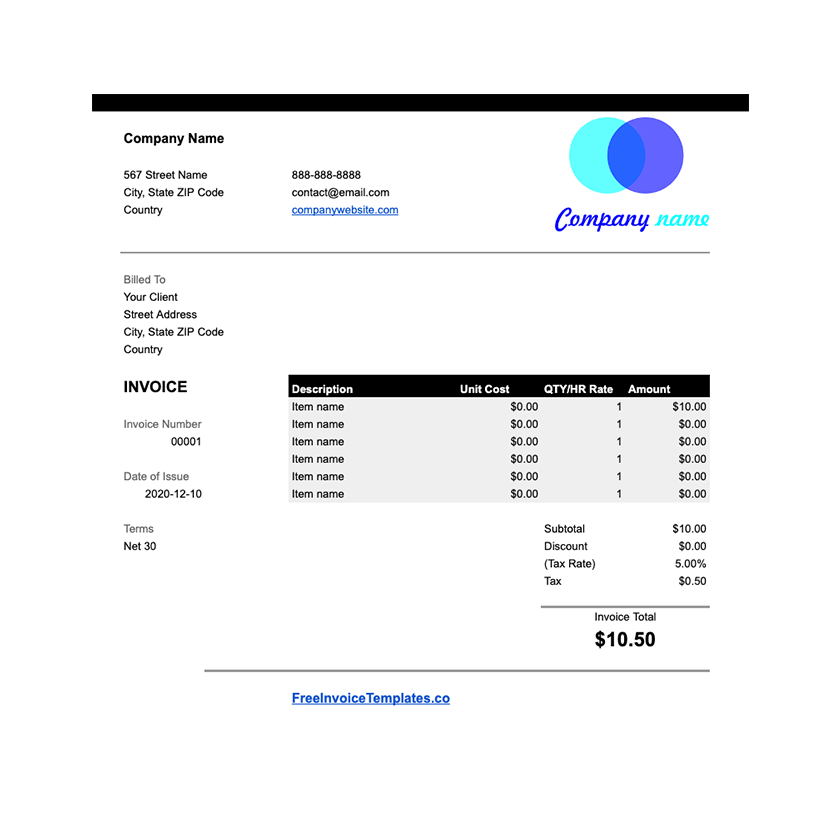
Google Sheets
A Google Sheets invoice with built-in formulas for subtotals, tax, and the amount due.
View template
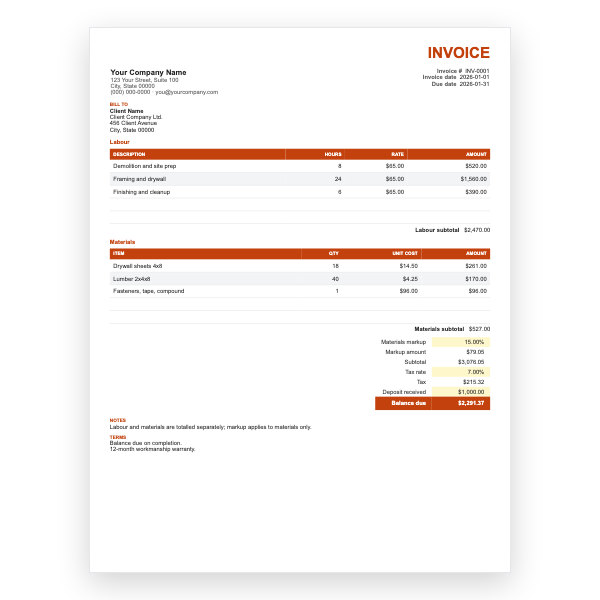
Google Sheets
Two sections with their own subtotals, a materials markup percentage, tax, and deposit received.
View template
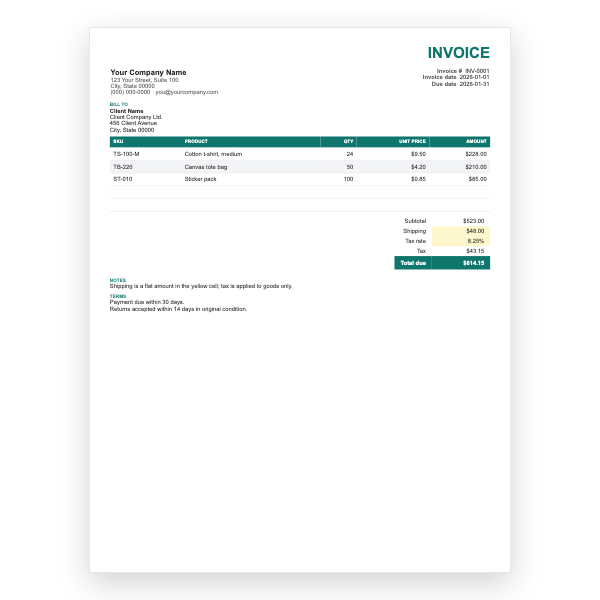
Google Sheets
SKU and product columns, a ship-to block, a flat shipping cell, and tax applied to goods only.
View template
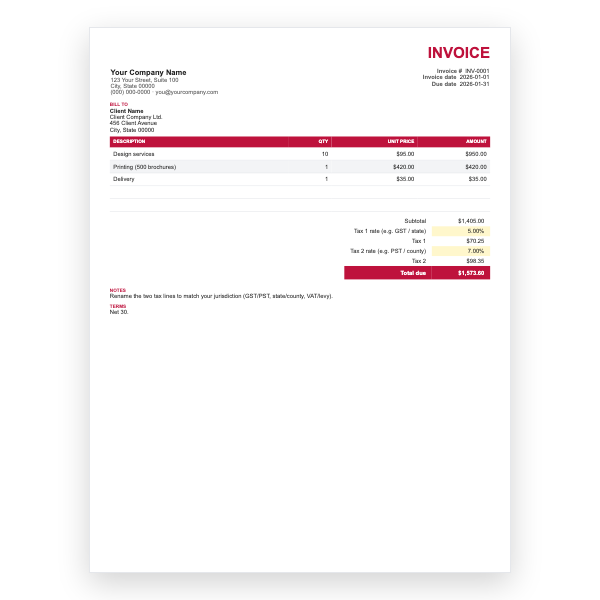
Google Sheets
Two independent tax rates, such as GST and PST or state and county, each calculated on the subtotal.
View template
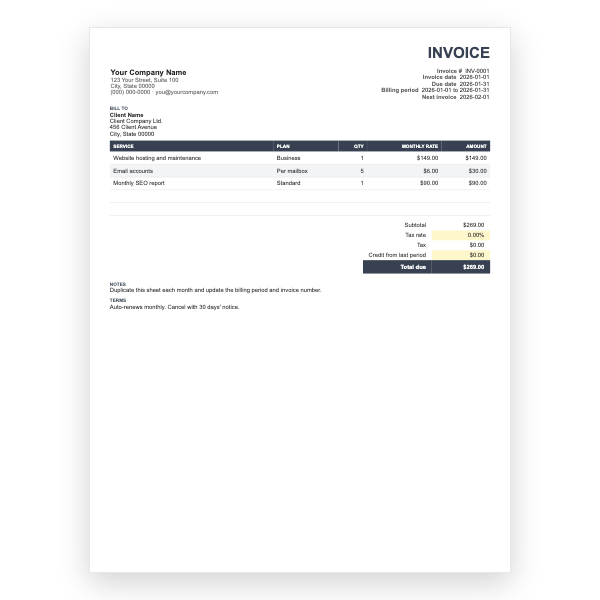
Google Sheets
Billing period and next-invoice fields, monthly plan lines, and a credit-from-last-period cell.
View template
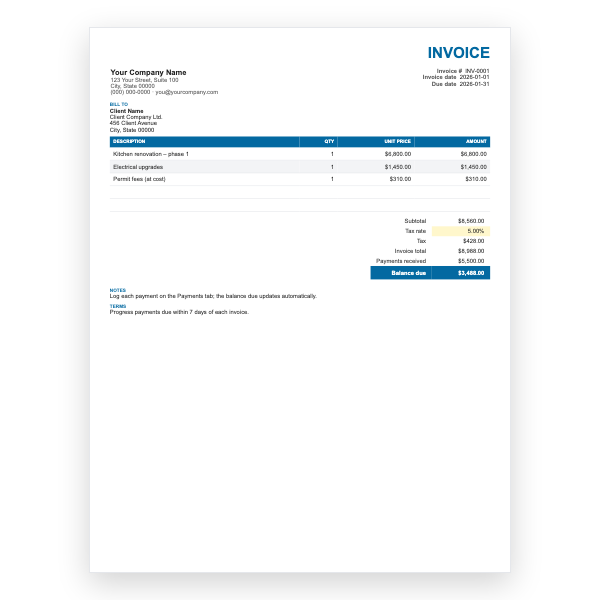
Google Sheets
A second Payments tab logs each payment; the invoice balance due updates automatically.
View template
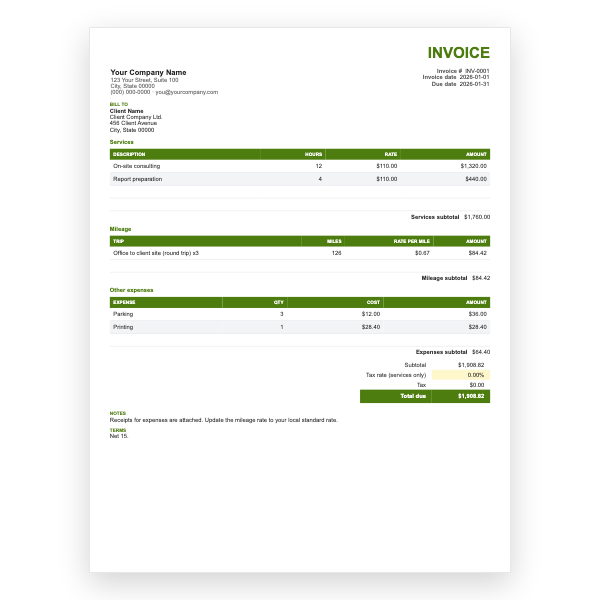
Google Sheets
Services, mileage at a per-mile rate, and other expenses in separate sections, taxed on services only.
View template
Google Sheets
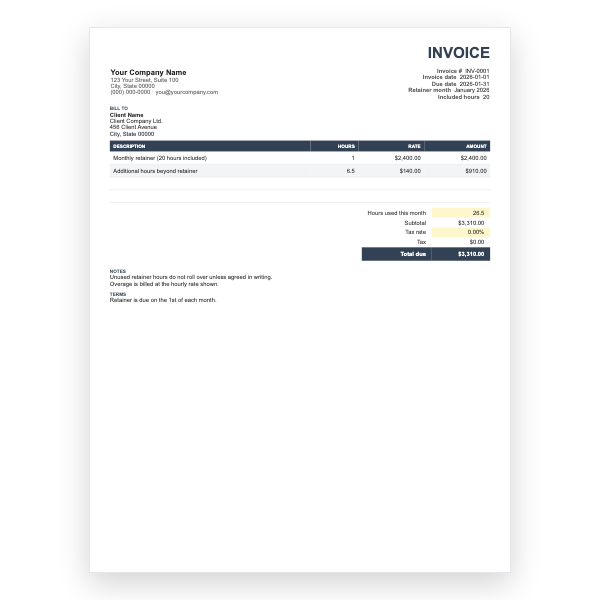
Monthly retainer with included hours, overage hours at an hourly rate, and an hours-used cell.
View template
Google Sheets
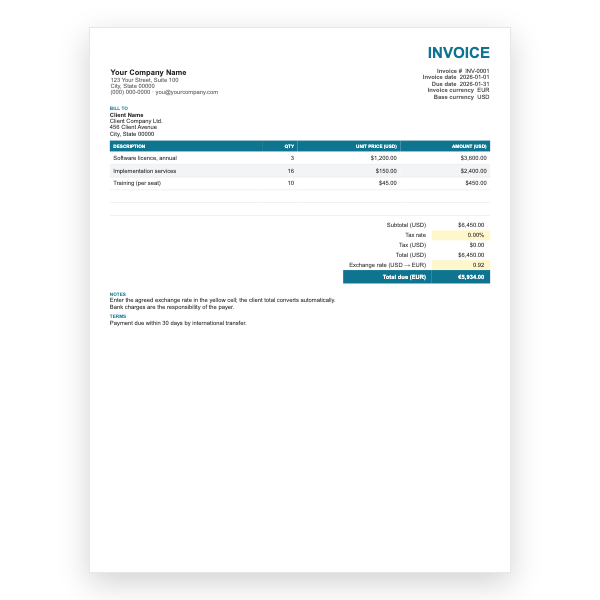
Prices in your base currency with an exchange-rate cell that converts the total due into the client currency.
View template
Download any of our Google Sheets invoice templates without creating an account or entering a card.
Add your logo, change the colours, and edit every field to match your business.
The files are yours to keep. Edit them in your own software, online or off.
Google Sheets invoice templates guide
A spreadsheet is the natural home for an invoice. Each of these twelve Google Sheets templates multiplies quantity by price, sums the lines, applies tax, and shows the total due, all through formulas that are already in place. You never add a column of numbers by hand again.
Every template follows the same conventions, so once you have used one you can use them all.
=B16*C16 and =SUM(D16:D21), so you can see and
adjust them.Use Sheets whenever numbers matter: many items, tax, discounts, deposits, or anything you would otherwise work out on a calculator. Use Google Docs when the invoice is mostly text and a single amount. Both are free, both live in your Drive, and both export to PDF.
Click the template and choose Make a copy when Google asks. The spreadsheet is saved to your Google Drive. Fill in the white cells, change the yellow input cells such as the tax rate, and the totals update instantly.
Everything is editable, but the formulas live in the Amount column and the totals block. Type into the description, quantity, and price cells and the yellow input cells; leave the formula cells alone unless you want to change how the invoice calculates.
Right-click a row number inside the item table and choose Insert 1 above. The new row sits inside the SUM range so the subtotal still includes it. Copy the Amount formula down from the row above.
Choose File, Download, then PDF, and attach the PDF to your email. Alternatively choose File, Share and give the client view-only access to the sheet.
Yes. Choose File, Download, then Microsoft Excel (.xlsx). The formulas carry over. We also offer a native Excel invoice template.