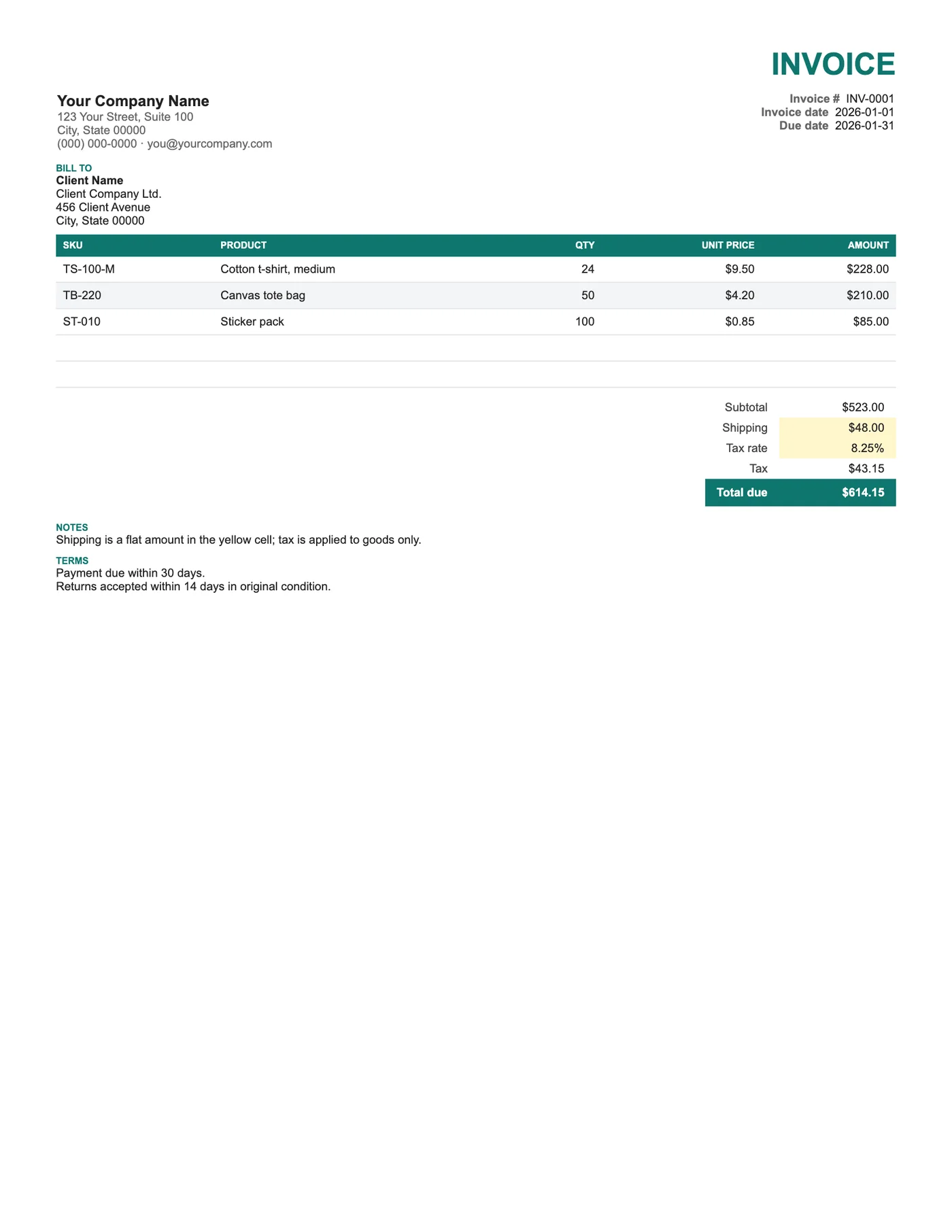
How to use it in Google Sheets
- 1
Click Open in Google Sheets. If asked, sign in; Google places a copy in your Drive.
- 2
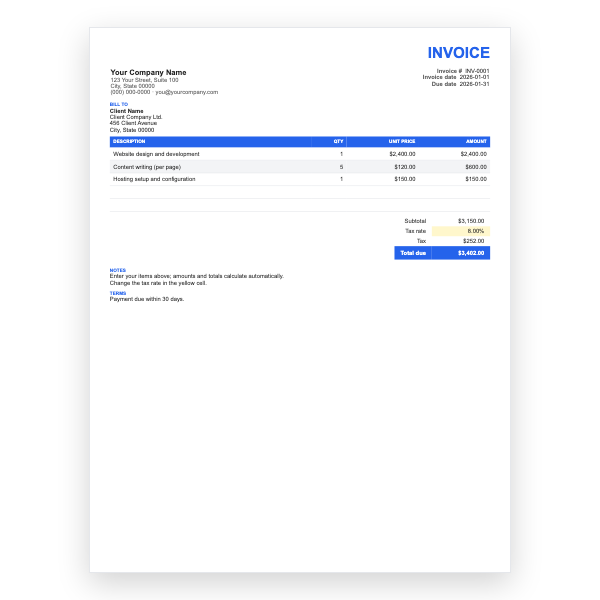
Fill in the yellow cells only: your details, the client, and each line item.
- 3
Type your tax rate in the rate cell. Amounts, subtotal, tax, and total update on their own.
- 4
To add lines, insert rows inside the item block so the totals keep including them.
- 5
Check the figures once, then choose File, Download, PDF and select Fit to width.
- 6
Send the PDF. Duplicate the tab for your next invoice.
Goods, shipping, and tax
Shipping is entered as a flat amount and is excluded from the tax calculation, which is correct in many regions. If your jurisdiction taxes delivery too, change the Tax formula to include the shipping cell. The SKU column lets your customer match the invoice to their order and to the packing list.
Ship To versus Bill To
Business customers often pay from head office but receive goods at a branch or warehouse. Filling in both blocks avoids goods going to the accounts department and invoices going to the loading dock.
Tips
- Copy SKUs exactly from your inventory system to avoid returns disputes.
- Put the tracking number in Notes once the parcel ships.
- Set Shipping to zero for collected orders rather than deleting the row.
Questions about this template
How do I tax shipping as well?
Edit the Tax cell formula so it multiplies the rate by the subtotal plus shipping instead of the subtotal alone.
Can I add a discount?
Insert a row below Subtotal with a negative amount and include it in the Total due formula, or use our Freelance template which has a discount built in.
Can it handle many products?
Yes. Insert as many rows as you need inside the item block; the Subtotal range expands.