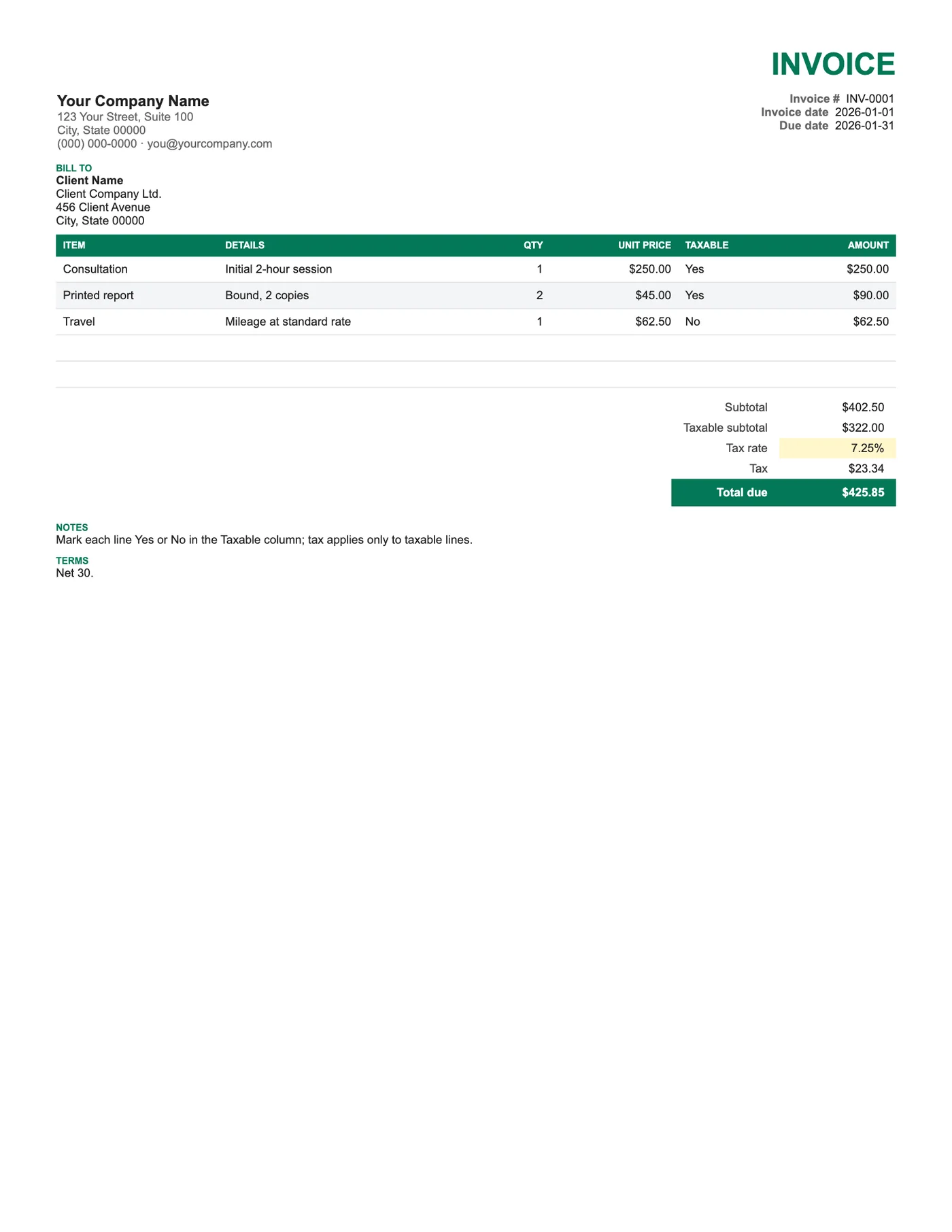
How to use it in Google Sheets
- 1
Click Open in Google Sheets. If asked, sign in; Google places a copy in your Drive.
- 2
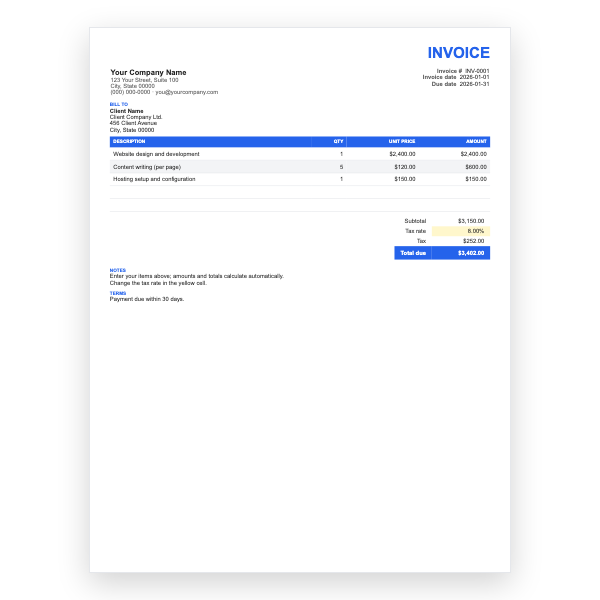
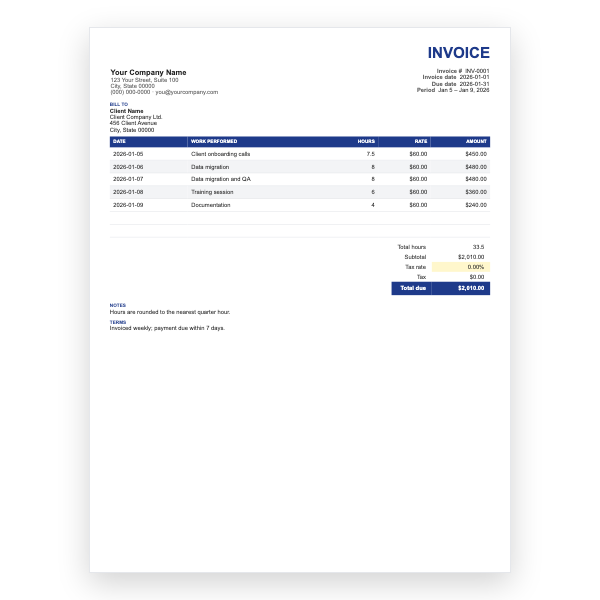
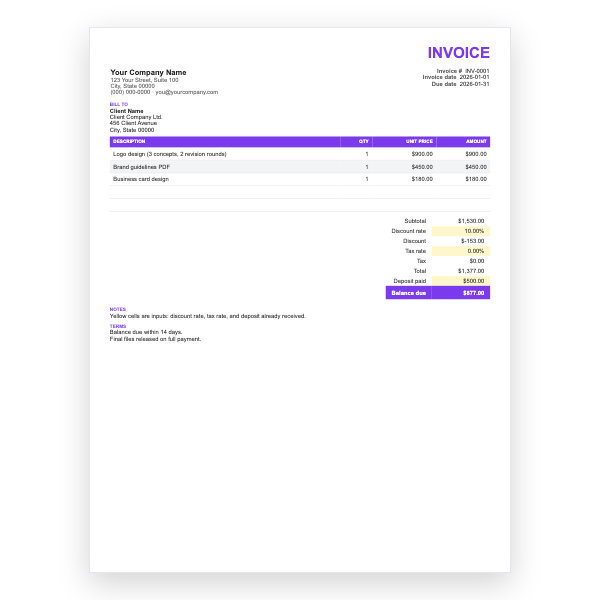
Fill in the yellow cells only: your details, the client, and each line item.
- 3
Type your tax rate in the rate cell. Amounts, subtotal, tax, and total update on their own.
- 4
To add lines, insert rows inside the item block so the totals keep including them.
- 5
Check the figures once, then choose File, Download, PDF and select Fit to width.
- 6
Send the PDF. Duplicate the tab for your next invoice.
How the taxable column works
The Taxable subtotal uses a SUMIF over the Taxable column, adding only the rows marked Yes. Tax is then the rate times that figure. Rows marked No still count towards the Subtotal and Total due; they are simply not taxed. Change a Yes to No and watch the tax fall instantly.
Typical uses
A repair shop charges tax on parts but not on labour. A photographer taxes prints but not the session. A consultant bills taxable software alongside exempt training. In each case one invoice does the job, and the client sees exactly which lines carried tax.
Tips
- Type Yes or No exactly; the formula is not case-sensitive but will ignore Y or N.
- Add a data validation dropdown to the Taxable column if you want to prevent typos.
- Show your tax registration number in the header when you charge tax.
Questions about this template
Can I have two tax rates on one invoice?
This template uses one rate. Our Multi-Tax template applies two rates to the subtotal; combining the two is possible with a second Taxable column.
What if every line is taxable?
Mark them all Yes, or use the Basic template, which taxes everything.
Does it work in Excel?
Yes. SUMIF is supported in Excel, so downloading as .xlsx keeps the calculation.