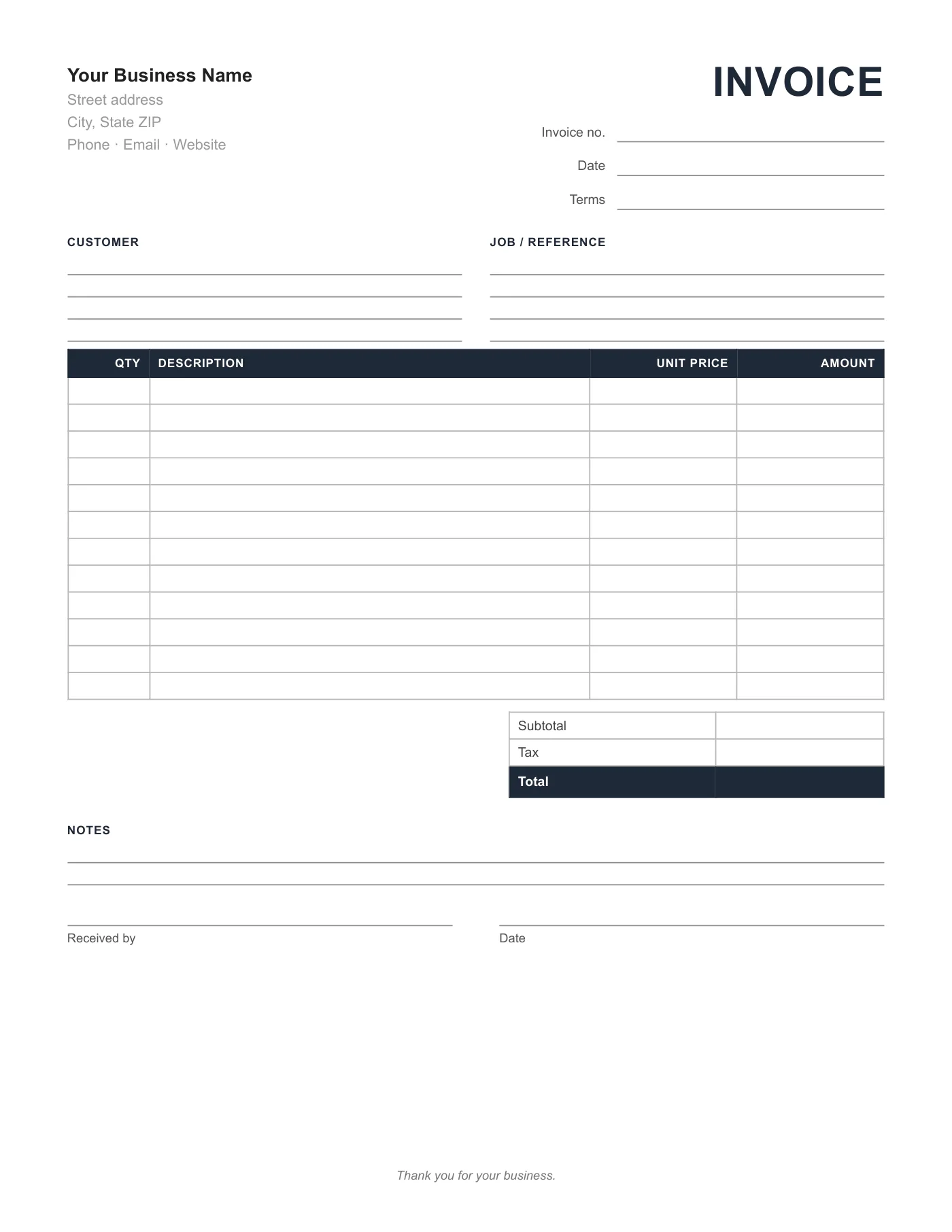
Invoice Form
PDF, printable
A twelve-line printable invoice form with customer and job blocks, totals, and a received-by signature.
View template
Ready-to-use invoice forms you can print in bulk or fill in on screen, in the format you prefer.
Printable and 100% Free
Printable invoice forms for general sales, service calls, product orders, time and materials, and estimates, plus Word and Excel versions of the standard form.
Every template is free, editable, and printable. Pick the format that matches the software you already use.
PDF, printable
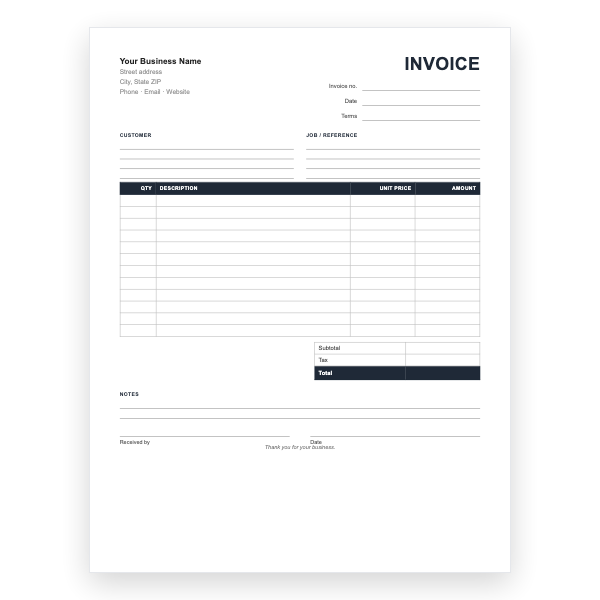
A twelve-line printable invoice form with customer and job blocks, totals, and a received-by signature.
View template
PDF, printable
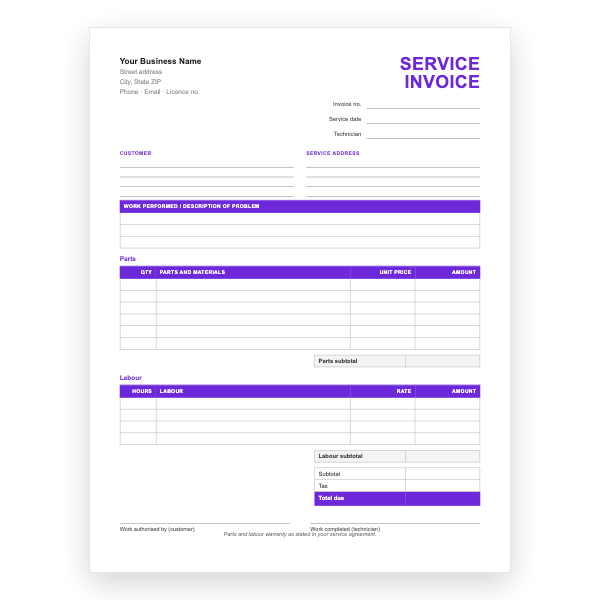
Work performed, parts, labour, and authorisation signatures for service calls and repairs.
View template
PDF, printable
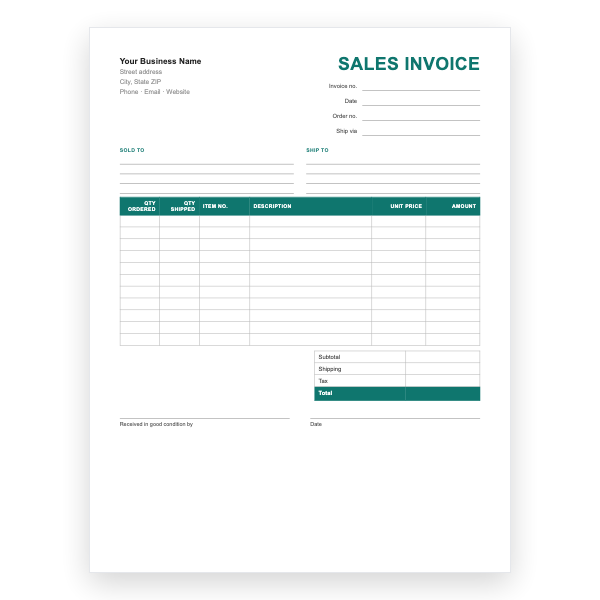
Sold-to and ship-to blocks, quantities ordered and shipped, item numbers, and a shipping line.
View template
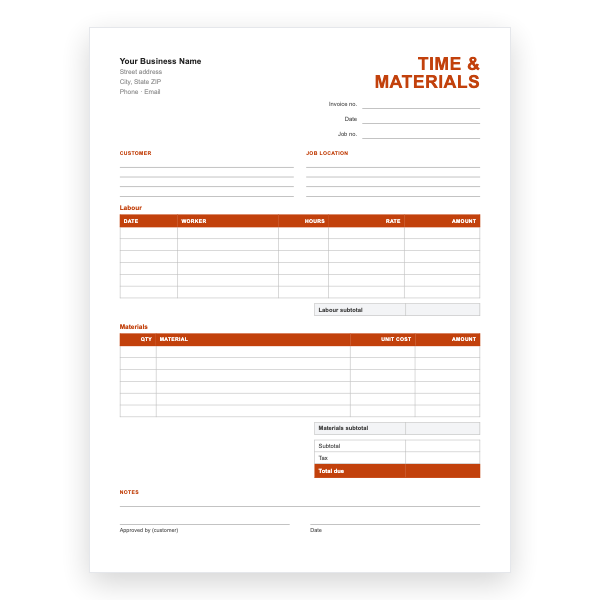
PDF, printable
Labour by date and worker plus a materials table, each with its own subtotal.
View template
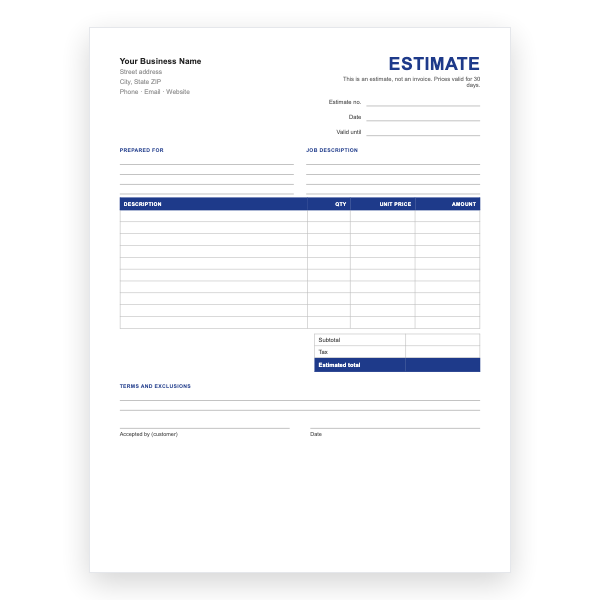
PDF, printable
A quote form clearly marked not an invoice, with a validity date and an acceptance signature.
View template
Microsoft Word
The printable invoice form as an editable Word file, so you can add your name and print in quantity.
View template
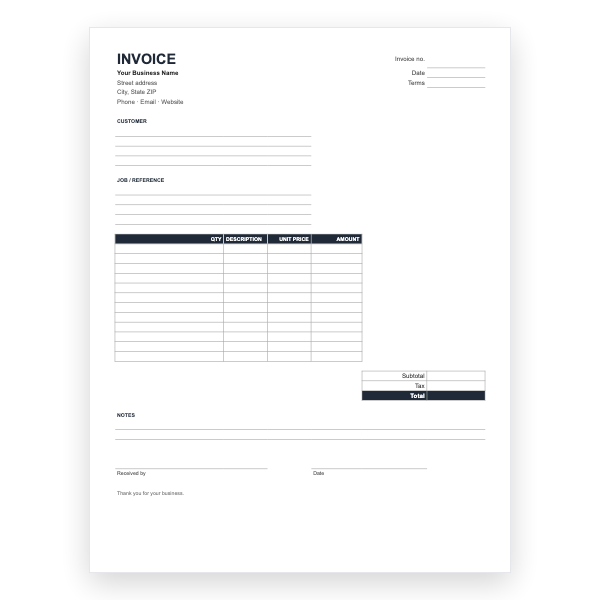
Microsoft Excel
The invoice form in Excel, with amount and total formulas for filling in on screen.
View template
Download any of our invoice forms without creating an account or entering a card.
Add your logo, change the colours, and edit every field to match your business.
The files are yours to keep. Edit them in your own software, online or off.
Invoice forms guide
An invoice form is an invoice layout designed to be printed in quantity and filled in on the job. Plumbers, electricians, cleaners, movers, landscapers, and mobile mechanics have used paper invoice books for decades, and a good form still beats a phone screen when your hands are dirty.
The same layout works for other paperwork. Change the heading to Estimate or Quote for pricing before a job, and to Receipt when confirming a payment. Keeping the three visually distinct, for example by printing on different coloured paper, avoids mix-ups. See our receipt template guide for what a receipt must include.
They are the same document used differently. A form is usually printed in quantity and filled in by hand on site; a template is completed on a computer for each job. All of our files work either way.
Yes. Print the PDF version in the quantity you need and have a print shop pad them, or use carbonless paper if you want an instant copy for the customer.
Write the number by hand from a running list, or ask your print shop to add sequential numbering. Never leave invoice numbers blank or reuse them.
It is best practice. Change the heading from Invoice to Estimate or Quote so the customer does not mistake it for a bill.