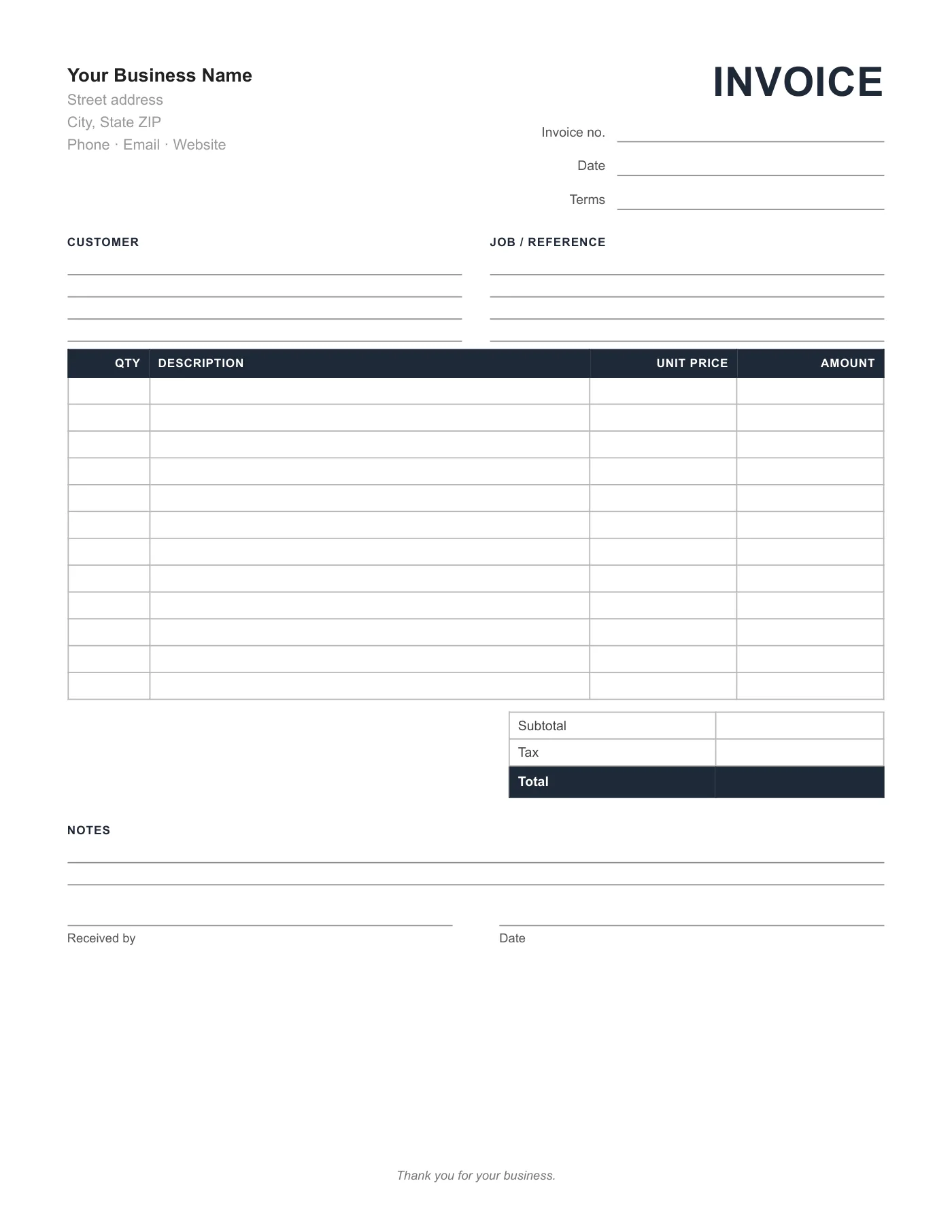
How to use it in PDF, printable
- 1
Download the PDF to your computer or phone.
- 2
Open it in Preview, Acrobat Reader, Microsoft Edge, or any PDF editor.
- 3
Use the text tool to type into each field, or print it and fill it in by hand.
- 4
Save the completed file with the invoice number in the name.
- 5
Email it to your client or print it for the job site.
Forms versus templates
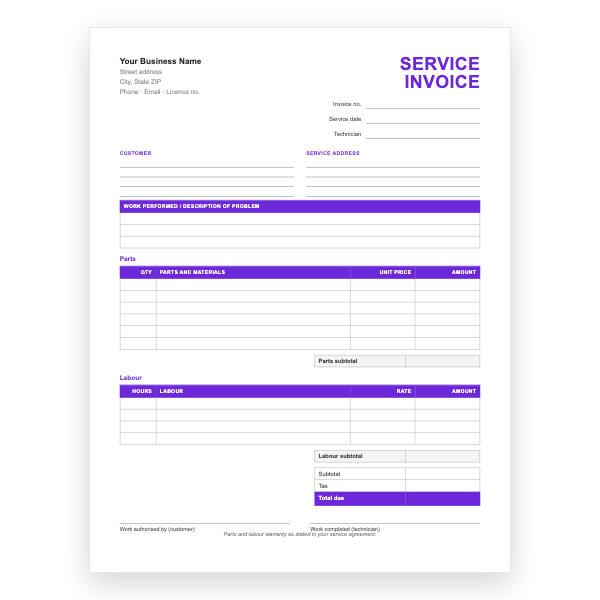
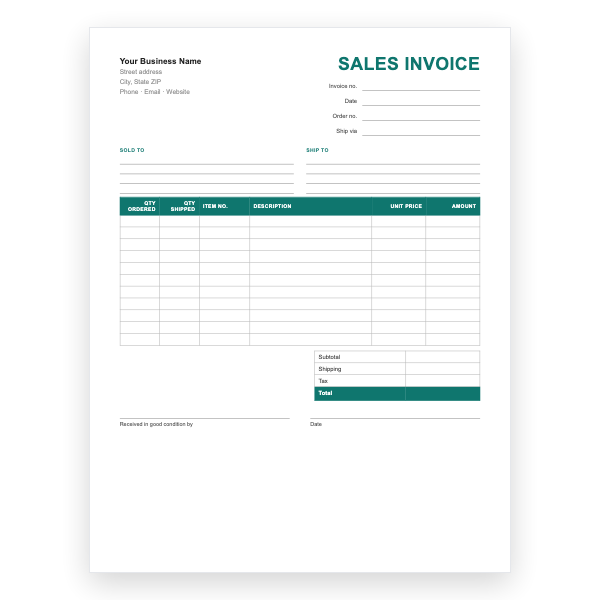
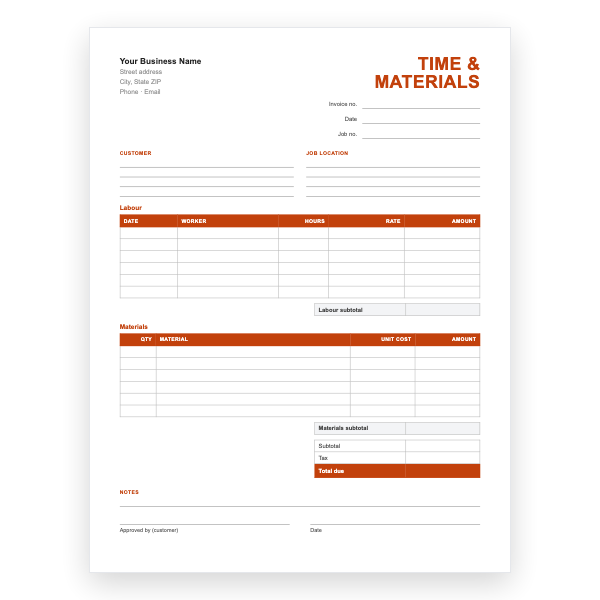
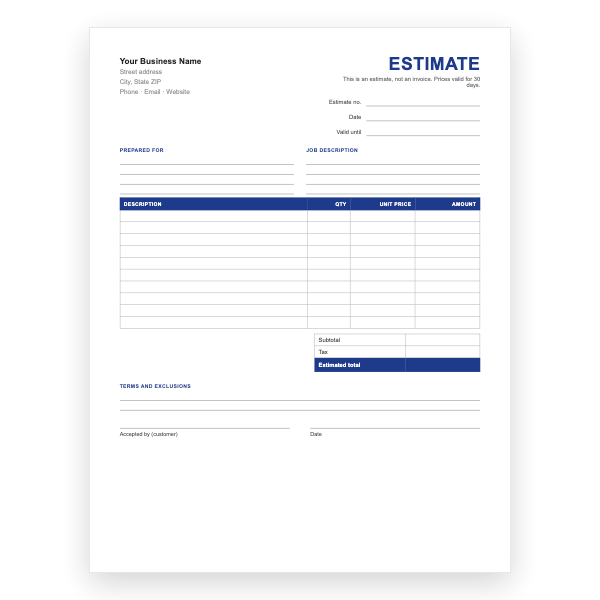
A template is completed on a computer for each job; a form is printed in quantity and completed by hand. This page is designed for the second use: the lines are spaced for a pen, the boxes are large, and nothing depends on software. It is the modern equivalent of a carbonless invoice book.
Adding your details before printing
The business lines at the top are placeholders. For a branded pad, open the Word or Excel version of this form, type your name and address, export a PDF, and print that. Or stamp each printed sheet; both are valid.
Tips
- Ask the print shop for sequential numbering so no two invoices share a number.
- Use carbonless two-part sets for an instant customer copy.
- Keep the top copies in date order; they are your sales record.
Questions about this template
How is this different from the blank invoice template?
The blank template leaves even the business details empty. This form has placeholder business lines, a signature block, and a twelve-line table sized for pads.
Can I fill it in on screen?
Yes, with a PDF editor, but the Word and Excel versions are built for that.
Does it print on A4?
Yes. Choose Actual size in the print dialog.