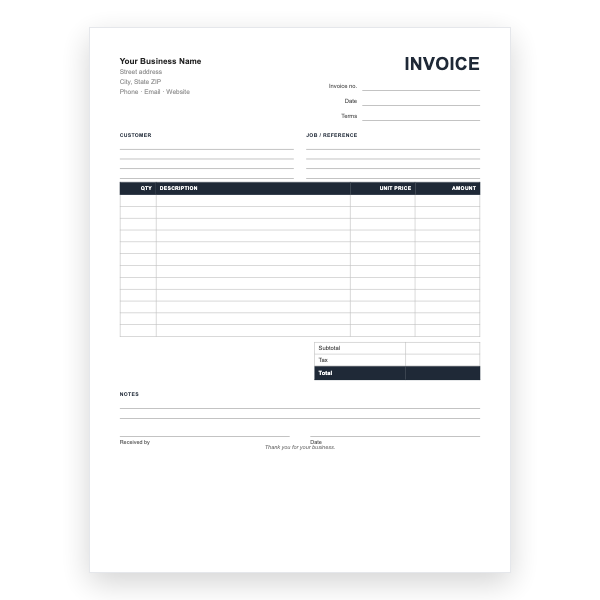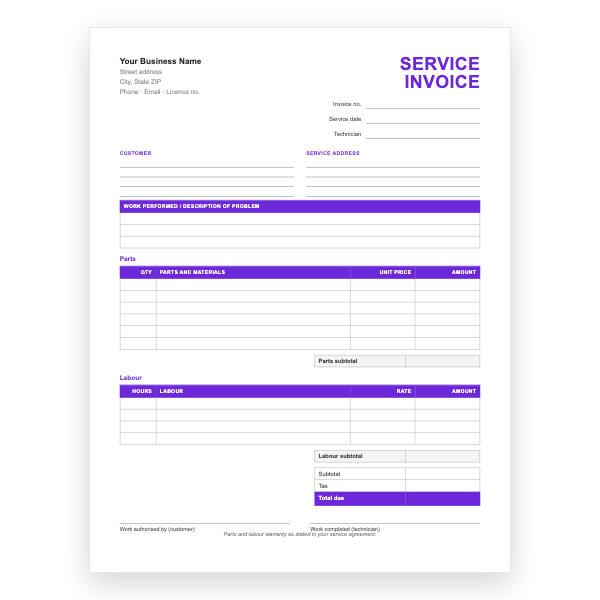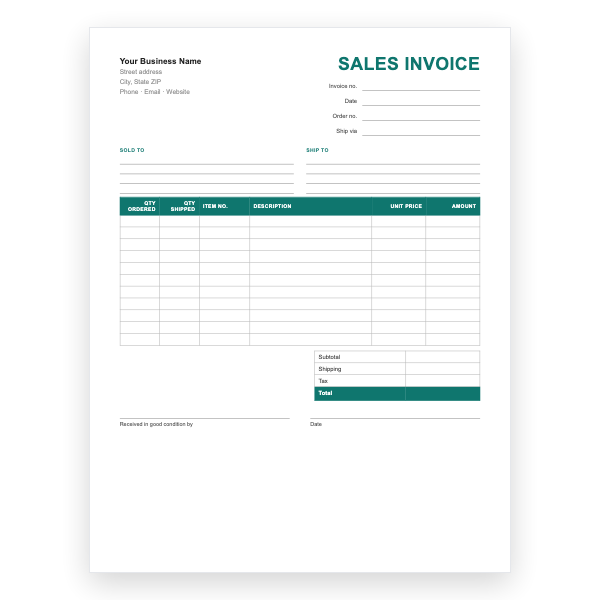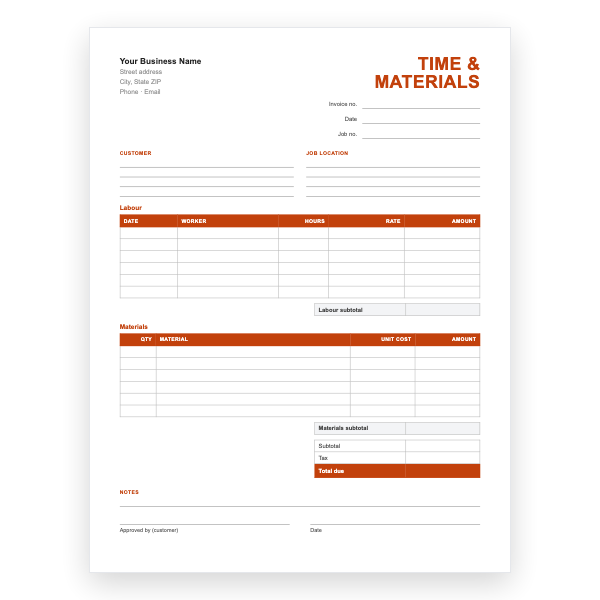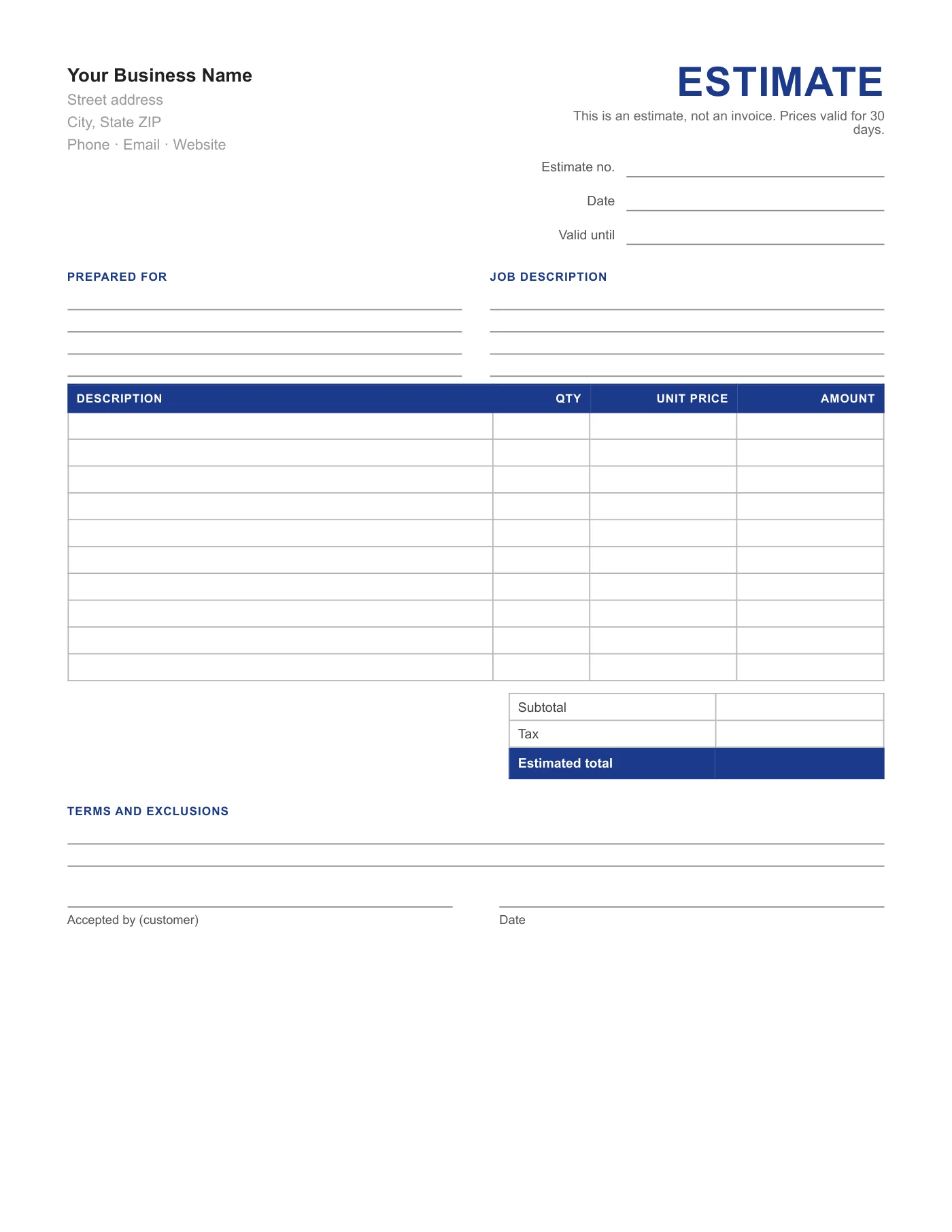
How to use it in PDF, printable
- 1
Download the PDF to your computer or phone.
- 2
Open it in Preview, Acrobat Reader, Microsoft Edge, or any PDF editor.
- 3
Use the text tool to type into each field, or print it and fill it in by hand.
- 4
Save the completed file with the invoice number in the name.
- 5
Email it to your client or print it for the job site.
Not an invoice, and it says so
The most common problem with handwritten quotes is that customers file them as bills, or treat the figure as fixed when it was an estimate. The heading and subtitle on this form remove the ambiguity, and the validity date lets you revise prices if the job is delayed.
Acceptance you can rely on
A signed estimate is the simplest form of contract for small jobs. Write the exclusions clearly, for example permits, disposal, or unforeseen repairs, so the signature covers what you intend. When the job is done, invoice against the estimate number.
Tips
- Set Valid until to 30 days unless material prices are volatile.
- List what is excluded; it protects you more than what is included.
- Keep the signed copy with the job file.
Questions about this template
Is an estimate binding?
An estimate is an approximation; a quote is a fixed price. Say which you mean in the terms, and local consumer law may add rules.
How do I turn it into an invoice?
Use the matching Invoice Form or any invoice template and reference the estimate number.
Can I type into it?
Yes, with a PDF editor, but it is designed for handwriting.