For PDF, printable

Service Invoice Form (PDF)

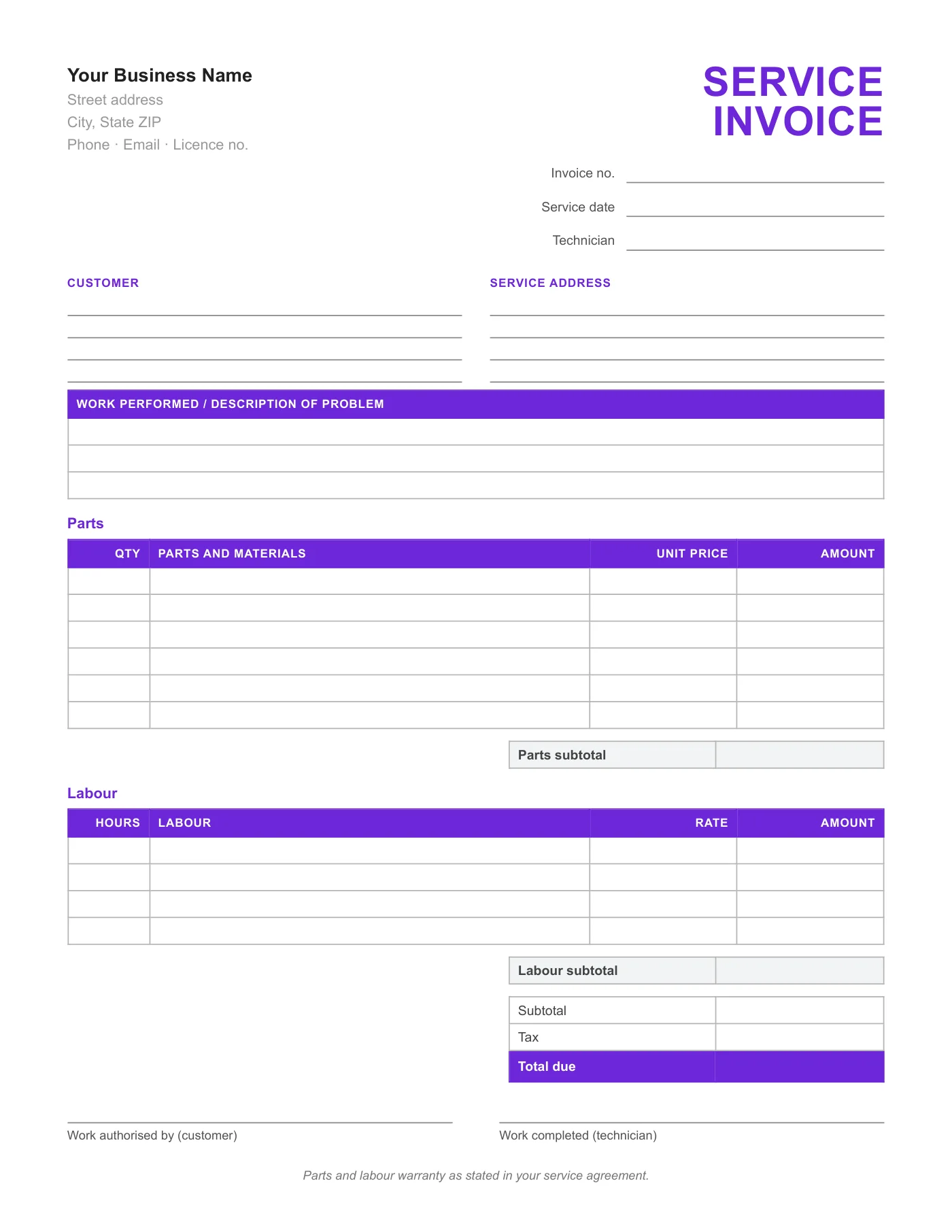
For service calls on paper: a work-performed box, separate parts and labour tables with their own subtotals, totals, and signature lines for authorisation and completion.

Download the template

service-invoice-form.pdf. Free, no sign-up, no watermark.

What is in the template

  • Business details and licence line
  • Invoice number, service date, and technician
  • Customer and Service address blocks
  • Work performed and description of problem box
  • Parts table and Labour table, each with a subtotal
  • Subtotal, Tax, and Total due
  • Work authorised by and Work completed signature lines

Best for

  • Repair technicians who carry a clipboard
  • HVAC, plumbing, electrical, and appliance services
  • Any business that needs a signature before and after the work
Full-page preview of the Service Invoice Form

How to use it in PDF, printable

  1. 1

    Download the PDF to your computer or phone.

  2. 2

    Open it in Preview, Acrobat Reader, Microsoft Edge, or any PDF editor.

  3. 3

    Use the text tool to type into each field, or print it and fill it in by hand.

  4. 4

    Save the completed file with the invoice number in the name.

  5. 5

    Email it to your client or print it for the job site.

Two signatures, one sheet

Service work goes smoothly when the customer signs to authorise it and again to confirm it is done. Both lines are on this form, with the warranty note between them so the terms are read at the moment of signing.

Parts and labour apart

Customers, warranty departments, and tax rules all treat parts and labour differently. Separate tables with separate subtotals make the invoice easier to approve and easier to reconcile later.

Tips

  • Write part numbers or serial numbers in the description for warranty claims.
  • Print on two-part carbonless paper so the customer keeps a signed copy.
  • Pre-fill your licence number before printing a pad.

Questions about this template

Is there a typed version?

Yes, the Service Word Invoice Template and the Service PDF Invoice Template have the same fields with sample text.

Can I add a call-out fee line?

Use the first line of the Labour table and label it Service call.

How many parts fit?

Six parts lines and four labour lines. Attach a second sheet for larger jobs.
More templates

All Free Invoice Forms

Invoice Form

PDF, printable

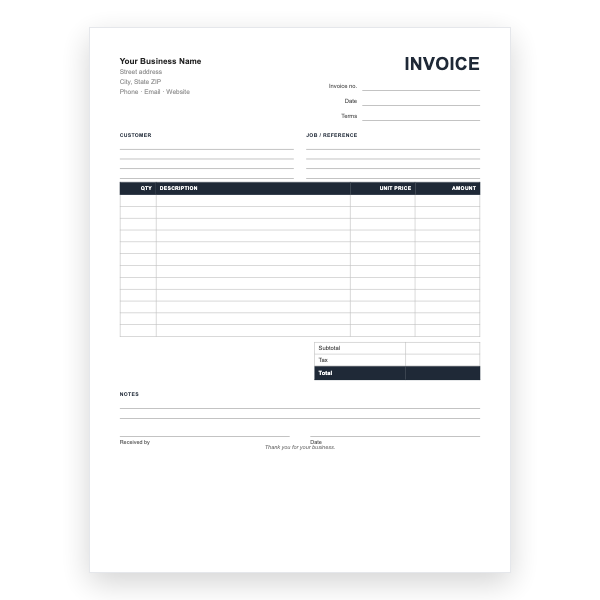
A twelve-line printable invoice form with customer and job blocks, totals, and a received-by signature.

View template

Sales Invoice Form

PDF, printable

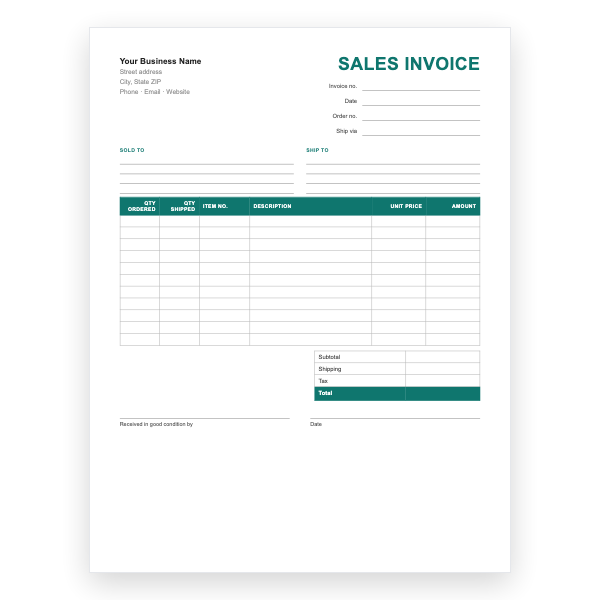
Sold-to and ship-to blocks, quantities ordered and shipped, item numbers, and a shipping line.

View template

Estimate Form

PDF, printable

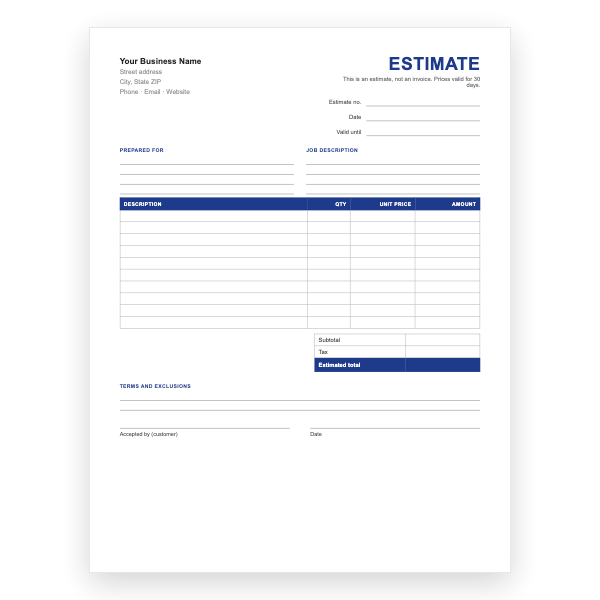
A quote form clearly marked not an invoice, with a validity date and an acceptance signature.

View template