



Receipt template guide
Invoices and receipts: what is the difference?
People often use the two words interchangeably, but they are different documents. An invoice is a request for payment, sent before the customer pays. A receipt is proof of payment, given after the money has changed hands. Many small businesses issue both for the same sale.
What a receipt must include
- The word "Receipt" clearly at the top.
- A receipt number. Many businesses reuse the invoice number with an "R" prefix so the two documents are easy to match.
- The date the payment was received.
- Your business name and contact details.
- The customer's name.
- What was paid for, or a reference to the invoice it settles.
- The amount paid, the payment method (cash, card, bank transfer), and any tax included.
- The remaining balance, if the payment was partial, or "Paid in full".
How to turn an invoice template into a receipt
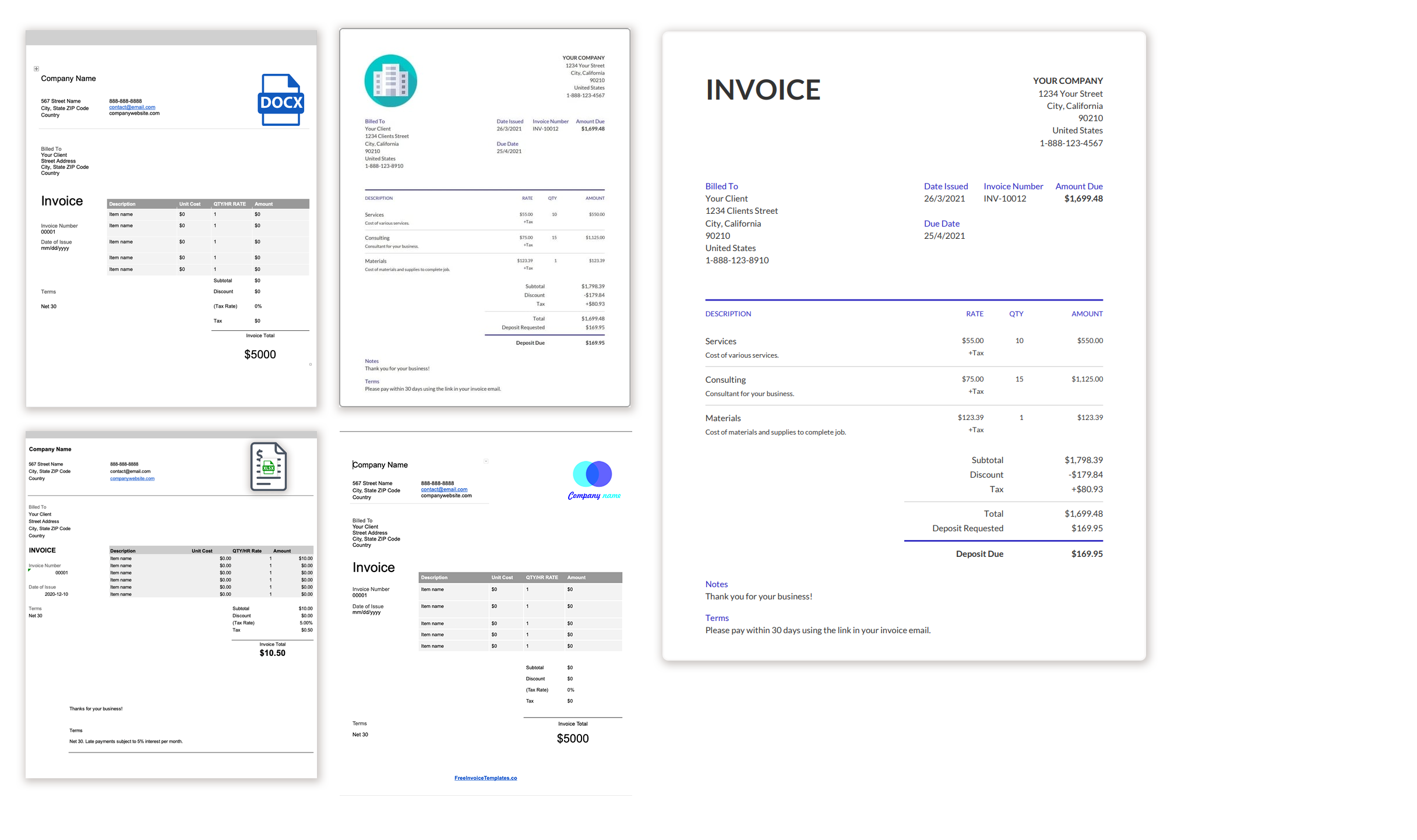
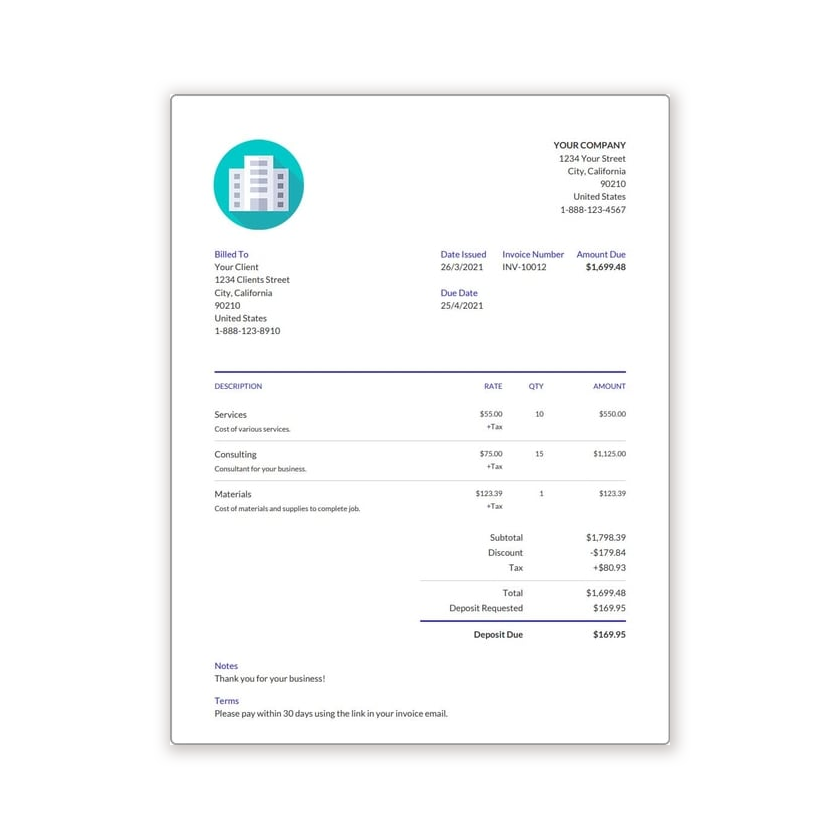
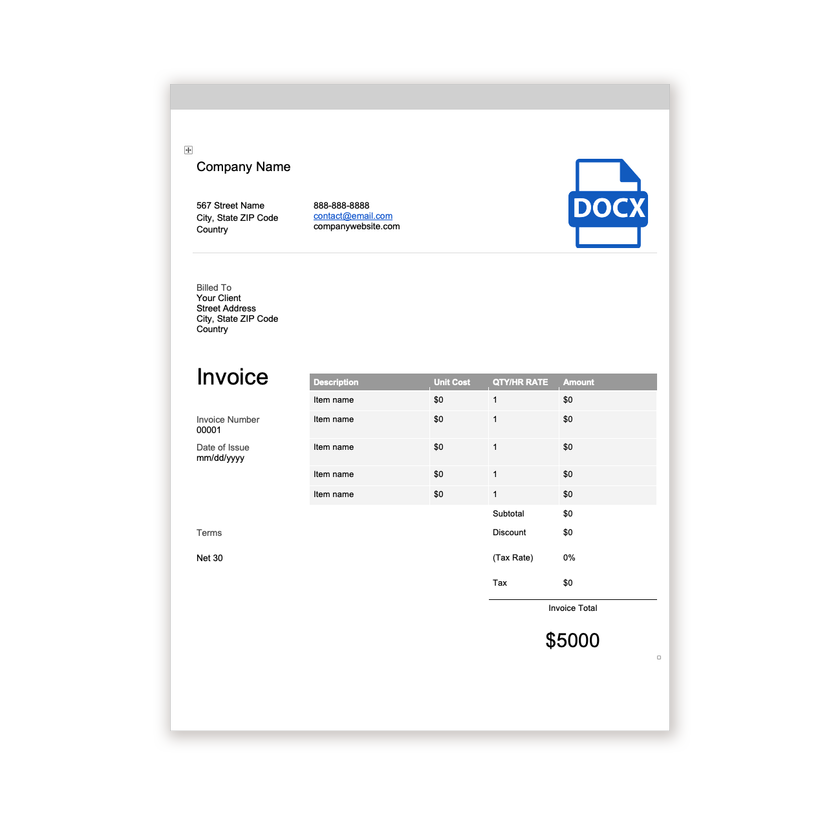
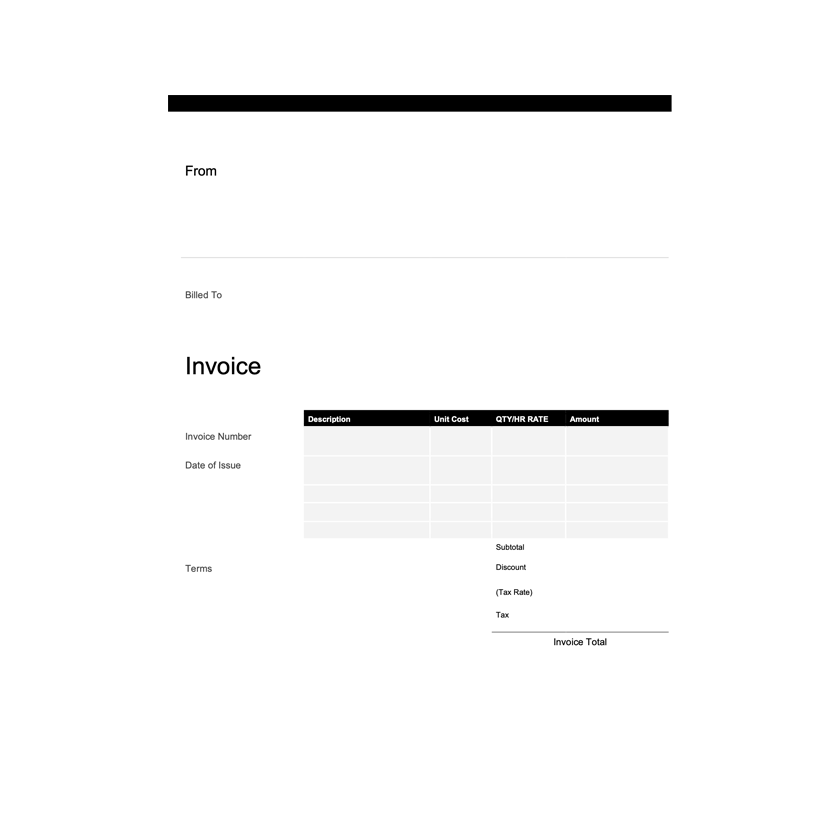
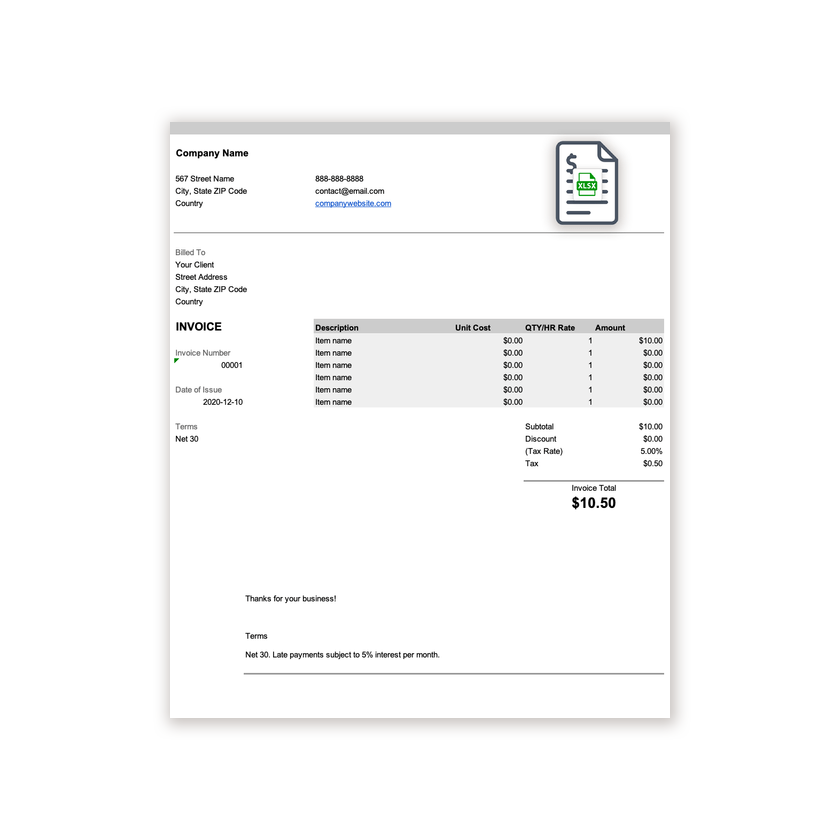
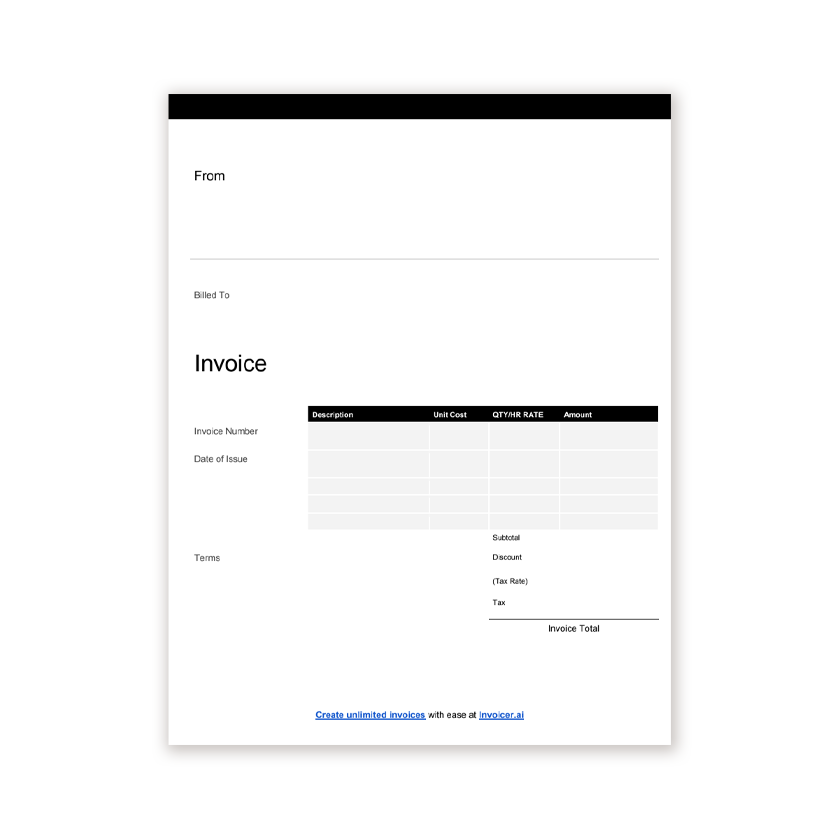
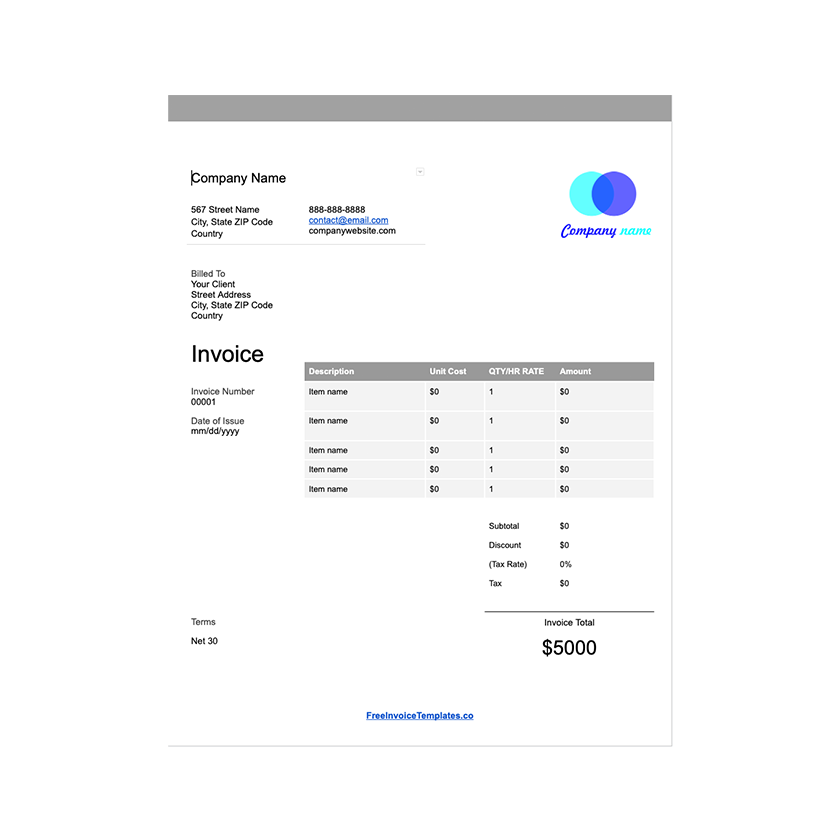
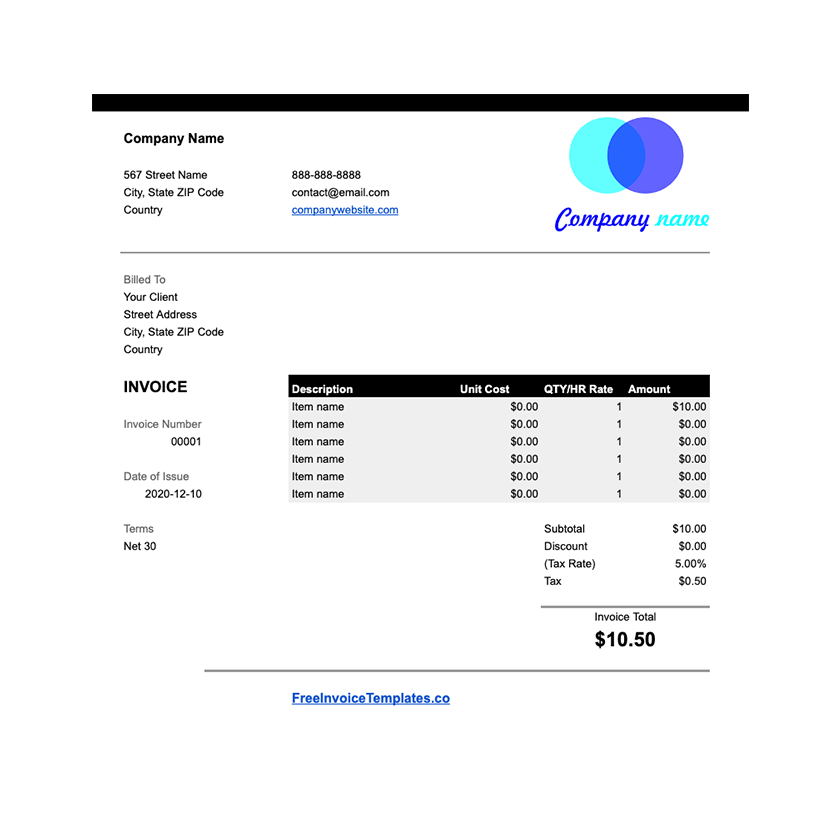
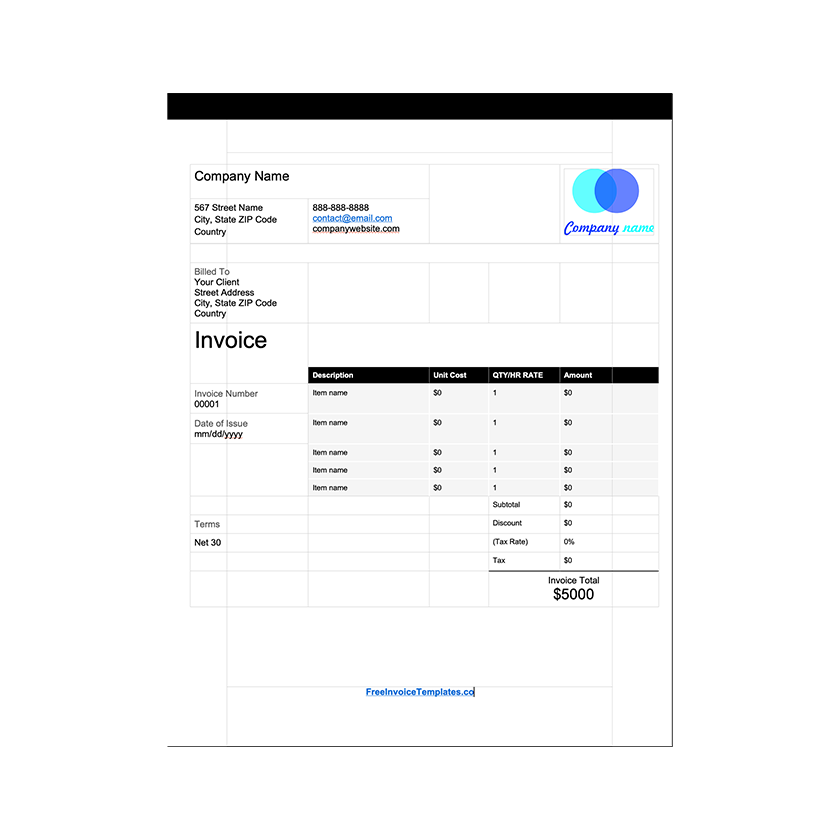
- Open any of the templates above. The Word and Google Docs versions are easiest to edit.
- Change the heading from "Invoice" to "Receipt" and the number label to "Receipt No.".
- Replace the due date with "Payment date" and enter the date the money arrived.
- Add a payment method line below the totals, for example "Paid by bank transfer".
- Show the amount paid and the balance. If the customer paid everything, write "Balance due: 0.00" or stamp it "PAID".
- Save as PDF and send it, or print it for a cash customer.
When to issue a receipt
- Cash payments. Always. The receipt is the customer's only proof, and your only record.
- Deposits and part payments. A receipt showing the amount received and the balance outstanding prevents disputes later.
- On request. Many customers need one for expenses, insurance, or warranty claims.
- Card and online payments. The payment processor usually sends one automatically, but a receipt on your own paperwork is still good practice for larger sales.
Keeping receipt records
Keep a copy of every receipt you issue, in the same place as the matching invoice. A simple spreadsheet with the receipt number, date, customer, amount, and method is enough for most small businesses and makes tax time far less painful. If you issue many receipts, an invoicing tool can generate them automatically when a payment is recorded.
Frequently asked questions
What is the difference between an invoice and a receipt?
An invoice is a request for payment sent before the customer pays. A receipt is proof of payment issued after the money has been received.
What must a receipt include?
The word Receipt, a receipt number, the date of payment, your business name and contact details, the customer name, what was paid for, the amount paid, the payment method, and any remaining balance.
Can I use an invoice template as a receipt?
Yes. Change the heading to Receipt, add the payment date and method, show the amount paid and the balance due, and mark it Paid in full where appropriate.
Do I have to give customers a receipt?
Rules vary by country, but many places require a receipt on request, and it is good practice for every payment. It protects both you and the customer if there is a dispute.