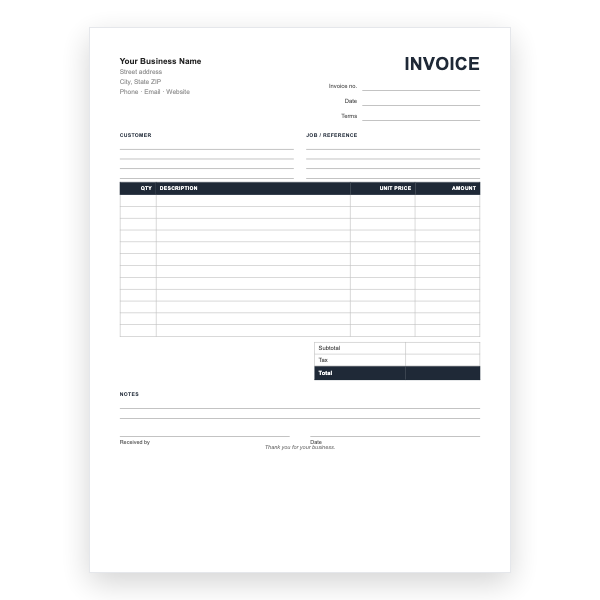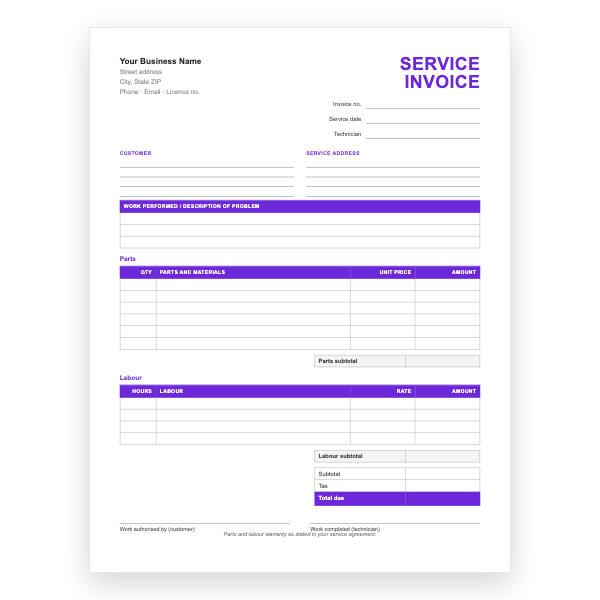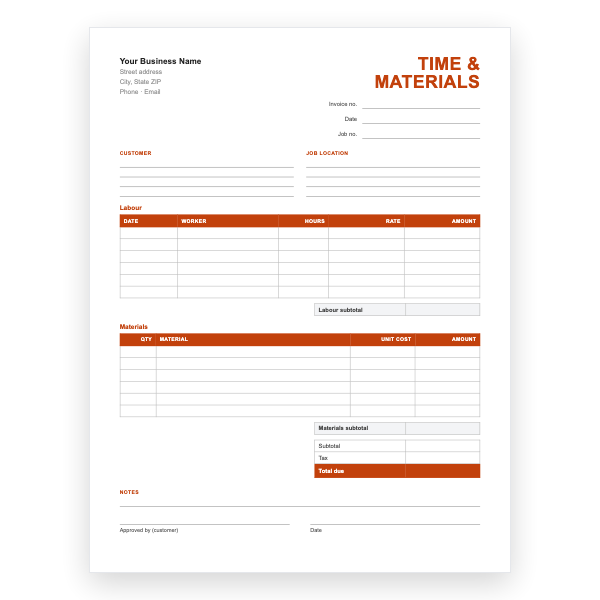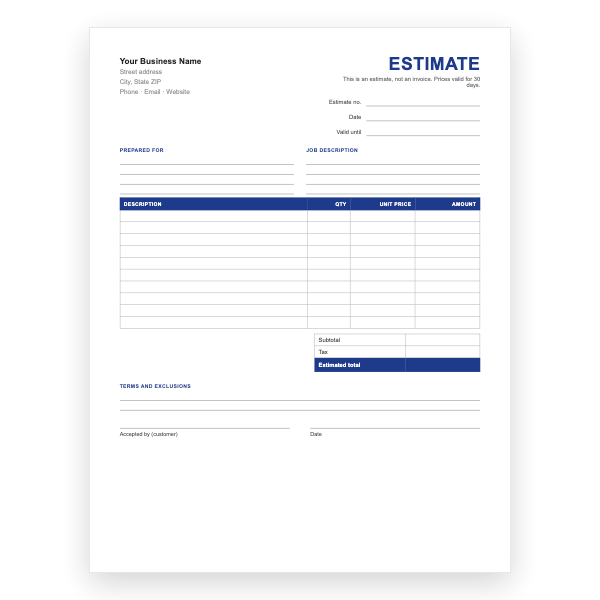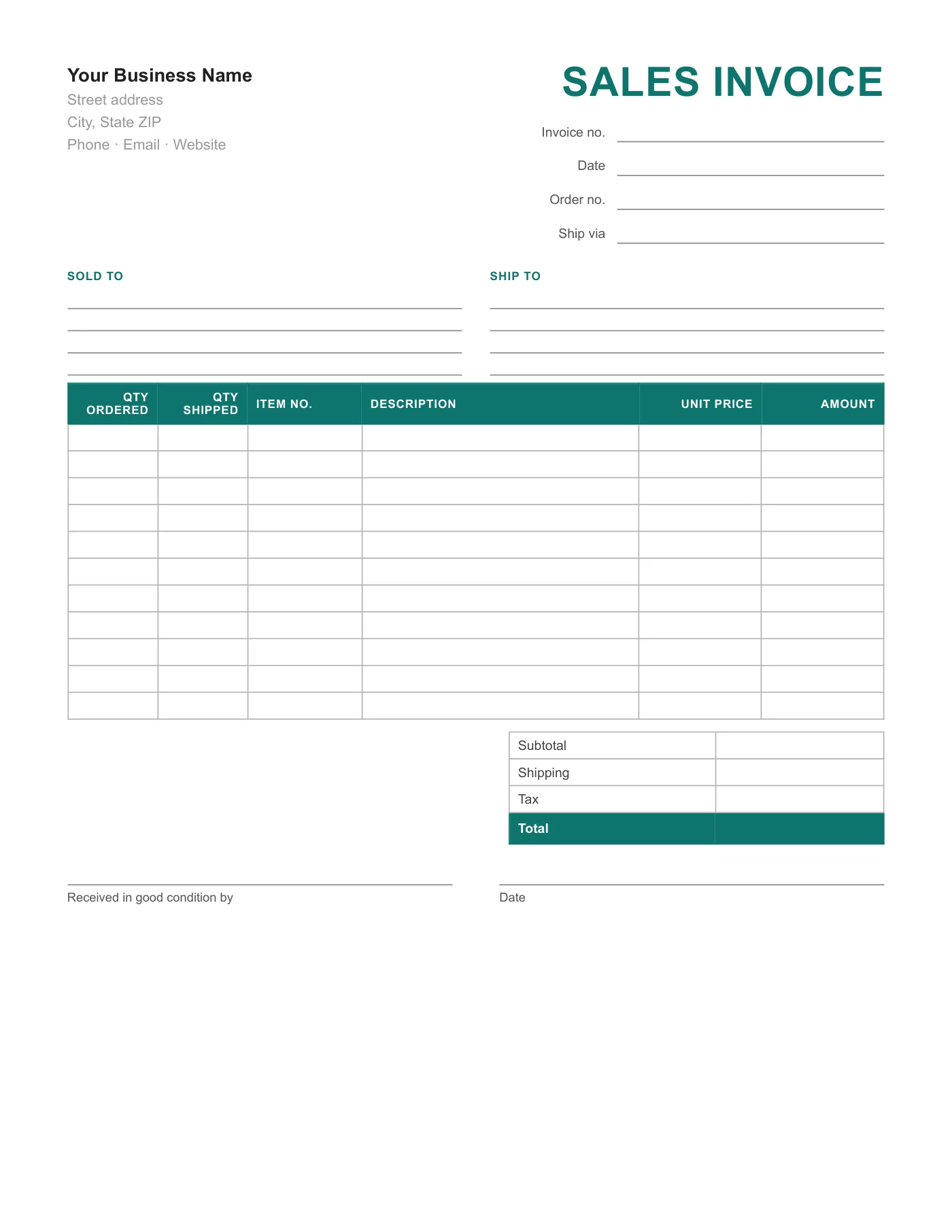
How to use it in PDF, printable
- 1
Download the PDF to your computer or phone.
- 2
Open it in Preview, Acrobat Reader, Microsoft Edge, or any PDF editor.
- 3
Use the text tool to type into each field, or print it and fill it in by hand.
- 4
Save the completed file with the invoice number in the name.
- 5
Email it to your client or print it for the job site.
Ordered versus shipped
Two quantity columns record what the customer asked for and what actually went out, so back orders are visible on the invoice itself. The item number column ties each line to your stock list and to the customer’s purchase order.
Proof of delivery built in
The signature line at the bottom doubles as a delivery note: the customer signs that the goods arrived in good condition, and you keep the copy. That one signature settles most later disputes about short or damaged deliveries.
Tips
- Use three-part carbonless paper: customer, driver, and office copies.
- Fill in the ship-via line even for your own van; it helps later.
- Write the purchase order number in the Order no. field.
Questions about this template
Is there a version with formulas?
Yes, the Sales Excel Invoice has SKU and product columns and calculates shipping and tax.
Can I tax shipping?
Add the shipping into the amount you write in the Tax box if your region taxes delivery.
How many items fit?
Eleven lines. Attach a continuation sheet for larger orders.