How to use it in Google Sheets
- 1
Click Open in Google Sheets. If asked, sign in; Google places a copy in your Drive.
- 2
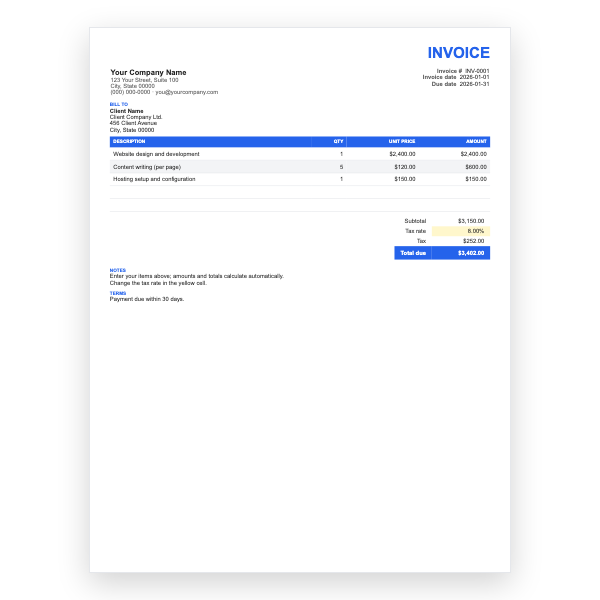
Fill in the yellow cells only: your details, the client, and each line item.
- 3
Type your tax rate in the rate cell. Amounts, subtotal, tax, and total update on their own.
- 4
To add lines, insert rows inside the item block so the totals keep including them.
- 5
Check the figures once, then choose File, Download, PDF and select Fit to width.
- 6
Send the PDF. Duplicate the tab for your next invoice.
Keeping reimbursements clean
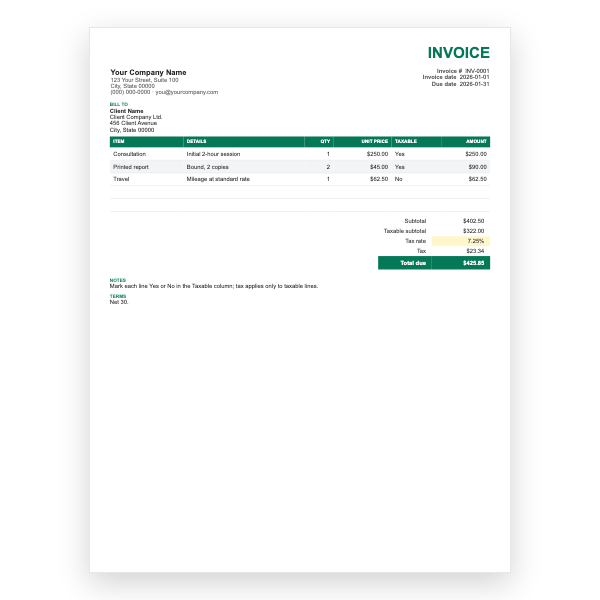
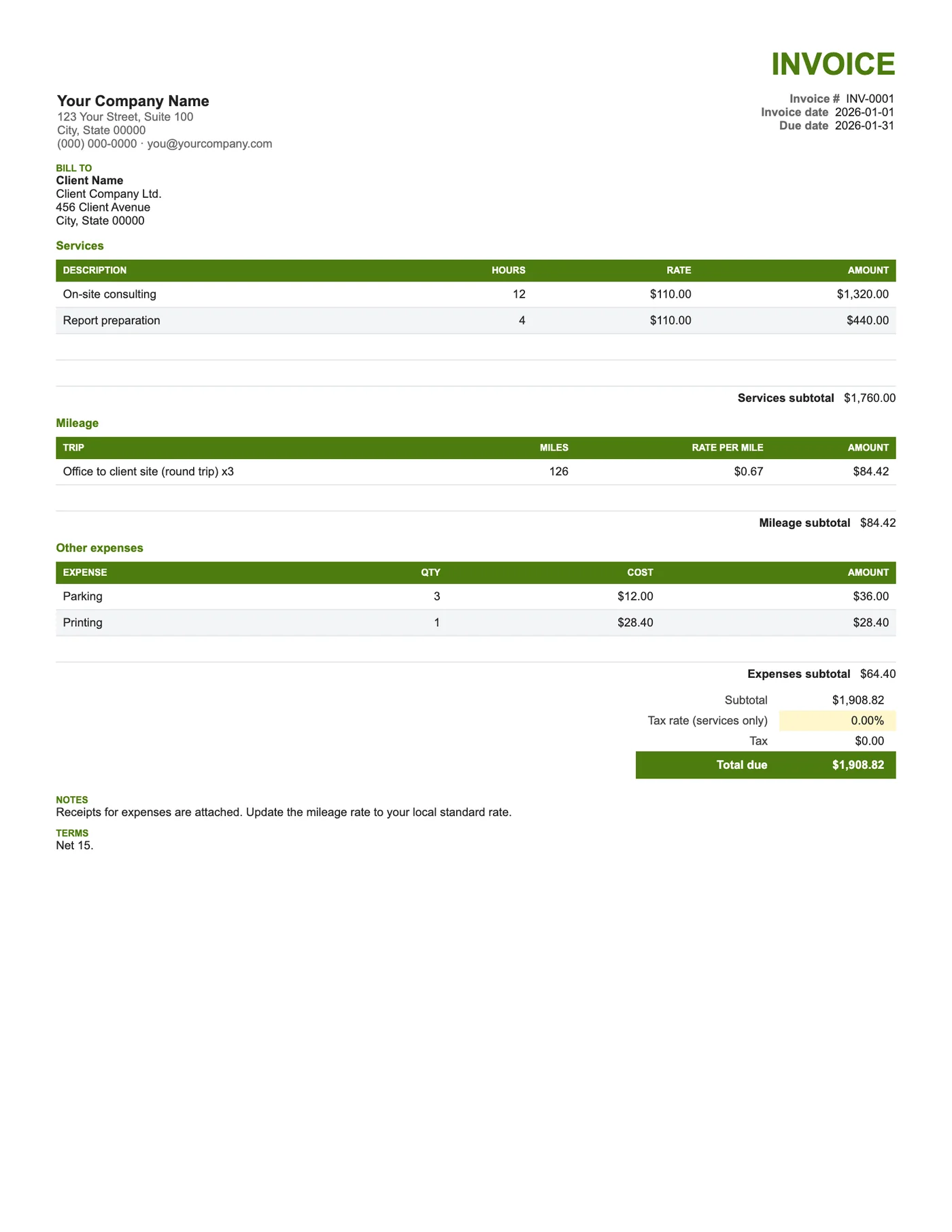
Expenses passed on at cost are usually not taxed again, while your services are. This template taxes the services section only and adds mileage and expenses to the total untaxed. Each section has its own subtotal, so a client can approve the fee and the reimbursements separately if their policy requires it.
Mileage at the official rate
Enter the trip, the distance, and your rate per mile or kilometre. Many clients expect the rate their tax authority publishes, so type that in and the amounts will match what their finance team allows. Switch the labels to kilometres if that is what you use.
Tips
- Attach receipts for every expense line; most clients will not pay without them.
- Record mileage per trip rather than per month so it can be checked.
- If your region taxes expenses, change the Tax formula to include those subtotals.
Questions about this template
Can I change miles to kilometres?
Yes. Rename the Miles and Rate per mile headers; the formulas are the same.
What if I do not have expenses this month?
Leave the section empty; its subtotal shows zero and the total is unaffected.
Should I mark up expenses?
Most clients expect them at cost. If your contract allows a handling fee, add it as a service line.