How to use it in Google Sheets
- 1
Click Open in Google Sheets. If asked, sign in; Google places a copy in your Drive.
- 2
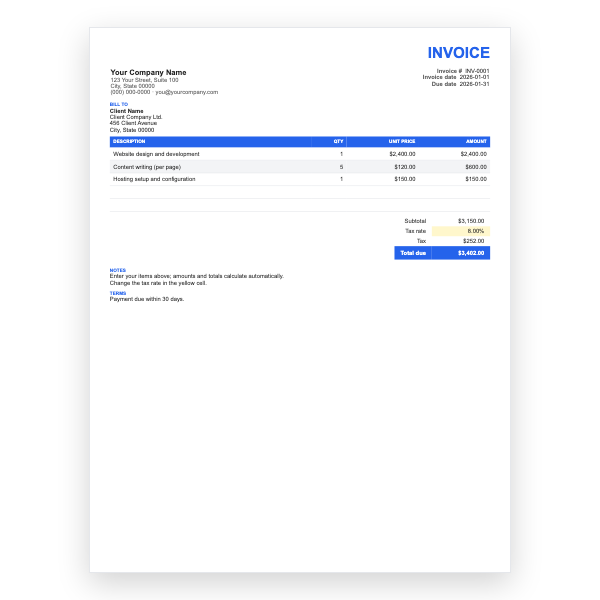
Fill in the yellow cells only: your details, the client, and each line item.
- 3
Type your tax rate in the rate cell. Amounts, subtotal, tax, and total update on their own.
- 4
To add lines, insert rows inside the item block so the totals keep including them.
- 5
Check the figures once, then choose File, Download, PDF and select Fit to width.
- 6
Send the PDF. Duplicate the tab for your next invoice.
Two sections, one total
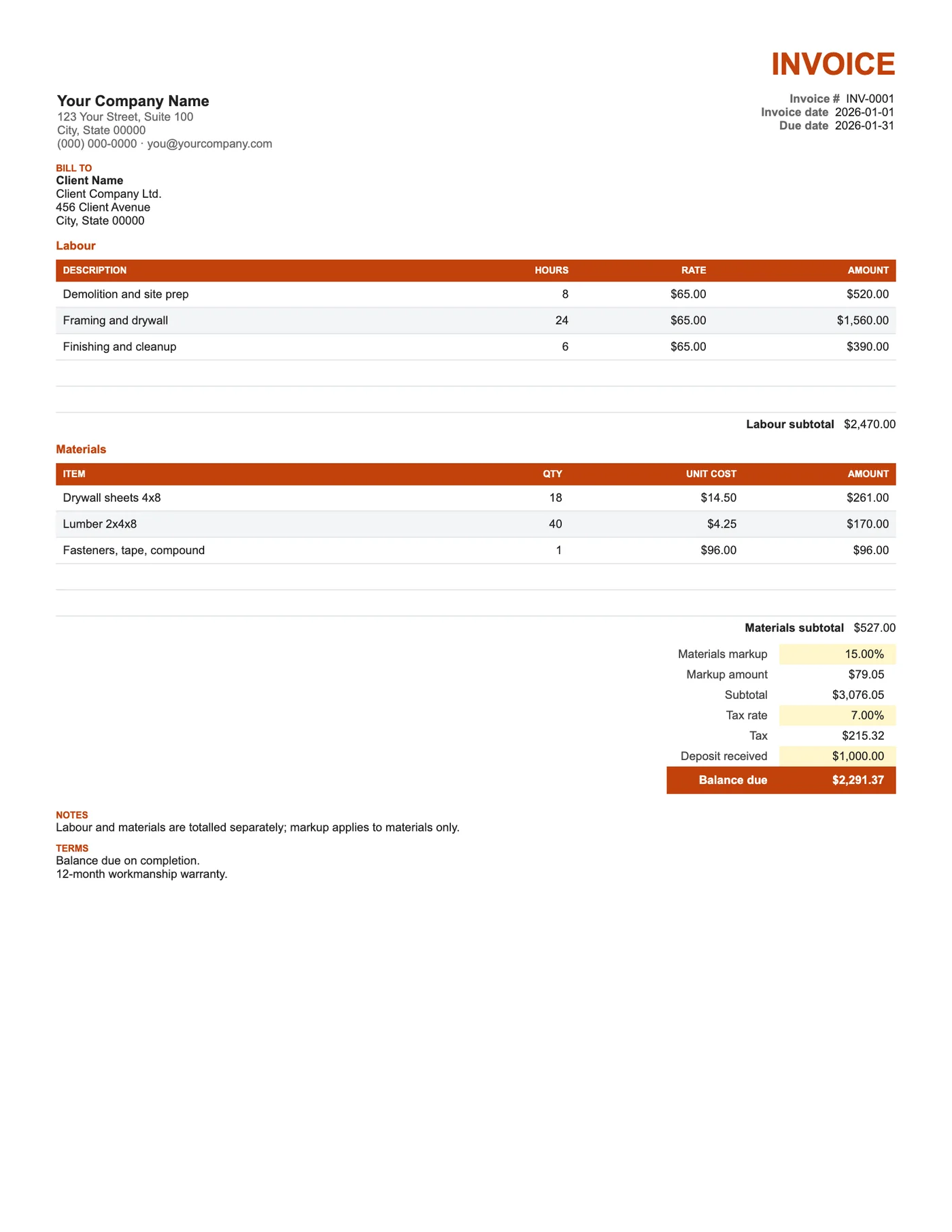
The labour section totals hours times rate; the materials section totals quantity times unit cost. A markup percentage is applied to materials only, and the result is shown on its own row so the client can see it. Subtotal adds labour, materials, and markup; tax applies to the lot; the deposit comes off at the end.
Transparent markup
Showing the markup as a line rather than hiding it in unit costs builds trust and keeps your material costs honest against supplier receipts. If you would rather not show it, set the percentage to zero and price materials at your selling price.
Tips
- Attach supplier receipts for materials when a client asks.
- Reference the signed estimate in Notes.
- Insert rows inside each section so its subtotal keeps including them.
Questions about this template
Can I add a subcontractor section?
Yes. Copy the Materials section rows, paste them below, and add the new subtotal into the Subtotal formula.
Should tax apply to materials I already paid tax on?
Rules differ by region. Many contractors charge tax on the full invoice and reclaim input tax; check with your accountant.
Is there a Google Docs version?
Yes. Our Contractor Invoice template for Google Docs has the same sections with typed totals.