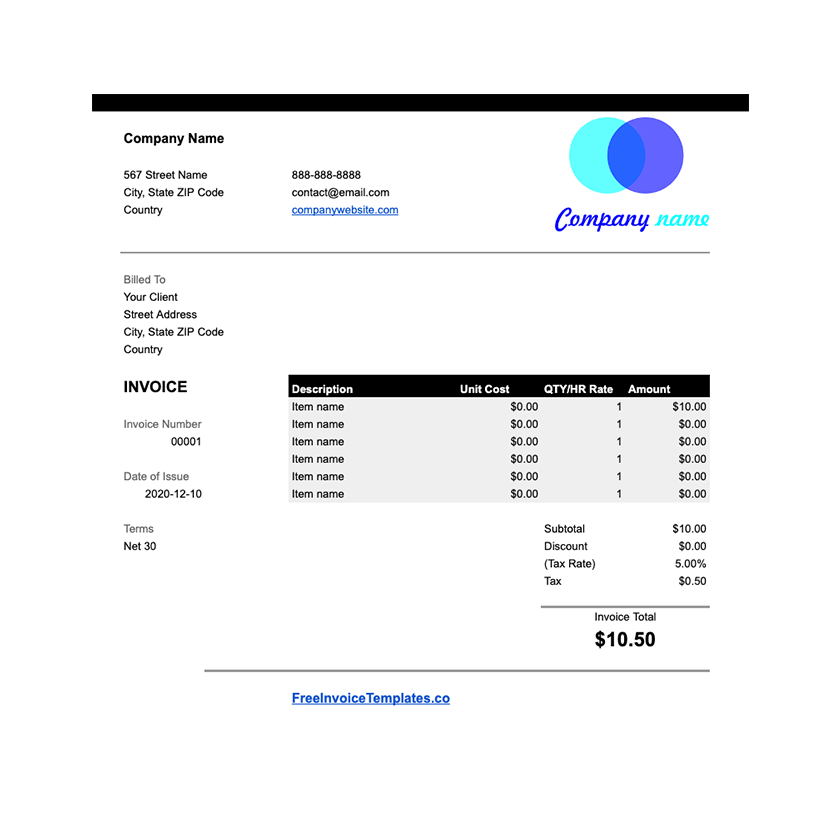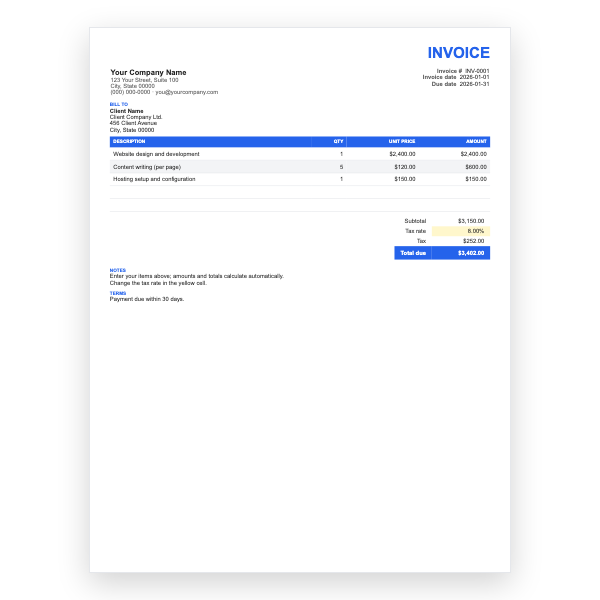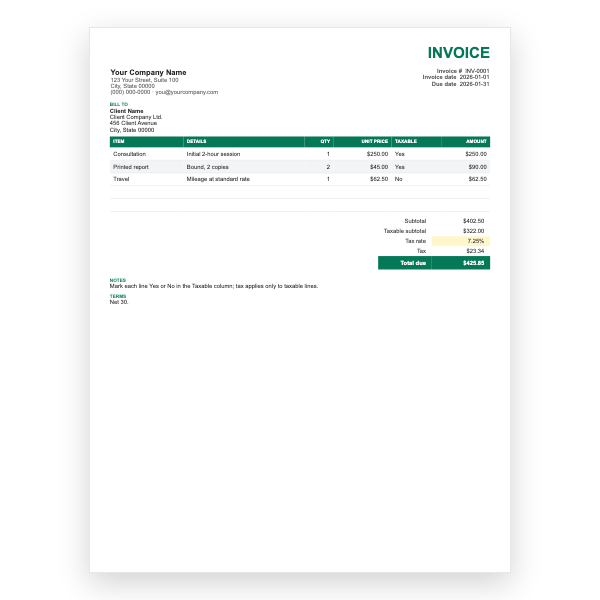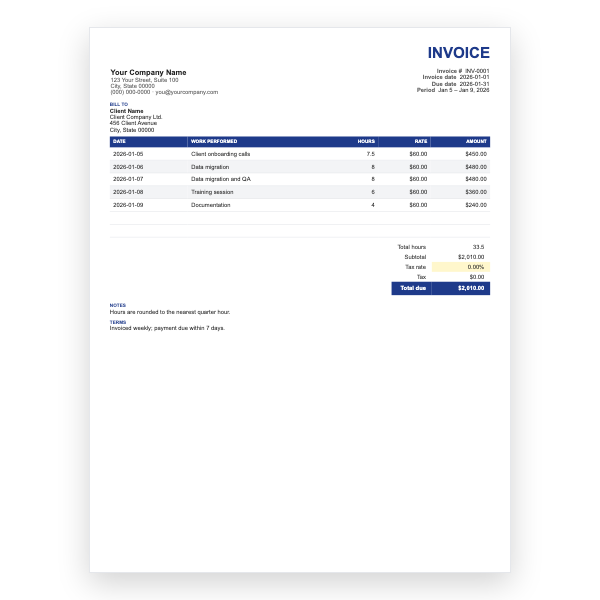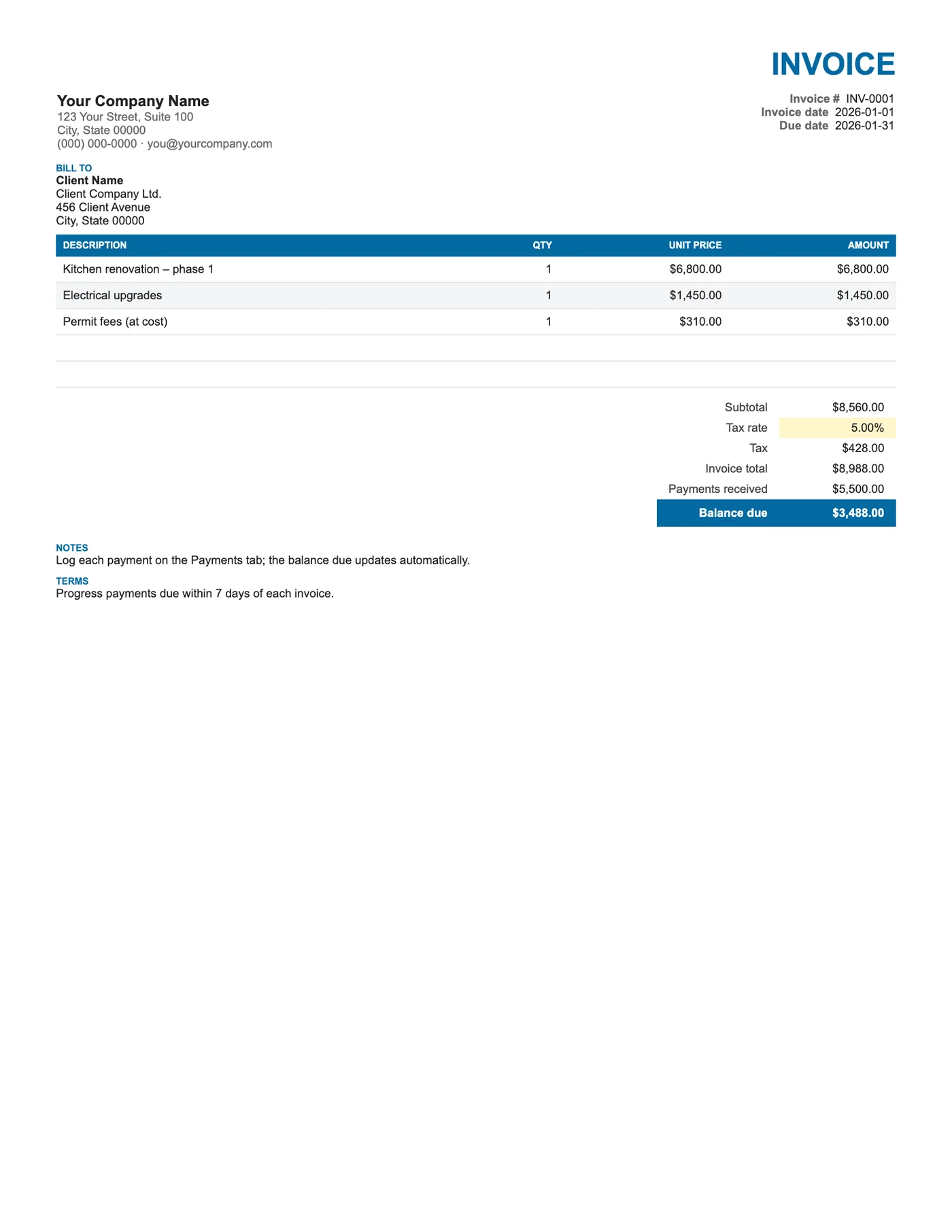
How to use it in Google Sheets
- 1
Click Open in Google Sheets. If asked, sign in; Google places a copy in your Drive.
- 2
Fill in the yellow cells only: your details, the client, and each line item.
- 3
Type your tax rate in the rate cell. Amounts, subtotal, tax, and total update on their own.
- 4
To add lines, insert rows inside the item block so the totals keep including them.
- 5
Check the figures once, then choose File, Download, PDF and select Fit to width.
- 6
Send the PDF. Duplicate the tab for your next invoice.
How the two tabs talk to each other
The Payments received cell on the invoice sums the Amount column on the Payments tab. Every time you add a payment there, the balance on the invoice falls. Re-export the PDF and the client has an up-to-date statement showing what they have paid and what remains.
Using it as a statement
Because the invoice always reflects the payments logged, it doubles as a statement of account. Send it after each instalment, or at month end, and both sides have the same picture. For several invoices per client, make one copy of the template per invoice.
Tips
- Record the payment reference or last four digits of the card so you can match bank deposits.
- Log partial payments the day they arrive.
- When the balance reaches zero, add Paid in full to Notes and send a final PDF.
Questions about this template
Can one Payments tab track several invoices?
This template links one invoice to one Payments tab. For many invoices, keep one copy per invoice or build a SUMIF on an invoice number column.
Does the client see the Payments tab?
Only if you share the Sheet. When you export a PDF, choose Current sheet to send the invoice page alone.
Can I add a late fee?
Insert a row above Balance due labelled Late fee and include it in the Balance due formula.