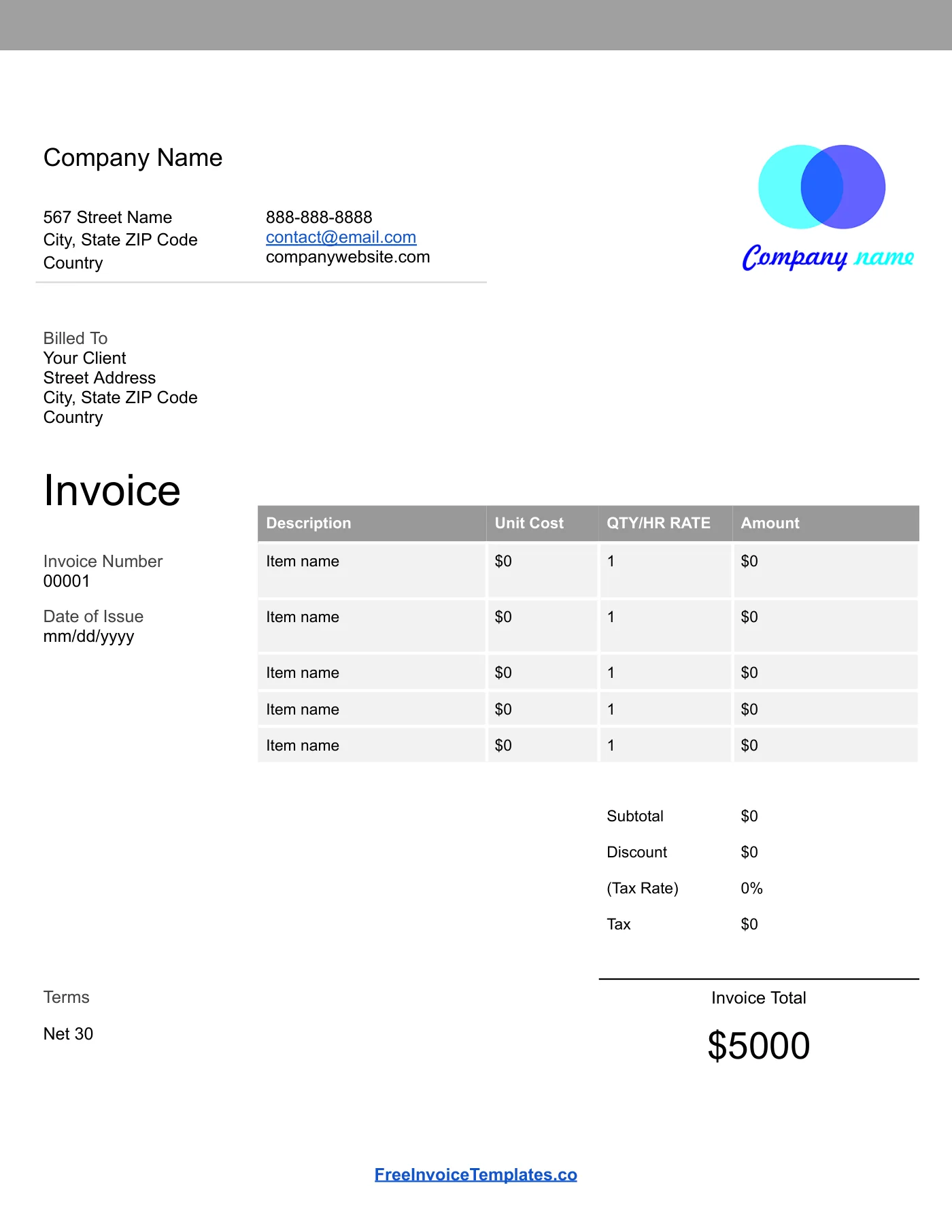
How to use it in Google Docs
- 1
Click Open in Google Docs. If asked, sign in; Google places a copy in your Drive.
- 2
Rename the copy with the invoice number so you can find it later.
- 3
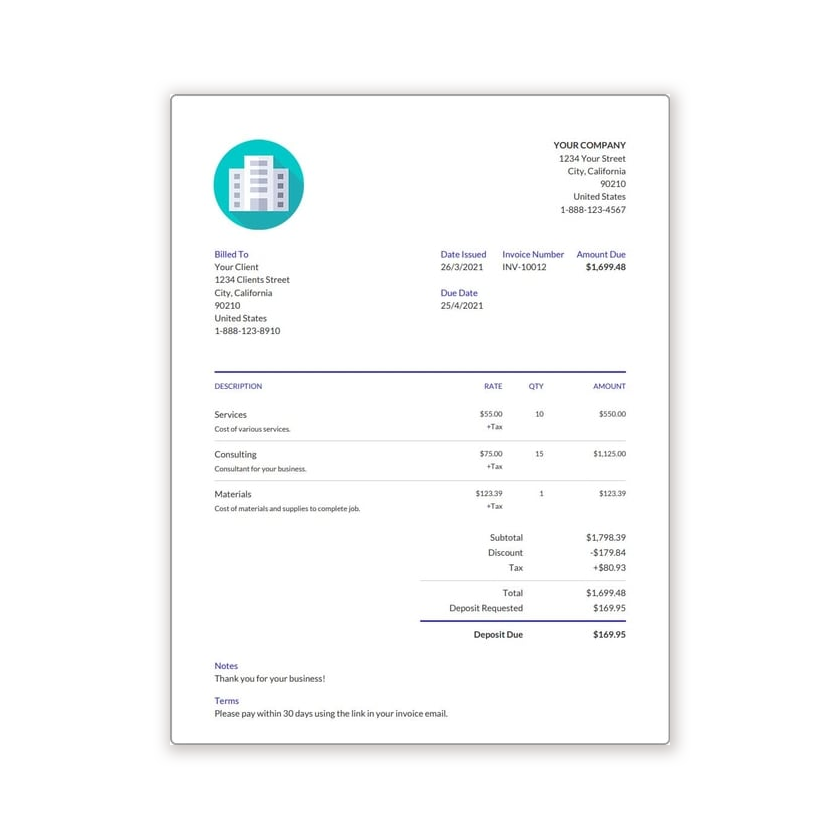
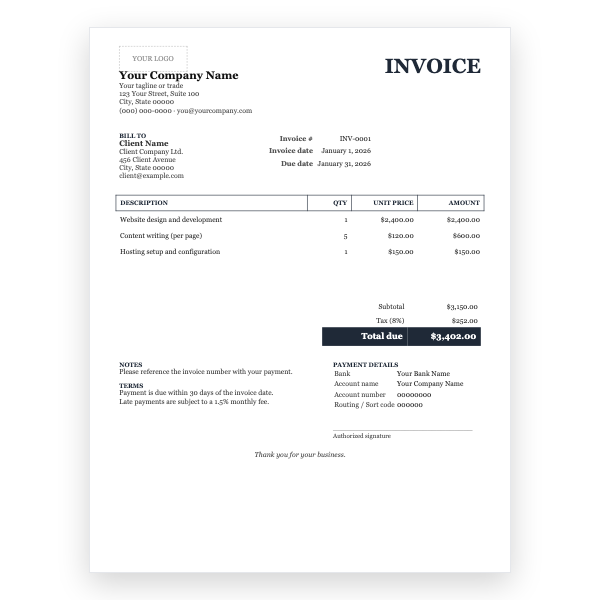
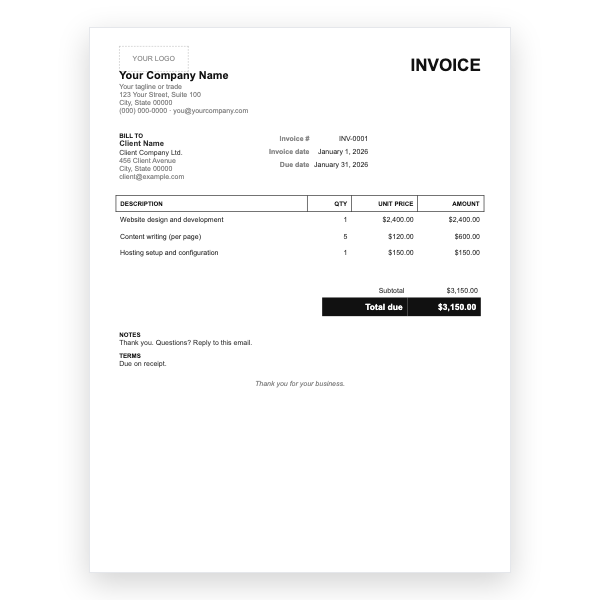
Replace the placeholder text with your details, the client’s, the invoice number, and the dates.
- 4
Type each line item. Right-click a row to insert or delete rows.
- 5
Add up the amounts and type the subtotal, tax, and total. Docs does not calculate.
- 6
Choose File, Download, PDF document and send the PDF.
The same design, wherever you work
This template shares its layout with our Word, Excel, and PDF files, so a business can switch formats without its invoices changing appearance. Docs adds what the desktop files cannot: version history, comments, and a shareable link that always shows the latest copy.
Organising invoices in Drive
Create a folder per client and name each copy with the invoice number and date. Drive search then finds any invoice in seconds, and sharing a whole folder with your accountant replaces a year-end scramble for paperwork.
Tips
- Use File, Make a copy from your own master so your branding is already in place.
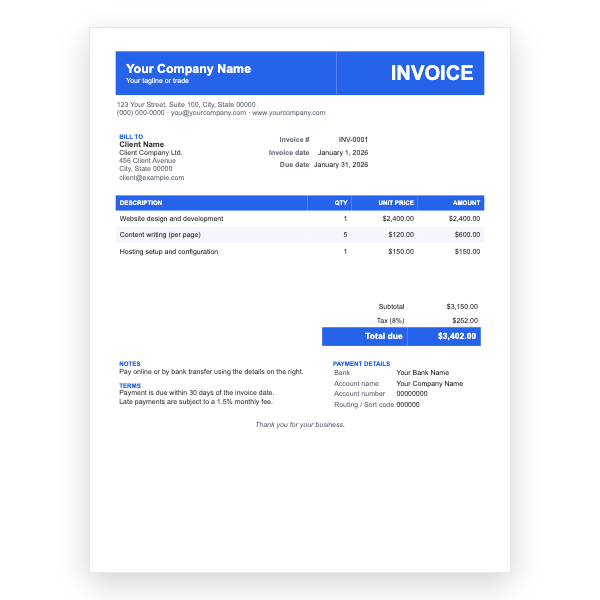
- Select the header band and change its colour under Table properties to match your brand.
- Share as View only or download a PDF; never send the editable Doc itself.
Questions about this template
Will it calculate totals?
No, Google Docs tables do not do arithmetic. Type the amounts, or use the Google Sheets version of this design for automatic totals.
Can I convert it to Word?
Yes. In your copy choose File, Download, Microsoft Word. The layout survives intact.
What if the copy link asks me to sign in?
Making a copy requires a Google account because the file is placed in your Drive. Sign in with any Gmail account and the copy appears.