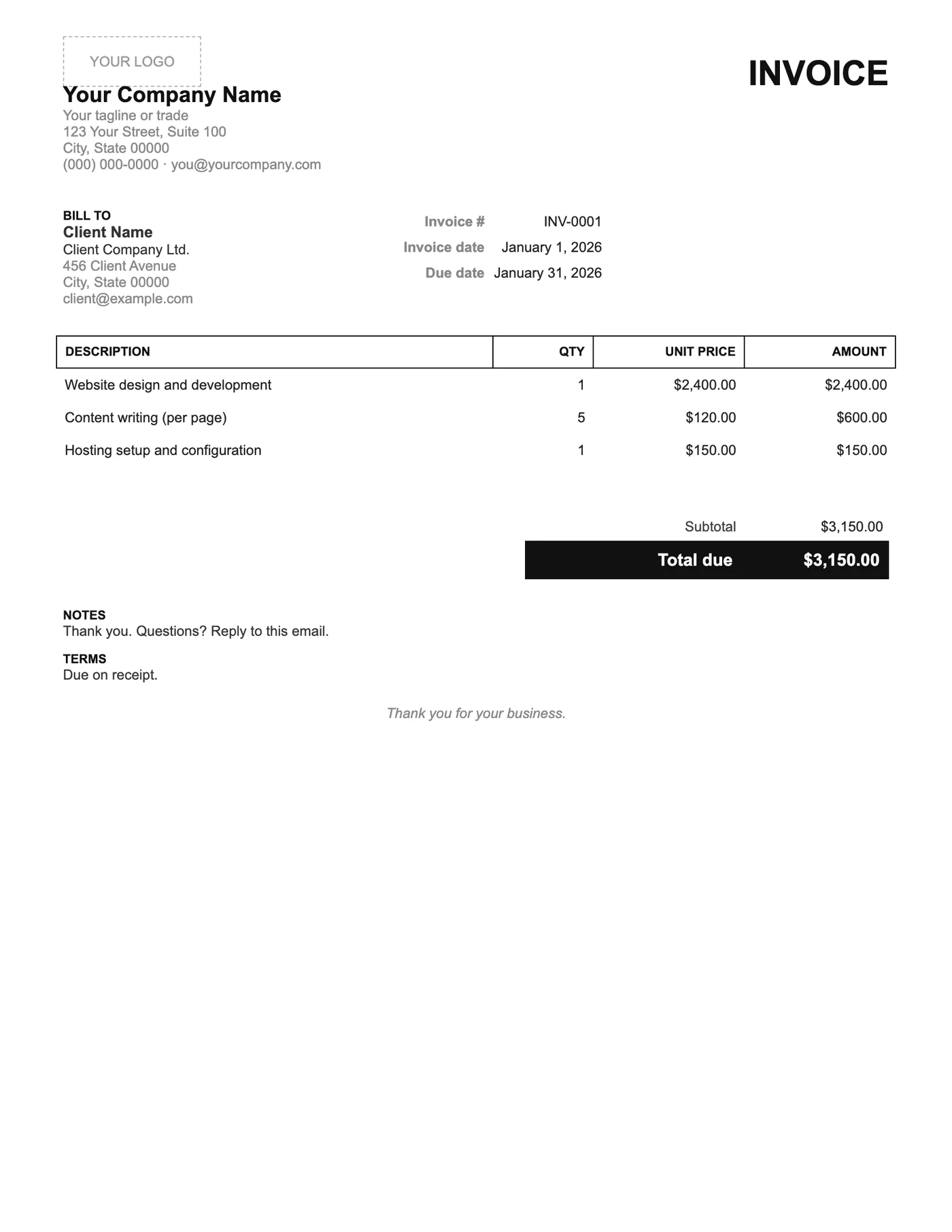
How to use it in Google Docs
- 1
Click Open in Google Docs. If asked, sign in; Google places a copy in your Drive.
- 2
Rename the copy with the invoice number so you can find it later.
- 3
Replace the placeholder text with your details, the client’s, the invoice number, and the dates.
- 4
Type each line item. Right-click a row to insert or delete rows.
- 5
Add up the amounts and type the subtotal, tax, and total. Docs does not calculate.
- 6
Choose File, Download, PDF document and send the PDF.
What was left out, and why
There is no tax row because many sole traders are below the registration threshold and a zero tax line only raises questions. There is no bank block because a single line in Notes is enough for most people. The result is an invoice a client can read in one glance, which is also the one most likely to be paid quickly.
Adding things back
If you do need tax, insert a row above Total due and label it. If you want bank details, add a line to Notes. The spacing is generous enough that one or two additions will not crowd the page.
Tips
- Resist the urge to add a logo; a plain typed company name suits this design.
- Use the Notes line for a thank you and a reply-to email address.
- Download as PDF; the black-on-white design prints perfectly on any printer.
Questions about this template
Can I add a tax line?
Yes. Right-click the Subtotal row, choose Insert row below, and label it Tax. Type the amount and update the total.
Is this suitable for VAT-registered businesses?
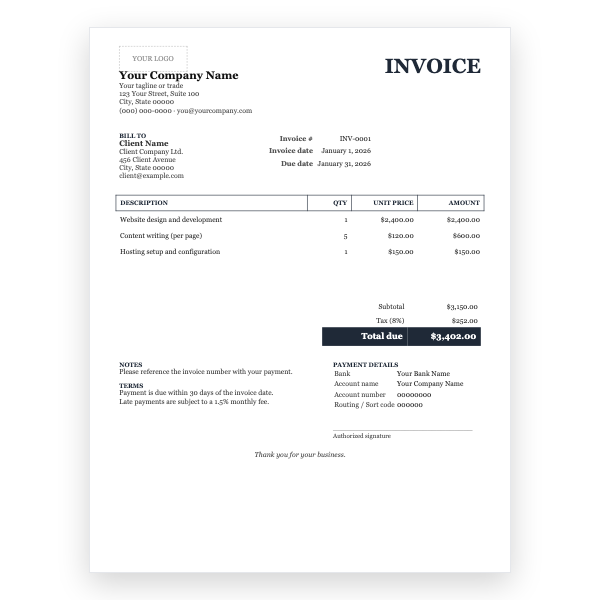
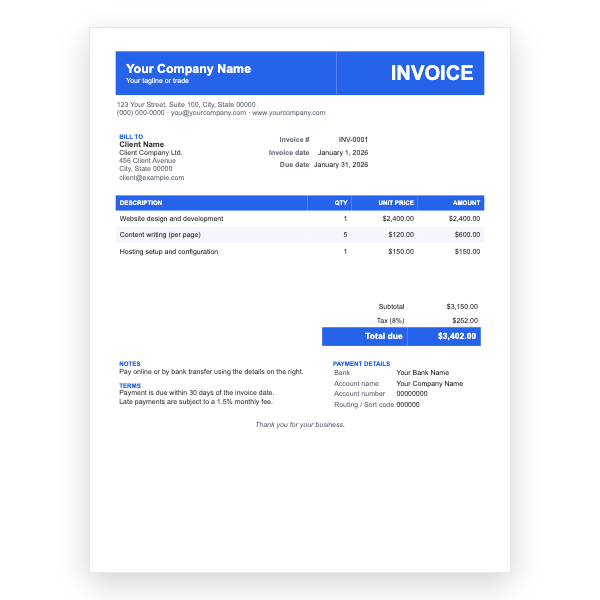
Only if you add the tax line, your registration number, and the tax amount. The Classic or Modern templates include these by default.
How many line items fit?
Around fifteen on one page. Press Tab in the last cell to add rows.