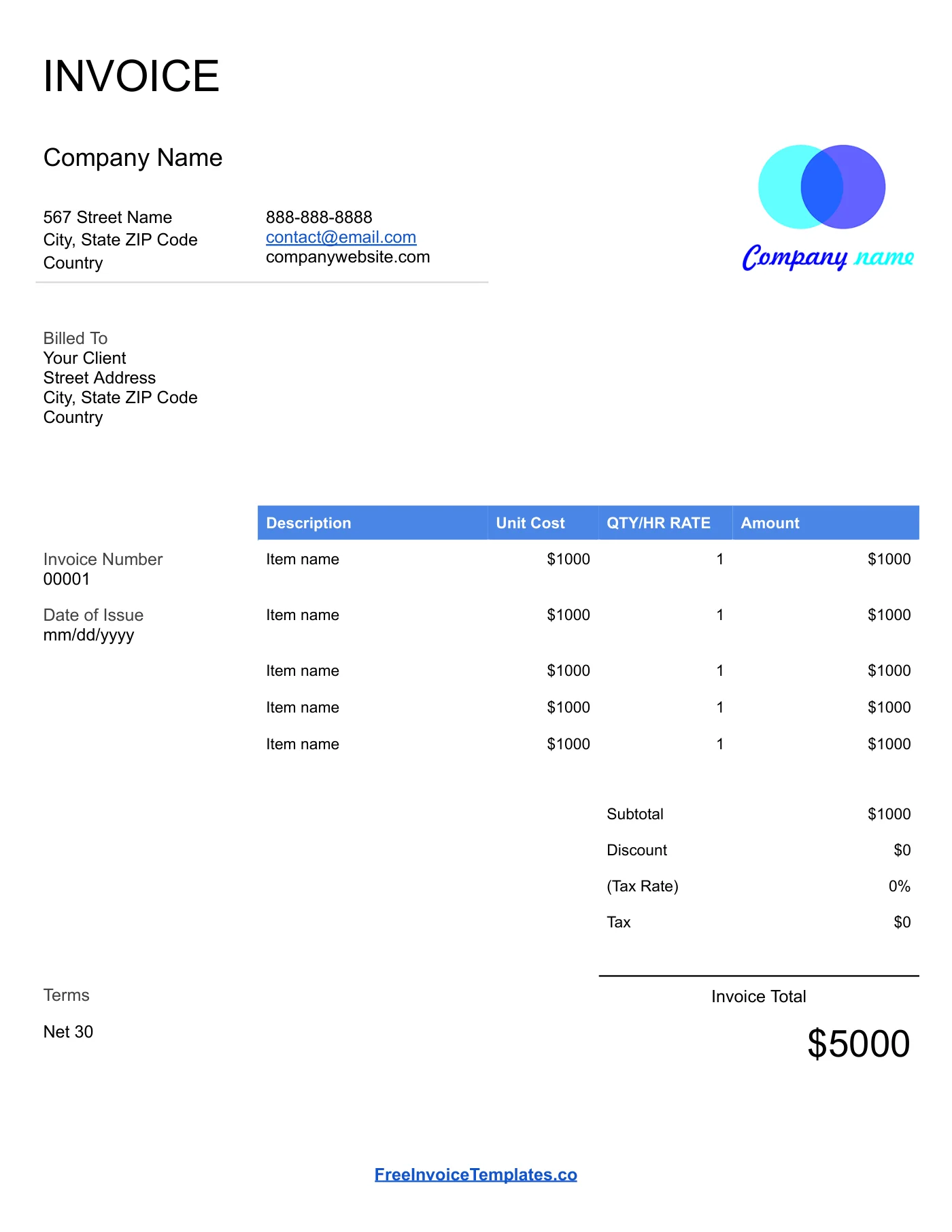
How to use it in Google Docs
- 1
Click Open in Google Docs. If asked, sign in; Google places a copy in your Drive.
- 2
Rename the copy with the invoice number so you can find it later.
- 3
Replace the placeholder text with your details, the client’s, the invoice number, and the dates.
- 4
Type each line item. Right-click a row to insert or delete rows.
- 5
Add up the amounts and type the subtotal, tax, and total. Docs does not calculate.
- 6
Choose File, Download, PDF document and send the PDF.
Why simple works
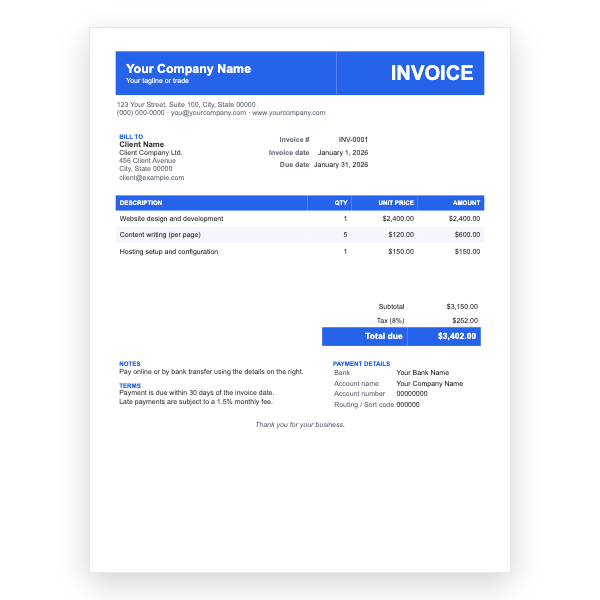
Most invoices for a single project need only five pieces of information: who you are, who owes you, what for, how much, and when. This layout puts each of those in its own area with plenty of space, so a client scanning it on a phone finds the total in a second. The blue table header is the only colour on the page; change it to match your brand or leave it.
Working in Google Docs
Clicking the button makes a copy in your Google Drive. The original stays untouched, so you can come back for a fresh one at any time. Rename the copy with the invoice number, type over the sample text, and use File, Download, PDF when you are ready to send it.
Tips
- Keep a running list of invoice numbers in a separate Doc or Sheet so you never reuse one.
- Right-click a table row and choose Delete row to tidy unused lines before exporting.
- Share the Doc with a client as View only if they prefer a link to an attachment.
Questions about this template
Do I need a Google account?
Yes, because the template is copied into your own Google Drive. Any free Gmail account works.
Does Google Docs calculate the total?
No. Type the subtotal, tax, and total yourself. For automatic totals use the Google Sheets version of this template.
Can I use it offline?
Turn on offline access in Google Drive, or download the copy as a Word file and edit it locally.