How to use it in Google Docs
- 1
Click Open in Google Docs. If asked, sign in; Google places a copy in your Drive.
- 2
Rename the copy with the invoice number so you can find it later.
- 3
Replace the placeholder text with your details, the client’s, the invoice number, and the dates.
- 4
Type each line item. Right-click a row to insert or delete rows.
- 5
Add up the amounts and type the subtotal, tax, and total. Docs does not calculate.
- 6
Choose File, Download, PDF document and send the PDF.
Designed for screens first
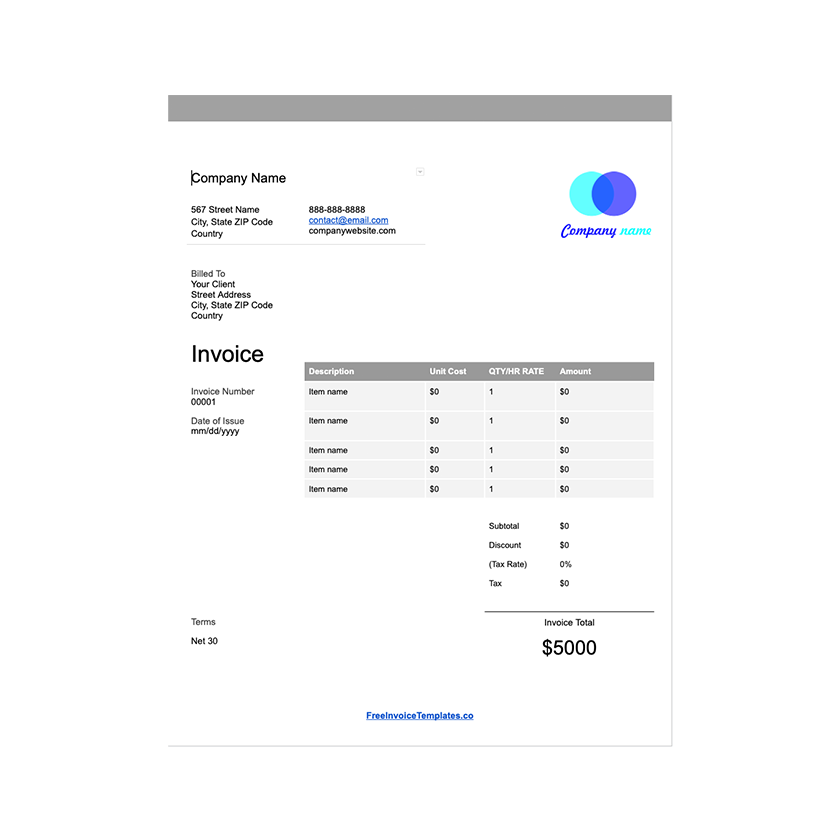
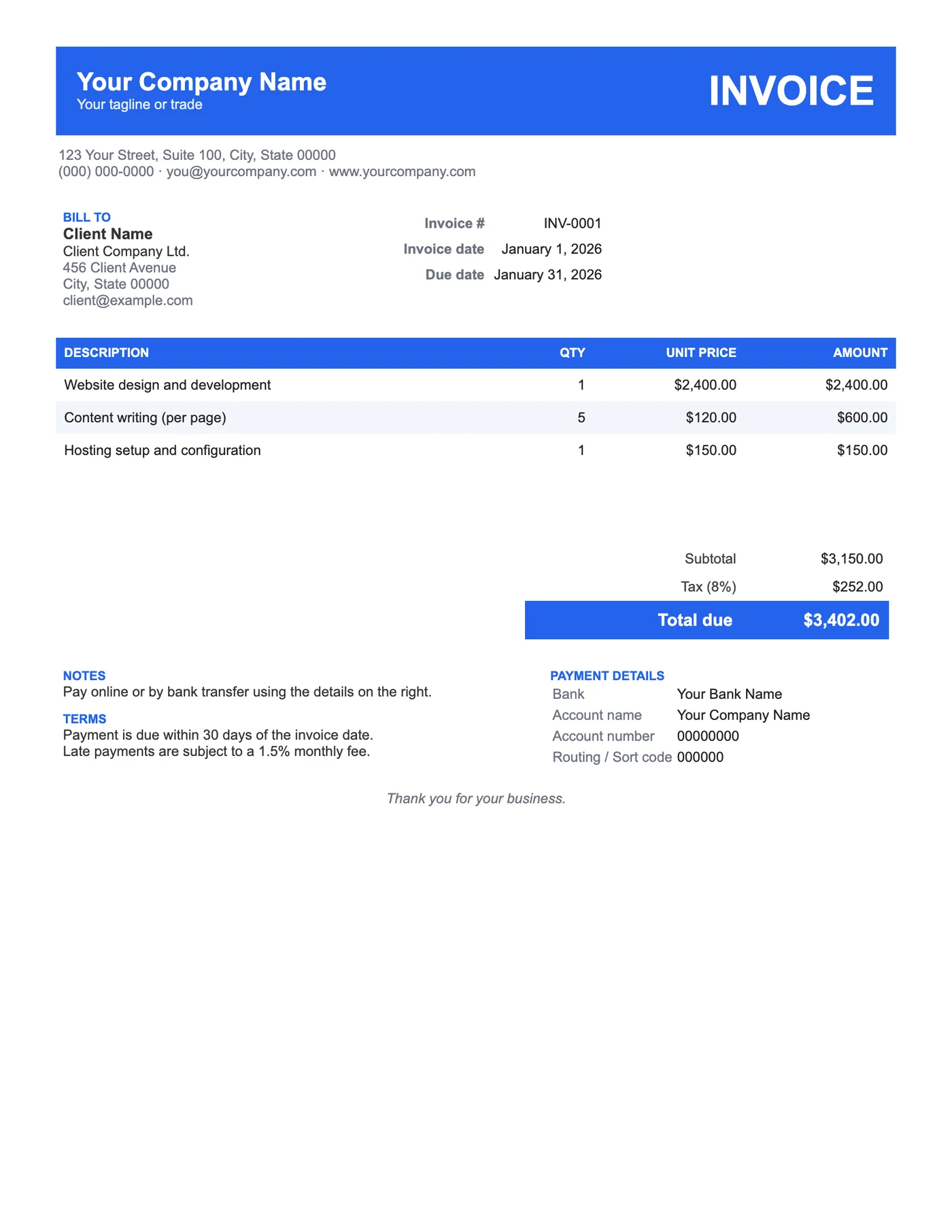
Most invoices are read on a phone before they are read anywhere else. The header band and striped rows give the eye clear anchors at small sizes, and the large Total due stands out from everything around it. The blue is a single table cell background, so it takes one click to change.
Make the colour yours
Click inside the header band, open Table properties, and set the cell background to your brand colour. Do the same for the table header row. Keep the text white on dark colours and switch it to black on pale ones so the invoice stays legible when printed in greyscale.
Tips
- Add your logo inside the header band as a white or single-colour version.
- Keep the striping; it is what makes long item lists readable.
- Put your payment link in Notes so clients can pay from the PDF.
Questions about this template
How do I change the blue header?
Click in the band, choose Format, Table, Table properties, then Cell background colour. Pick your brand colour.
Will the colour print?
Yes, on colour printers. In greyscale the band prints dark grey and the white text remains readable.
Can I remove the bank details?
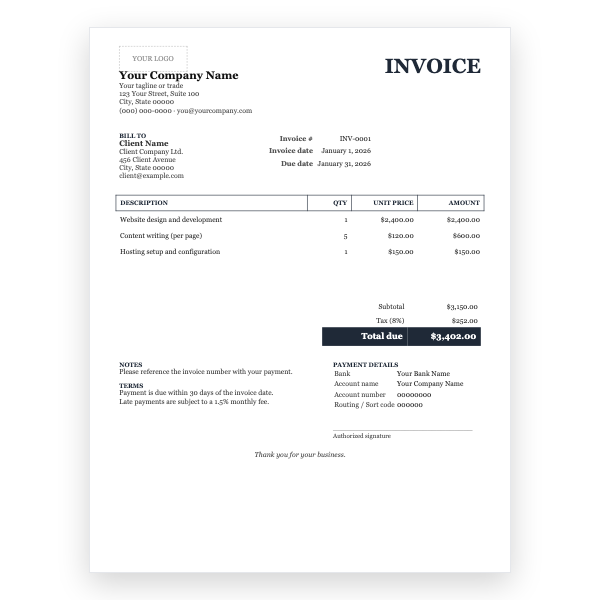
Yes. Delete that cell’s contents and type your preferred payment instructions, or leave the Notes block to do that job.