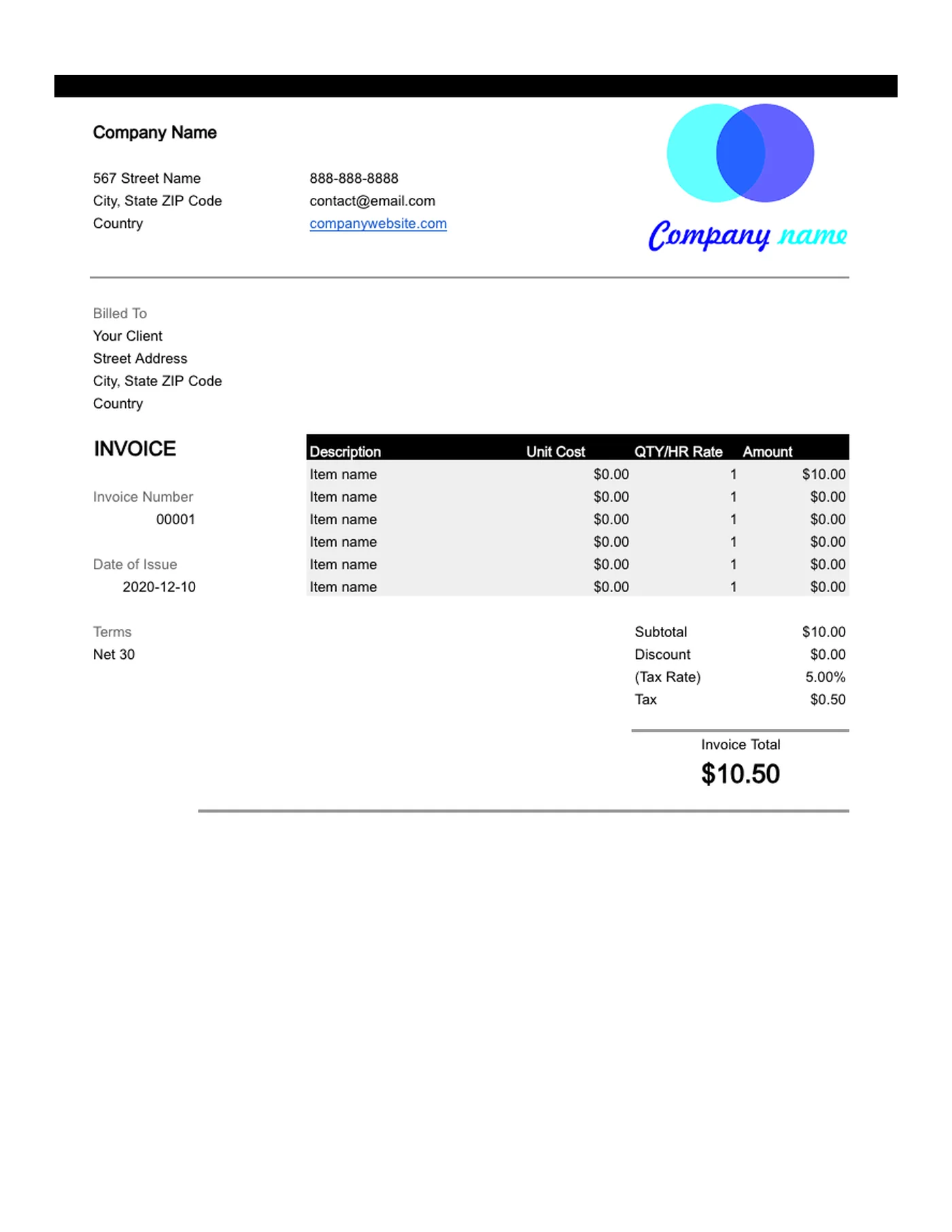
How to use it in Microsoft Excel
- 1
Download the .xlsx file and open it in Excel. Click Enable Editing if Excel asks.
- 2
Type your business details and the client’s into the header cells.
- 3
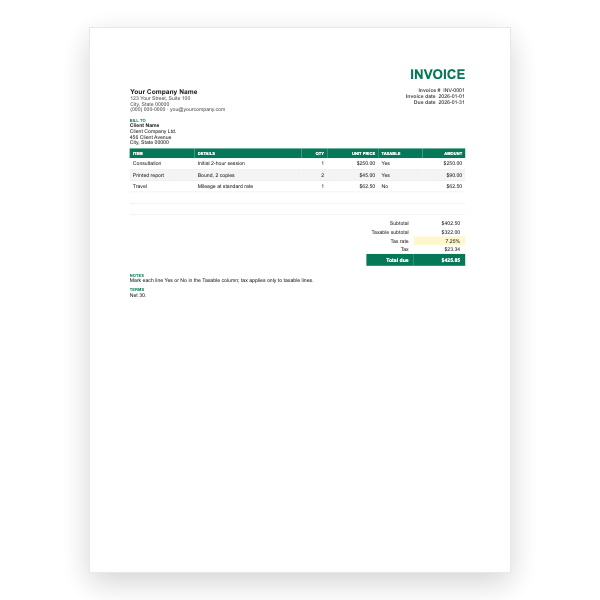
Enter a description, unit cost, and quantity on each row. The Amount column fills itself in.
- 4
Type your tax rate in the Tax Rate cell. Subtotal, Tax, and Invoice Total update automatically.
- 5
Insert extra rows inside the item block if you need them, then copy an Amount formula down.
- 6
Choose File, Save As, PDF to create the copy you send.
Where the formulas live
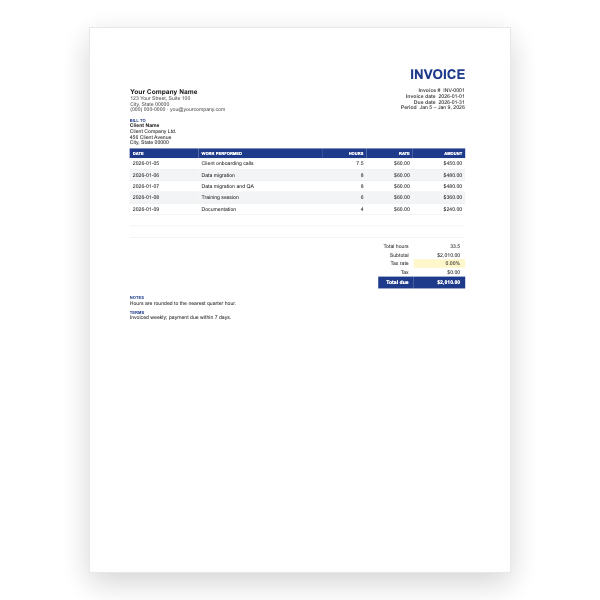
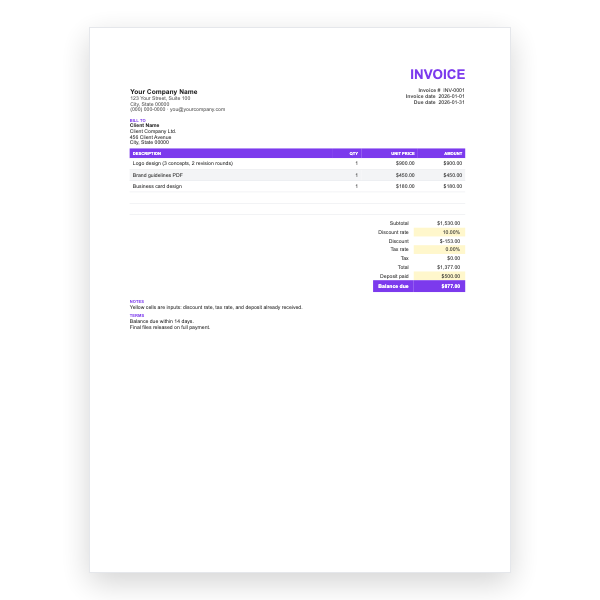
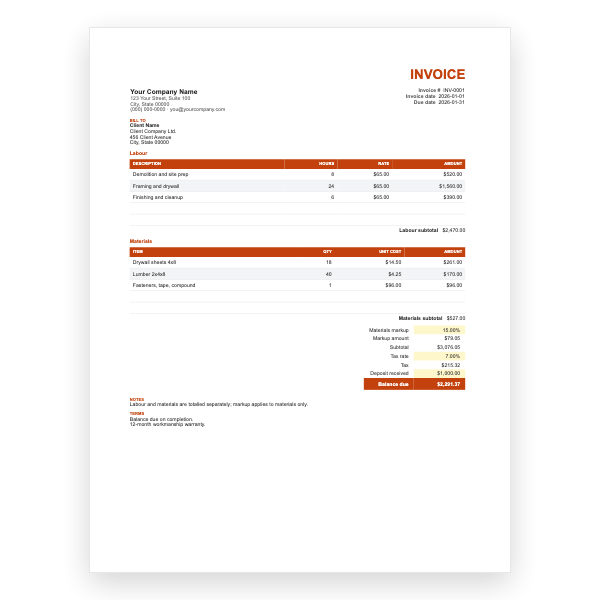
Each Amount cell multiplies the Unit Cost by the Qty or Hr Rate on its row. Subtotal sums the Amount column, Tax multiplies the subtotal less any discount by the rate in the Tax Rate cell, and Invoice Total adds them up. Only the cells you are meant to type in are plain; leave the formula cells alone and the invoice cannot go wrong.
Adding rows without breaking the sums
Insert new rows inside the item block, between the first and last existing item, so the Subtotal range expands automatically. Then copy an existing Amount cell down into the new row. If you insert below the last item instead, the sum will skip it.
Tips
- Type the tax rate as a percentage, for example 8.25%, in the Tax Rate cell.
- Use File, Save As, PDF to send a copy your client cannot edit.
- Keep one workbook per client and add a sheet per invoice to see payment history at a glance.
Questions about this template
Does it work in Google Sheets or LibreOffice Calc?
Yes. Upload the .xlsx to Google Drive and open it with Sheets, or open it directly in Calc. The formulas are basic SUM and multiplication, so nothing is lost.
Why does a cell show #VALUE!?
Text was typed into a number cell, usually a currency symbol or a stray letter. Clear the cell and enter the number alone; the format adds the symbol.
Can I charge two tax rates?
Add a second rate cell and a second Tax row, then include it in the Invoice Total formula. Our Google Sheets Multi-Tax template already does this if you would rather not edit formulas.