How to use it in Microsoft Excel
- 1
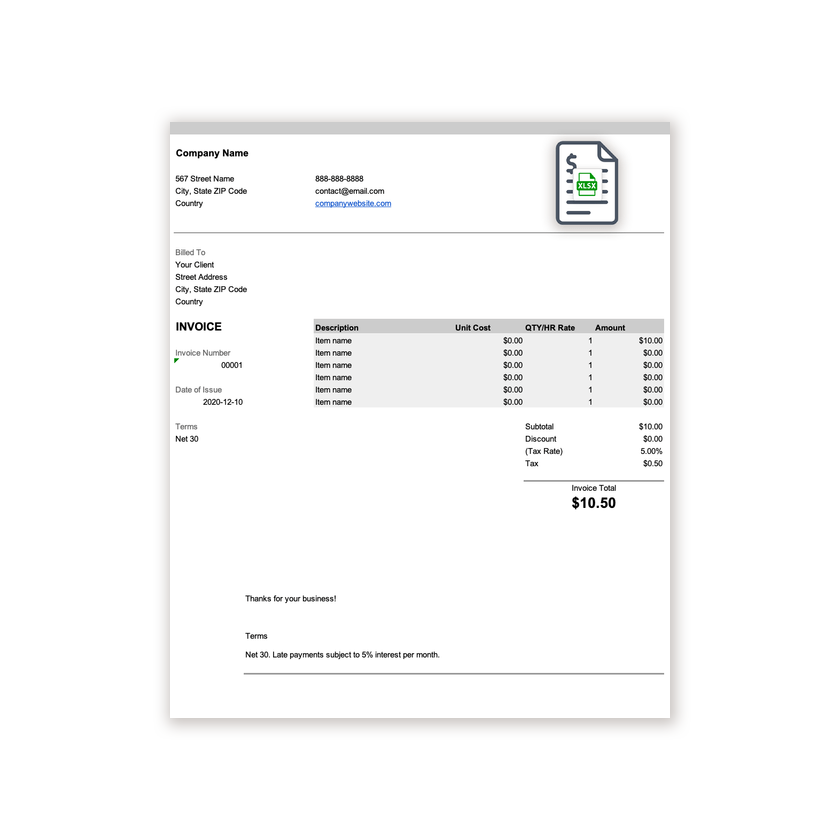
Download the .xlsx file and open it in Excel. Click Enable Editing if Excel asks.
- 2
Type your business details and the client’s into the header cells.
- 3
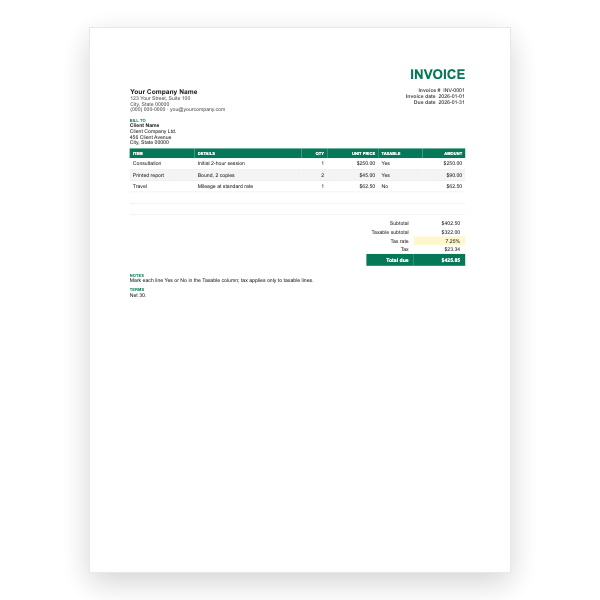
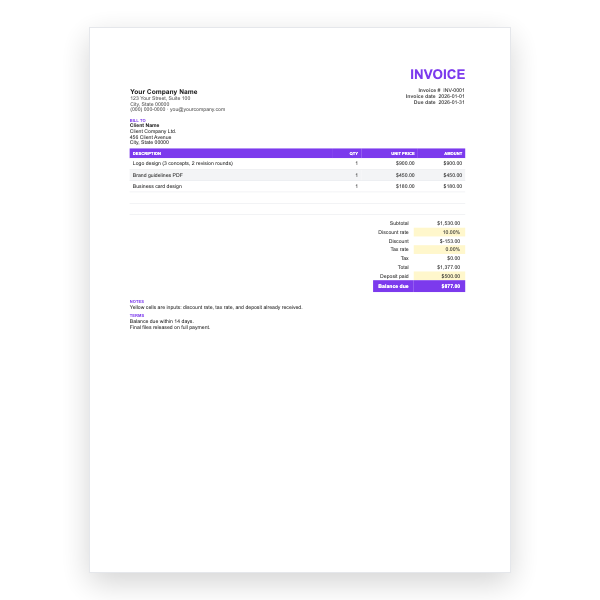
Enter a description, unit cost, and quantity on each row. The Amount column fills itself in.
- 4
Type your tax rate in the Tax Rate cell. Subtotal, Tax, and Invoice Total update automatically.
- 5
Insert extra rows inside the item block if you need them, then copy an Amount formula down.
- 6
Choose File, Save As, PDF to create the copy you send.
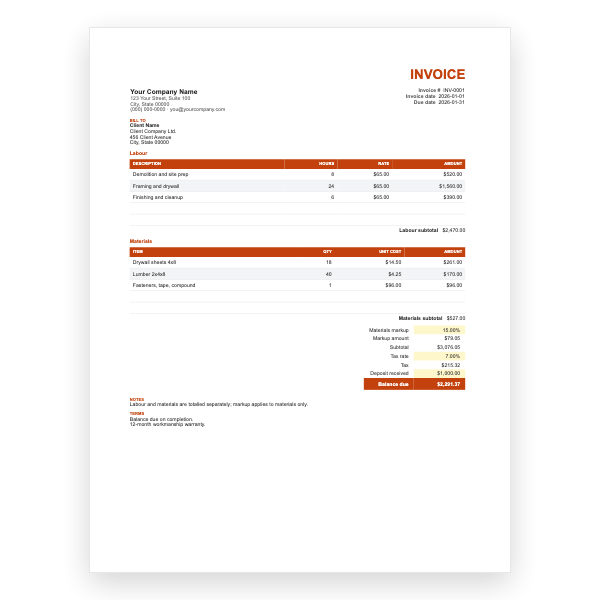
A rate per row
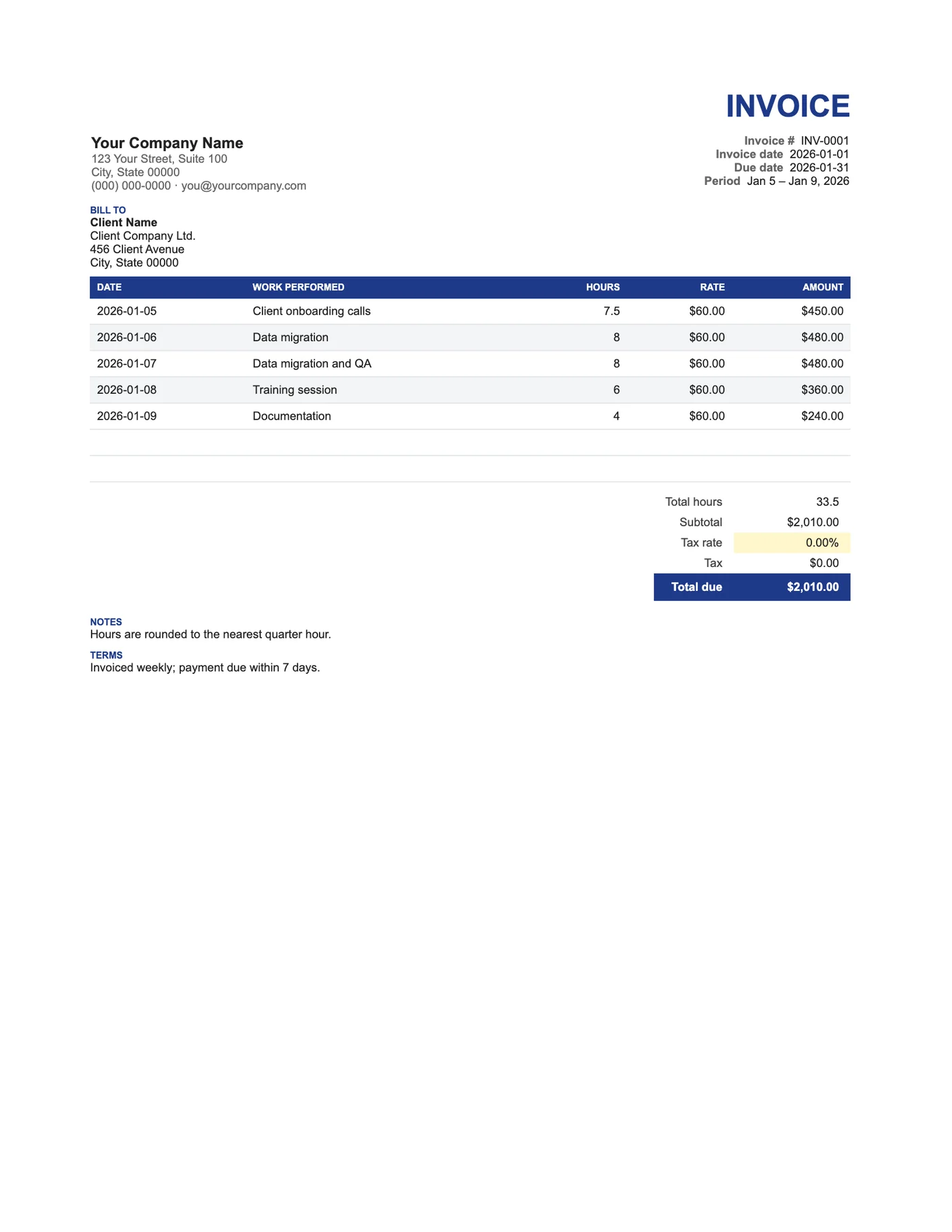
Unlike a flat timesheet, each row carries its own rate, so a day of design work and a day of meetings at different rates sit on one invoice. Total hours is summed separately so the client can match it to their own records before approving the amount.
Keeping the log as you go
The simplest habit is to keep this workbook open and add a row at the end of each day. At invoice time, the sheet is already done: check the rate cells, set the tax, and save a PDF. Duplicate the tab for the next period and keep every invoice in one file.
Tips
- Enter hours as decimals so the total is easy to check.
- Round to the nearest quarter hour unless your contract says otherwise.
- Insert rows inside the item block so the totals keep including them.
Questions about this template
Can I bill minimum call-out hours?
Yes. Enter the minimum in Hours and say so in the description.
How do I show overtime?
Add a row with the overtime hours and the overtime rate; the Amount formula handles it.
Is there a Word version?
The Freelancer Word Invoice has date, task, hours, and rate columns with typed totals.