How to use it in Microsoft Excel
- 1
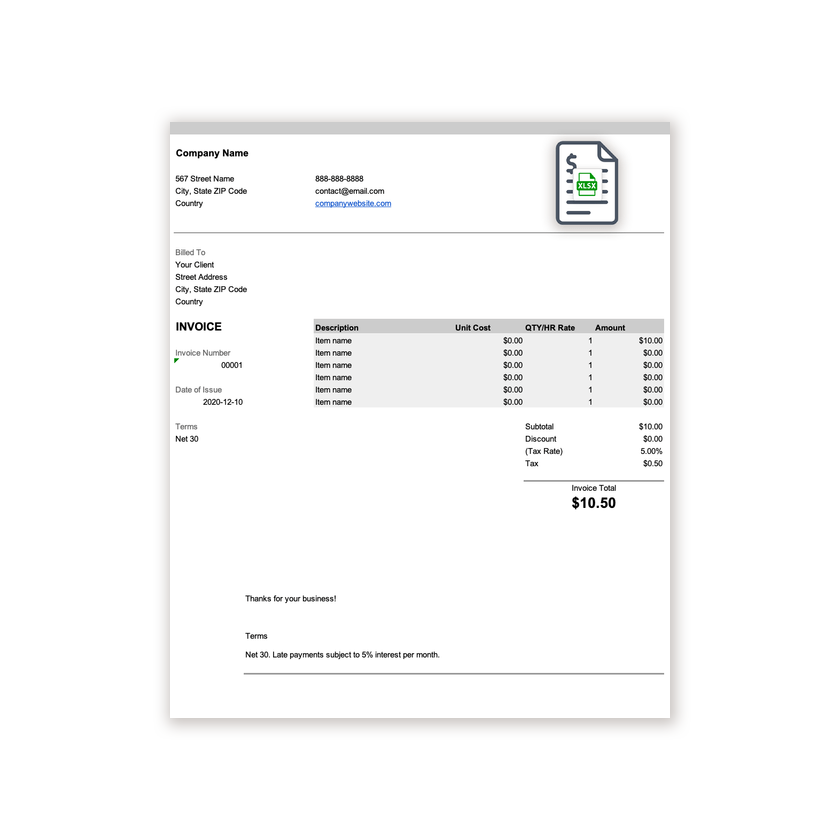
Download the .xlsx file and open it in Excel. Click Enable Editing if Excel asks.
- 2
Type your business details and the client’s into the header cells.
- 3
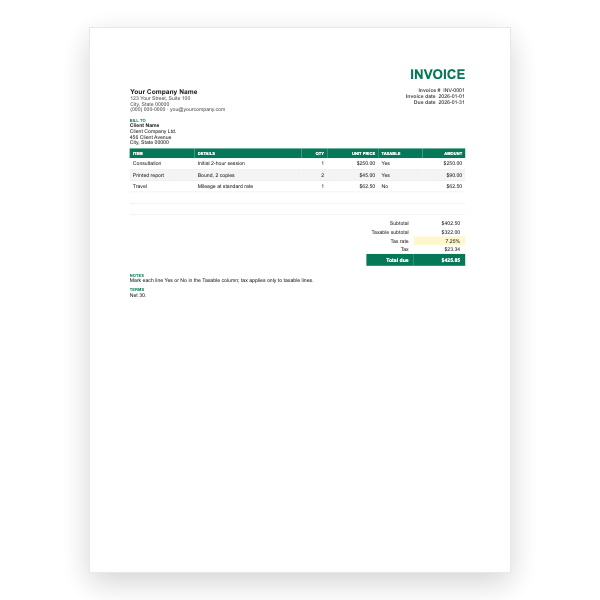
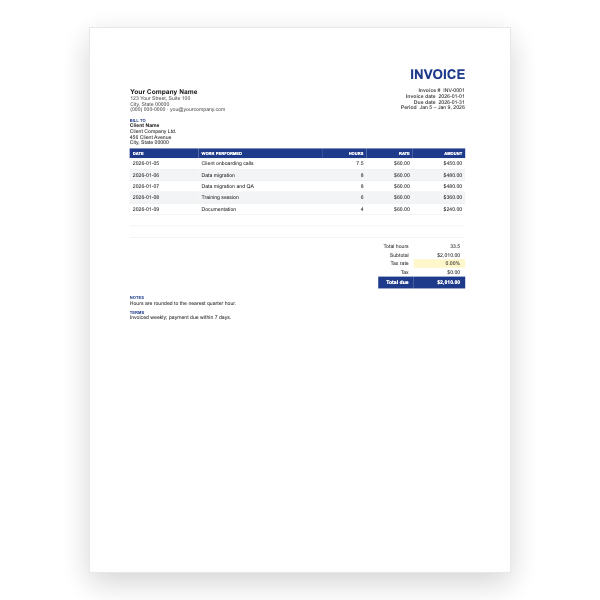
Enter a description, unit cost, and quantity on each row. The Amount column fills itself in.
- 4
Type your tax rate in the Tax Rate cell. Subtotal, Tax, and Invoice Total update automatically.
- 5
Insert extra rows inside the item block if you need them, then copy an Amount formula down.
- 6
Choose File, Save As, PDF to create the copy you send.
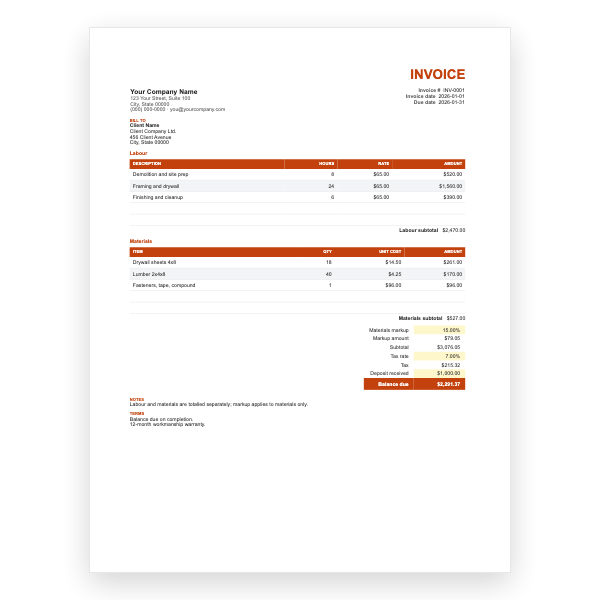
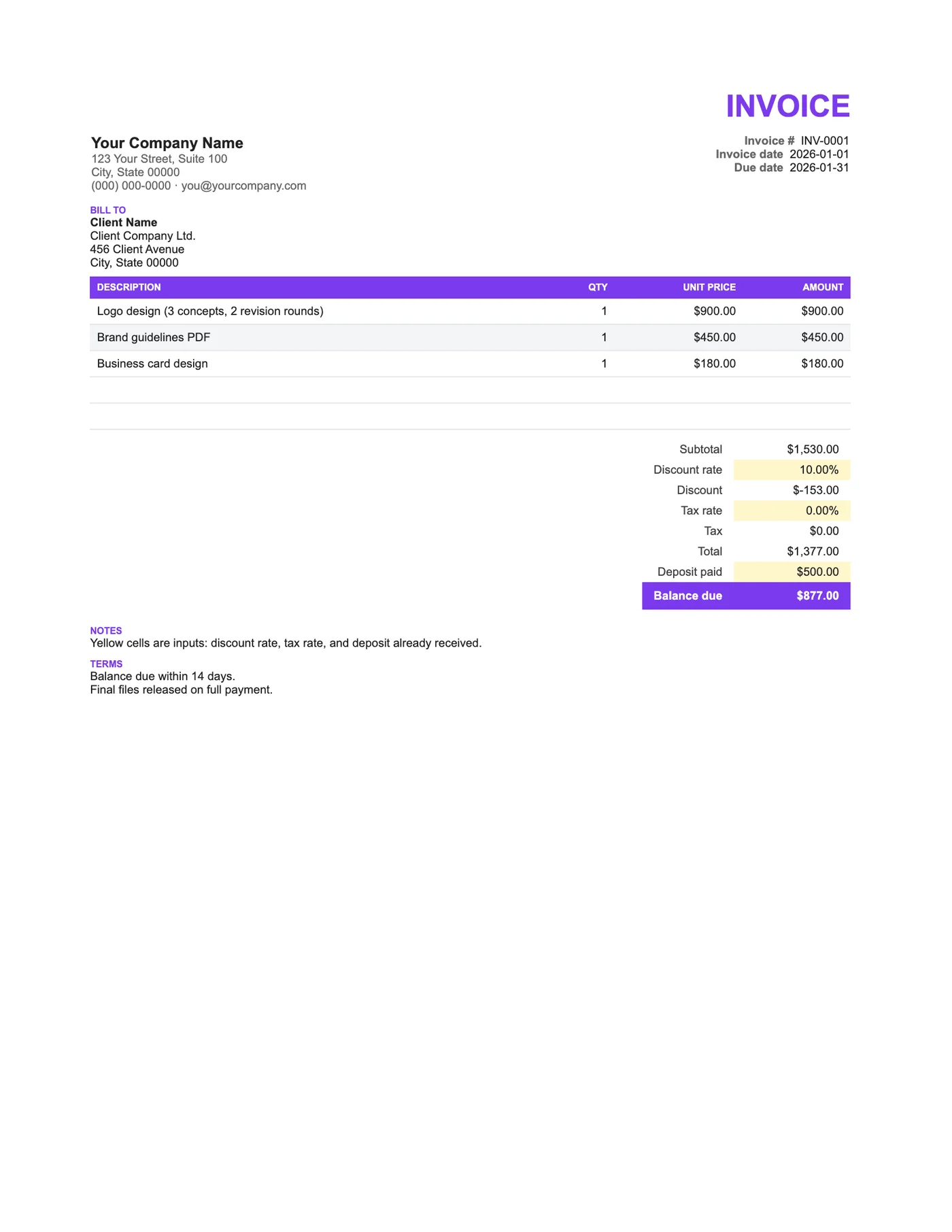
Discount first, then tax, then the deposit
The discount comes off the subtotal, tax is calculated on the discounted figure, and the deposit is subtracted last. That is the order tax authorities expect and the easiest one for a client to follow. All three steps are visible on the sheet, so nothing needs explaining.
Recording the deposit
Enter the deposit exactly as received and reference the deposit invoice or receipt number in Notes. If there was no discount, set the rate to 0% and the row shows zero without disturbing the layout.
Tips
- Issue a separate deposit invoice at the start and refer to it here.
- For a fixed discount, overwrite the Discount cell with a negative amount.
- Keep the yellow input cells yellow so you remember what to fill in.
Questions about this template
What if the deposit is more than the total?
Balance due goes negative, which signals a refund. Add a note explaining how it will be returned.
Is tax applied before or after the discount?
After. Tax is calculated on the discounted subtotal, which is the usual rule.
Can I open it in Google Sheets?
Yes, and our Google Sheets Freelance Invoice is the same design if you would rather start there.