How to use it in Google Sheets
- 1
Click Open in Google Sheets. If asked, sign in; Google places a copy in your Drive.
- 2
Fill in the yellow cells only: your details, the client, and each line item.
- 3
Type your tax rate in the rate cell. Amounts, subtotal, tax, and total update on their own.
- 4
To add lines, insert rows inside the item block so the totals keep including them.
- 5
Check the figures once, then choose File, Download, PDF and select Fit to width.
- 6
Send the PDF. Duplicate the tab for your next invoice.
Plain on purpose
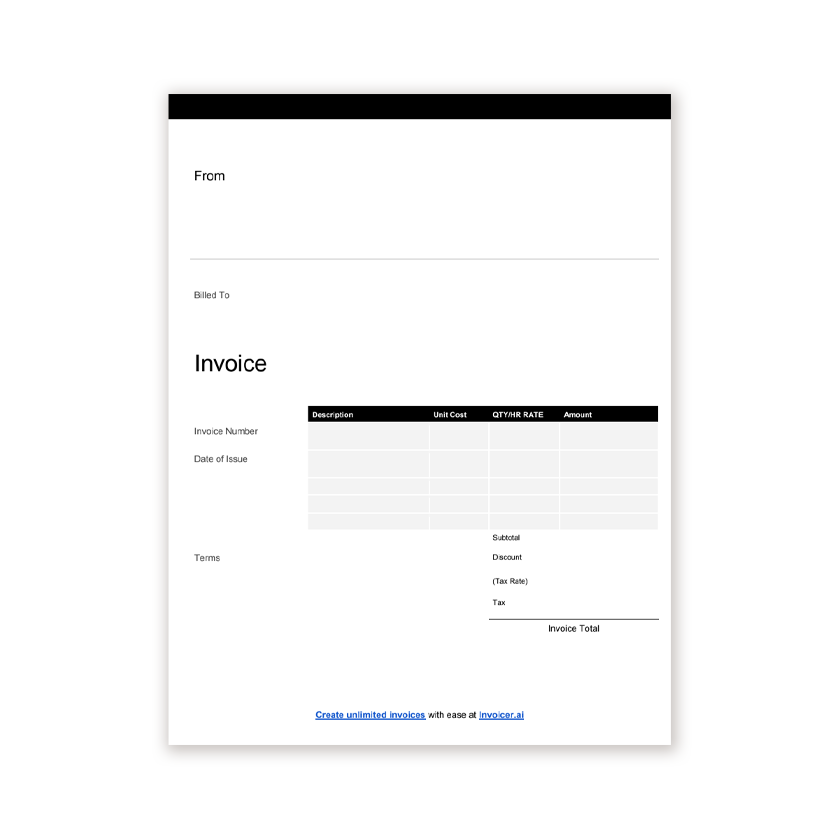
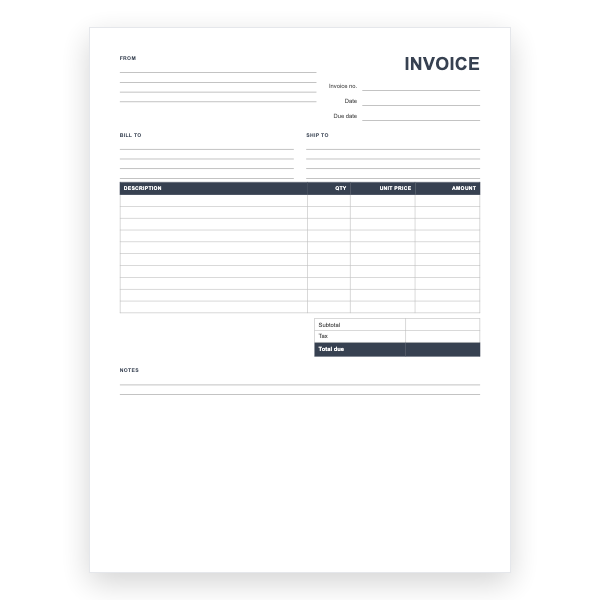
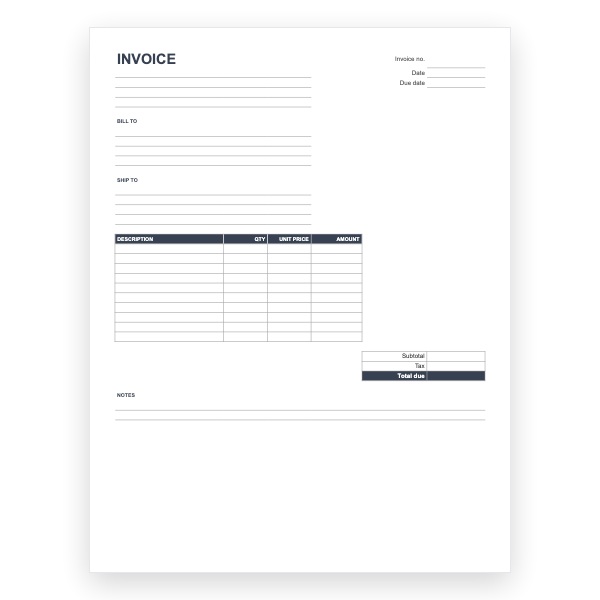
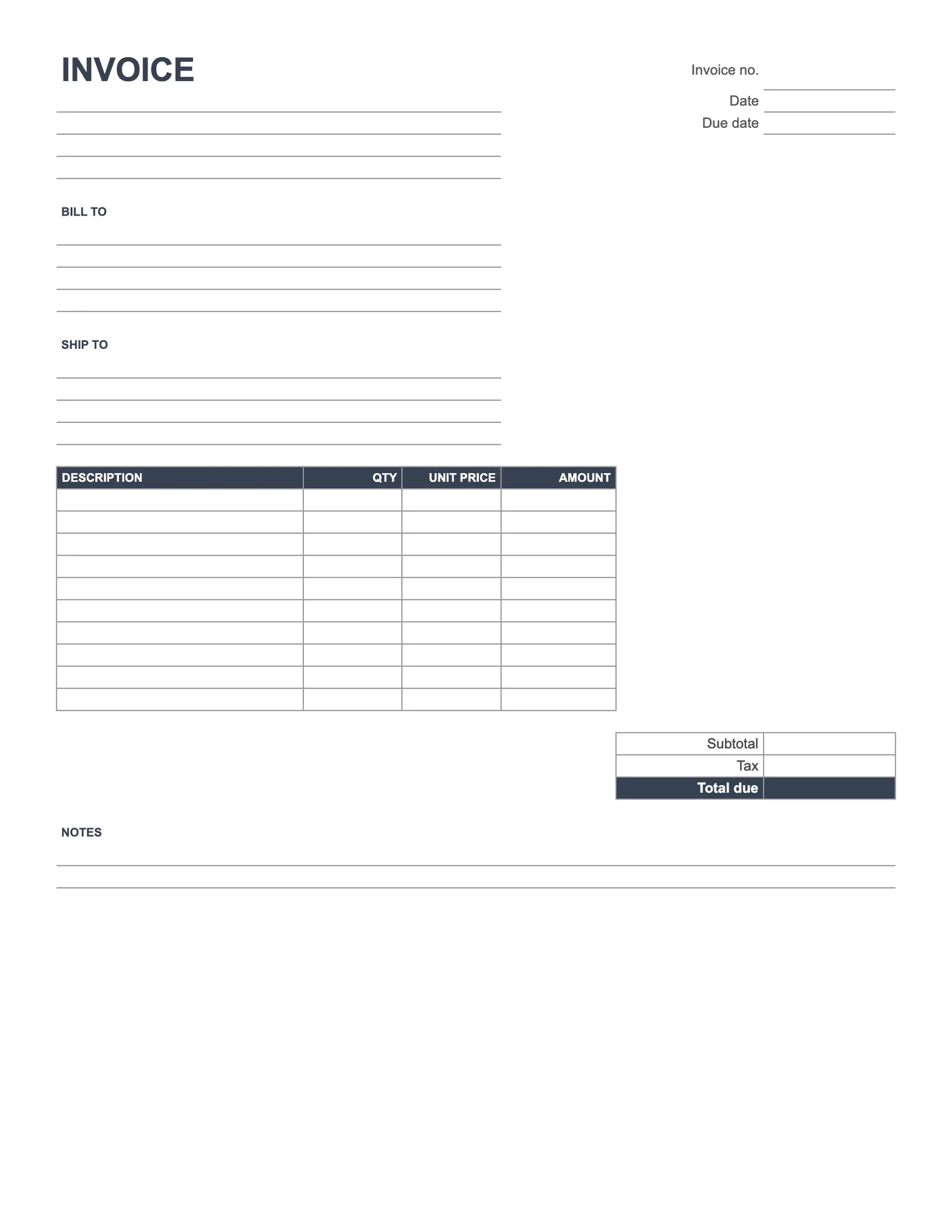
There is no colour, no logo, and no sample text. The formulas are the whole point: Amount is quantity times price, Subtotal adds the column, and Total due adds Subtotal and Tax. Add your branding with a few clicks in Format if you want it, or leave it plain.
Working in Sheets
Making a copy puts the file in your Drive. Rename it with the invoice number, type the details, and use File, Download, PDF to send it. Duplicate the tab for the next invoice so the formulas come with it.
Tips
- Type the tax as a formula so it updates with the subtotal.
- Insert rows inside the item block so the subtotal keeps including them.
- Choose Fit to width when exporting the PDF.
Questions about this template
Do I need a Google account?
Yes, because the template is copied into your Drive. Any free Gmail account works.
Can I download it as Excel?
Yes, from File, Download, Microsoft Excel. Or download the Blank Excel Invoice Template directly.
Why is the Tax cell empty?
Tax rules vary. Type your amount or a formula and the total includes it.