How to use it in Microsoft Word
- 1
Download the .docx file and open it in Word. If a Protected View bar appears, click Enable Editing.
- 2
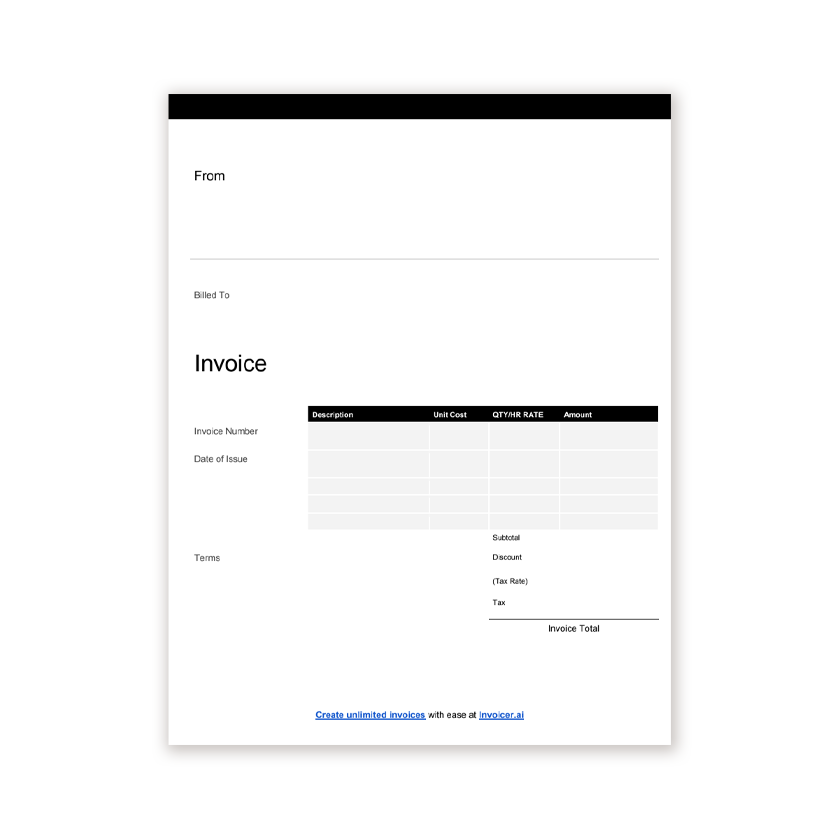
Click the logo placeholder, delete it, and insert your own image. Type your business details into the header.
- 3
Fill in the Billed To block, the invoice number, and the date of issue.
- 4
Type each line item into the table. Press Tab in the last cell to add a row.
- 5
Work out the subtotal, tax, and total and type them into the totals column.
- 6
Choose File, Save As, and pick PDF. Send the PDF, not the Word file.
Ruled for handwriting, editable for typing
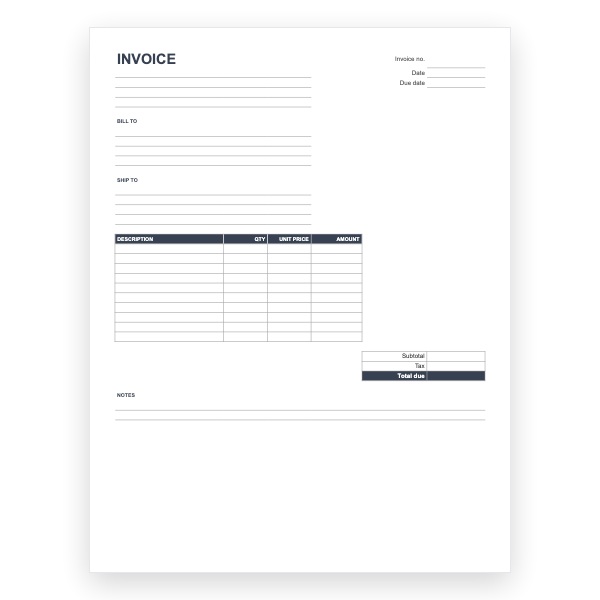
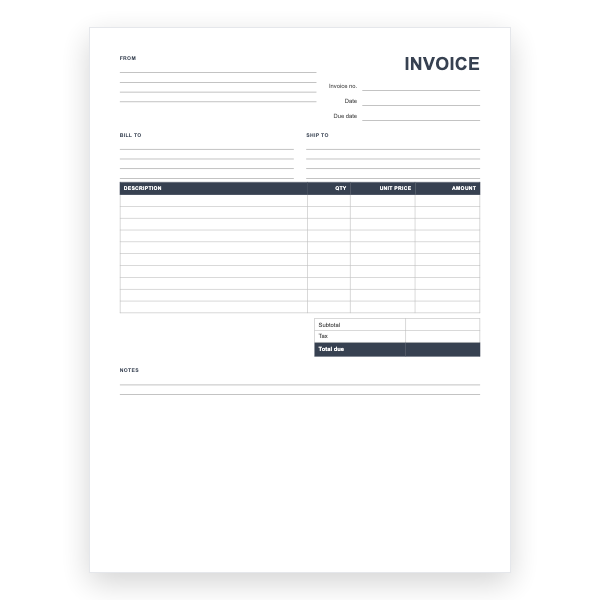
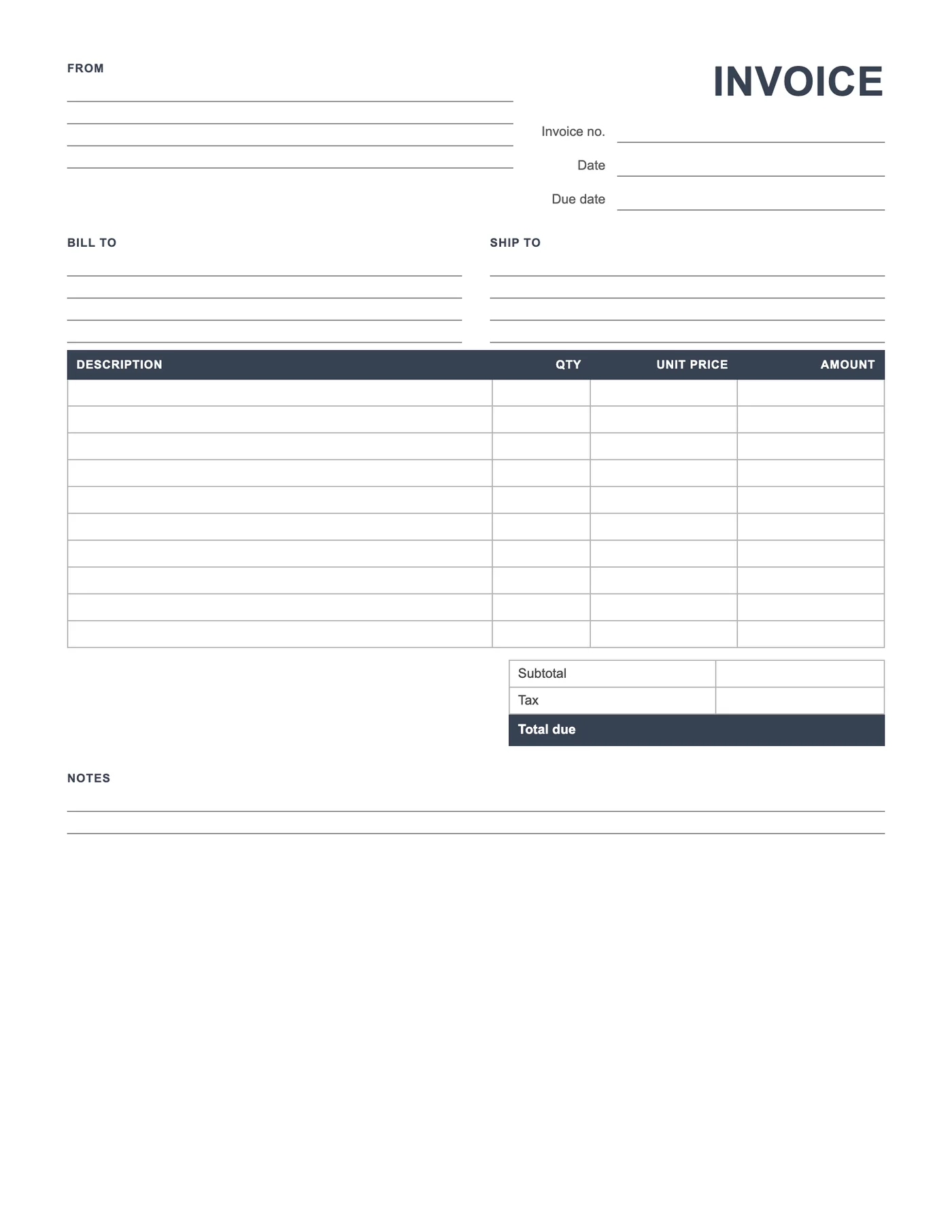
The blanks are Word paragraphs with a bottom border, so they print as neat lines and still accept typed text. The table rows are tall enough for a pen. Type your business details into the From block once, save the file, and you have a branded blank you can print in quantity.
What still has to be there
Blank does not mean incomplete. A valid invoice names both parties, carries a date and a unique number, describes what was supplied, and states the amount due. Every one of those has a labelled space on this page, so a handwritten copy is as valid as a typed one once it is filled in.
Tips
- Fill in the From block once and save a master before printing.
- Number printed copies by hand from a running list.
- Export to PDF if you want a pad printed by a copy shop.
Questions about this template
Will the ruled lines print?
Yes. They are paragraph borders, which print on every printer.
Can I add a logo?
Yes. Click in the From block and choose Insert, Pictures.
Is there a PDF or Excel version?
Yes. The same blank invoice is available as a PDF, an Excel file with formulas, and a Google Sheet.