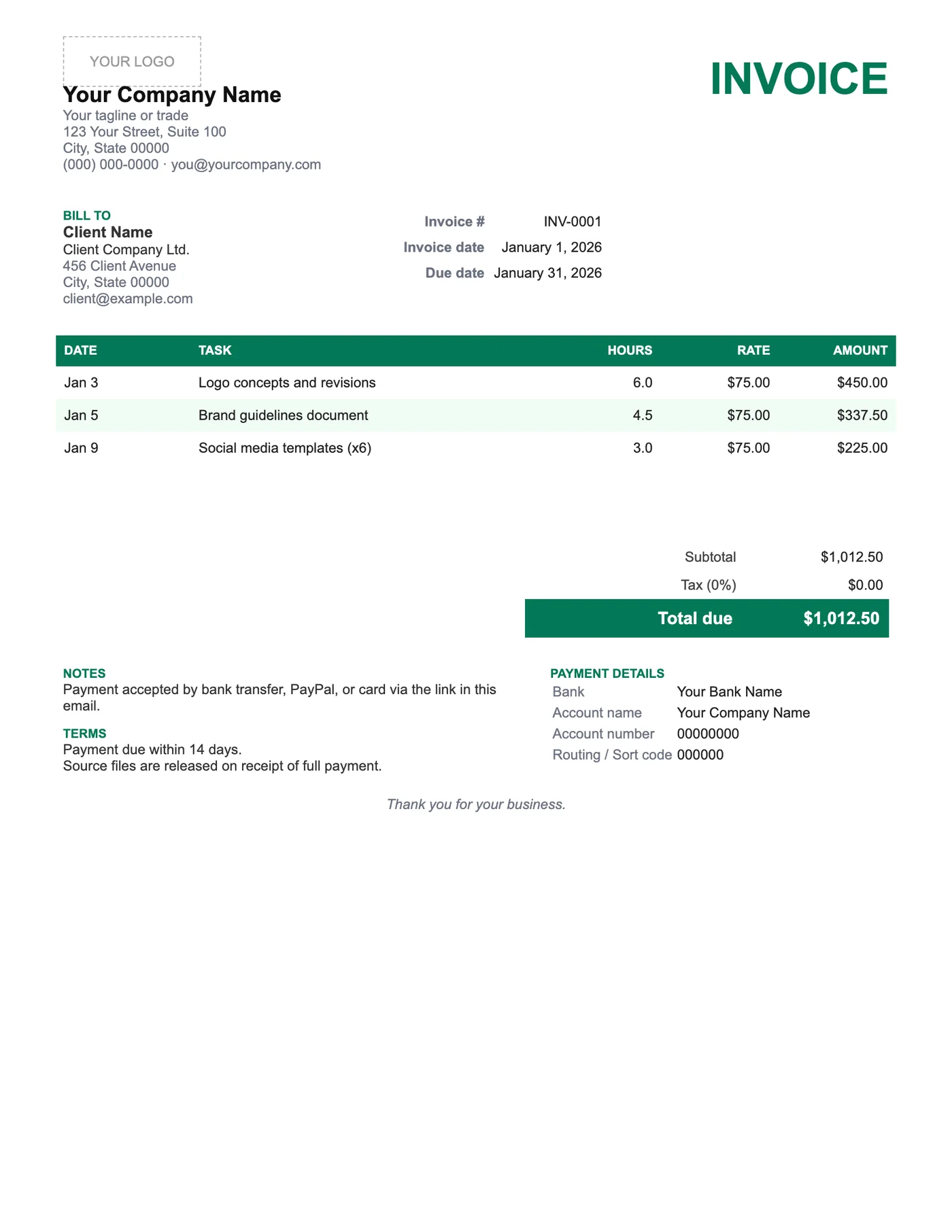
How to use it in Google Docs
- 1
Click Open in Google Docs. If asked, sign in; Google places a copy in your Drive.
- 2
Rename the copy with the invoice number so you can find it later.
- 3
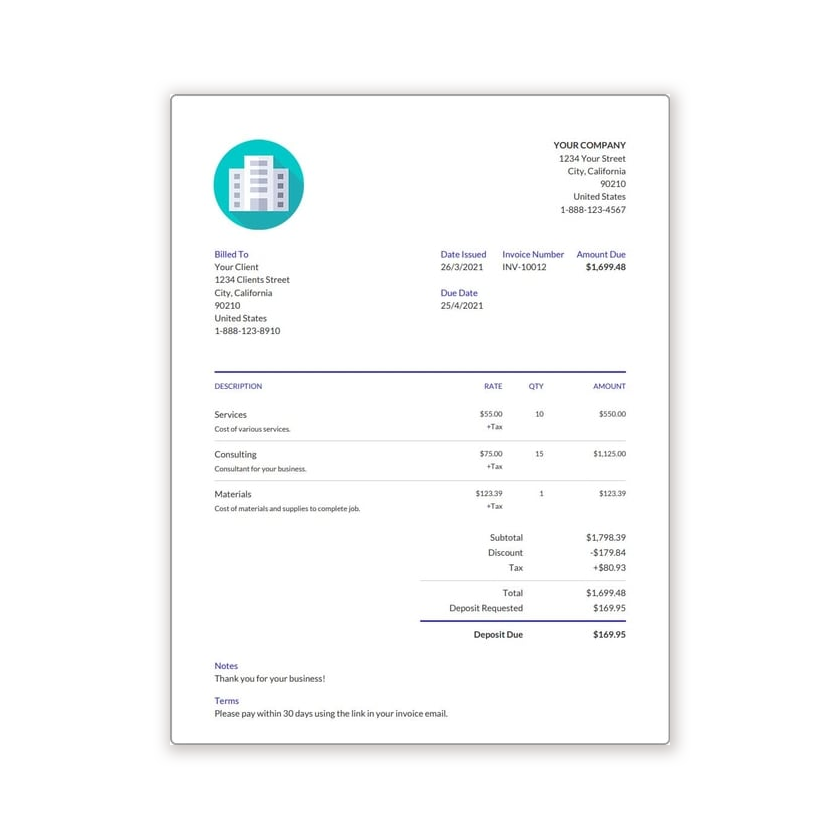
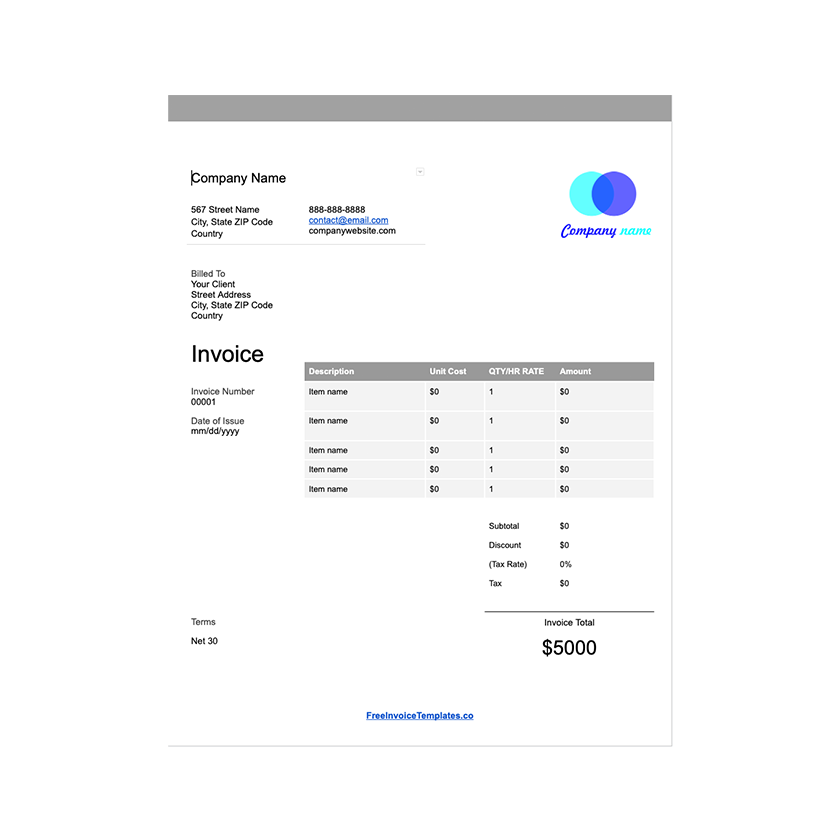
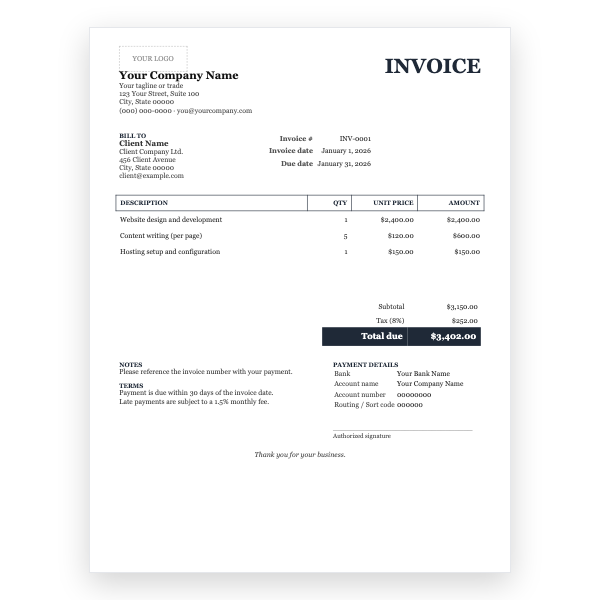
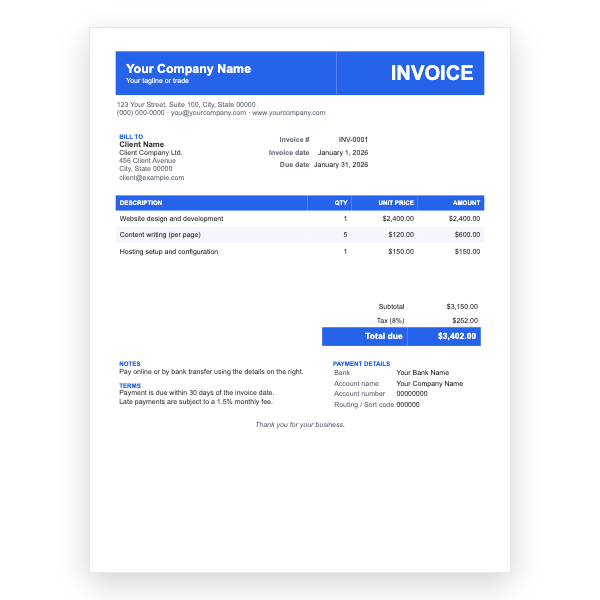
Replace the placeholder text with your details, the client’s, the invoice number, and the dates.
- 4
Type each line item. Right-click a row to insert or delete rows.
- 5
Add up the amounts and type the subtotal, tax, and total. Docs does not calculate.
- 6
Choose File, Download, PDF document and send the PDF.
Why a date column matters
Clients query freelancer invoices more than any other kind, and almost every query is about when the work happened. Putting the date on each line answers the question before it is asked. Pair it with a short task description that matches your project tracker and disputes become rare.
Getting paid in the way that suits you
The Notes block lists bank transfer, PayPal, and card by default. Delete the ones you do not accept and add your PayPal email or payment link. International clients usually prefer a bank transfer with an IBAN or a Wise link because the fees are lower.
Tips
- Set Terms to 14 days; freelance invoices with short terms are paid faster.
- Record hours in decimals (1.5, not 1:30) so clients can check the maths.
- Export a PDF named with the client, project, and invoice number.
Questions about this template
Can I bill a flat project fee instead of hours?
Yes. Put the fee in Rate, 1 in Hours, and describe the deliverable in Task. Or delete the Hours column.
Does the template add up the hours?
No, Google Docs does not calculate. For automatic hour totals use our Google Sheets Hourly template.
Can I change the green?
Yes. Select the accent text and table header and pick another colour from the toolbar.