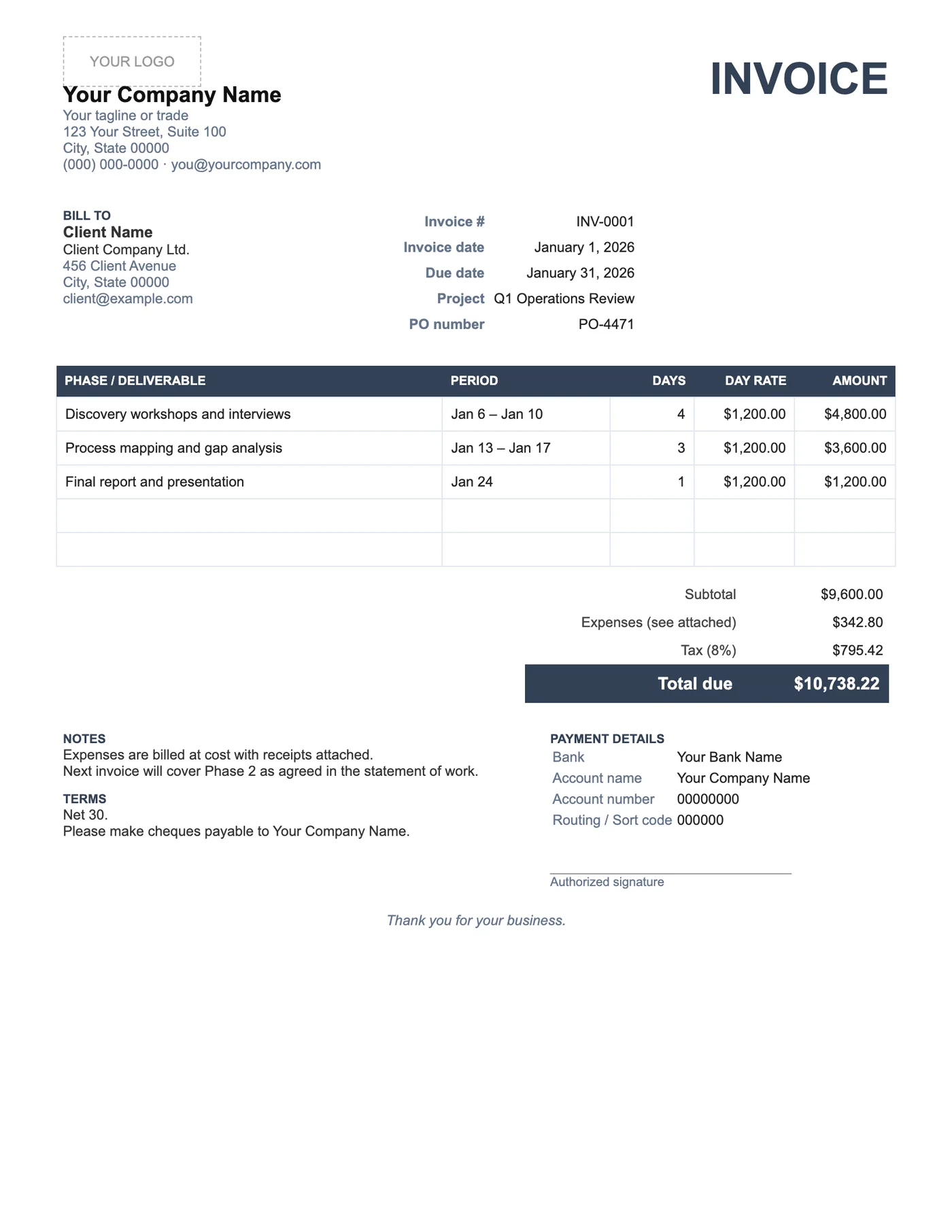
How to use it in Google Docs
- 1
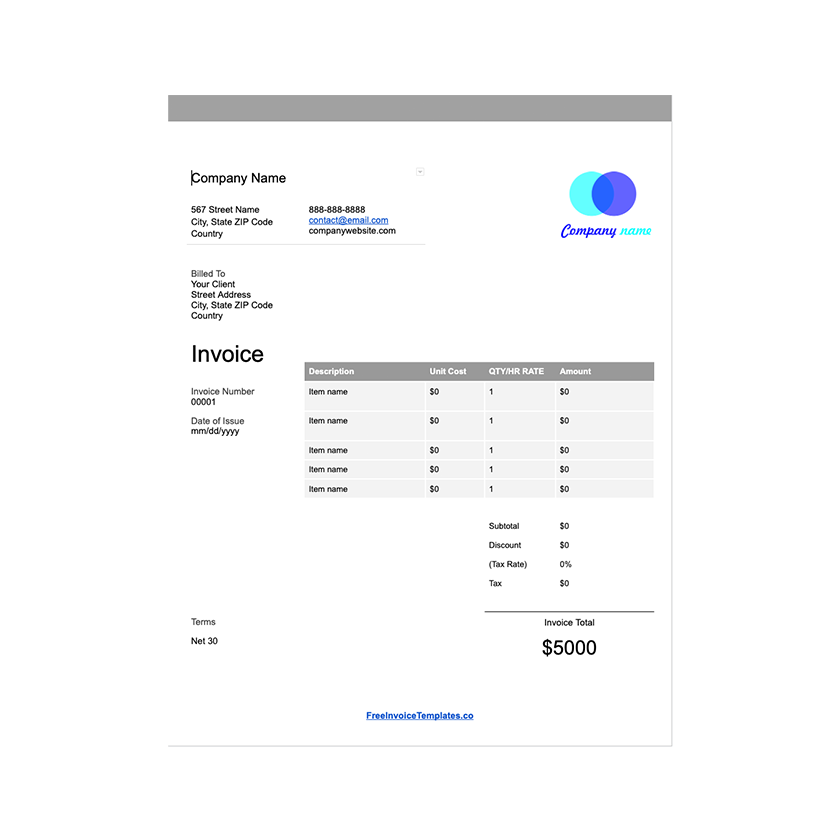
Click Open in Google Docs. If asked, sign in; Google places a copy in your Drive.
- 2
Rename the copy with the invoice number so you can find it later.
- 3
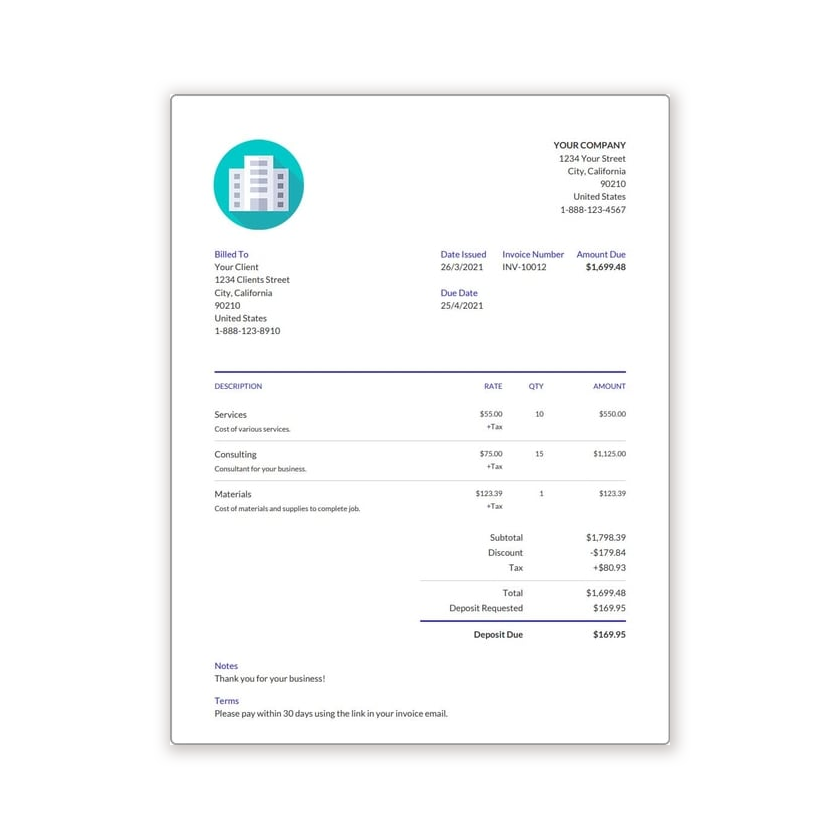
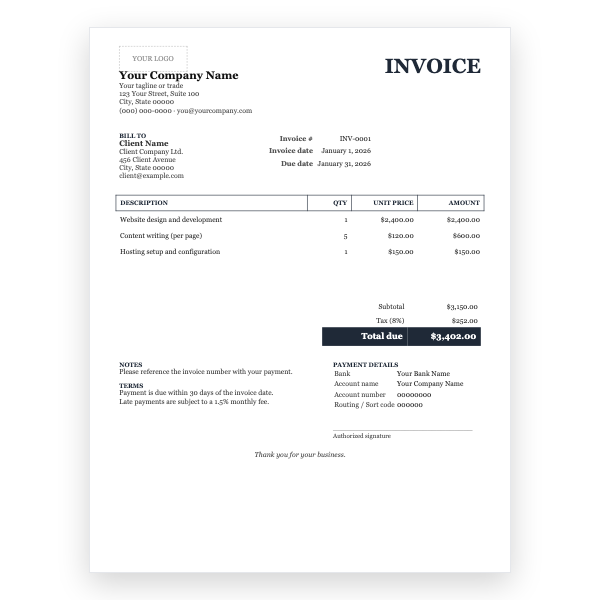
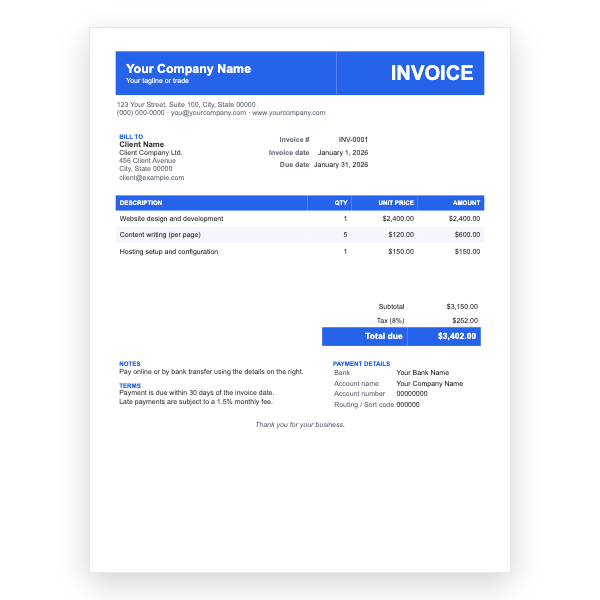
Replace the placeholder text with your details, the client’s, the invoice number, and the dates.
- 4
Type each line item. Right-click a row to insert or delete rows.
- 5
Add up the amounts and type the subtotal, tax, and total. Docs does not calculate.
- 6
Choose File, Download, PDF document and send the PDF.
Speak the language of accounts payable
Corporate clients pay invoices that match their records. A purchase order number in the header, the project name as it appears on the statement of work, and phases that mirror the proposal mean the invoice can be approved without anyone emailing you. Expenses stay on their own line so they can be coded separately.
Phases and day rates
Each line is one phase or deliverable with the number of days and your day rate. If you bill half days, use 0.5. The Notes block is a good place to say what the next invoice will cover, which sets expectations and reduces surprises at the end of the engagement.
Tips
- Ask for the PO number before the engagement starts; invoices without one are often returned.
- Attach expense receipts to the same email as the invoice PDF.
- Keep Net 30 unless your contract says otherwise; many large companies cannot pay faster.
Questions about this template
Can I bill by the hour instead?
Yes. Rename Days to Hours and Day rate to Hourly rate in the table header.
How should I handle a retainer?
List the retainer as one line with the period in the description. Our Google Sheets Retainer template tracks included and overage hours automatically.
Should expenses include tax?
That depends on your jurisdiction. Many consultants bill expenses at cost and apply tax on the service lines only. Check with your accountant.