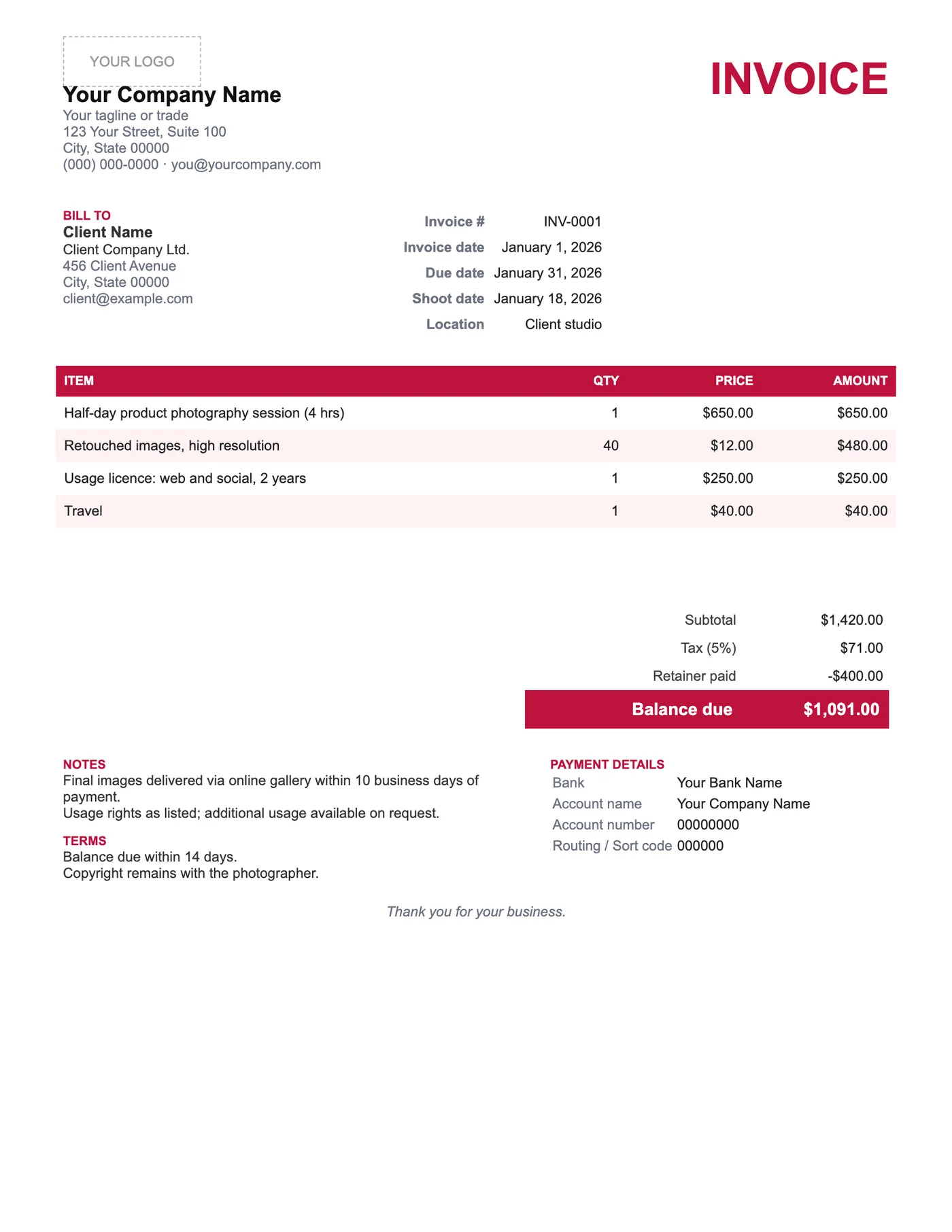
How to use it in Google Docs
- 1
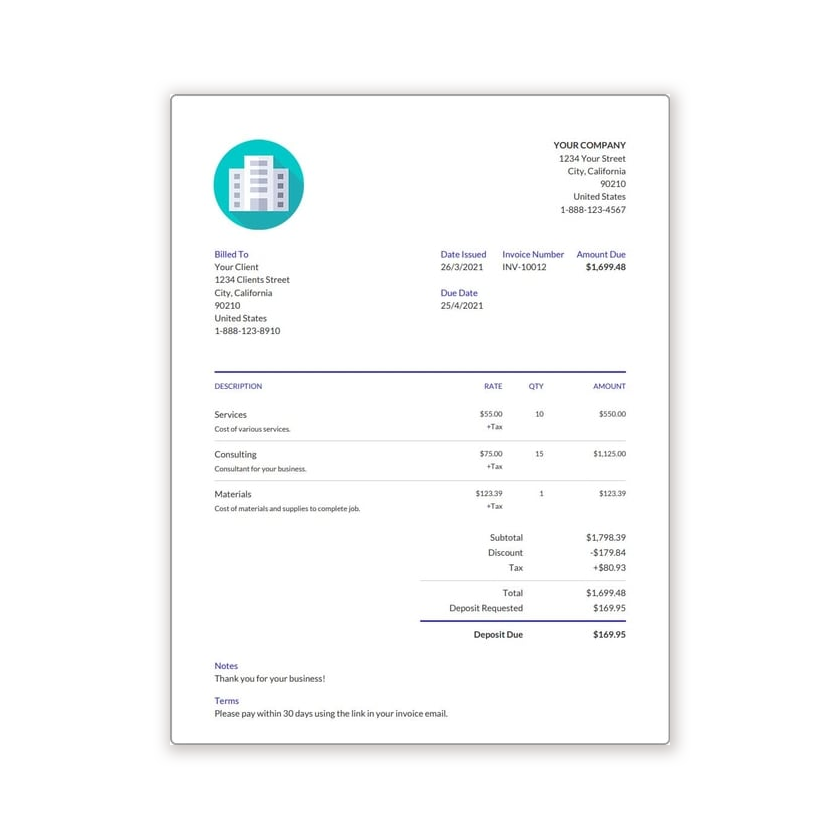
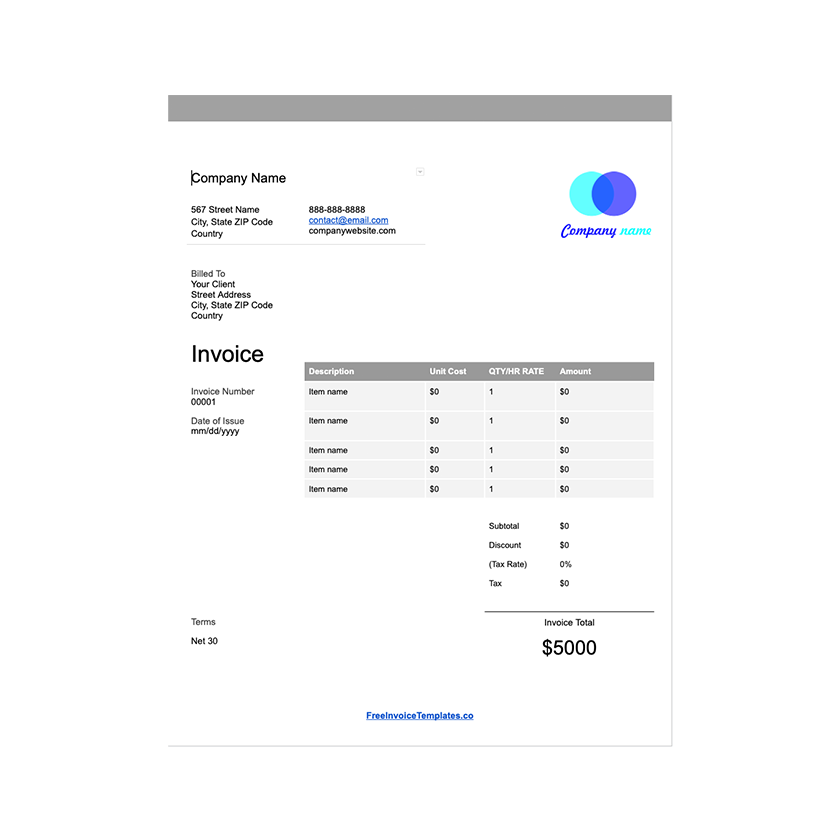
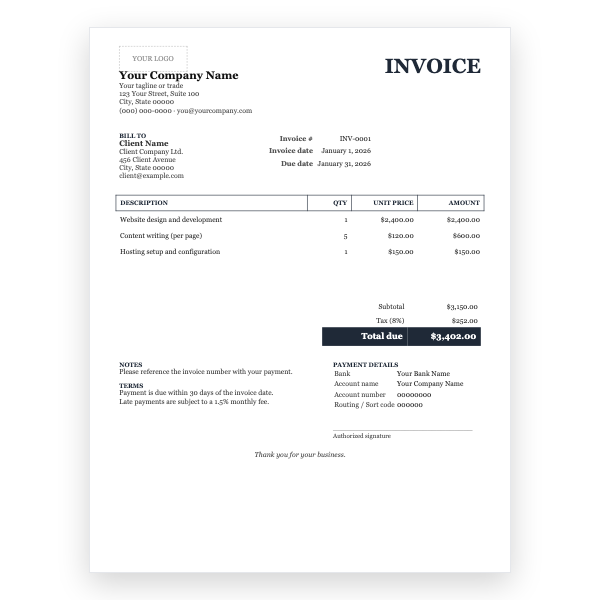
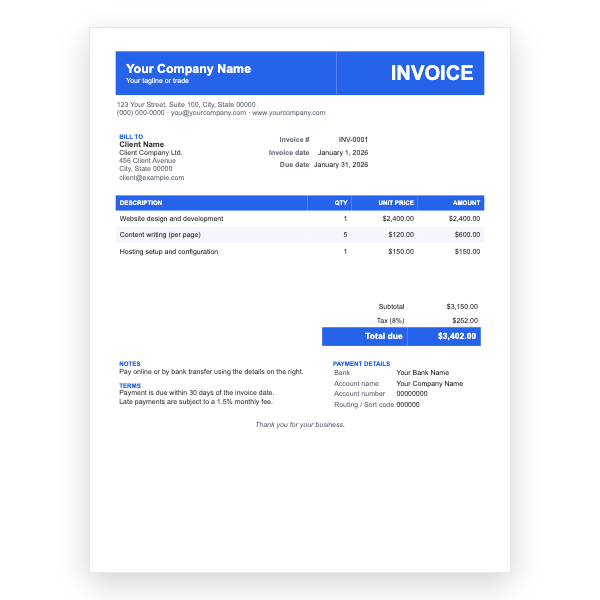
Click Open in Google Docs. If asked, sign in; Google places a copy in your Drive.
- 2
Rename the copy with the invoice number so you can find it later.
- 3
Replace the placeholder text with your details, the client’s, the invoice number, and the dates.
- 4
Type each line item. Right-click a row to insert or delete rows.
- 5
Add up the amounts and type the subtotal, tax, and total. Docs does not calculate.
- 6
Choose File, Download, PDF document and send the PDF.
Licensing on the invoice
What a client pays for in photography is not only the time but the right to use the images. Stating the licence on the invoice, for example personal use, or web and social media for two years, avoids later arguments and is often what makes the invoice enforceable. The line is already there; fill it in every time.
Retainers and delivery
Most shoots are booked with a retainer. Show it in the Retainer paid row so the client sees it credited, and the Balance due is what remains before delivery. The note states when the gallery will be delivered, which gives you a gentle lever for prompt payment.
Tips
- Deliver watermarked proofs before payment and full-resolution files after.
- Count retouched images precisely and bill extras per image.
- Add a line for travel if the location was outside your usual area.
Questions about this template
How do I describe a usage licence?
State who may use the images, where, and for how long. For example: Client may use images for personal, non-commercial purposes without time limit.
Should I charge tax on photography?
It depends on where you are and whether you deliver digital files or prints. Ask your accountant and set the Tax line accordingly.
Can I use this for video?
Yes. Rename session fee to shoot day and retouched images to edited minutes or deliverables.