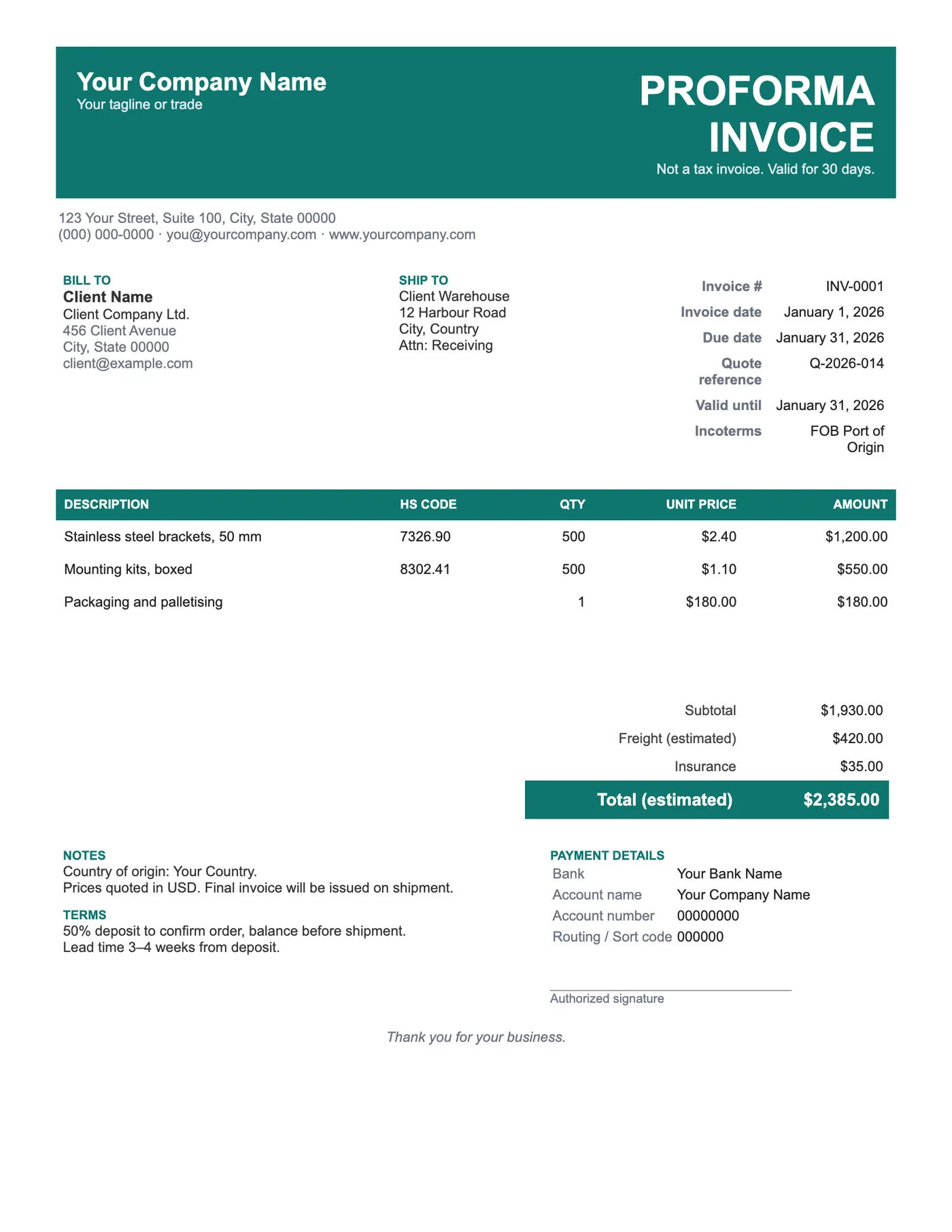
How to use it in Google Docs
- 1
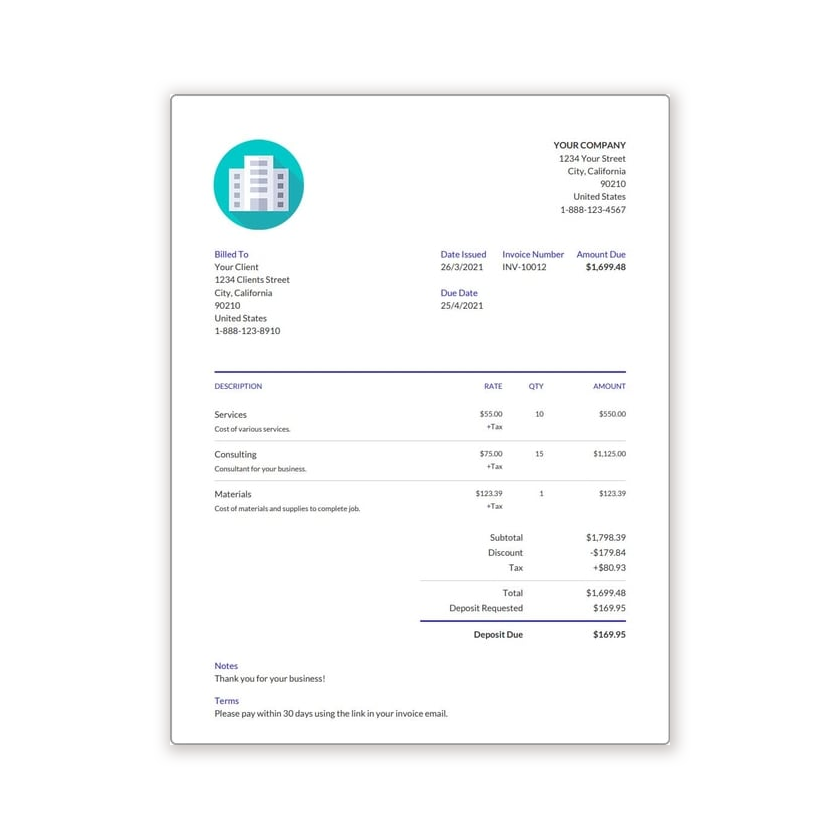
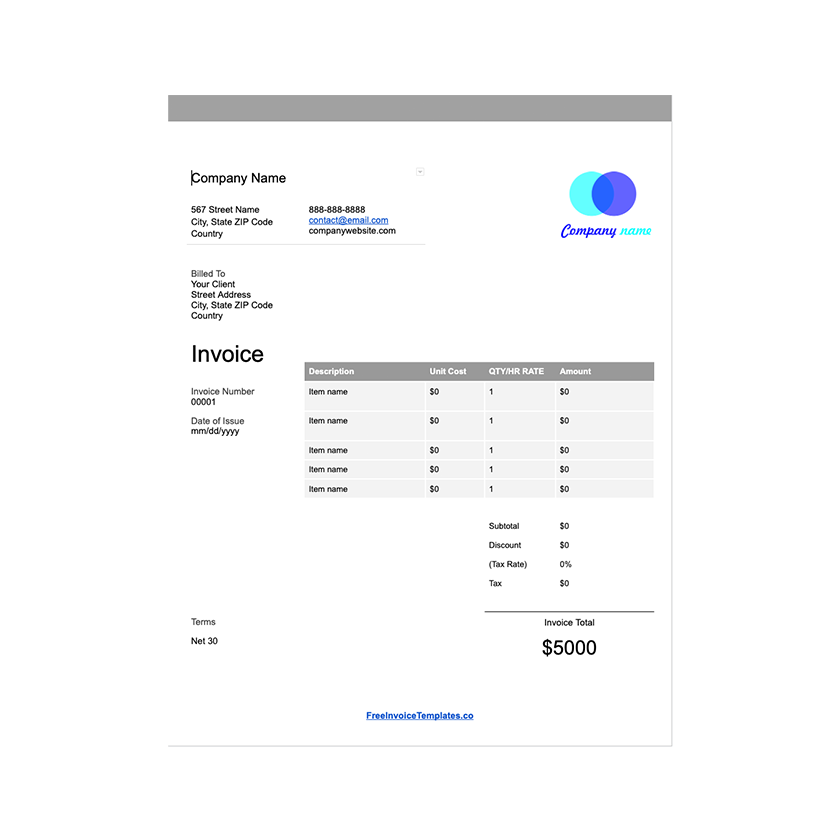
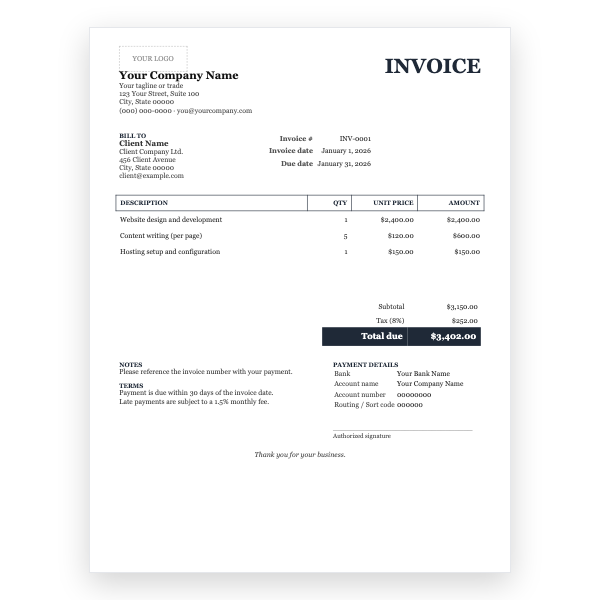
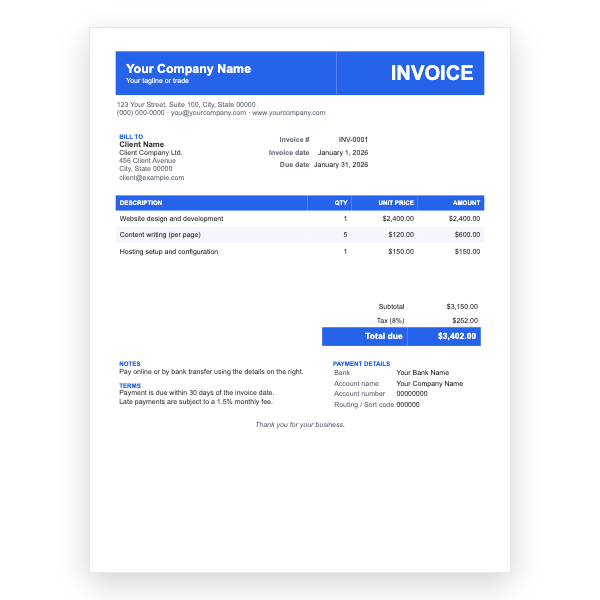
Click Open in Google Docs. If asked, sign in; Google places a copy in your Drive.
- 2
Rename the copy with the invoice number so you can find it later.
- 3
Replace the placeholder text with your details, the client’s, the invoice number, and the dates.
- 4
Type each line item. Right-click a row to insert or delete rows.
- 5
Add up the amounts and type the subtotal, tax, and total. Docs does not calculate.
- 6
Choose File, Download, PDF document and send the PDF.
What a proforma is for
A proforma is a commitment to supply at a stated price, not a demand for payment. Buyers use it to arrange finance, apply for import permits, and approve the purchase internally. Because it is not a tax invoice, it says so at the top, and it carries a validity date after which the price may change.
The export details
Each line carries an HS code so customs can classify the goods, and the Incoterms line states who pays for freight and insurance and where risk transfers. The estimated freight is separate from the goods so the buyer sees both. The terms call for a deposit on order and the balance before shipment, the most common arrangement for new trading relationships.
Tips
- Issue the final commercial invoice with the same line items and reference the proforma number on it.
- Quote in one currency and state it; our sample uses USD.
- Check HS codes with your freight forwarder; a wrong code can hold goods at the border.
Questions about this template
Is a proforma invoice legally binding?
It is an offer, not a contract or a tax document. Once the buyer accepts and pays the deposit, your sales terms apply.
What Incoterm should I use?
EXW and FOB are common for sellers who want the buyer to arrange shipping; CIF and DAP when you arrange it. Your forwarder can advise.
Do I need a commercial invoice too?
Yes, when the goods ship. Our Commercial Invoice template for Google Docs matches this proforma.