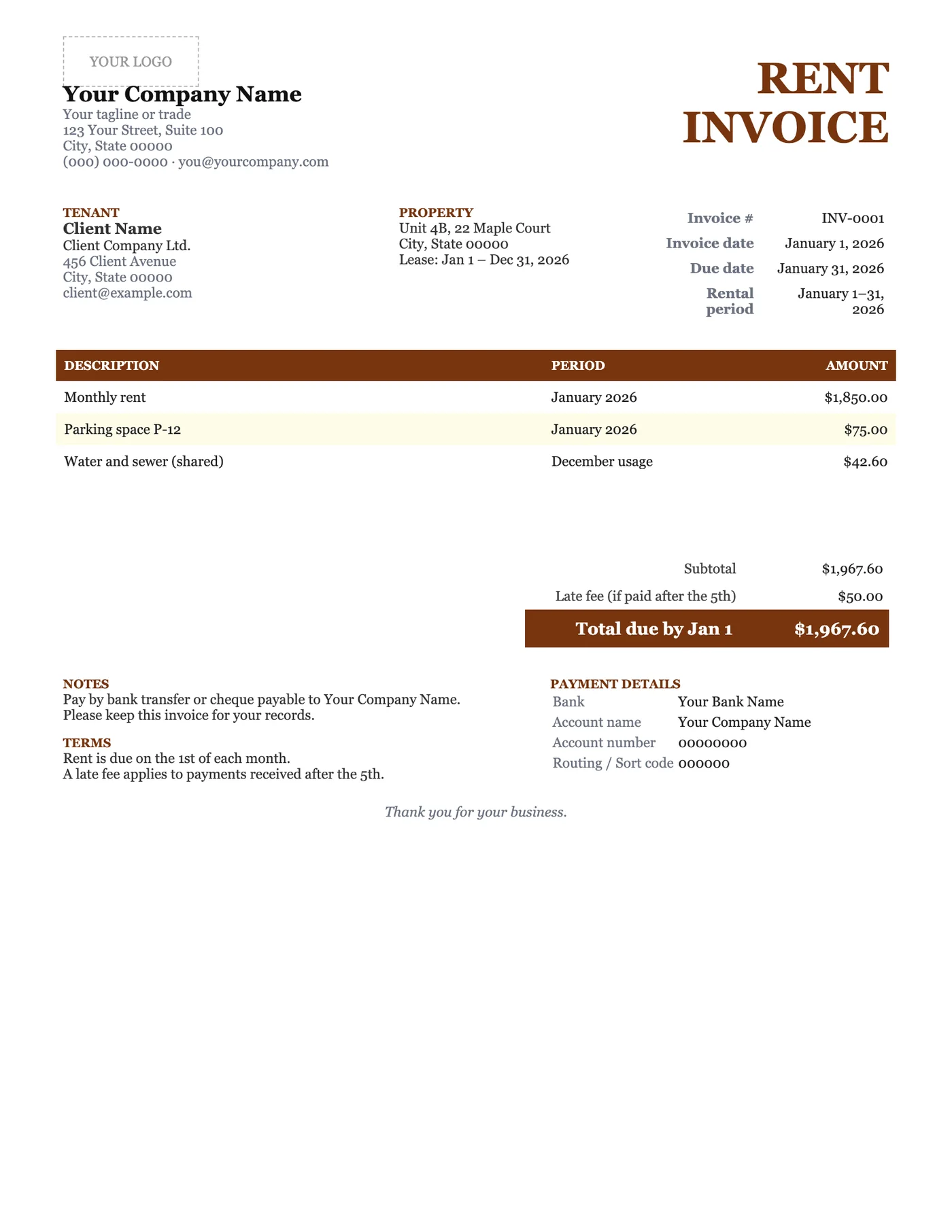
How to use it in Google Docs
- 1
Click Open in Google Docs. If asked, sign in; Google places a copy in your Drive.
- 2
Rename the copy with the invoice number so you can find it later.
- 3
Replace the placeholder text with your details, the client’s, the invoice number, and the dates.
- 4
Type each line item. Right-click a row to insert or delete rows.
- 5
Add up the amounts and type the subtotal, tax, and total. Docs does not calculate.
- 6
Choose File, Download, PDF document and send the PDF.
A paper trail for both sides
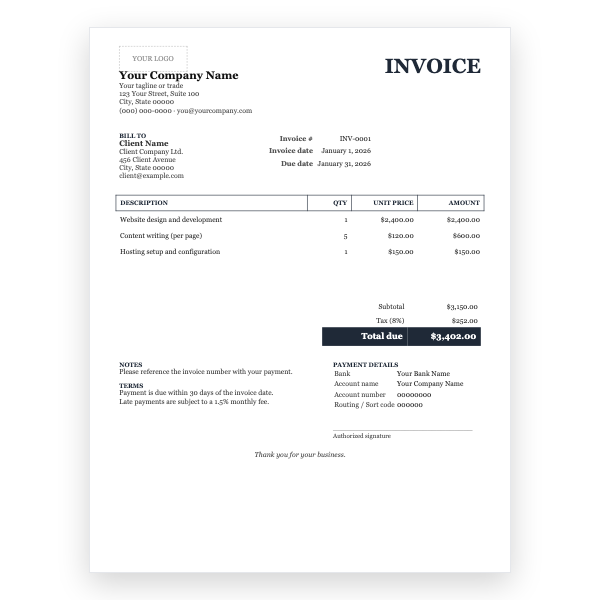
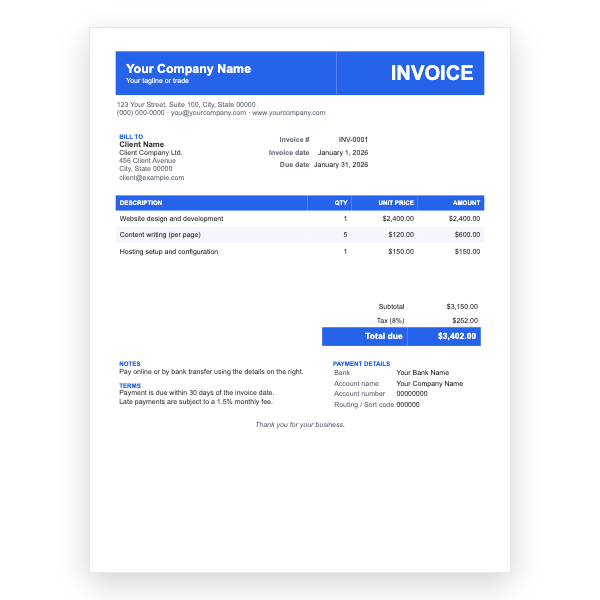
Tenants need rent receipts for housing benefit, tax returns, and reference checks; landlords need a record for their own accounts and for any dispute. A dated invoice for each period, with the property and tenant clearly named, serves both. The late-fee note sets expectations without being confrontational.
Breaking out the charges
Keep rent on its own line and list parking, utilities, and other charges separately. Tenants are more likely to pay promptly when they can see what each amount is for, and separate lines make it simple to adjust utilities month to month.
Tips
- Send the invoice a week before rent is due; it acts as a reminder.
- Reference the lease clause that sets the late fee.
- Issue a receipt once paid; our Receipt template matches this layout.
Questions about this template
Do landlords have to issue rent invoices?
Rules vary. Many jurisdictions require receipts on request, and commercial leases often require invoices. Issuing one every month is good practice regardless.
Is rent taxable?
Residential rent is usually exempt from sales tax or VAT; commercial rent may not be. Delete or use the Tax line accordingly.
Can I use it for a weekly tenancy?
Yes. Set the rental period to the week and adjust the terms line.