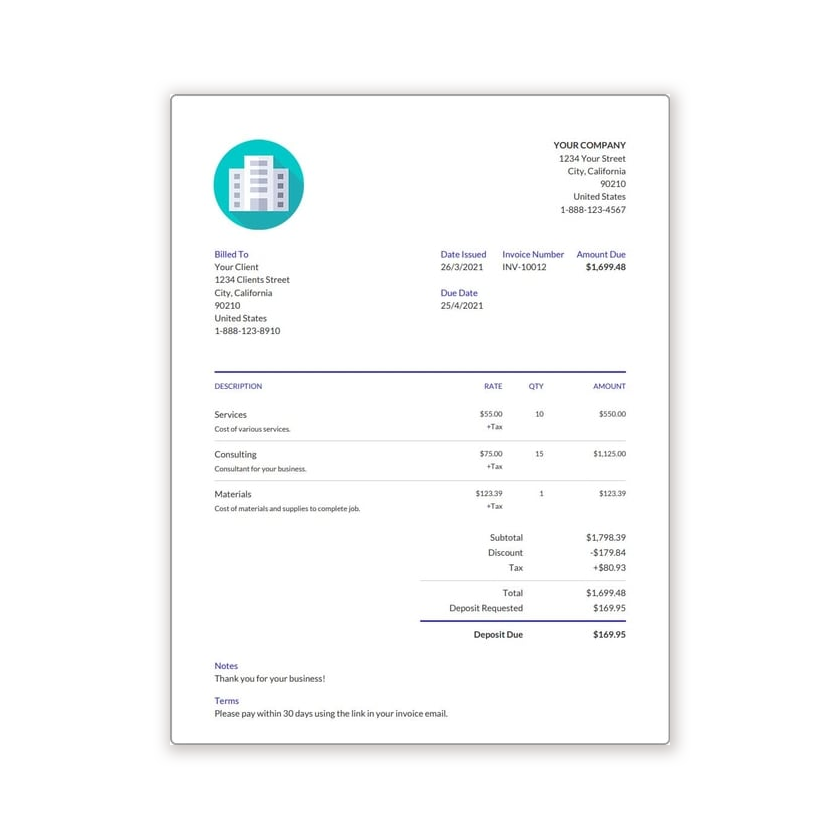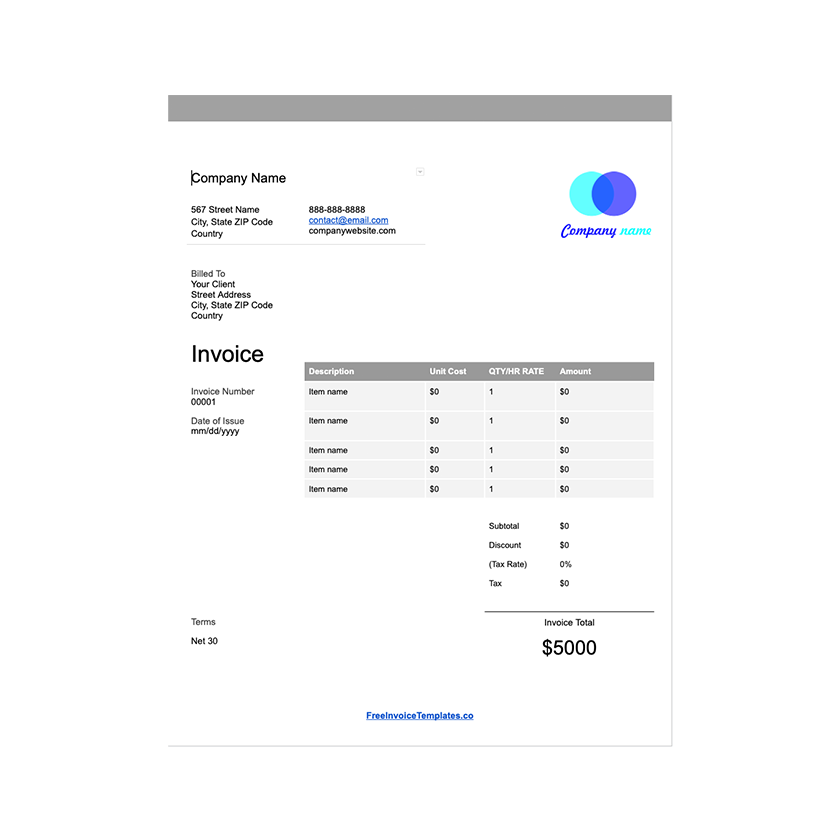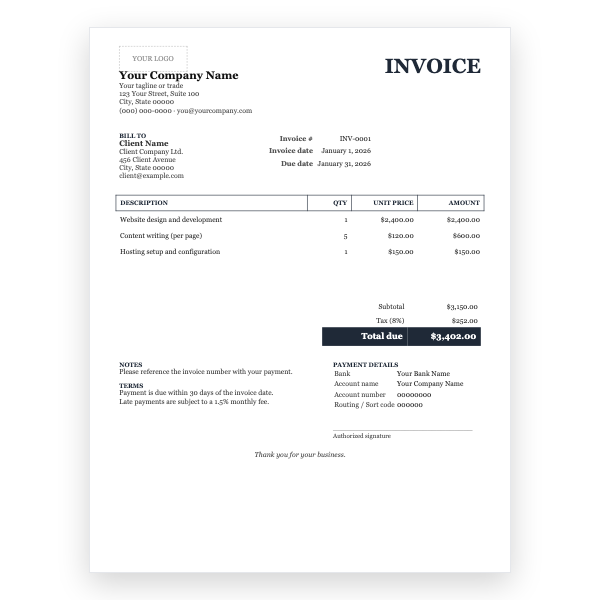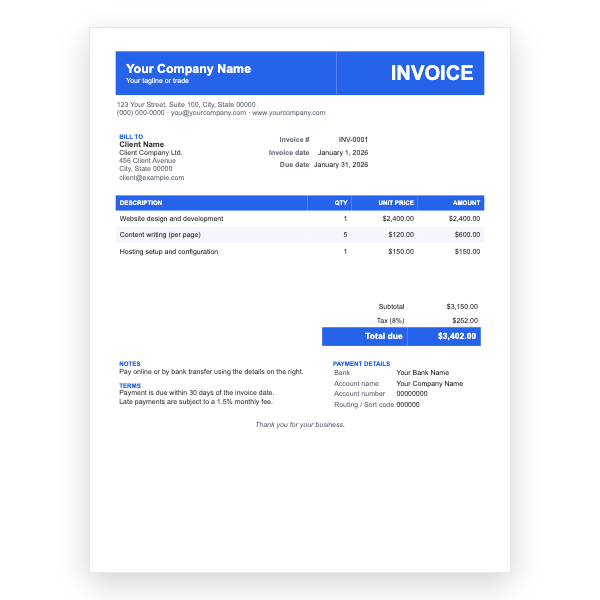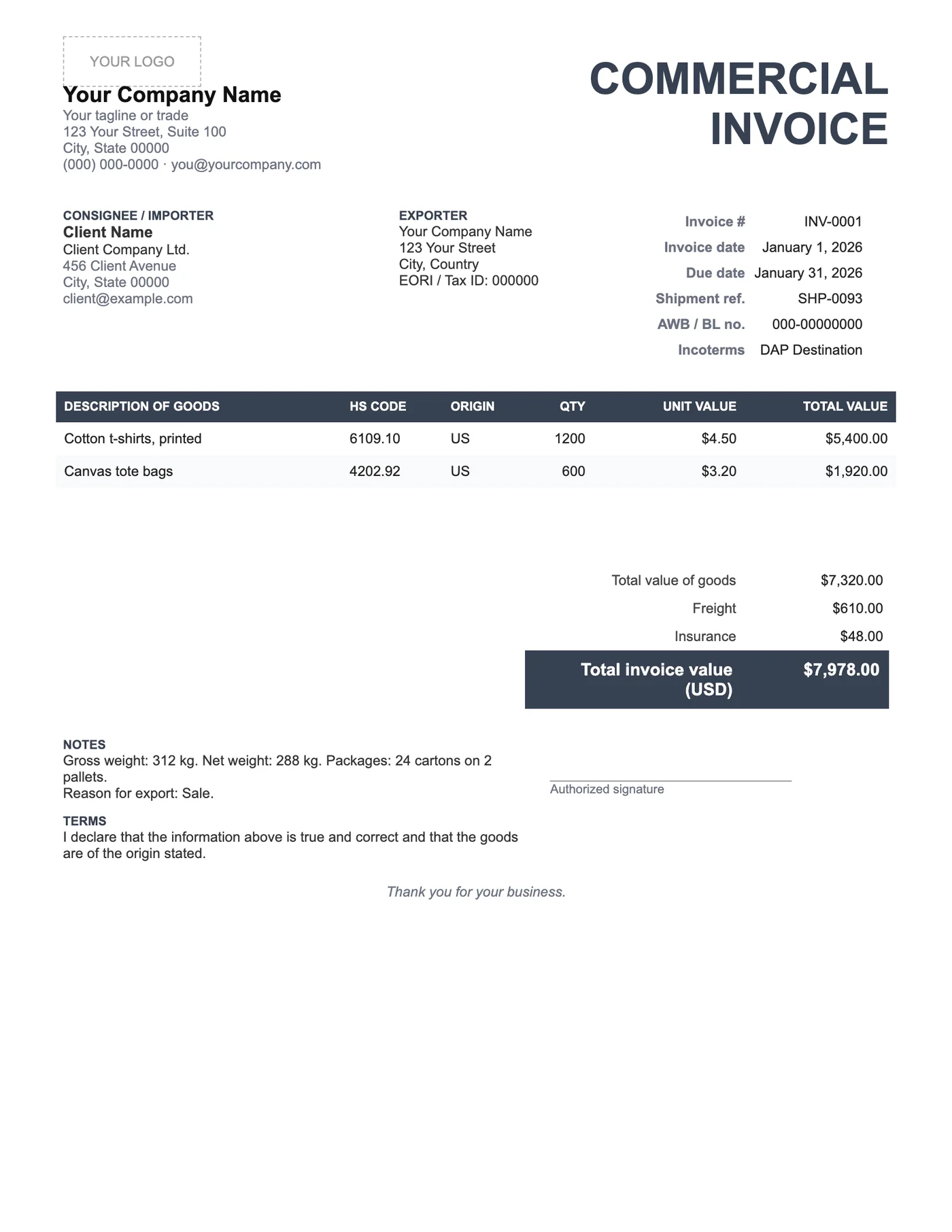
How to use it in Google Docs
- 1
Click Open in Google Docs. If asked, sign in; Google places a copy in your Drive.
- 2
Rename the copy with the invoice number so you can find it later.
- 3
Replace the placeholder text with your details, the client’s, the invoice number, and the dates.
- 4
Type each line item. Right-click a row to insert or delete rows.
- 5
Add up the amounts and type the subtotal, tax, and total. Docs does not calculate.
- 6
Choose File, Download, PDF document and send the PDF.
Why customs needs this document
Customs officers use the commercial invoice to classify goods, assess duty, and check the shipment against its declared value. Missing weights, origins, or HS codes are the most common reasons for a parcel to be held. This template gives each of those its own field so nothing is forgotten.
Filling it in correctly
Describe goods specifically; customs prefers cotton men’s T-shirts to clothing. Match the quantities and weights to the packing list. State the reason for export, usually Sale, Gift, Sample, or Return. Sign the declaration; an unsigned commercial invoice is often rejected.
Tips
- Print three copies: one for the outside of the parcel, one inside, and one for your records.
- Use the same currency as the payment so the declared value is not questioned.
- Keep the invoice and proforma numbers linked so the paper trail is clear.
Questions about this template
What is the difference between a commercial and a proforma invoice?
A proforma is a quote issued before the sale; a commercial invoice is the final document issued when the goods ship and is used by customs.
Do I need an EORI or tax ID on it?
Many destinations require the exporter’s and importer’s tax or EORI numbers. Add them to the exporter and consignee blocks.
Can couriers use this format?
Yes. It contains the fields DHL, FedEx, and UPS ask for. Some prefer their own form, in which case copy the details across.