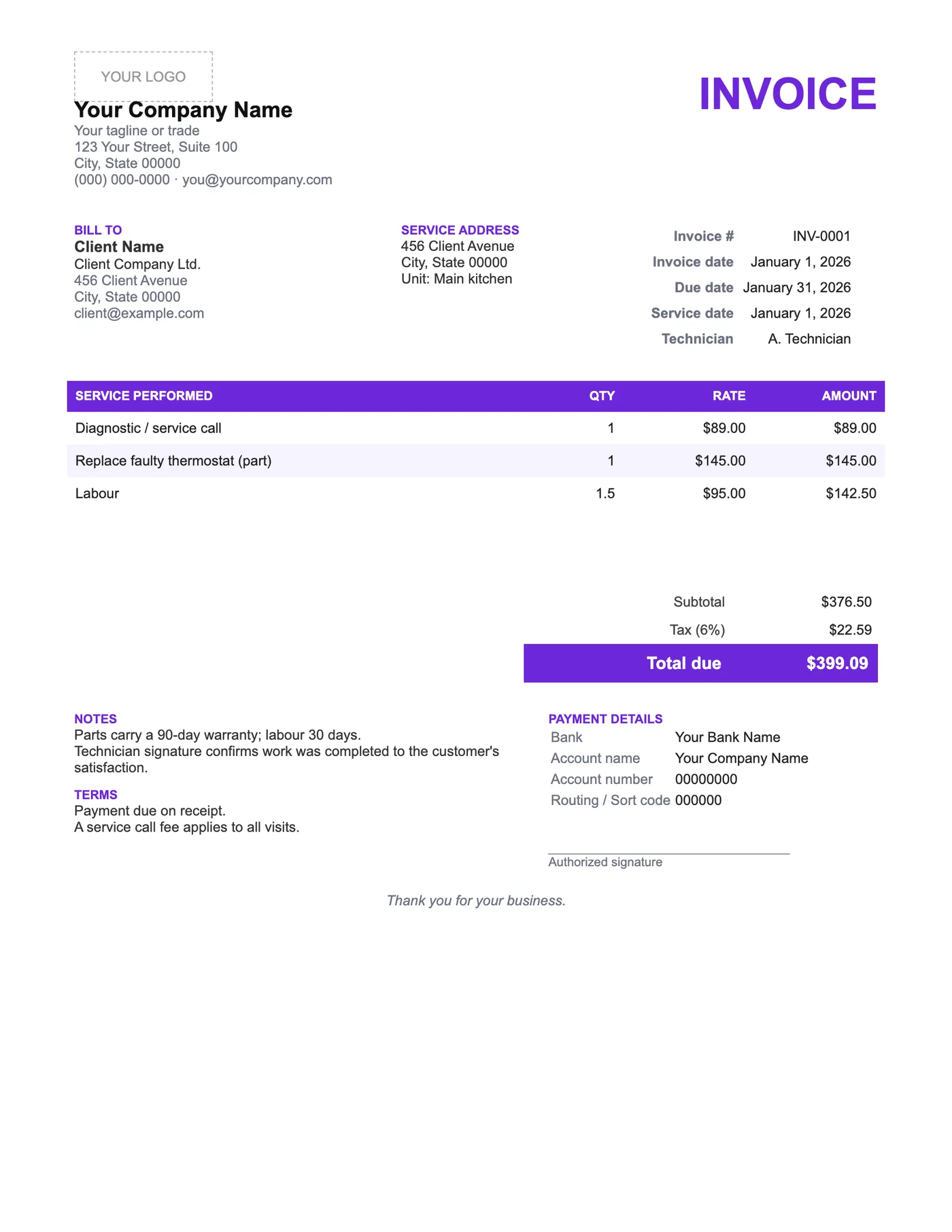
How to use it in Microsoft Word
- 1
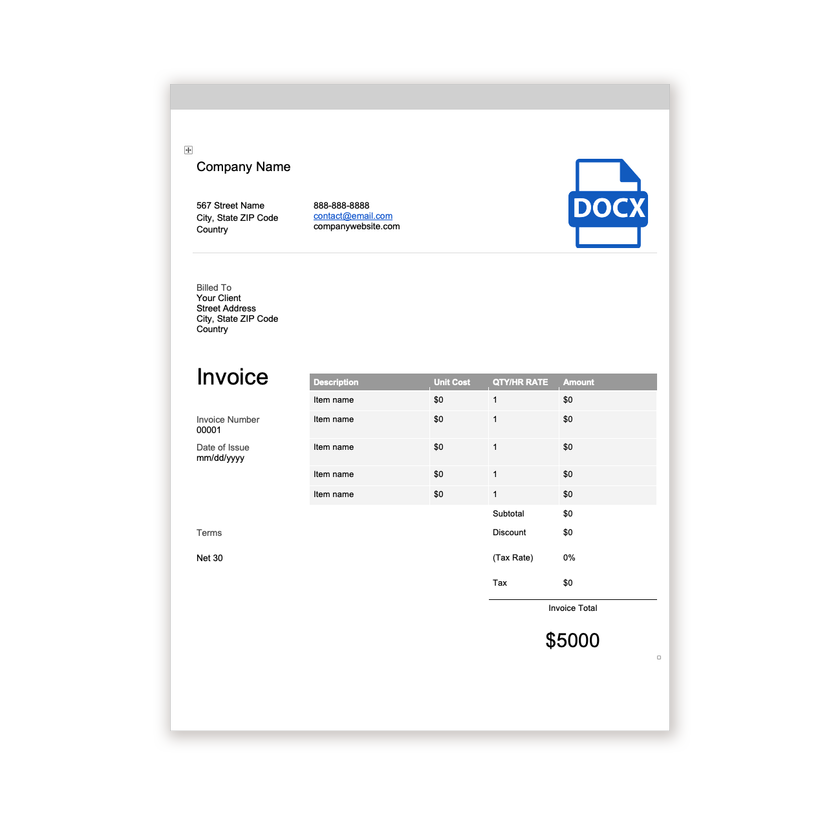
Download the .docx file and open it in Word. If a Protected View bar appears, click Enable Editing.
- 2
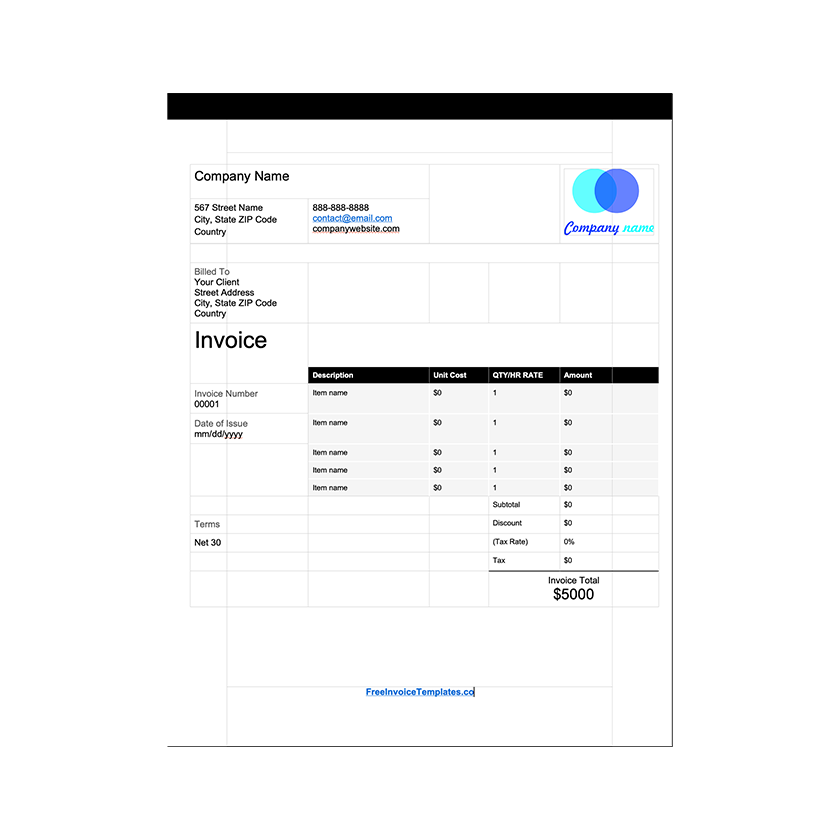
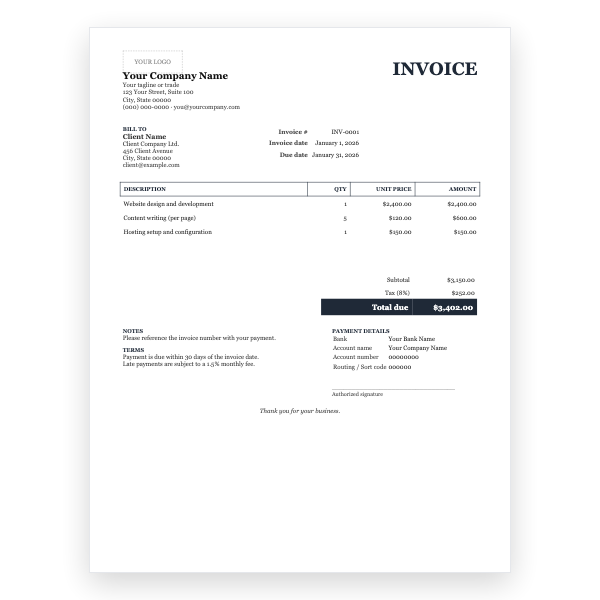
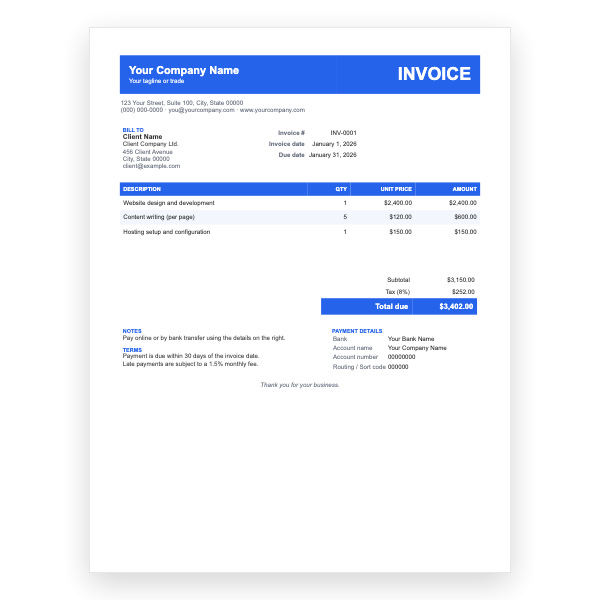
Click the logo placeholder, delete it, and insert your own image. Type your business details into the header.
- 3
Fill in the Billed To block, the invoice number, and the date of issue.
- 4
Type each line item into the table. Press Tab in the last cell to add a row.
- 5
Work out the subtotal, tax, and total and type them into the totals column.
- 6
Choose File, Save As, and pick PDF. Send the PDF, not the Word file.
What a service customer looks for later
Customers dig out old service invoices to check who came, when, and what they did. Those three facts sit in the header rather than in the notes. The warranty line tells them whether a repeat fault is covered, which saves a phone call for both of you.
Filling it in on site
Open the Word file on a laptop or tablet, type the parts and labour, and export a PDF before you leave. If you prefer paper, print a few copies with your details filled in and complete the rest by hand; the table rows are tall enough for handwriting.
Tips
- Record serial numbers of replaced parts in the description for warranty claims.
- Keep the call-out fee as its own line so it is not mistaken for labour.
- Keep the warranty periods accurate; they are a promise.
Questions about this template
How do I get the customer to sign?
Print the PDF and sign on paper, or open the file on a tablet and use Draw to sign with a finger or stylus.
Can I remove the technician field?
Yes. Click into it and delete the text, or replace it with a job reference.
Is there a printable blank form for service calls?
Yes, the Service Invoice Form PDF is designed to be printed and filled in by hand.