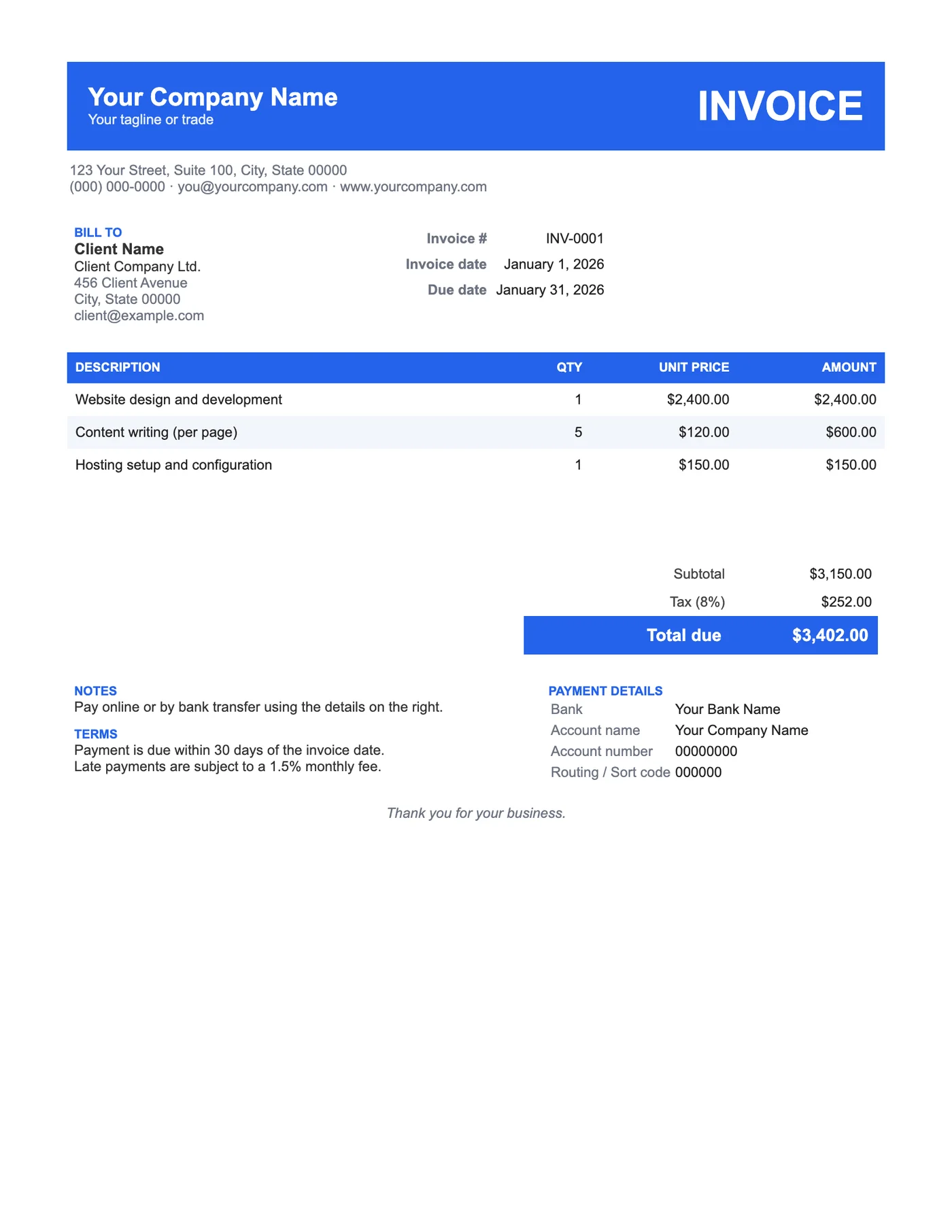
How to use it in Microsoft Word
- 1
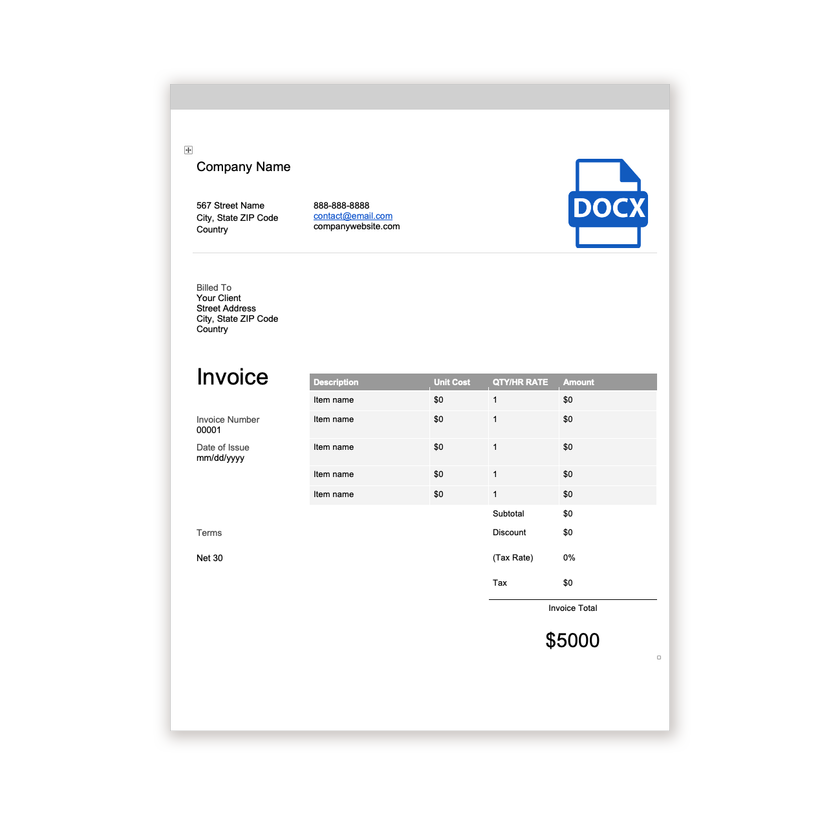
Download the .docx file and open it in Word. If a Protected View bar appears, click Enable Editing.
- 2
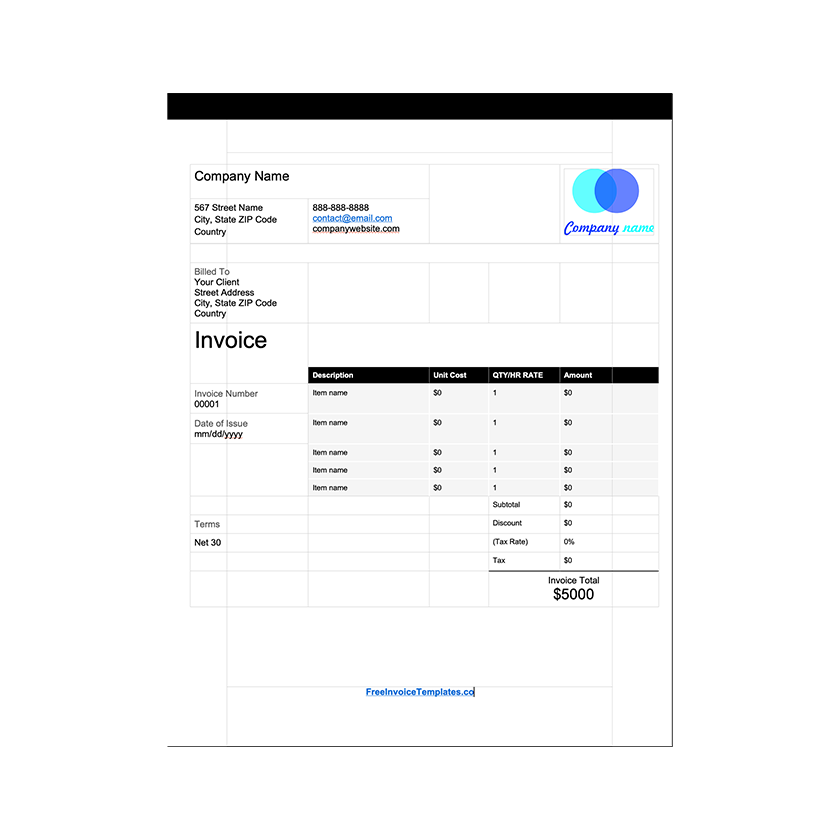
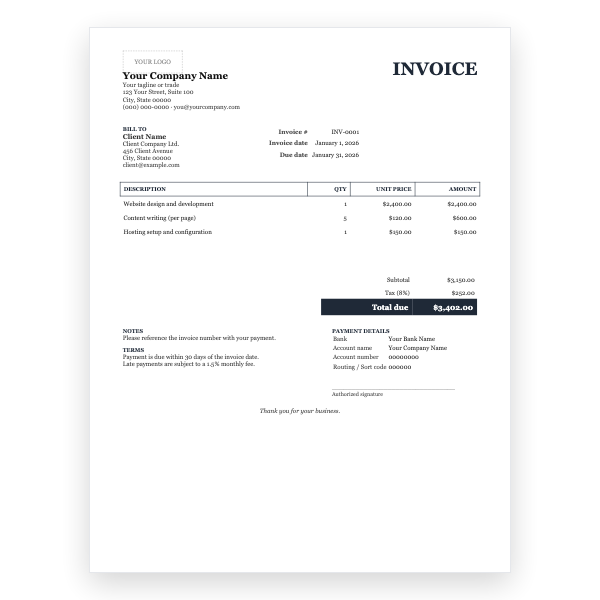
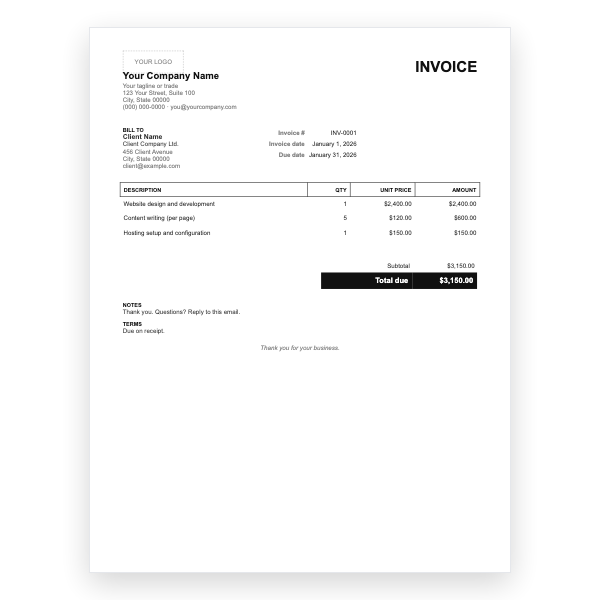
Click the logo placeholder, delete it, and insert your own image. Type your business details into the header.
- 3
Fill in the Billed To block, the invoice number, and the date of issue.
- 4
Type each line item into the table. Press Tab in the last cell to add a row.
- 5
Work out the subtotal, tax, and total and type them into the totals column.
- 6
Choose File, Save As, and pick PDF. Send the PDF, not the Word file.
One click to recolour
The band, the table header, and the total row are table cell shading. Click into any of them, open Table Design, choose Shading, and pick your brand colour; repeat for the other two and the invoice is yours. Keep the text white on dark colours and switch it to black on pale ones.
Striped rows in Word
Alternate rows are shaded with a very light tint of the accent. When you add rows with Tab, Word copies the shading of the row above, so add two at a time or fix the pattern with Shading afterwards. The stripes are what make a long item list scannable, so it is worth the ten seconds.
Tips
- Add a white or single-colour logo inside the band for a polished look.
- Use the Notes block for a payment link; clients can click it from the PDF.
- Save as PDF before sending so the band colour prints exactly as you see it.
Questions about this template
How do I change the blue?
Click inside the band, go to Table Design, Shading, and choose a colour. Do the same for the table header row and the Total due row.
Will the band print on a mono printer?
Yes. It prints as dark grey and the white text stays legible.
Is there a Google Docs version?
Yes, the Modern Invoice Template for Google Docs has the same layout and opens with one click.