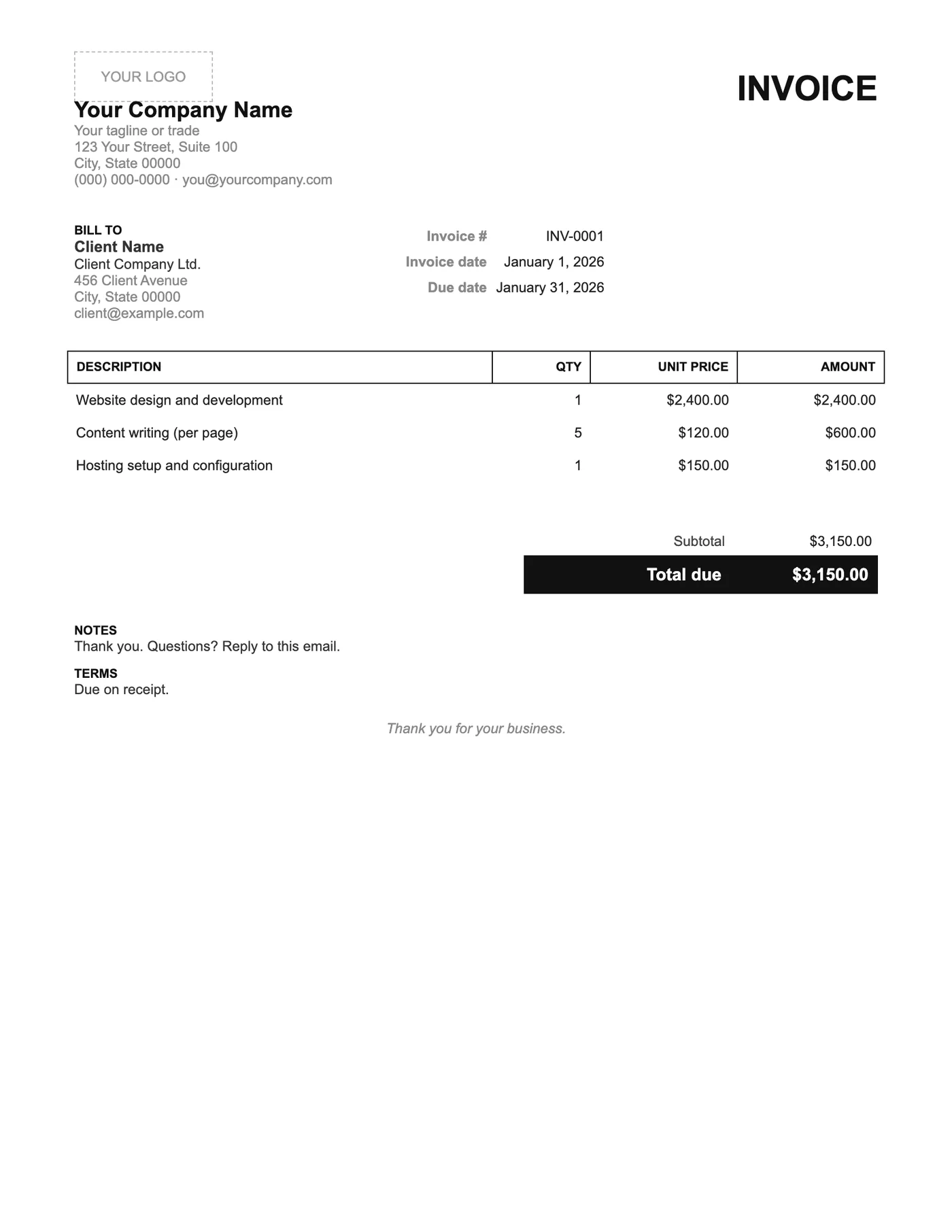
How to use it in Microsoft Word
- 1
Download the .docx file and open it in Word. If a Protected View bar appears, click Enable Editing.
- 2
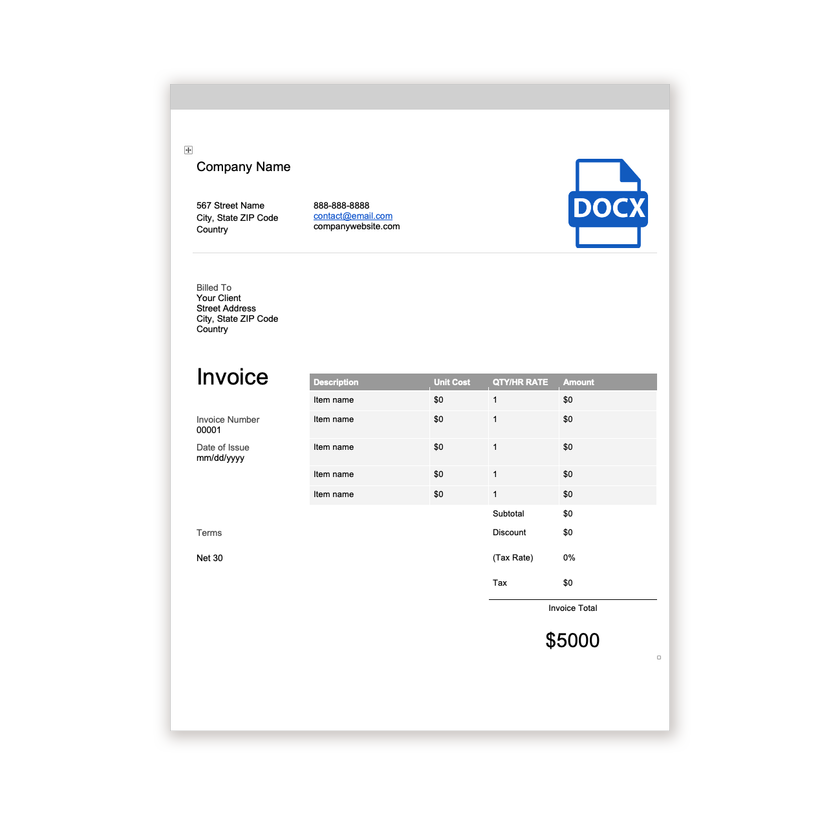
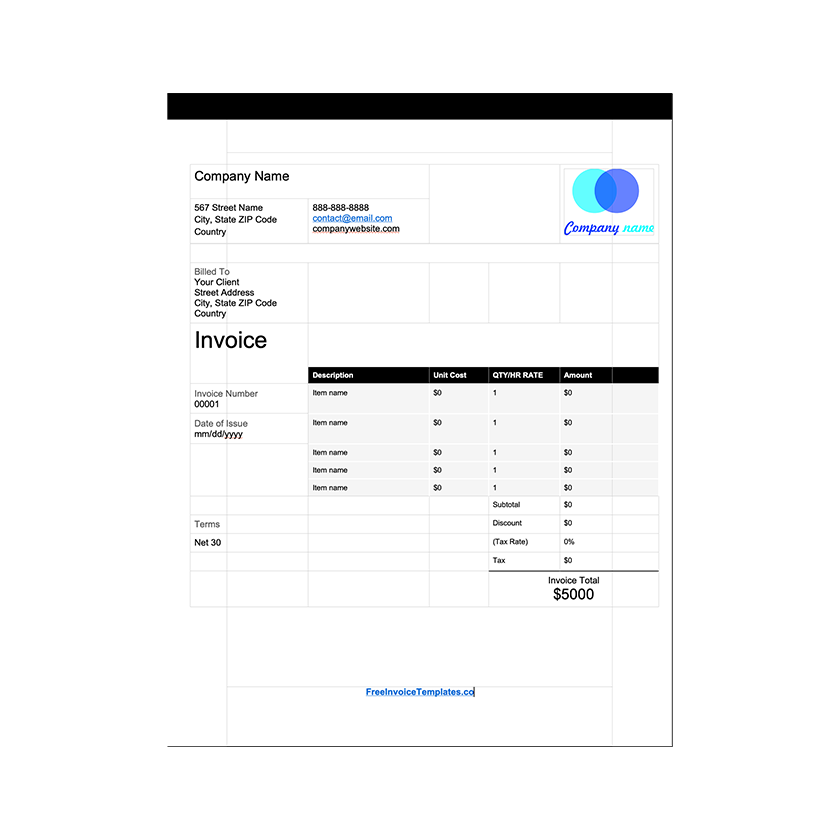
Click the logo placeholder, delete it, and insert your own image. Type your business details into the header.
- 3
Fill in the Billed To block, the invoice number, and the date of issue.
- 4
Type each line item into the table. Press Tab in the last cell to add a row.
- 5
Work out the subtotal, tax, and total and type them into the totals column.
- 6
Choose File, Save As, and pick PDF. Send the PDF, not the Word file.
Less to fill in, faster to pay
Every field on an invoice is a question the client has to answer before paying. This layout asks only the necessary ones. There is no tax row because many small sellers do not charge it, and no bank block because a single line in Notes does the same job. Clients tend to pay simple invoices quickly.
Adding a field back
Need tax after all? Click in the Subtotal row of the totals table, choose Insert Below from the Layout tab, and label the new row Tax. Need bank details? Type them on the Notes line. The spacing is generous enough that one or two additions will not crowd the page.
Tips
- Resist adding a logo; the typed company name is the point of this design.
- Keep Due on receipt unless the client has asked for terms.
- Export as PDF so the generous white space is preserved.
Questions about this template
Can I add a tax line?
Yes. Insert a row in the totals table and label it Tax, then type the amount and update the total.
Is this valid for a VAT-registered business?
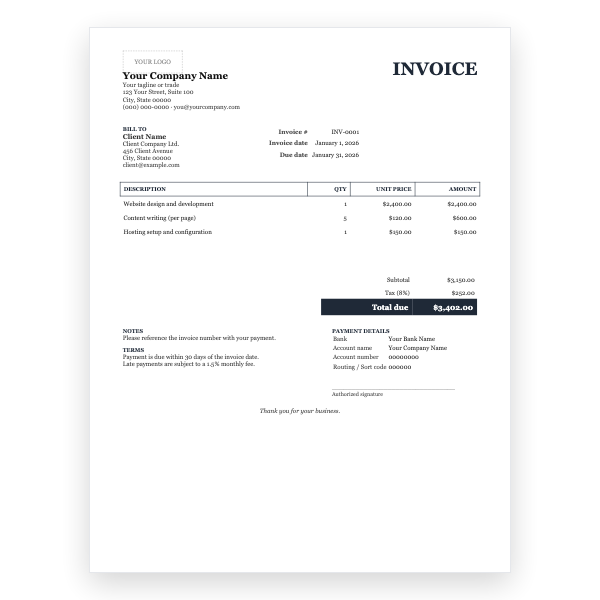
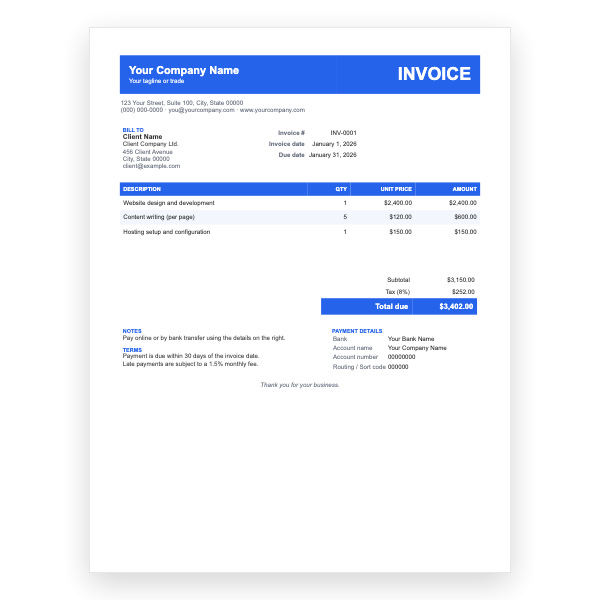
Only once you add the tax line, your registration number, and the tax amount. The Classic or Modern Word templates include these by default.
How many line items fit on one page?
About fifteen. Press Tab in the last cell to add a row.