How to use it in Microsoft Word
- 1
Download the .docx file and open it in Word. If a Protected View bar appears, click Enable Editing.
- 2
Click the logo placeholder, delete it, and insert your own image. Type your business details into the header.
- 3
Fill in the Billed To block, the invoice number, and the date of issue.
- 4
Type each line item into the table. Press Tab in the last cell to add a row.
- 5
Work out the subtotal, tax, and total and type them into the totals column.
- 6
Choose File, Save As, and pick PDF. Send the PDF, not the Word file.
A receipt in a minute
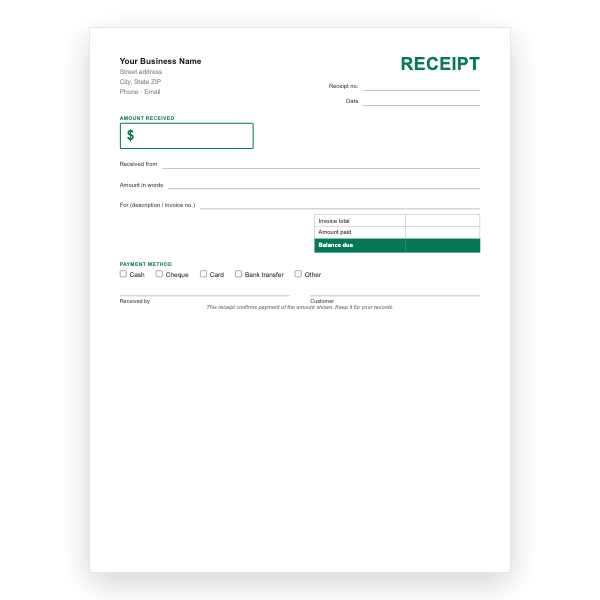
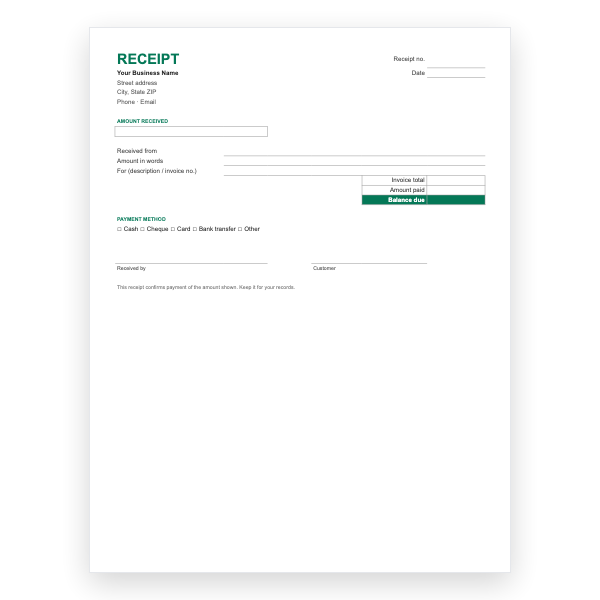
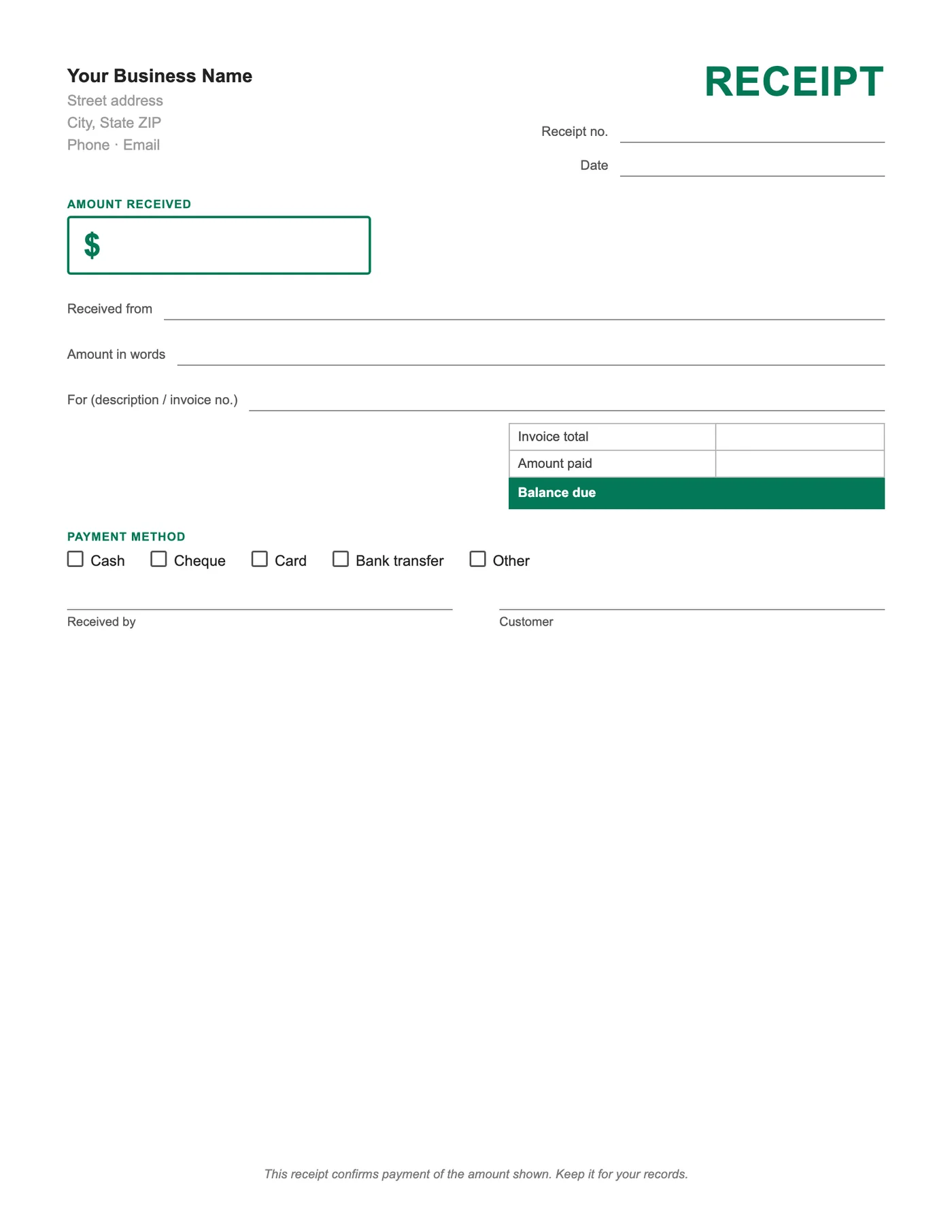
Open the file, type over the business lines once, and save a master. For each payment, fill in the payer, amount, and method, tick the box, and save as PDF with the receipt number in the name. Emailed receipts arrive faster and are harder to lose than paper ones.
Receipts and your records
Each receipt is evidence of income. Keep the PDFs in a folder per year, and number them in a sequence separate from your invoices so a bookkeeper can tie payments to bills.
Tips
- Replace the tick box character with an X in Word, or tick it by hand on paper.
- Add your logo next to the business name.
- Keep the amount in words; it prevents disputes.
Questions about this template
How do I tick a box in Word?
Type an X over the box character, or use Insert, Symbol to pick a checked box.
Can I calculate the balance?
Not in Word. The Excel and Google Sheets receipts subtract the amount paid from the invoice total automatically.
Is there a PDF version?
Yes, the Payment Receipt Template PDF is the same layout for printing.