How to use it in Google Docs
- 1
Click Open in Google Docs. If asked, sign in; Google places a copy in your Drive.
- 2
Rename the copy with the invoice number so you can find it later.
- 3
Replace the placeholder text with your details, the client’s, the invoice number, and the dates.
- 4
Type each line item. Right-click a row to insert or delete rows.
- 5
Add up the amounts and type the subtotal, tax, and total. Docs does not calculate.
- 6
Choose File, Download, PDF document and send the PDF.
Receipts from anywhere
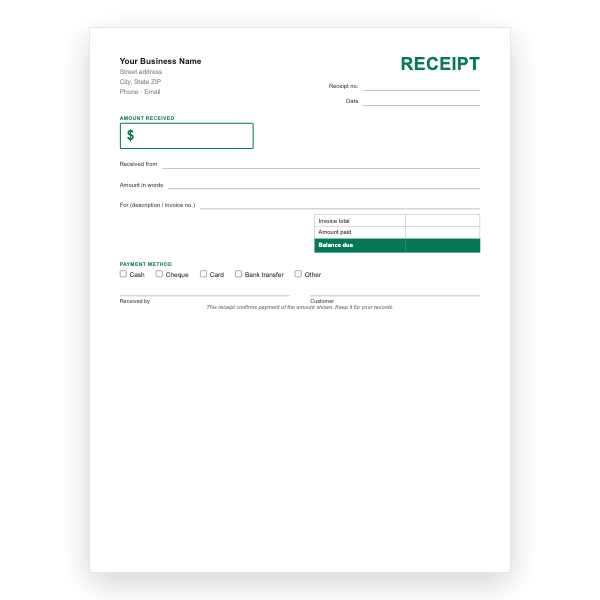
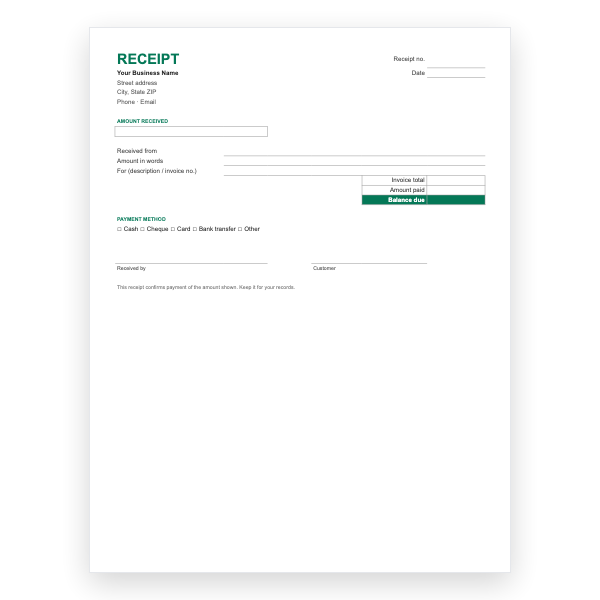
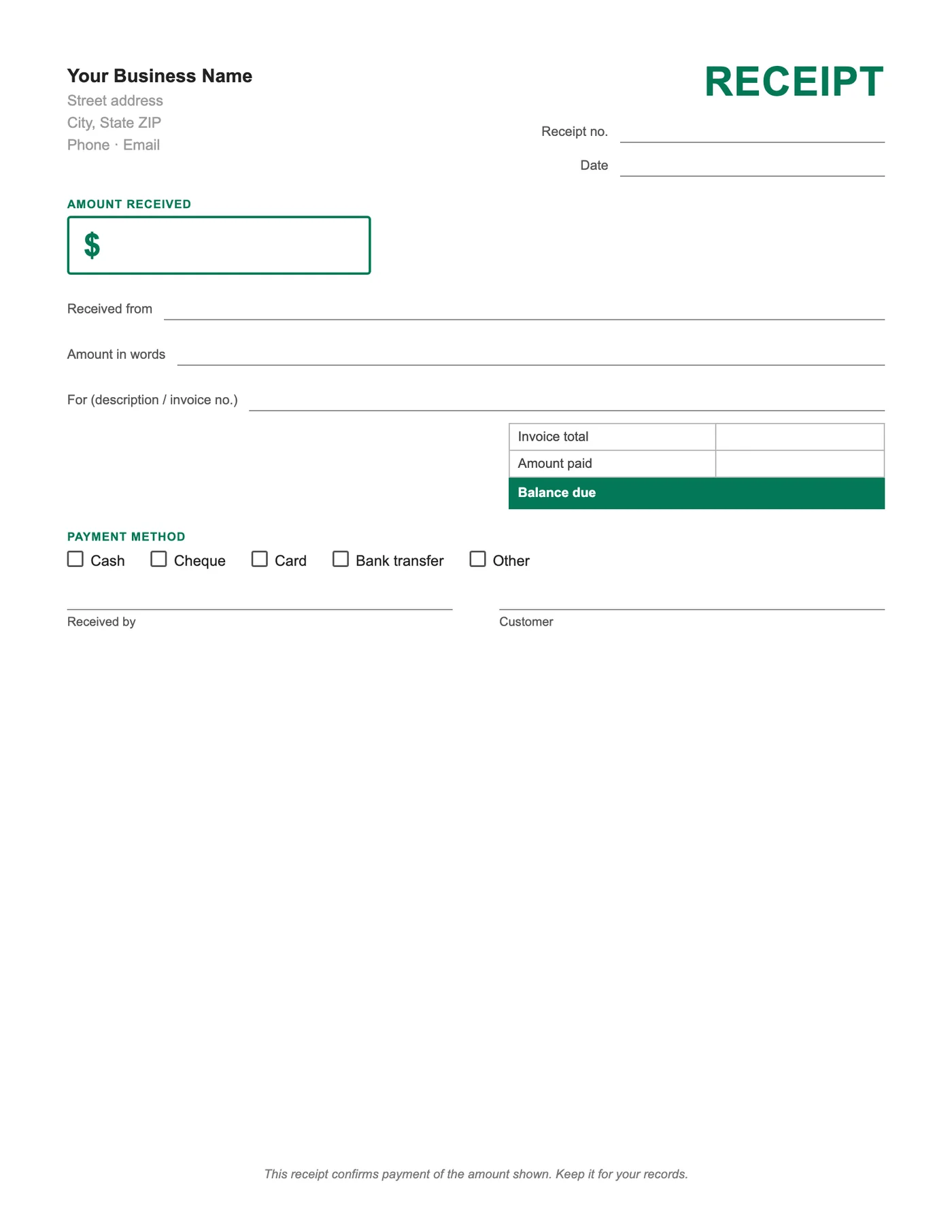
Because the template is a Google Doc, you can issue a receipt from the Docs app on a phone while the customer is still with you. Fill in the fields, choose Share, and send a view-only link, or download a PDF and attach it.
Keeping them together
Save each receipt copy in the same Drive folder as the invoice it settles and name it with the receipt number and the invoice number. Drive search then finds any payment in seconds.
Tips
- Make your own master copy with your details before issuing receipts.
- Use File, Download, PDF for attachments; share links only as View.
- Number receipts in their own sequence.
Questions about this template
Do I need a Google account?
Yes. The template is copied into your Drive, so any free Gmail account works.
Does it calculate the balance?
No, Docs does not calculate. The Google Sheets receipt template does.
Can I convert it to Word?
Yes, from File, Download, Microsoft Word. Or download our Word receipt directly.