How to use it in Google Sheets
- 1
Click Open in Google Sheets. If asked, sign in; Google places a copy in your Drive.
- 2
Fill in the yellow cells only: your details, the client, and each line item.
- 3
Type your tax rate in the rate cell. Amounts, subtotal, tax, and total update on their own.
- 4
To add lines, insert rows inside the item block so the totals keep including them.
- 5
Check the figures once, then choose File, Download, PDF and select Fit to width.
- 6
Send the PDF. Duplicate the tab for your next invoice.
A receipt that does the subtraction
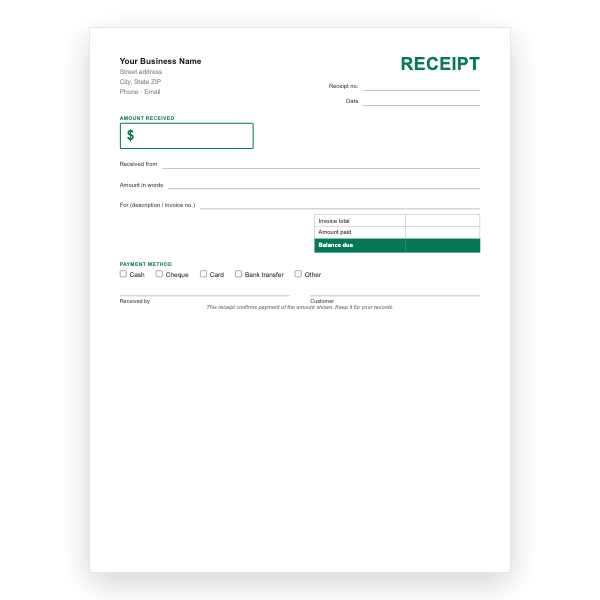
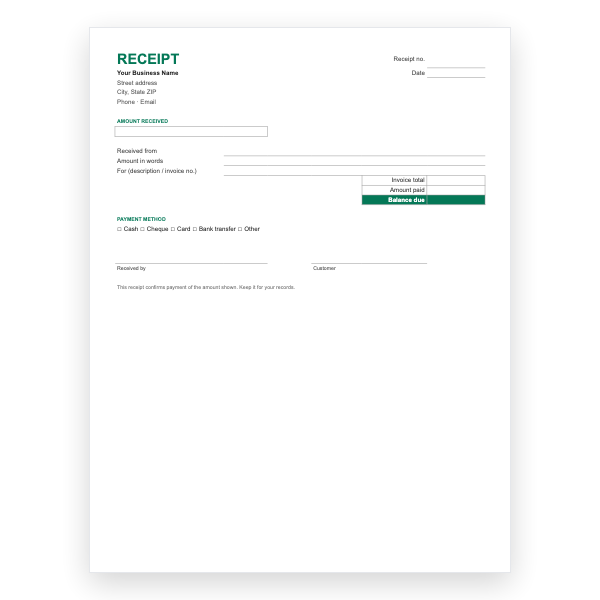
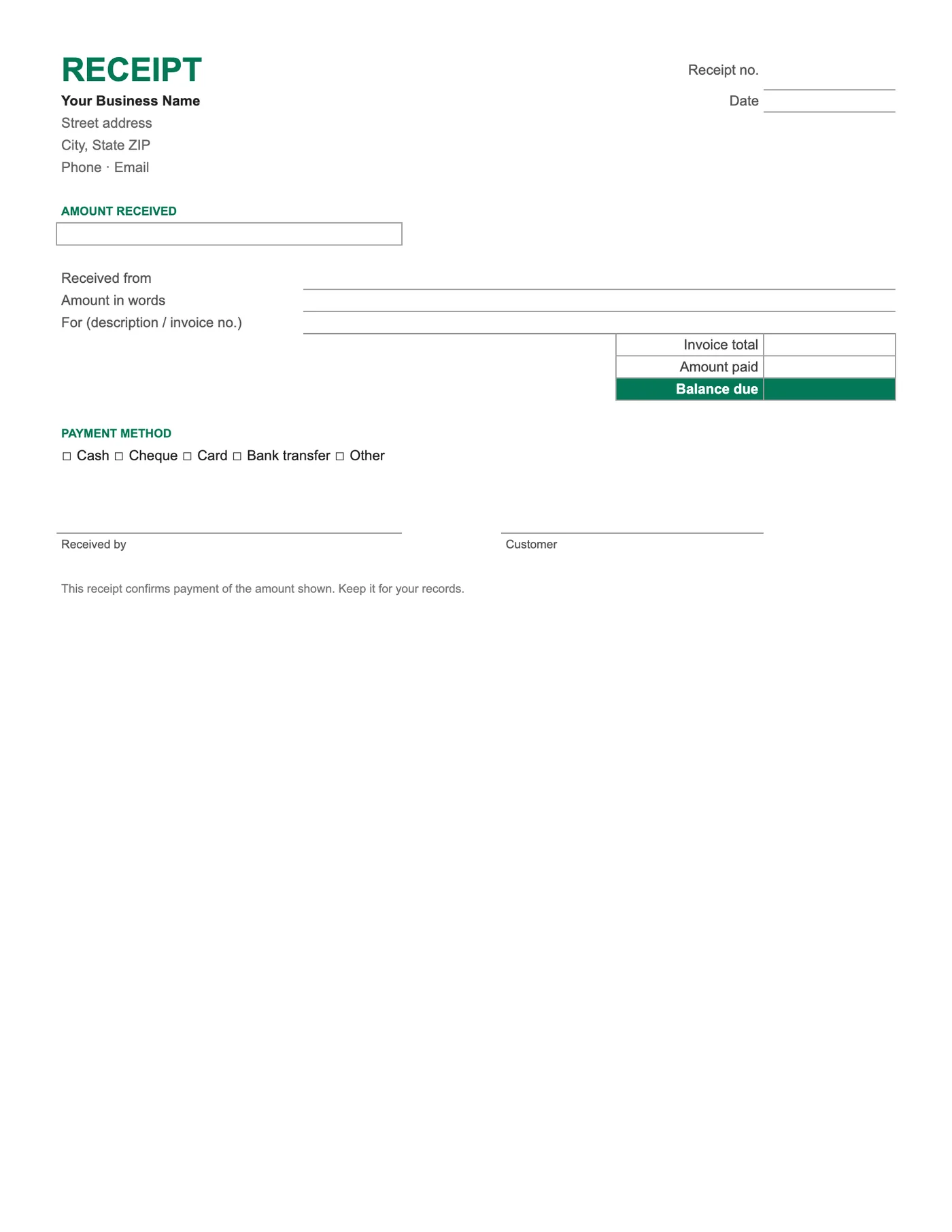
Balance due is Invoice total minus Amount paid. For a payment in full it shows zero and you can add Paid in full to the For line; for a deposit it shows what remains. Duplicate the tab for each receipt to keep a customer’s history in one file.
Sending it
Choose File, Download, PDF and pick Current sheet so only the receipt is exported. Avoid sharing the Sheet itself; a PDF cannot be changed after the fact.
Tips
- Type the tick box row by hand on paper or replace the box with an X on screen.
- Keep receipt numbers separate from invoice numbers.
- Add your logo with Insert, Image, over cells.
Questions about this template
Can I log many payments against one invoice?
Yes. Use the Google Sheets Invoice with Payment Tracker, which has a Payments tab, or duplicate this receipt per payment.
Can I download it as Excel?
Yes, from File, Download, Microsoft Excel. Or download the Excel receipt template directly.
Do I need a Google account?
Yes, because the template is copied into your Drive.