How to use it in Microsoft Excel
- 1
Download the .xlsx file and open it in Excel. Click Enable Editing if Excel asks.
- 2
Type your business details and the client’s into the header cells.
- 3
Enter a description, unit cost, and quantity on each row. The Amount column fills itself in.
- 4
Type your tax rate in the Tax Rate cell. Subtotal, Tax, and Invoice Total update automatically.
- 5
Insert extra rows inside the item block if you need them, then copy an Amount formula down.
- 6
Choose File, Save As, PDF to create the copy you send.
The one formula that matters
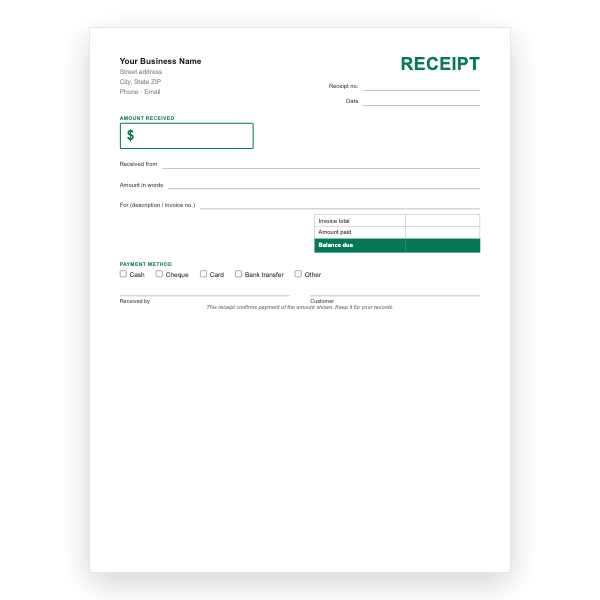
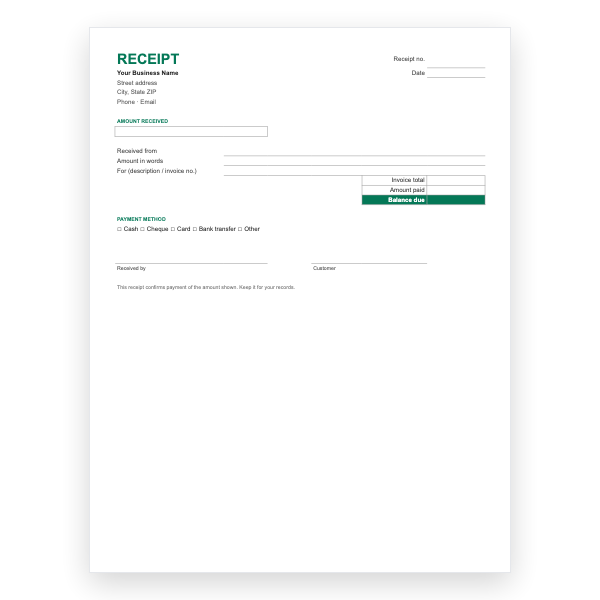
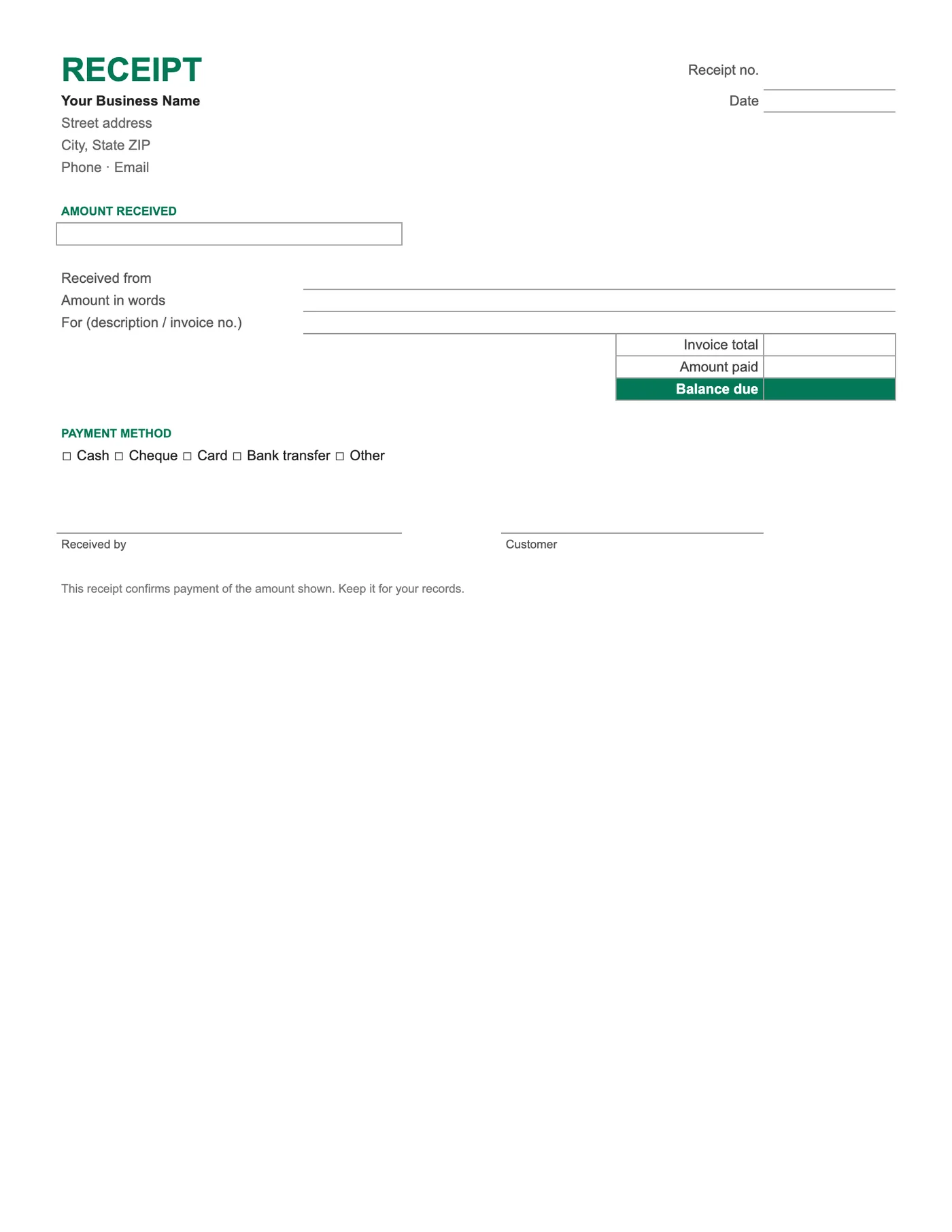
Balance due subtracts Amount paid from Invoice total. For a payment in full it shows zero; for a deposit it shows what remains. Keep one workbook per customer and add a tab per receipt to see their payment history at a glance.
From spreadsheet to receipt
Fill in the yellow-free cells, check the balance, and choose File, Save As, PDF. The print area covers the receipt only, so the PDF is clean. Email it or print it for the customer.
Tips
- Number receipts in their own sequence.
- Type the payment method in the tick box row or mark it by hand on paper.
- Save a PDF of every receipt you issue.
Questions about this template
Can I track several payments against one invoice?
Yes. Add a tab per receipt, or use the Google Sheets Invoice with Payment Tracker, which logs payments on a second tab.
Does it open in Google Sheets?
Yes. Upload it to Drive, or use the Google Sheets receipt template directly.
Can I add my logo?
Yes. Choose Insert, Pictures and place it beside the business lines.