How to use it in PDF, printable
- 1
Download the PDF to your computer or phone.
- 2
Open it in Preview, Acrobat Reader, Microsoft Edge, or any PDF editor.
- 3
Use the text tool to type into each field, or print it and fill it in by hand.
- 4
Save the completed file with the invoice number in the name.
- 5
Email it to your client or print it for the job site.
Invoice versus receipt
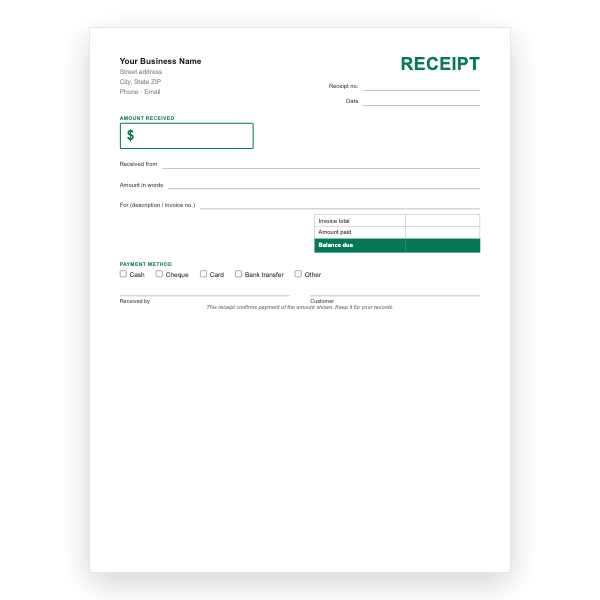
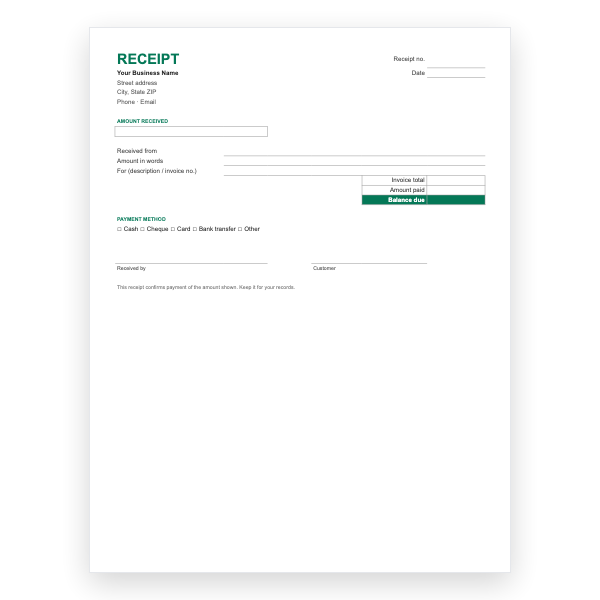
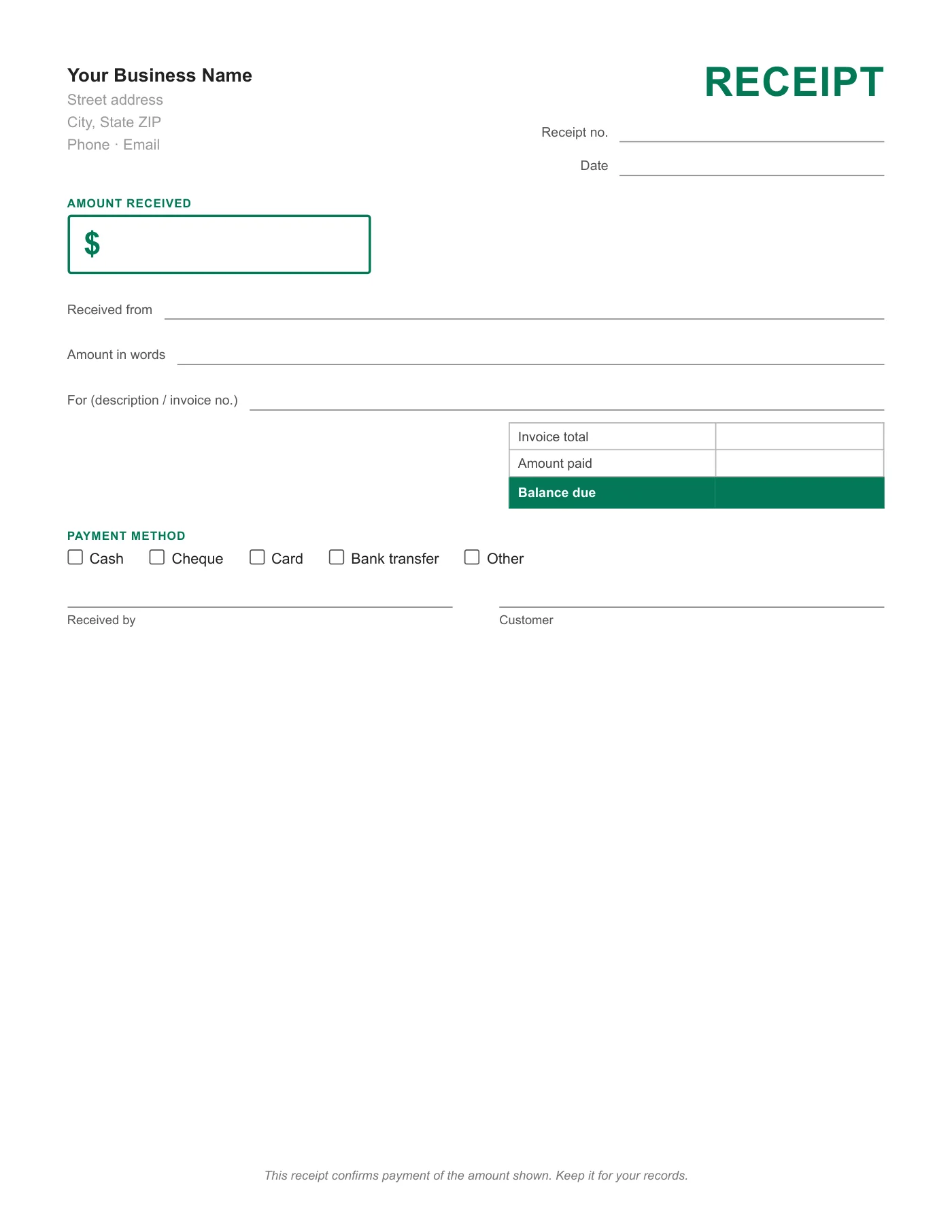
An invoice asks for money; a receipt confirms it arrived. This page is only the second. It names the payer, the amount in figures and words, what the payment was for, and the method, and it shows whether anything is still owed. Keep a copy; it is also your record of income.
Using it for part payments
Write the full invoice total, the amount paid today, and the balance due. The customer sees what remains and you have a dated record of each instalment. Issue a final receipt marked Paid in full when the balance reaches zero.
Tips
- Number receipts in their own sequence, separate from invoices.
- Write the amount in words to prevent alteration.
- Print on two-part paper so both sides keep a copy.
Questions about this template
Do I have to give a receipt?
Rules vary, but customers are usually entitled to one on request and cash payments should always have one.
Is there a version I can type into?
Yes. The Word, Excel, Google Docs, and Google Sheets receipt templates are the same layout.
Can I use it for rent?
Yes, though the Rent Receipt Template has property and period fields built in.