How to use it in Microsoft Word
- 1
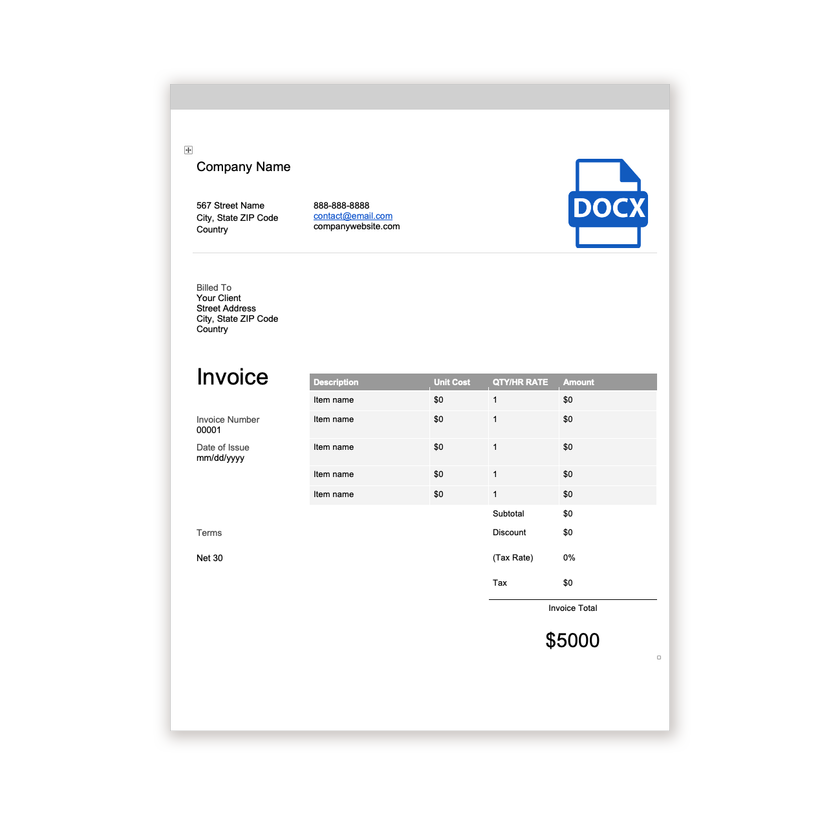
Download the .docx file and open it in Word. If a Protected View bar appears, click Enable Editing.
- 2
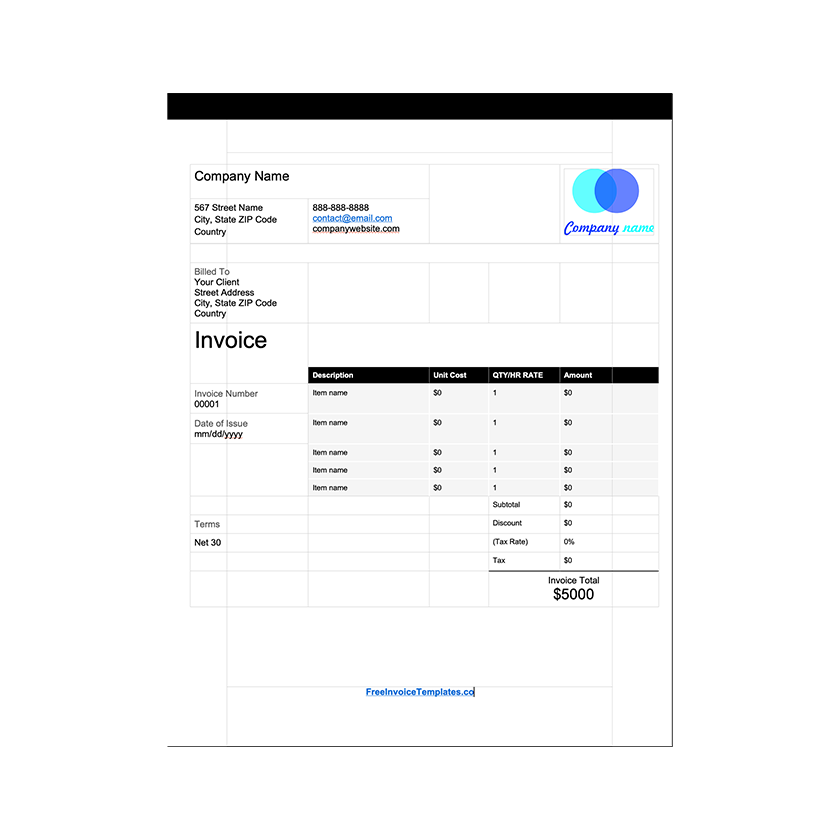
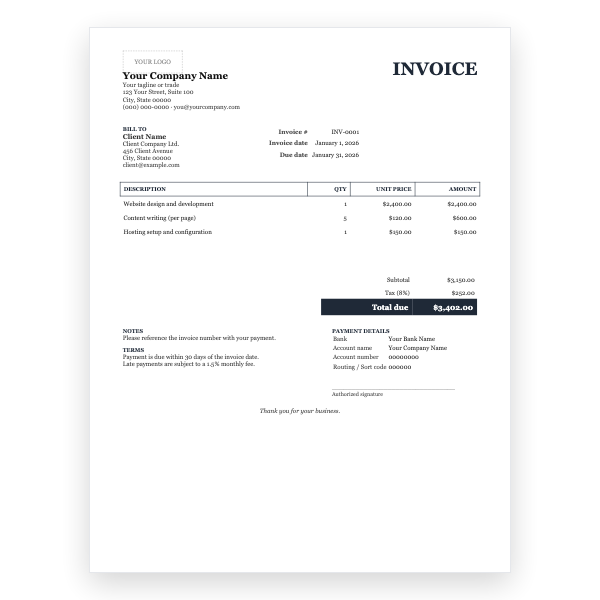
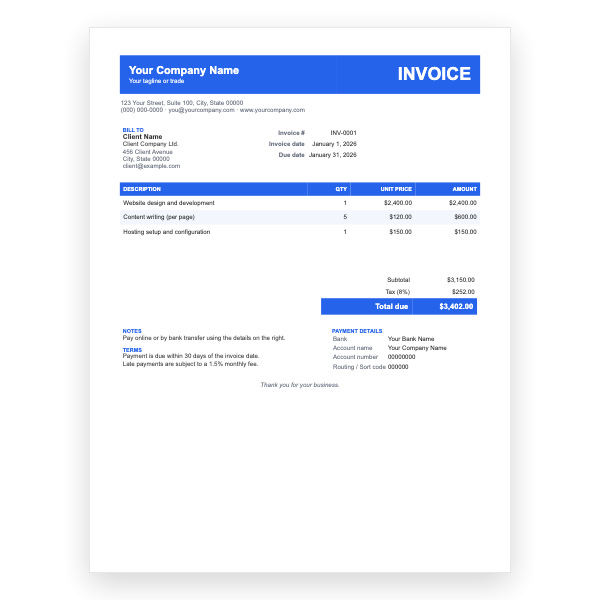
Click the logo placeholder, delete it, and insert your own image. Type your business details into the header.
- 3
Fill in the Billed To block, the invoice number, and the date of issue.
- 4
Type each line item into the table. Press Tab in the last cell to add a row.
- 5
Work out the subtotal, tax, and total and type them into the totals column.
- 6
Choose File, Save As, and pick PDF. Send the PDF, not the Word file.
Two tables the client can reconcile
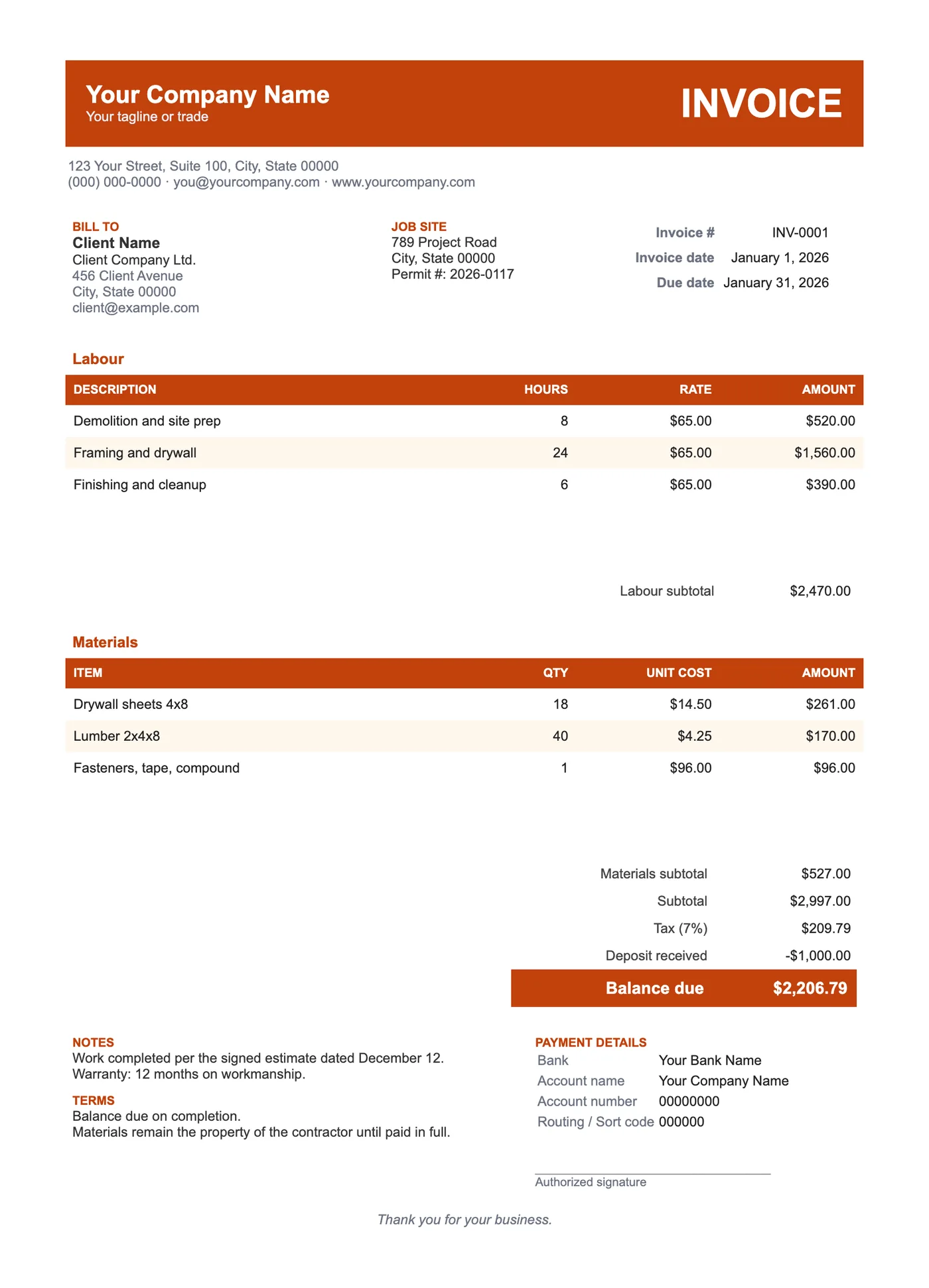
Clients want to compare the invoice with the estimate, and estimates are almost always split into labour and materials. Keeping the same split on the invoice makes that comparison a glance rather than an argument. Each table has its own subtotal before the combined totals.
Deposits, balances, and sign-off
Enter the deposit you received as a negative line in the totals so the client sees it credited, leaving Balance due as the one number to pay. The signature line gives you a place for the client to confirm the work is complete, which is worth having before the final payment.
Tips
- Put your licence number in the header; many jurisdictions require it.
- Reference the signed estimate date in Notes.
- Photograph the finished work and attach it to the invoice email.
Questions about this template
Can I add a subcontractor table?
Yes. Copy the Materials table, paste it below, and rename the heading.
Does it support progress billing?
Yes. Number the invoices by stage and carry previous payments into the Deposit received line.
Is there a version that calculates?
The Contractor Excel Invoice has the same sections with a markup percentage and formulas.