How to use it in Any PDF reader
- 1
Download the PDF to your computer or phone.
- 2
Open it in Preview, Acrobat Reader, Microsoft Edge, or any PDF editor.
- 3
Use the text tool to type into each field, or print it and fill it in by hand.
- 4
Save the completed file with the invoice number in the name.
- 5
Email it to your client or print it for the job site.
A PDF that still looks designed
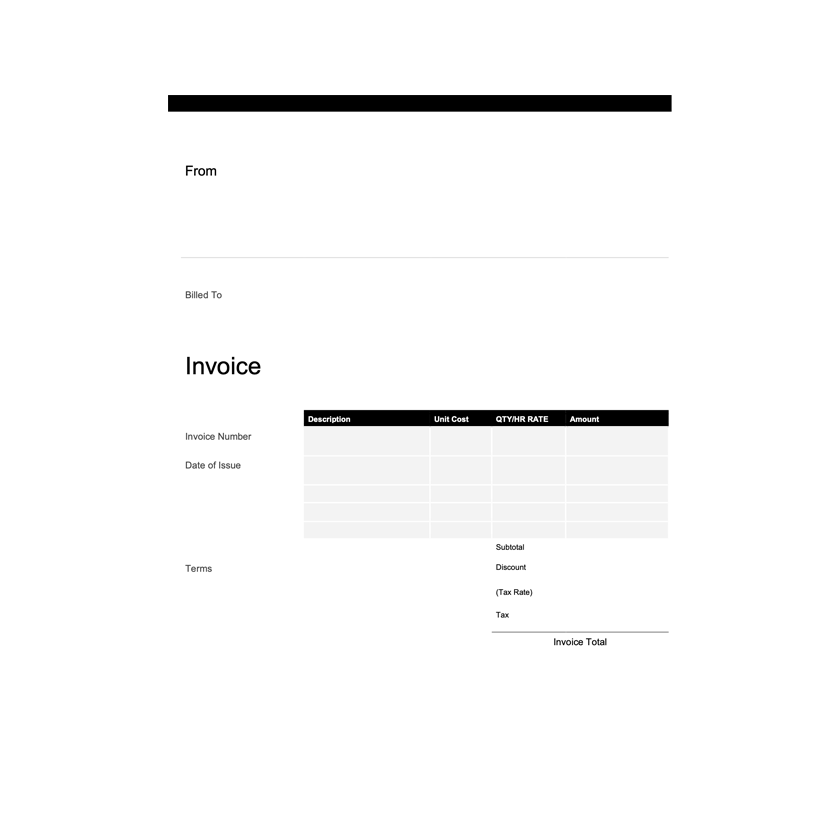
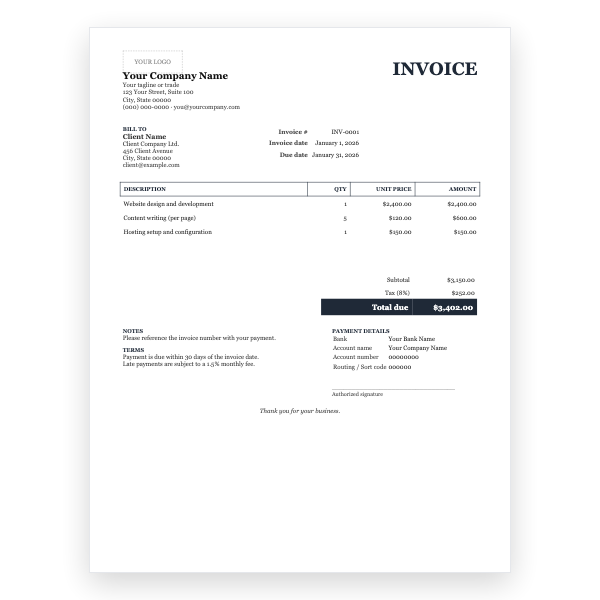
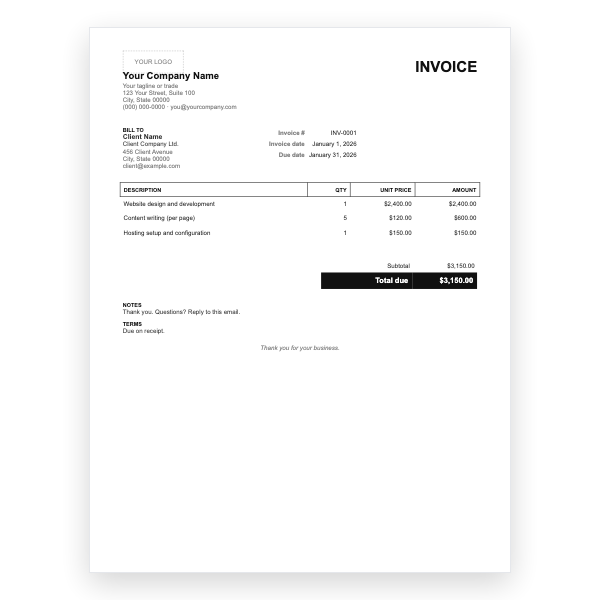
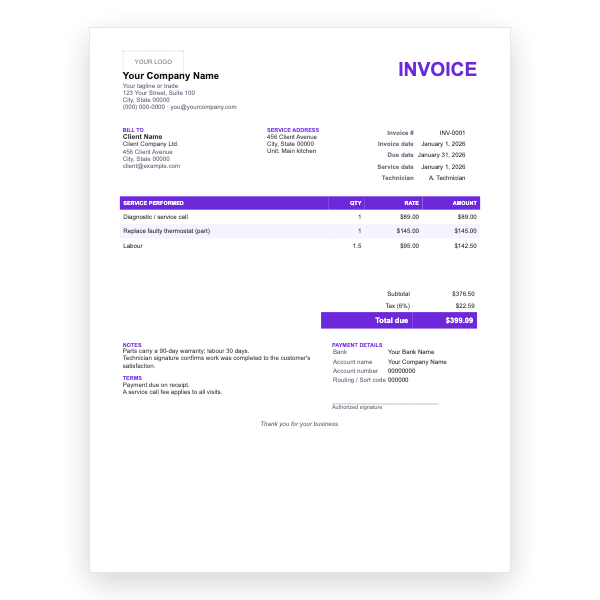
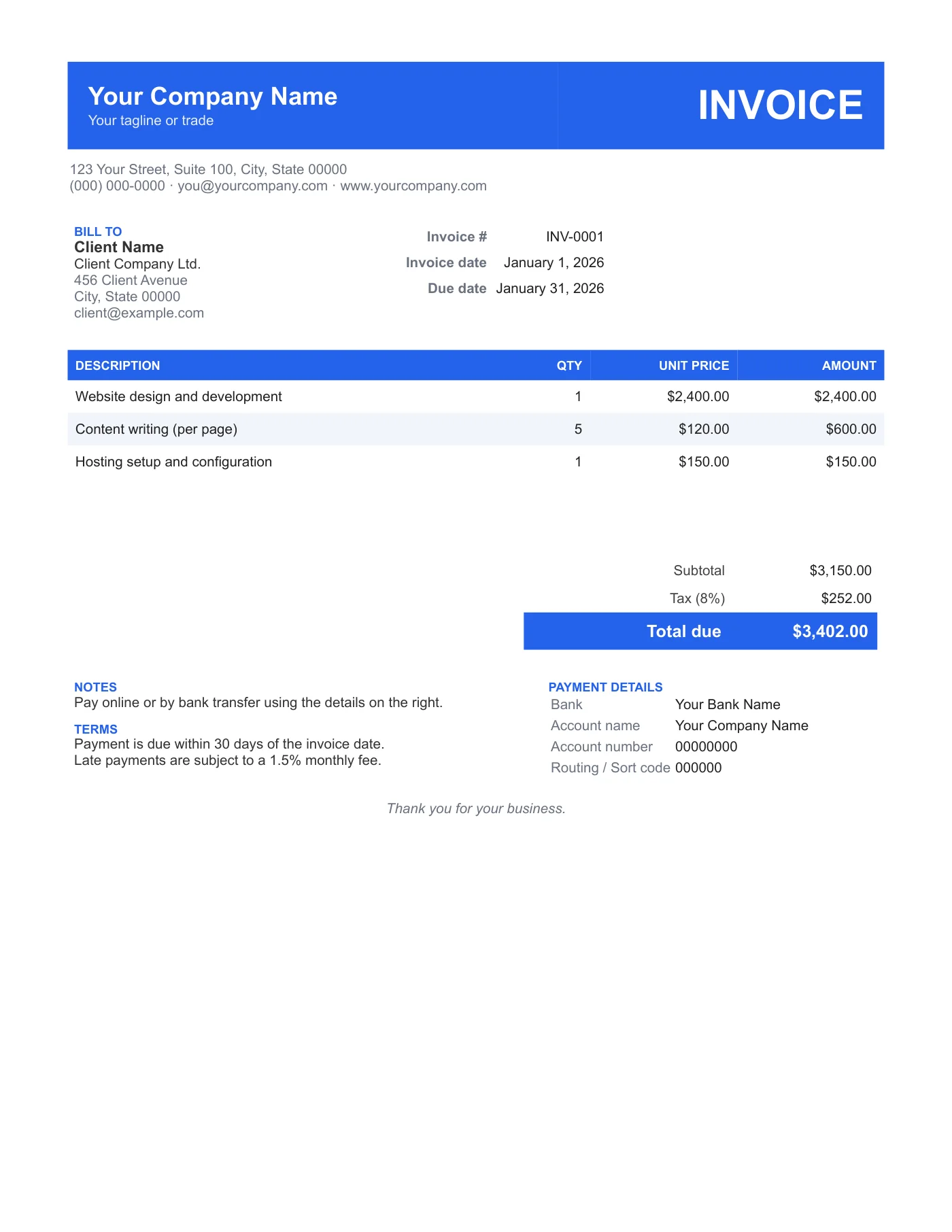
Most PDF invoice templates are grey tables. This one keeps the colour band and stripes so it reads as a finished document on a phone screen. The sample text is there to show where things go; type over it with the text tool.
Making it yours
To change the colour or add a logo, use the Modern Word Invoice Template or the Google Docs version and export your own PDF. The layout is identical, so you can switch later without your invoices changing.
Tips
- Set the printer to colour and Actual size.
- Flatten the PDF once filled in.
- Keep a blank copy and a filled master so you never overwrite the template.
Questions about this template
Can I change the blue?
Not in the PDF. Use the Word or Google Docs version to recolour, then export.
Will it print in greyscale?
Yes. The band prints dark grey with white text.
Is it fillable with form fields?
It is a flat PDF; type over it with the text tool. That keeps it compatible with every reader.