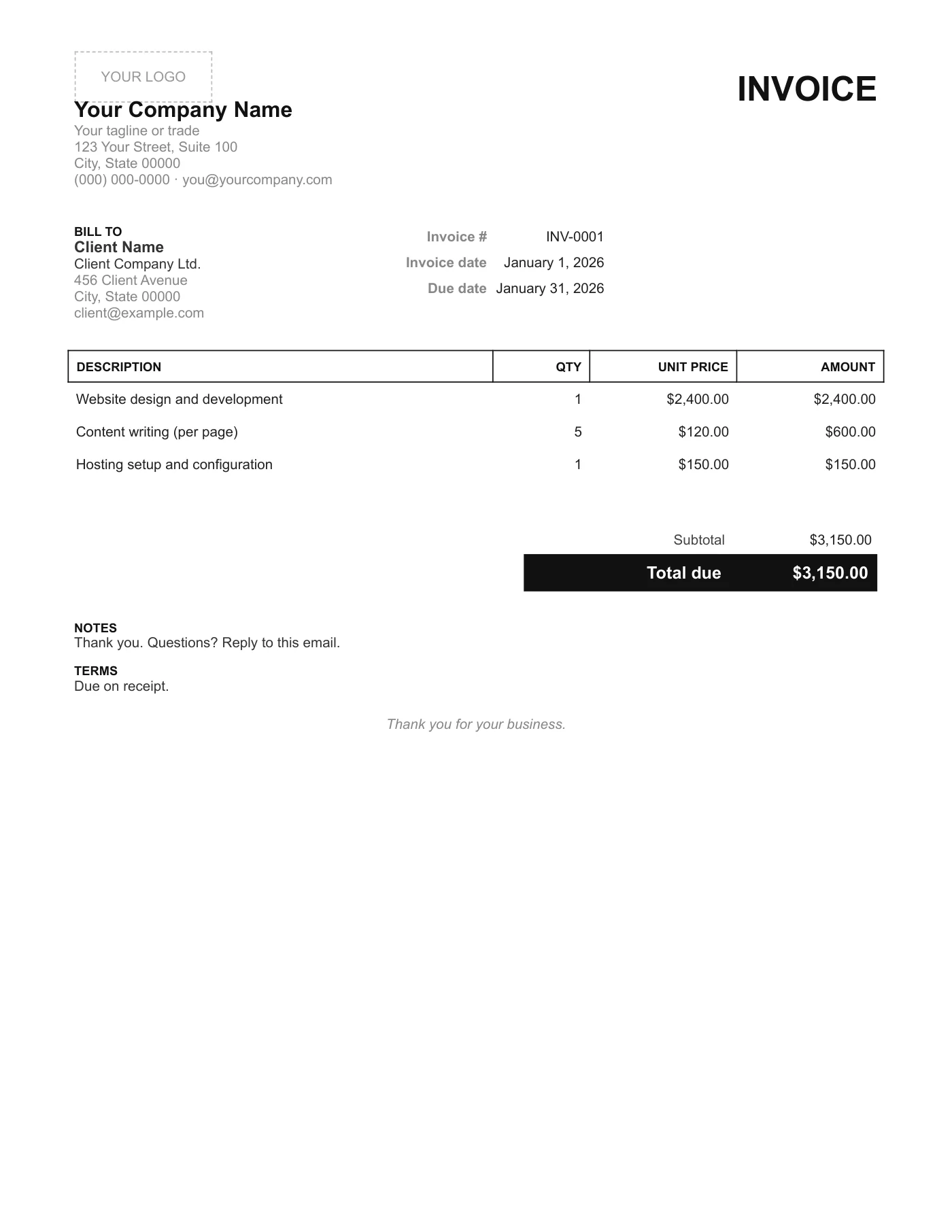
How to use it in Any PDF reader
- 1
Download the PDF to your computer or phone.
- 2
Open it in Preview, Acrobat Reader, Microsoft Edge, or any PDF editor.
- 3
Use the text tool to type into each field, or print it and fill it in by hand.
- 4
Save the completed file with the invoice number in the name.
- 5
Email it to your client or print it for the job site.
Why so little
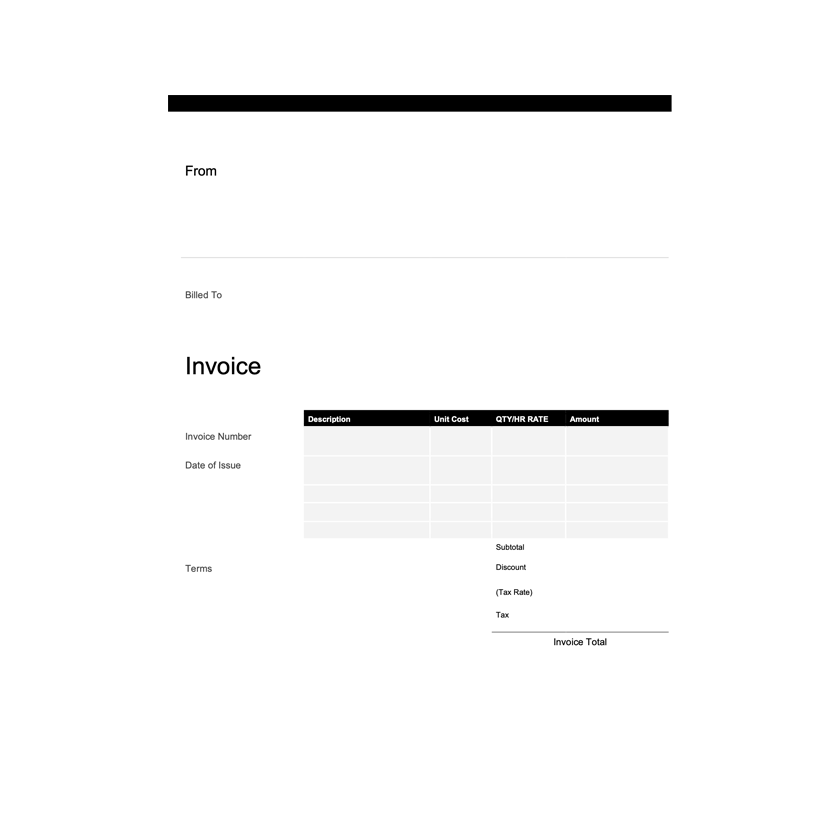
There is no tax row because many sole traders are below the registration threshold and a zero tax line only raises questions. There is no bank block because one line in Notes does the job. The result reads in one glance, which is the kind of invoice that gets paid first.
Need more fields?
A PDF cannot be extended, so if you need tax, bank details, or more rows, use the Minimal Word Invoice Template or the Google Docs version, add what you need, and export your own PDF.
Tips
- Print on plain paper; the design needs no colour.
- Use the Notes line for a thank you and your email.
- Keep invoice numbers in a separate list so you never reuse one.
Questions about this template
Can I add a tax line?
Not in the PDF. The Word and Google Docs versions let you insert one.
How many items fit?
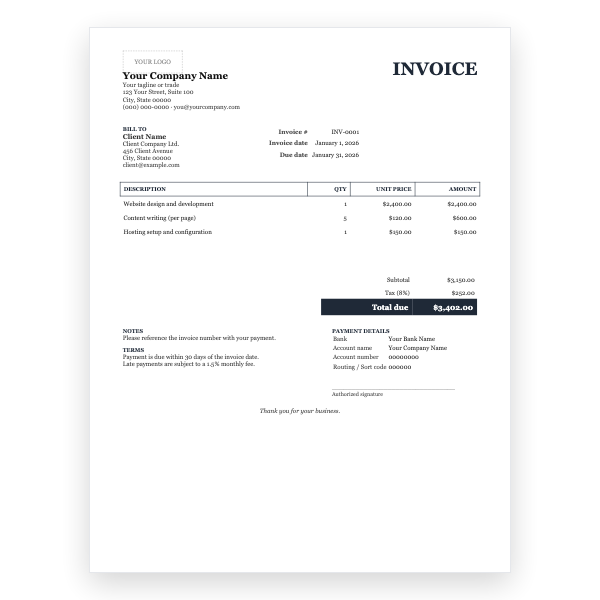
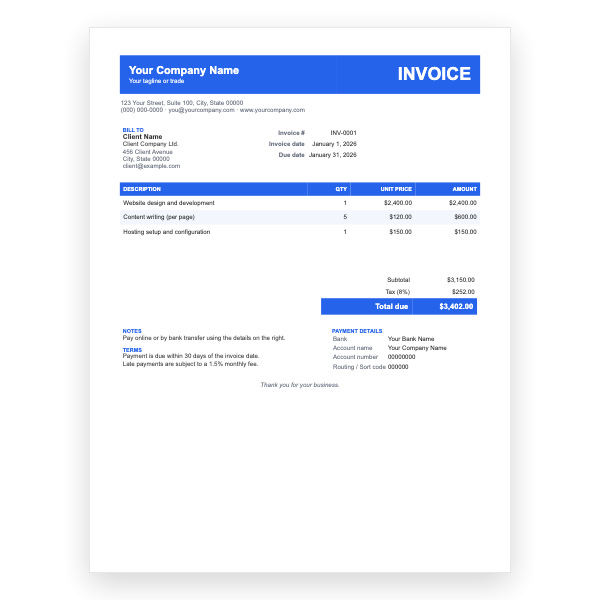
Four rows plus one blank. For longer lists use the Modern or Classic PDF.
Can I fill it in on a phone?
Yes. Files on iOS and Google Drive on Android both let you add text to a PDF.