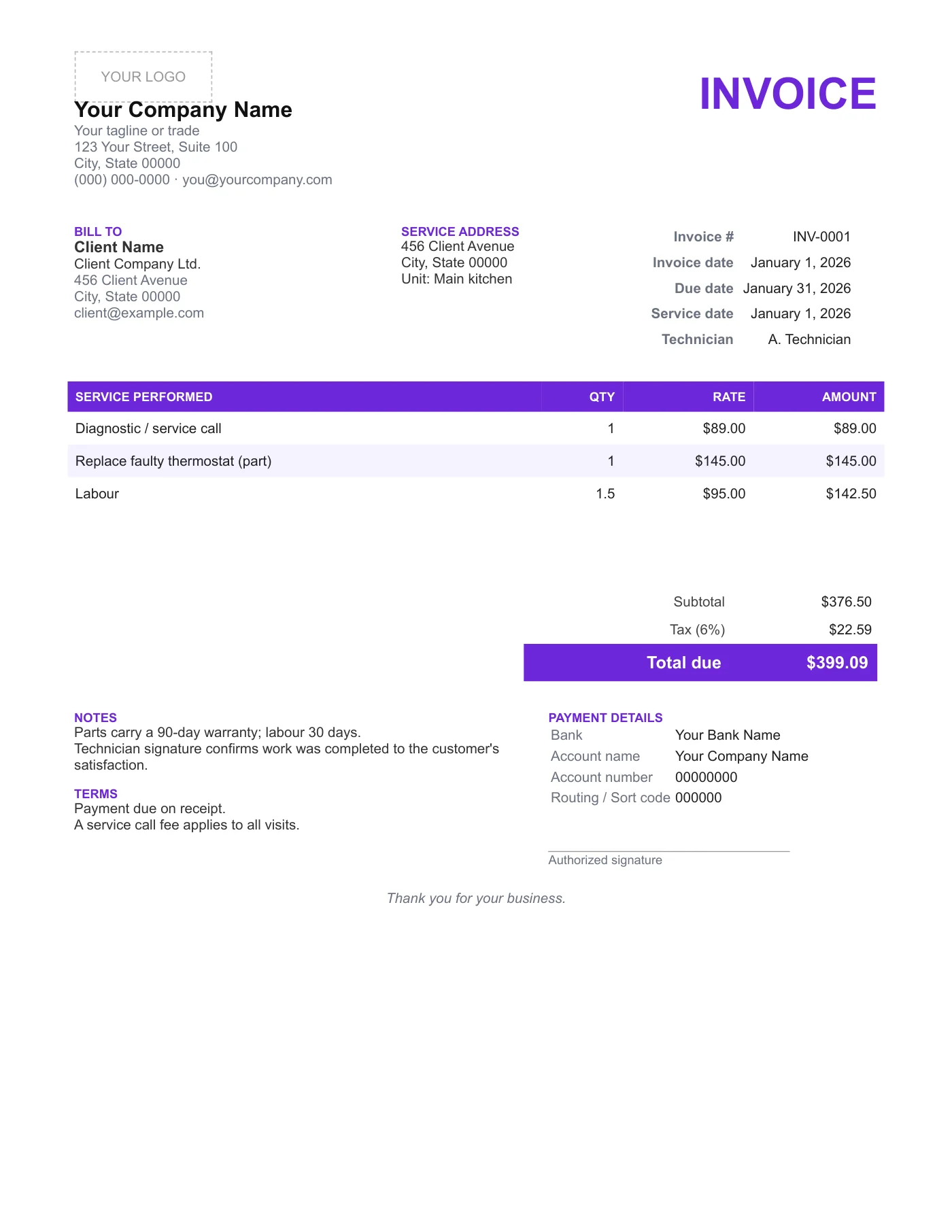
How to use it in Any PDF reader
- 1
Download the PDF to your computer or phone.
- 2
Open it in Preview, Acrobat Reader, Microsoft Edge, or any PDF editor.
- 3
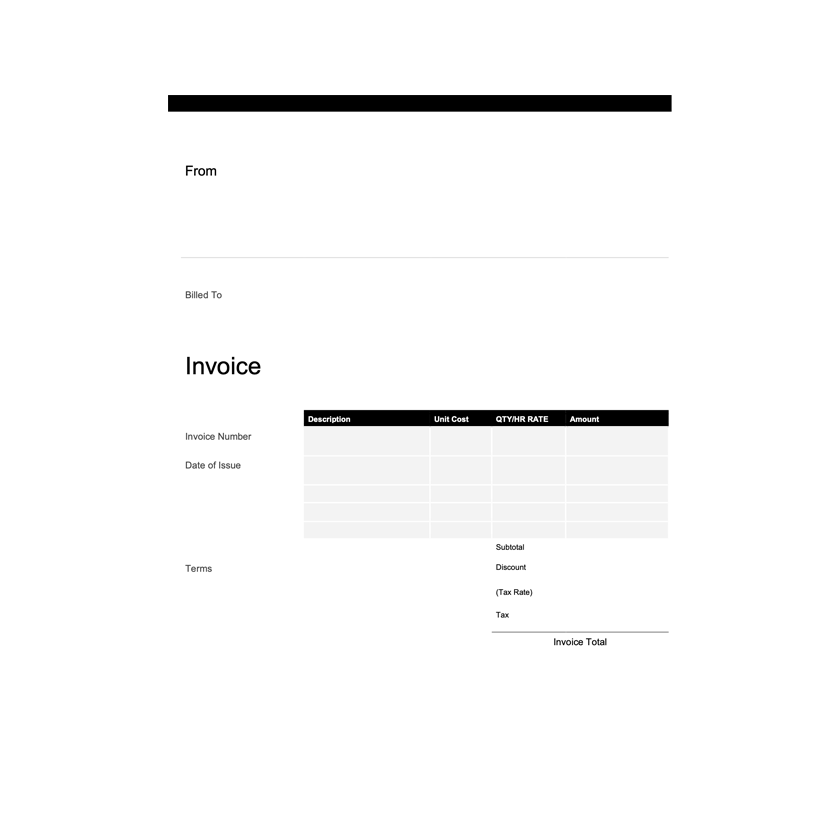
Use the text tool to type into each field, or print it and fill it in by hand.
- 4
Save the completed file with the invoice number in the name.
- 5
Email it to your client or print it for the job site.
Designed to be signed on site
The signature line and warranty note sit together at the bottom so the customer reads the terms as they sign. On a tablet, open the PDF in Files or Drive, type the parts and labour, and sign with a finger. On paper, print a pad of copies with your details already filled in.
For a different layout
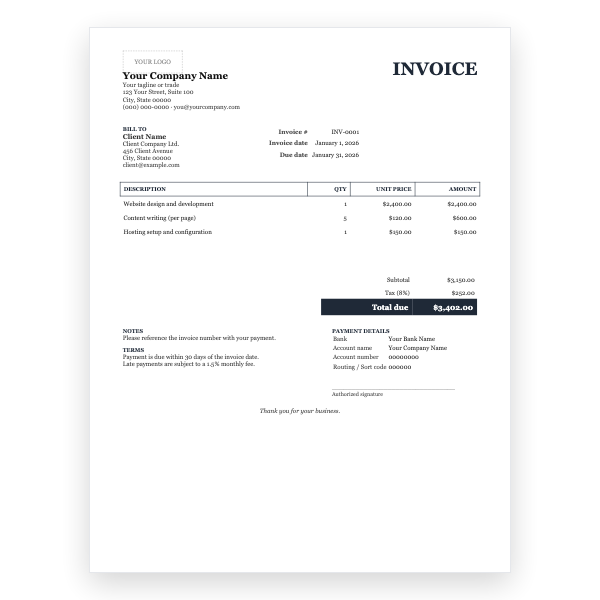
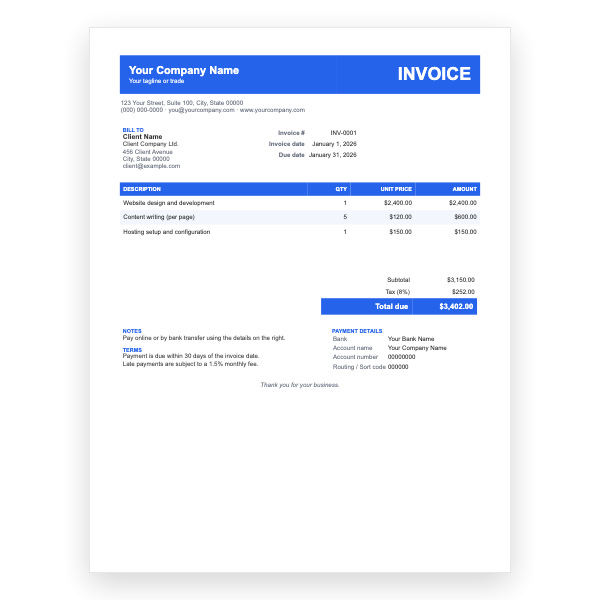
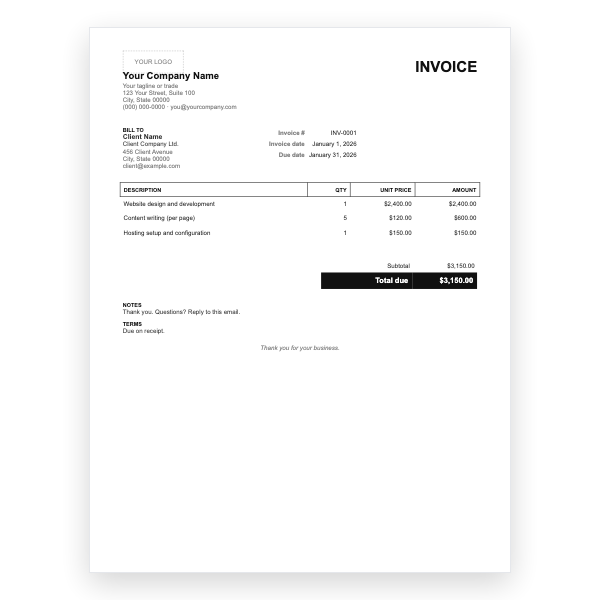
The PDF is fixed. If you need extra columns, a second parts table, or your own colours, use the Service Word Invoice Template or the Google Docs version and export a PDF from there.
Tips
- Record serial numbers of replaced parts in the description.
- Email the PDF before you leave the job.
- Keep the warranty periods accurate.
Questions about this template
Can the customer sign on a tablet?
Yes. Most PDF viewers on iOS and Android have a draw or markup tool for signatures.
Is there a blank, printable version?
Yes, the Service Invoice Form PDF has ruled lines for handwriting and no sample text.
Can I change the purple accent?
Not in the PDF. Recolour the Word or Google Docs version and export.