How to use it in Microsoft Excel
- 1
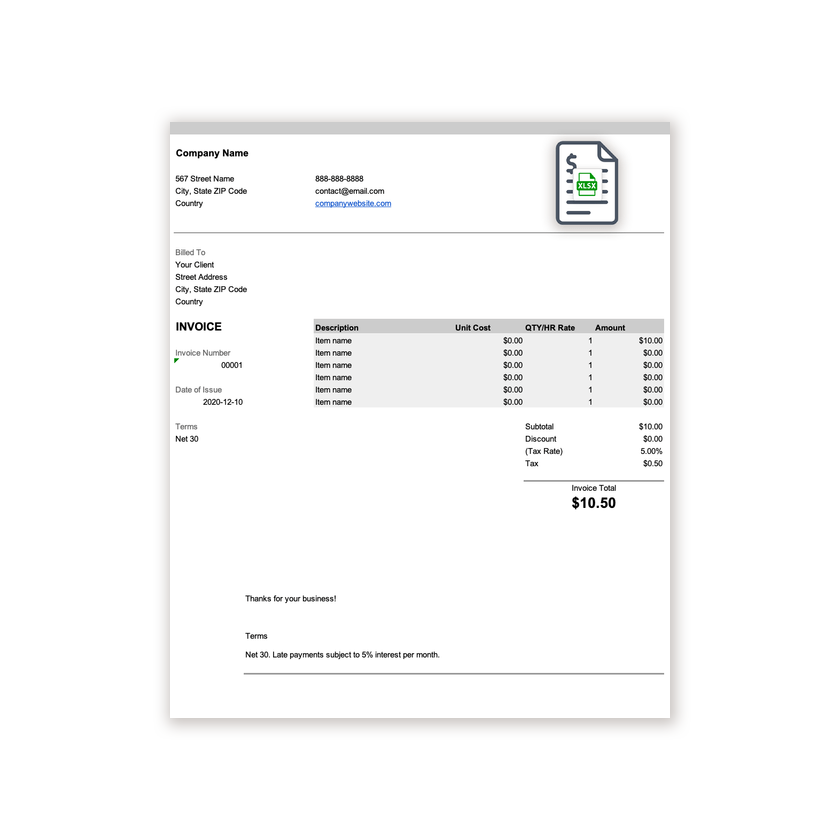
Download the .xlsx file and open it in Excel. Click Enable Editing if Excel asks.
- 2
Type your business details and the client’s into the header cells.
- 3
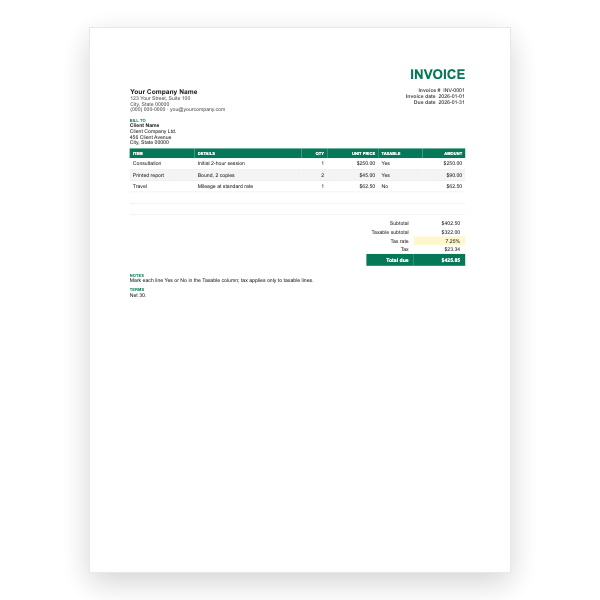
Enter a description, unit cost, and quantity on each row. The Amount column fills itself in.
- 4
Type your tax rate in the Tax Rate cell. Subtotal, Tax, and Invoice Total update automatically.
- 5
Insert extra rows inside the item block if you need them, then copy an Amount formula down.
- 6
Choose File, Save As, PDF to create the copy you send.
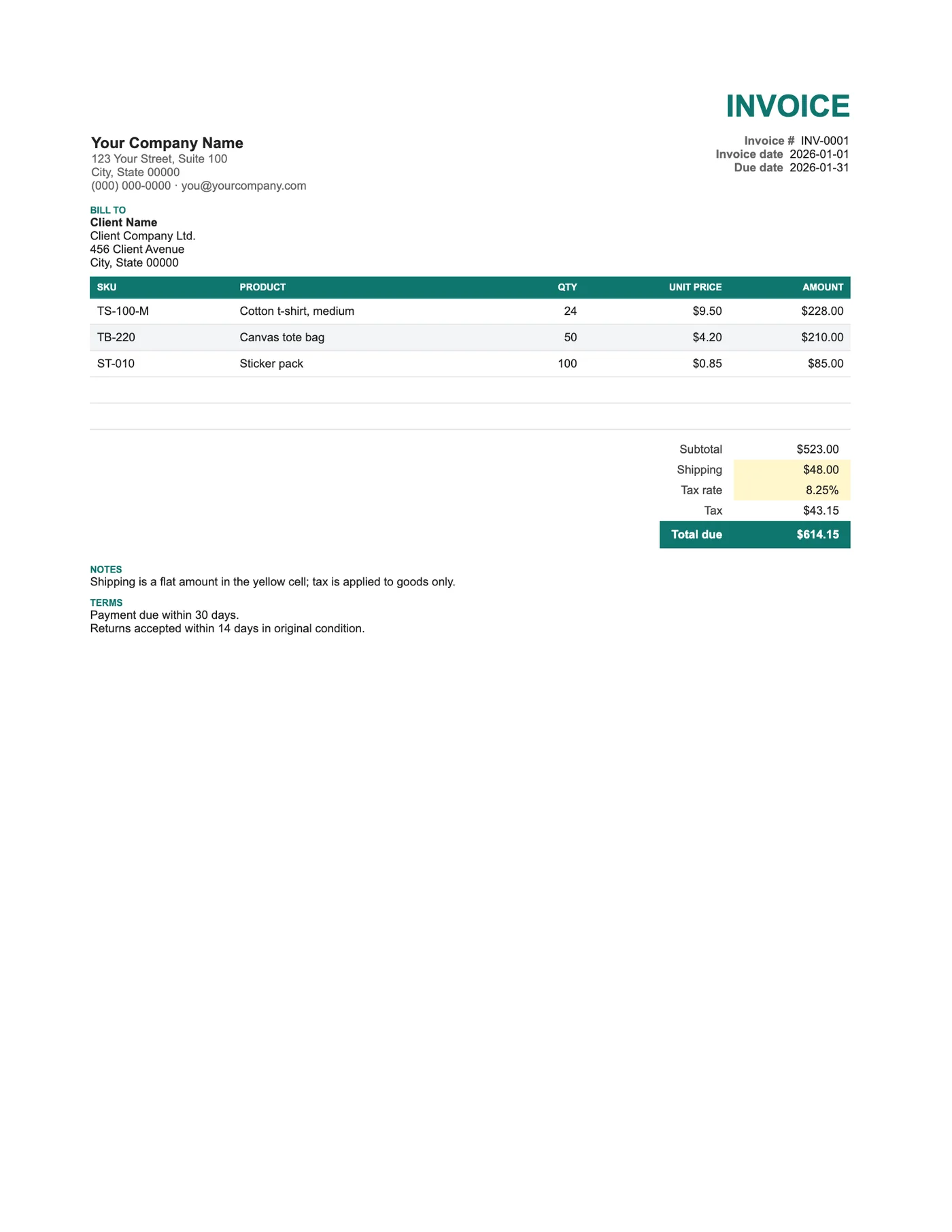
Goods, shipping, and tax kept apart
Shipping is a flat amount excluded from the tax calculation, which is correct in many regions. If yours taxes delivery too, edit the Tax formula to include the shipping cell. The SKU column lets the customer match the invoice to their order and to the packing list.
Two addresses
Business customers often pay from head office but receive goods at a branch. Fill in both blocks so goods do not go to accounts and invoices do not go to the loading dock.
Tips
- Copy SKUs exactly from your inventory system.
- Put the tracking number in Notes once the parcel ships.
- Set Shipping to zero for collected orders rather than deleting the row.
Questions about this template
How do I tax shipping as well?
Edit the Tax cell so it multiplies the rate by the subtotal plus shipping.
Can I add a discount?
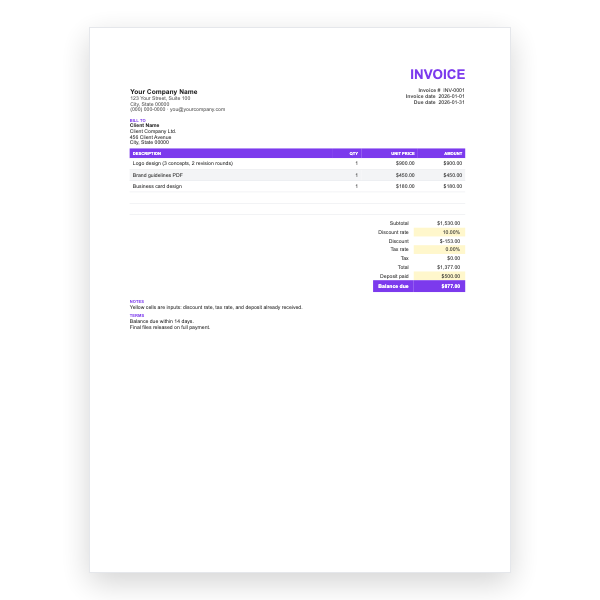
Insert a row below Subtotal with a negative amount and include it in Total due, or use the Freelance Excel Invoice, which has a discount built in.
How many products fit?
As many as you need. Insert rows inside the item block and the subtotal range expands.