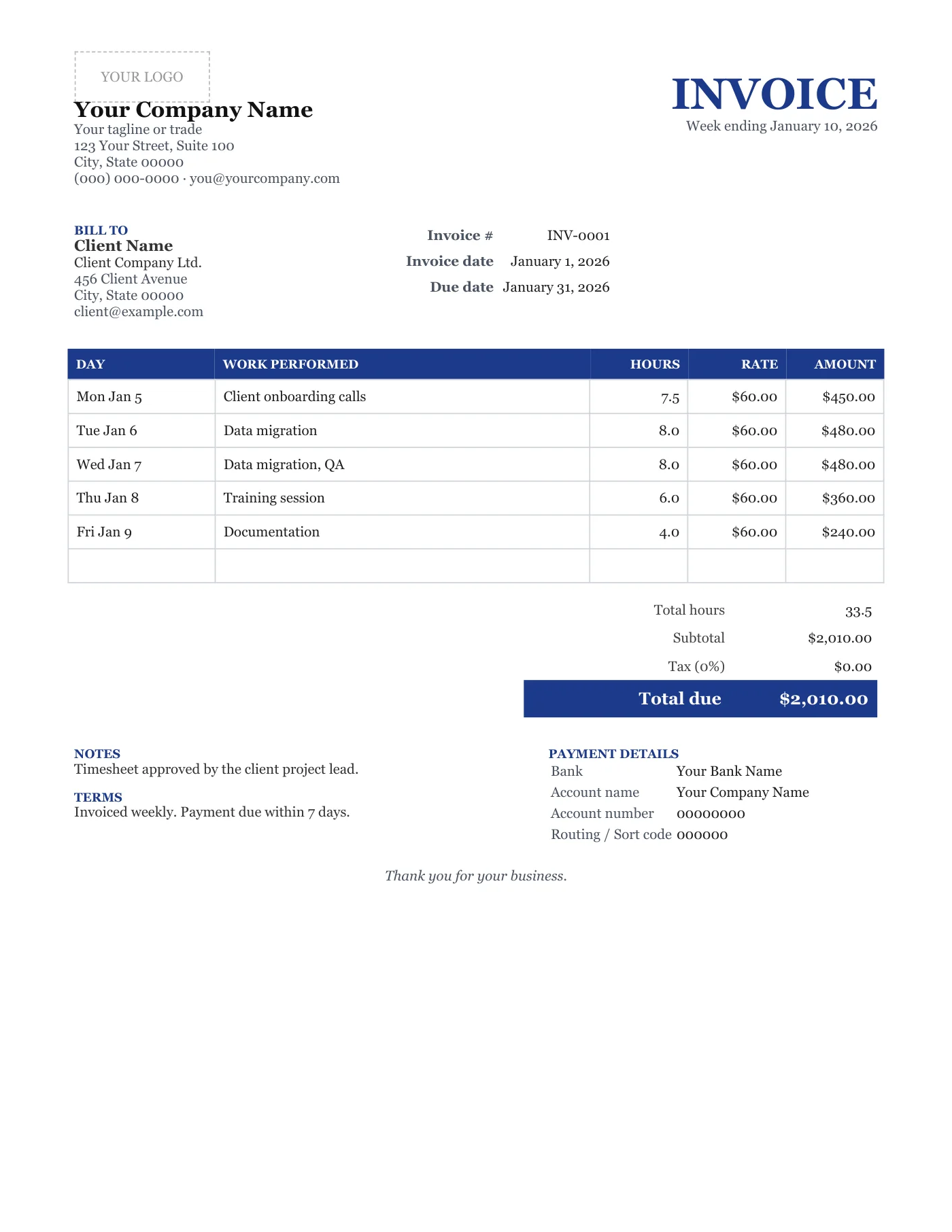
How to use it in Any PDF reader
- 1
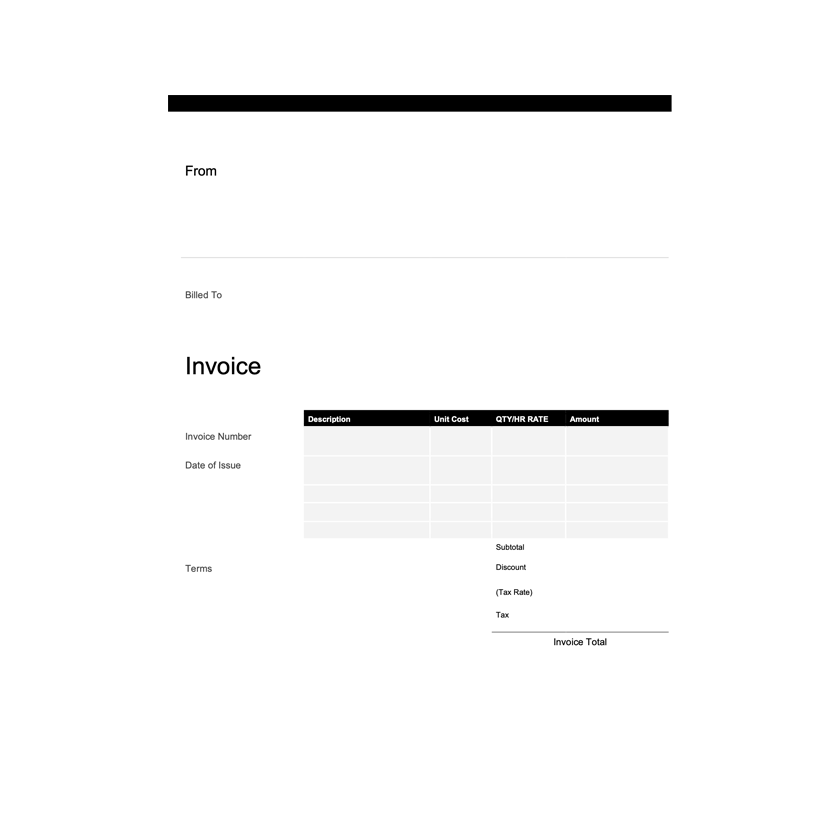
Download the PDF to your computer or phone.
- 2
Open it in Preview, Acrobat Reader, Microsoft Edge, or any PDF editor.
- 3
Use the text tool to type into each field, or print it and fill it in by hand.
- 4
Save the completed file with the invoice number in the name.
- 5
Email it to your client or print it for the job site.
One document, two jobs
Hourly workers often send a timesheet and then an invoice that repeats it. This page is both: the client reviews the days and hours, approves, and pays from the same PDF. Keep the daily notes short and factual; they are there to jog memories, not to justify the work.
Weekly, fortnightly, or monthly
The layout fits a week. For a fortnight, use two pages or the Hourly Excel Invoice, which has unlimited rows and totals the hours for you. Keep invoice numbers sequential across weeks so the record is easy to follow.
Tips
- Write hours as decimals so the total is easy to check.
- Name the file with the week-ending date.
- Ask the client to reply with approval before you send it to their accounts team.
Questions about this template
Can I have more than one rate?
Not on this fixed page. The Hourly Excel Invoice supports a rate per row.
Does it total the hours?
No, a PDF does not calculate. Add them up and type the total, or use the Excel version.
How do I show overtime?
Use the blank row below the daily rows and label it Overtime with the extra hours and rate.