How to use it in PDF, printable
- 1
Download the PDF to your computer or phone.
- 2
Open it in Preview, Acrobat Reader, Microsoft Edge, or any PDF editor.
- 3
Use the text tool to type into each field, or print it and fill it in by hand.
- 4
Save the completed file with the invoice number in the name.
- 5
Email it to your client or print it for the job site.
Cash leaves no trail unless you make one
Card payments record themselves; cash does not. A numbered receipt is the only evidence that a cash sale or deposit happened, for the customer and for your own accounts. Writing the amount in words as well as figures makes the receipt hard to alter.
Deposits and partial payments
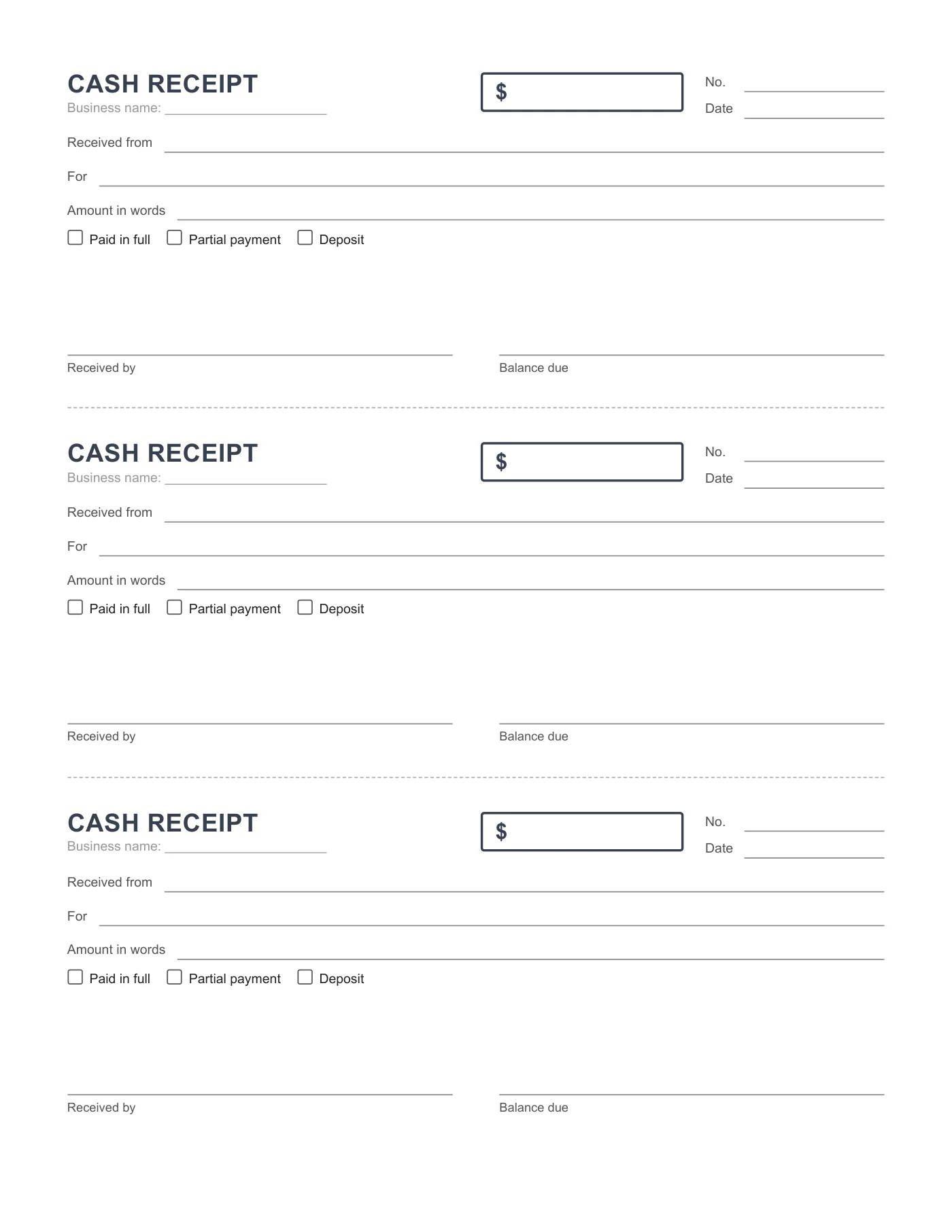
Tick Deposit or Partial payment and write the balance due so the customer knows what remains. When they pay the rest, issue a second receipt marked Paid in full and reference the first receipt number.
Tips
- Print on two-part carbonless paper and keep the second copies in number order.
- Fill in the business name line before printing so every receipt is branded.
- Reconcile the receipt numbers against the till at the end of the day.
Questions about this template
How is this different from the payment receipt?
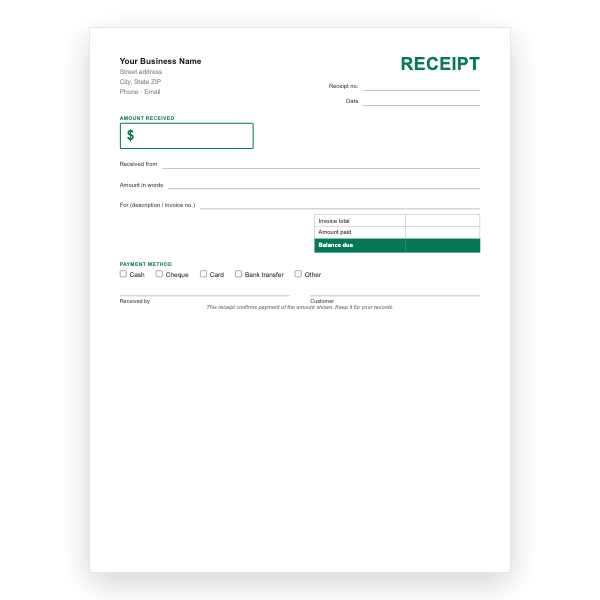
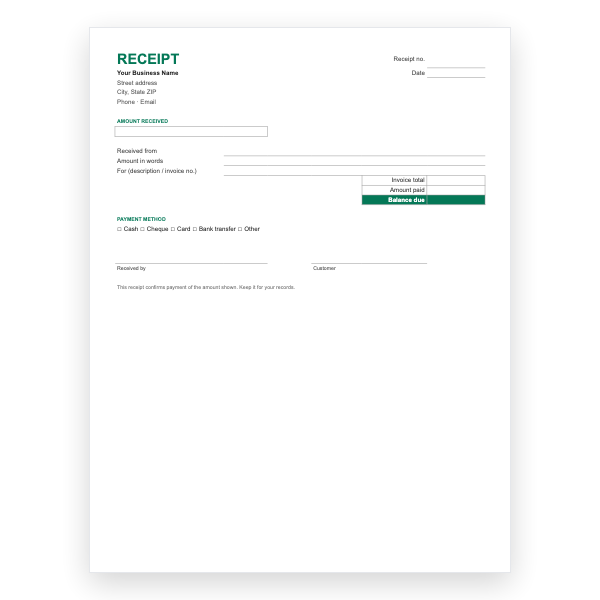
The payment receipt is a full page with invoice total and payment method options. The cash receipt is a small slip, three to a page, for quick cash sales.
Can I type into it?
Yes, with a PDF editor, but it is designed for a pen.
Does it print on A4?
Yes. Choose Actual size in the print dialog.